
1. Важни безбедносни инструкции
Please read all safety instructions carefully before using your Samsung HW-MS550 Soundbar. Keep this manual for future reference. Do not expose this appliance to rain or moisture. Do not block any ventilation openings. Ensure proper ventilation around the unit. Do not install near any heat sources. Only use attachments/accessories specified by the manufacturer. Unplug this appliance during lightning storms or when unused for long periods of time. Refer all servicing to qualified service personnel.
2. Што има во кутијата
Проверете дали сите компоненти се вклучени во вашиот пакет:
- Звучна лента
- Далечински управувач
- Комплет за монтирање на Wallид
3. Производот завршиview
The Samsung HW-MS550 Sound+ Premium Soundbar is designed to deliver enhanced audio for your home entertainment system. It features a 2.0 channel configuration with integrated audio technologies for a rich sound experience.

Слика 3.1: Предна страна view of the Samsung HW-MS550 Soundbar, showcasing неговиот елегантен дизајн.

Слика 3.2: Аголна view of the soundbar, highlighting the integrated control buttons on the side.

Слика 3.3: Заден дел view of the soundbar, illustrating the available connectivity ports for various devices.
Клучни карактеристики:
- Wide Range Tweeter: Delivers consistent sound quality across a broad listening area.
- Distortion Cancelling: Technology designed to predict and cancel distortion before it occurs.
- Multi-speaker Control: Enhances bass depth and power by coordinating speaker movement.
- Безжична поврзаност: Supports Bluetooth and Wi-Fi for seamless connection to compatible devices.
- Гласовна контрола: Compatible with Alexa for hands-free operation.
- Професионален режим на игра: Optimizes sound effects for an immersive gaming experience.
- 4K Pass-through with HDR Compatibility: Allows high-definition audio to pass through with UHD HDR video quality.
- Wireless Surround Sound Ready: Expandable with an optional Wireless Surround Kit (sold separately).
4. Поставување
4.1 Поставување
Place the soundbar on a stable, flat surface in front of your TV, or mount it on the wall using the provided wall mount kit. Ensure there are no obstructions in front of the soundbar for optimal sound dispersion.

Figure 4.1: Illustration of the soundbar's wide sound dispersion, ensuring consistent audio quality across the room.
4.2 Врски
Connect the soundbar to your TV and other devices using the appropriate cables. The HW-MS550 supports multiple connection types:
- HDMI: For the best audio quality and 4K pass-through, connect an HDMI cable from your TV's HDMI ARC port to the soundbar's HDMI OUT (TV-ARC) port.
- Оптички: Connect an optical cable from your TV's optical digital audio output to the soundbar's OPTICAL IN port.
- AUX: Use a 3.5mm audio cable to connect devices to the AUX IN port.
- Bluetooth: For wireless audio streaming, pair your smartphone or other Bluetooth-enabled device with the soundbar.
- Wireless TV Connection: Connect your Samsung TV wirelessly via Bluetooth or Wi-Fi for a clutter-free setup.
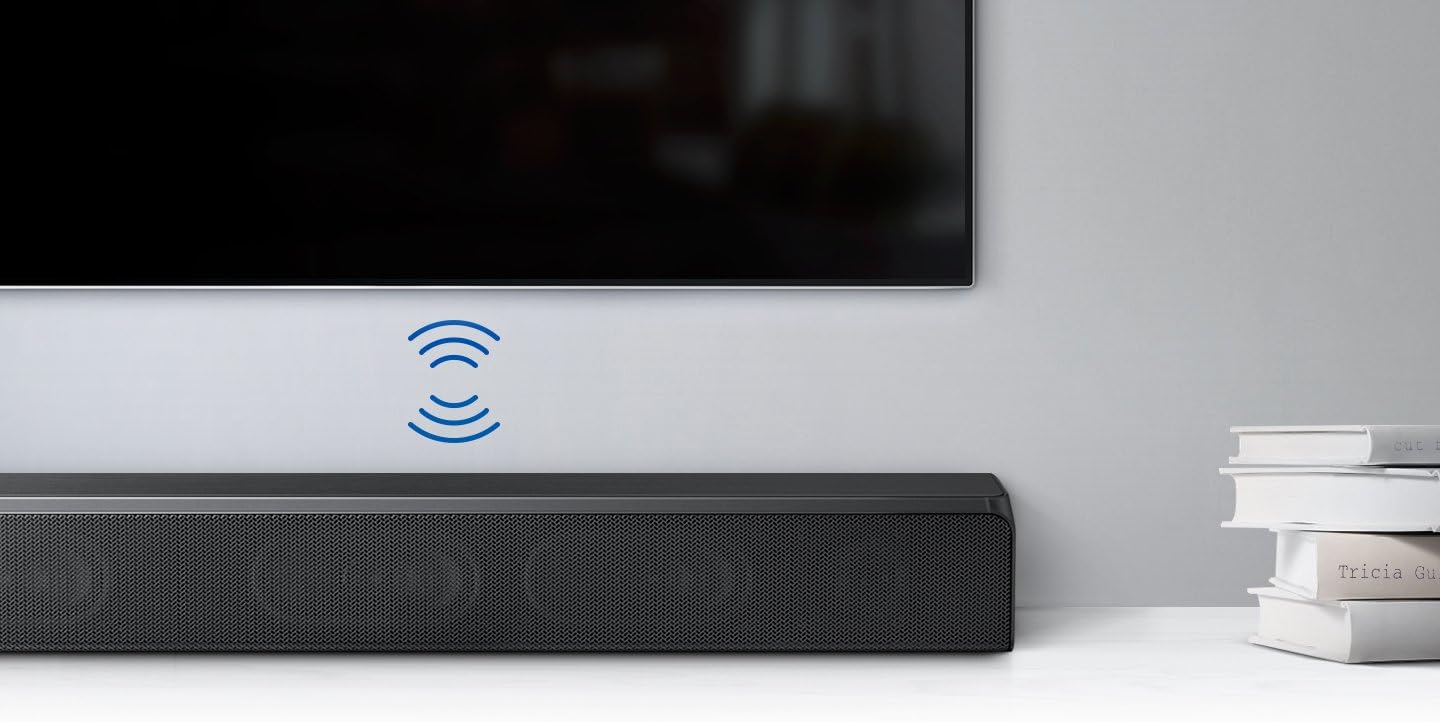
Figure 4.2: The soundbar connected wirelessly to a Samsung TV, demonstrating a clean setup without visible cables.
4.3 Поврзување за напојување
After making all necessary audio connections, connect the power cord to the soundbar and then to a wall outlet.
5. Упатства за работа
5.1 Вклучување/исклучување
Press the Power button on the remote control or on the side of the soundbar to turn the unit on or off. If connected via HDMI ARC, the soundbar may power on/off automatically with your TV.
5.2 Избор на влез
Use the 'Source' button on the remote control to cycle through available input sources: TV (HDMI ARC/Optical), Bluetooth, AUX, USB.
5.3 Контрола на јачината на звукот
Adjust the volume using the Volume Up (+) and Volume Down (-) buttons on the remote control or on the soundbar itself.
5.4 Спарување преку Bluetooth
За да спарите уред со Bluetooth:
- Select 'Bluetooth' as the input source on the soundbar.
- На вашиот мобилен уред, овозможете Bluetooth и побарајте достапни уреди.
- Select 'Samsung HW-MS550' from the list to connect.

Figure 5.1: A smartphone wirelessly streaming music to the soundbar via Bluetooth connection.
5.5 режими на звук
The soundbar offers various sound modes to optimize your listening experience. Use the 'Sound Mode' button on the remote to switch between modes like Standard, Surround, Game Mode Pro, and Smart Sound Mode.
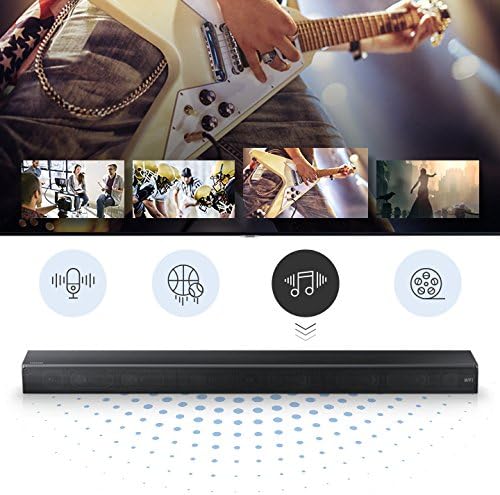
Figure 5.2: Icons indicating various sound modes available on the soundbar, such as voice, sports, music, and movie.
5.6 Гласовна контрола на Alexa
If you have an Amazon Alexa-enabled device, you can control your soundbar using voice commands. Ensure your soundbar is connected to your home network and linked to your Alexa account through the Samsung SmartThings app.
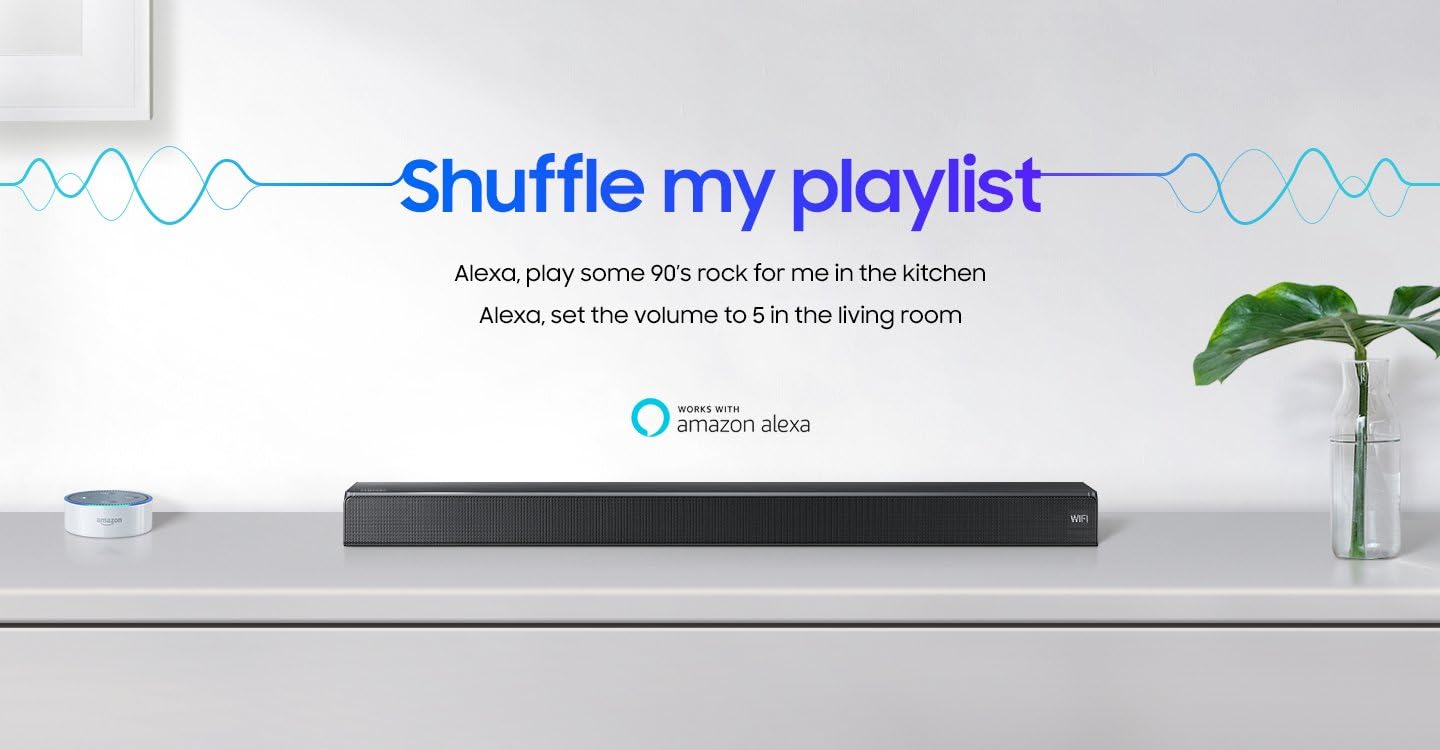
Figure 5.3: The soundbar displayed with the 'Works with Amazon Alexa' logo, indicating voice control capabilities.
6. Одржување
За да се обезбеди долготрајност и оптимални перформанси на вашиот саундбар:
- Чистење: Wipe the exterior surfaces with a soft, dry cloth. Do not use liquid cleaners or aerosols.
- Вентилација: Држете ги отворите за вентилација чисти од прашина и остатоци.
- Ажурирања на софтверот: Periodically check for and install software updates to enhance performance and add new features. Refer to the Samsung SmartThings app or Samsung support webсајт за инструкции.
7 Смена на проблеми
Доколку наидете на проблеми со вашиот саундбар, погледнете ги следните вообичаени проблеми и решенија:
| Проблем | Можна причина | Решение |
|---|---|---|
| Нема звук или низок волумен | Incorrect input source, TV volume too low, cables not connected properly. | Select the correct input source. Increase the soundbar and TV volume. Check all cable connections. |
| Soundbar turns off automatically | Auto Power Link feature, no audio signal for 5 minutes. | This is normal behavior if no audio signal is detected for a period. Adjust Auto Power Link settings if available in your TV or soundbar menu. |
| Bluetooth connection unstable or disconnects | Пречки, уредот е предалеку, проблем со спарувањето. | Ensure no obstructions between devices. Keep devices within range. Re-pair the Bluetooth device. Check for firmware updates. |
| Далечинскиот управувач не работи | Batteries depleted, obstruction, incorrect mode. | Replace batteries. Remove any obstructions. Ensure the remote is pointed directly at the soundbar. |
8. Спецификации
| Карактеристика | Опис |
|---|---|
| Име на моделот | HW-MS550/ZA |
| Тип на звучник | Опкружувачки |
| Технологија за поврзување | Bluetooth, HDMI, USB |
| Режим за излез на звук | Опкружувачки |
| Контролен метод | Глас |
| Димензии (Д x Ш x В) | 35.04 x 5.14 x 2.79 инчи |
| Тежина на ставката | 11.02 фунти |
| Извор на енергија | Електричен со кабел |
| Компатибилни уреди | Паметен телефон, таблет, MP3 плеер, десктоп, телевизор, проектор, лаптоп |
| Тип на монтирање | Монтирање на ѕид |
| UPC | 887276225654 |
9. Гаранција и поддршка
This Samsung HW-MS550 Soundbar comes with a limited warranty. For detailed warranty information, product registration, and technical support, please visit the official Samsung support webстраницата или контактирајте ја службата за корисници на Samsung. Зачувајте го доказот за купување за гаранциски барања.
Поддршка преку Интернет: www.samsung.com/us/support/
Услуга за клиенти: Погледнете го Samsung во вашиот регион webстраница за локални контакт броеви.