
VTech 80-507103
VTech Kidizoom Duo Camera 5.0
Упатство за употреба
Вовед
The VTech Kidizoom Duo Camera 5.0 is a durable and feature-rich digital camera designed specifically for children aged 3 and up. It allows young users to capture photos and videos, apply fun effects, and even record their voices. With its dual-lens design, it makes taking selfies and group photos effortless. This manual provides detailed instructions for setting up, operating, maintaining, and troubleshooting your Kidizoom Duo Camera.
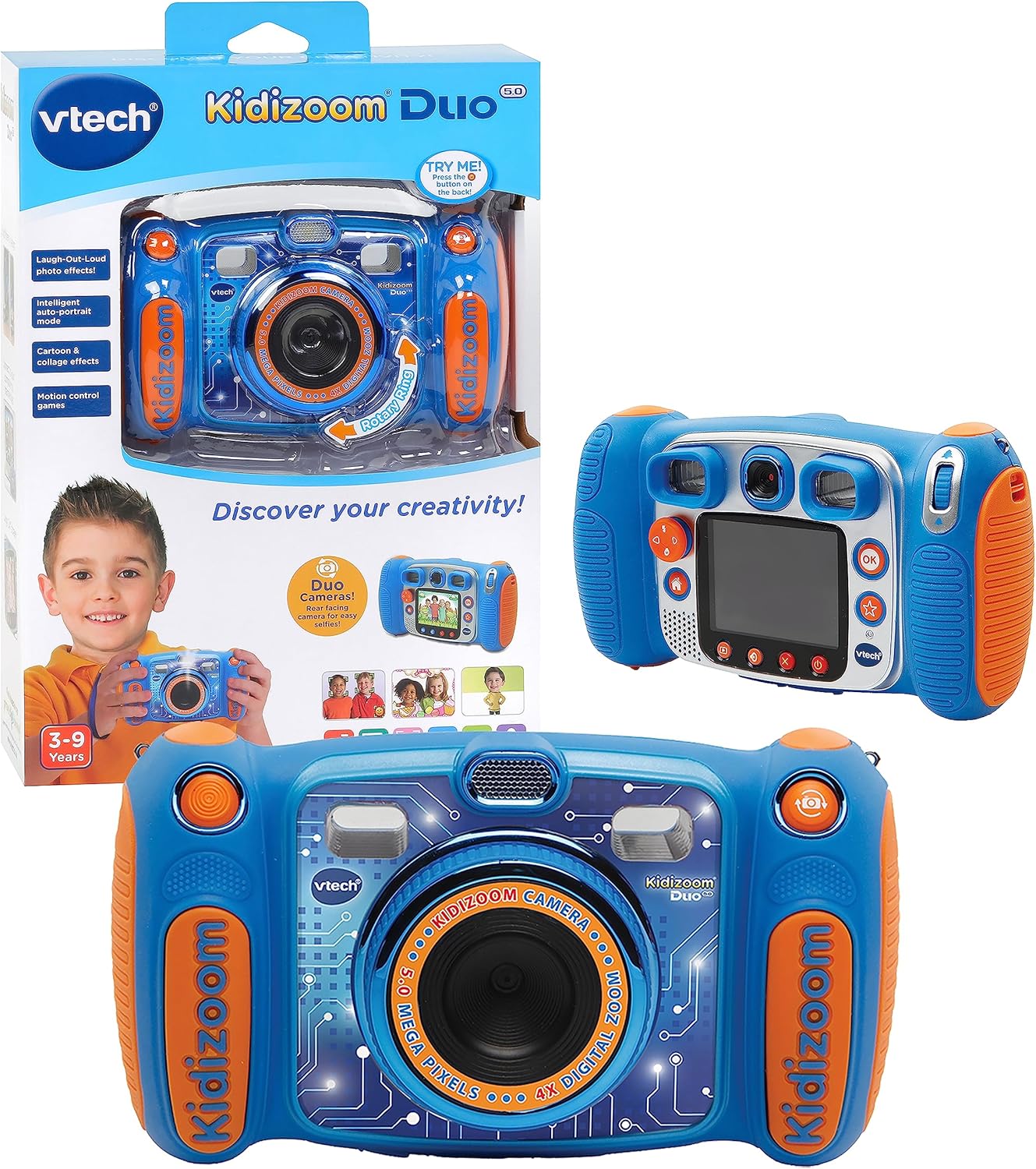
Image: The VTech Kidizoom Duo Camera 5.0, shown both in its retail packaging and as the standalone blue and orange camera unit, highlighting its design and presentation.
Клучни карактеристики:
- Двојни леќи: Easily switch between front and rear lenses for photos and videos.
- 5-мегапикселна камера: Capture high-quality photos and videos.
- Креативни ефекти: Add fun effects, stamps, and frames to photos and videos.
- Снимач на глас: Record voices and apply funny effects.
- Издржлив дизајн: Built to withstand drops and rough handling.
- 2.4-инчен LCD екран во боја: Голем екран за леснотија viewинг и навигација.
- Learning Games: Includes fun, educational games.
- 4X дигитален зум: Zoom in on subjects for closer shots.
Поставување
1. Распакување и содржина
Carefully remove all contents from the packaging. Ensure all components are present. The package should contain the VTech Kidizoom Duo Camera 5.0 and 4 AA batteries (included).
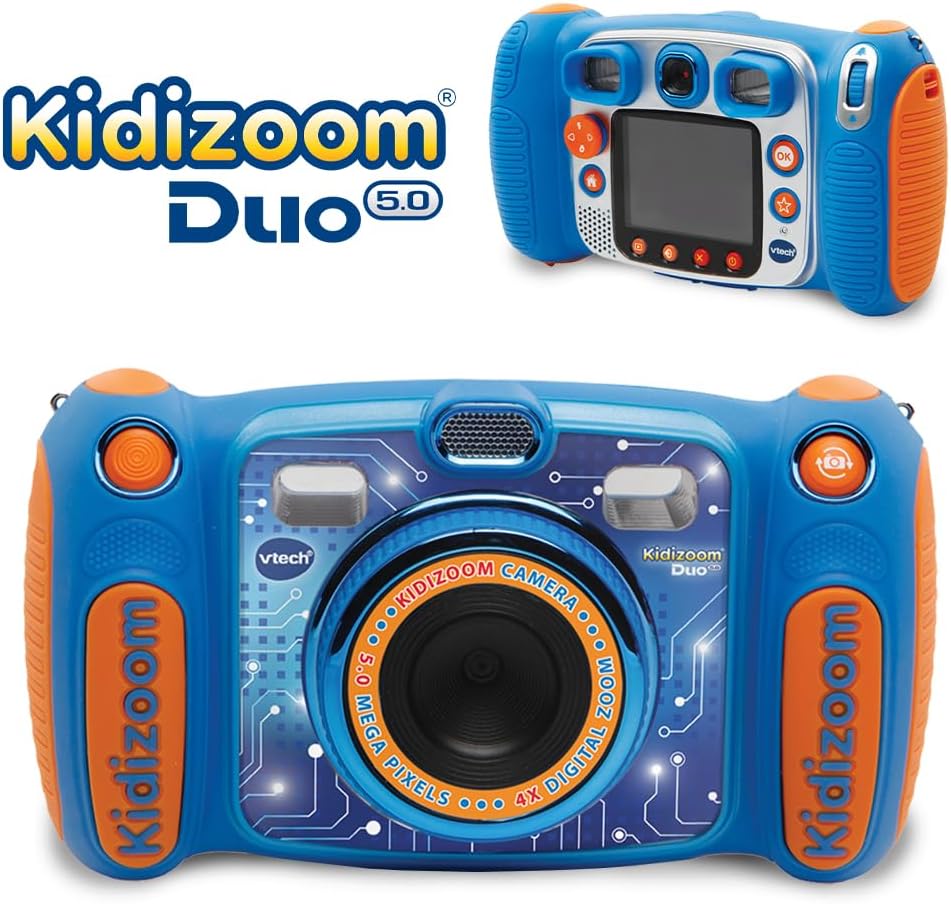
Image: The VTech Kidizoom Duo Camera 5.0 displayed within its retail packaging, ready for unboxing.
2. Инсталација на батерија
- Пронајдете ја преградата за батерии на камерата.
- Користејќи мал шрафцигер со крстоглава глава, олабавете го завртката на капакот на преградата за батерии.
- Отстранете го капакот.
- Вметнете 4 нови AA батерии, внимавајќи на точниот поларитет (+/-) како што е наведено во преградата.
- Заменете го капакот и затегнете ја завртката.
Забелешка: For optimal performance and to save on replacement costs, rechargeable AA batteries are recommended.
3. Inserting a Memory Card (Optional)
The Kidizoom Duo Camera has internal memory, but for extended storage of photos and videos, a microSD card (not included) can be inserted. Locate the microSD card slot, typically near the battery compartment, and gently insert the card until it clicks into place.
Ракување со камерата
1. Вклучување/исклучување
Press and hold the Power button (usually marked with a circle and a line) to turn the camera on or off. The 2.4-inch color LCD screen will illuminate.

Слика: Детален заден дел view of the VTech Kidizoom Duo Camera 5.0, highlighting its LCD screen and the various control buttons for navigation and operation.
2. Навигација низ менијата
Use the directional pad (D-pad) and the OK button to navigate through the camera's menus and select options displayed on the LCD screen.
3. Фотографирање
- Switching Lenses: The Kidizoom Duo features two lenses. Use the dedicated lens switch button (often a rotating ring or a button near the lens) to toggle between the front-facing lens and the rear-facing lens. This is ideal for selfies or taking photos of others.
- Кадрирање на вашата снимка: Погледнете низ viewfinder or use the LCD screen to compose your picture.
- Capturing the Photo: Press the Shutter button (usually a large, prominent button) to take a picture.

Слика: Крупен план view of the VTech Kidizoom Duo Camera 5.0, illustrating the large 2.4-inch color LCD screen, the 5-megapixel lens with 4X digital zoom, and the mechanism for switching between the two lenses.
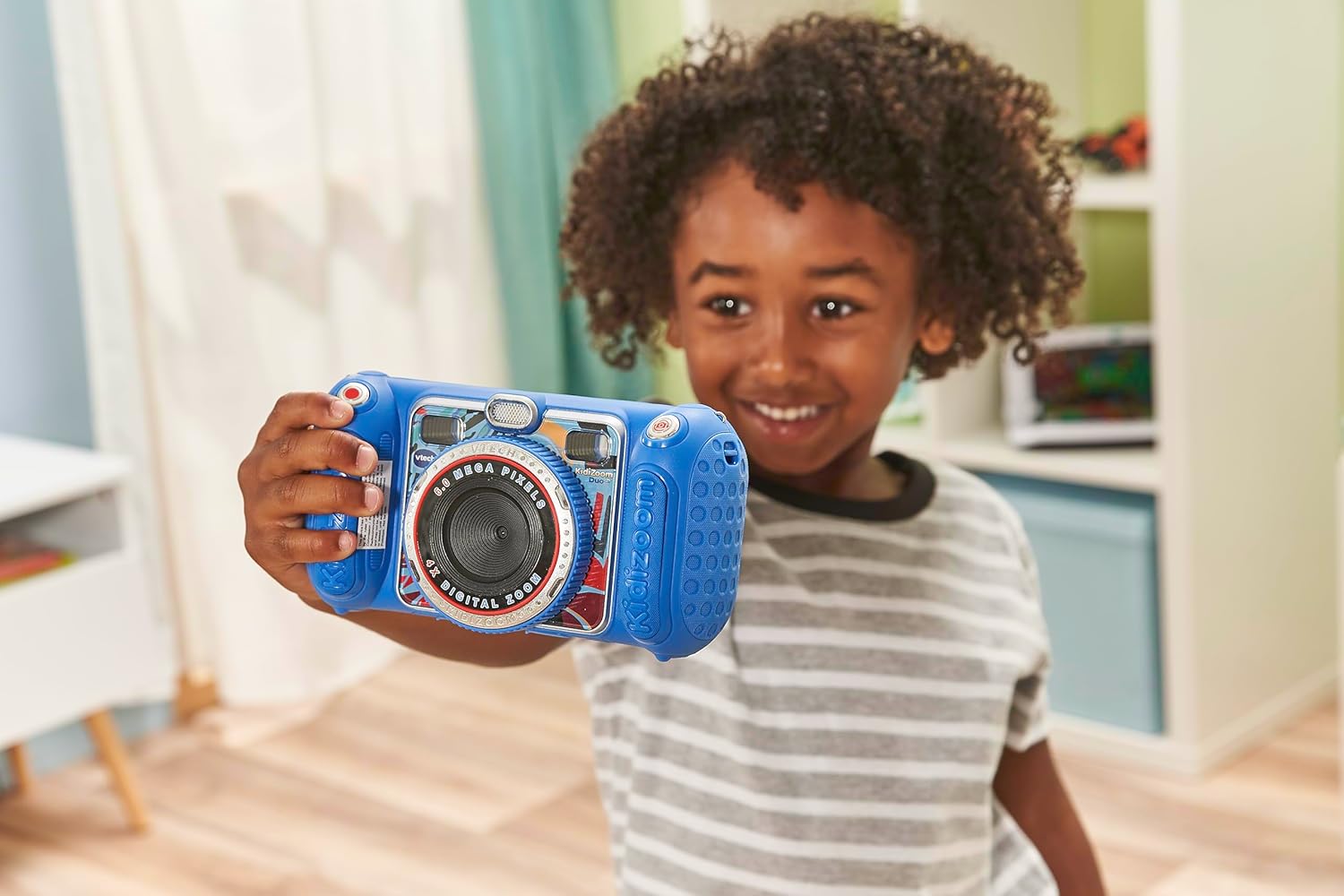
Image: A child holding the VTech Kidizoom Duo Camera 5.0, demonstrating its use for taking a selfie with the front-facing lens.
4. Снимање видеа
Select the video recording mode from the main menu. Press the Record button to start and stop recording. The camera will capture both video and audio.
5. Applying Effects and Editing
The camera offers various built-in effects, stamps, and frames to personalize your photos and videos. Access these features through the editing menu. You can also use the auto-portrait feature for automatic photo capture.

Слика: Изложба на колажиasing various fun effects, stamps, and frames that can be added to photos using the VTech Kidizoom Duo Camera 5.0, demonstrating creative possibilities.
6. Снимање глас
Navigate to the voice recorder function to record your voice. You can then apply funny effects to the recorded audio.
7. Играње игри
The Kidizoom Duo Camera includes several pre-loaded learning games. Select the Games icon from the main menu to access and play them.
Одржување
1. Чистење на камерата
- Користете мека, сува крпа за чистење на телото на фотоапаратот.
- For the screen and lenses, use a microfiber cloth specifically designed for electronics. Do not use abrasive cleaners or solvents.
- Избегнувајте навлегување на влага во какви било отвори.
2. Нега на батерии
- Отстранете ги батериите ако фотоапаратот нема да се користи подолг период за да спречите протекување.
- Секогаш користете свежи, висококвалитетни батерии.
- Доколку користите батерии што можат да се полнат, проверете дали се целосно наполнети пред употреба.
3. Складирање
Store the camera in a cool, dry place away from direct sunlight and extreme temperatures. Consider using a protective case to prevent scratches and damage.
Решавање проблеми
| Проблем | Можна причина | Решение |
|---|---|---|
| Камерата не се вклучува. | Батериите се слаби или се неправилно инсталирани. | Заменете ги батериите со нови или проверете го точниот поларитет. |
| Pictures/Videos are blurry. | Lens is dirty; insufficient lighting; subject too close/far. | Clean the lens; ensure adequate lighting; adjust distance to subject. |
| Cannot save more photos/videos. | Internal memory is full; no microSD card inserted or card is full. | Избриши старо files; insert a microSD card; transfer files на компјутер. |
| Камерата се замрзнува или не реагира. | Софтверски дефект. | Извадете ги и вратете ги батериите за да извршите хардверско ресетирање. |
Спецификации
| Карактеристика | Детал |
|---|---|
| Димензии на производот | 1.57 x 4.49 x 3.35 инчи |
| Тежина на ставката | 7.1 унци |
| Број на модел на ставка | 80-507103 |
| Препорачана возраст од производителот | 3 години па нагоре |
| Батерии | Потребни се 4 AA батерии (вклучени) |
| Датум на издавање | 31 октомври 2019 година |
| Производител | Втех Електроникс |
| Технологија на фотосензор | MOS |
| Поддржано File Формат | JPEG, RAW |
| Стабилизација на слика | Дигитален |
| Оптички зум | 4X |
Гаранција и поддршка
VTech products are manufactured to high standards and are designed to provide a fun and enriching experience. For information regarding warranty coverage, please refer to the warranty card included with your product or visit the official VTech webсајт.
For technical support, frequently asked questions, or to purchase accessories, please visit the VTech support section on their official website or contact their customer service department. Keep your model number (80-507103) handy when contacting support.
Онлајн ресурси:
- Официјален претставник на VTech Webсајт: www.vtechkids.com
- Product Support Page: (Check VTech website for specific product support page)
Ask a question about this manual
Ask about setup, troubleshooting, compatibility, parts, safety, or missing instructions. Manuals+ will review the question and use this page’s manual context to help answer it.