
1. Вовед
Welcome to the user manual for your Genius Manticore Gaming Keyboard. This guide provides essential information for setting up, operating, maintaining, and troubleshooting your new gaming keyboard. Please read these instructions carefully to ensure optimal performance and longevity of your device.
2. Производот завршиview
The Genius Manticore Gaming Keyboard is designed for an enhanced gaming experience, featuring a durable build and responsive keys. It connects via USB and is compatible with a wide range of devices. The keyboard includes 104 keys with a standard QWERTY layout, complemented by additional gaming-specific features.
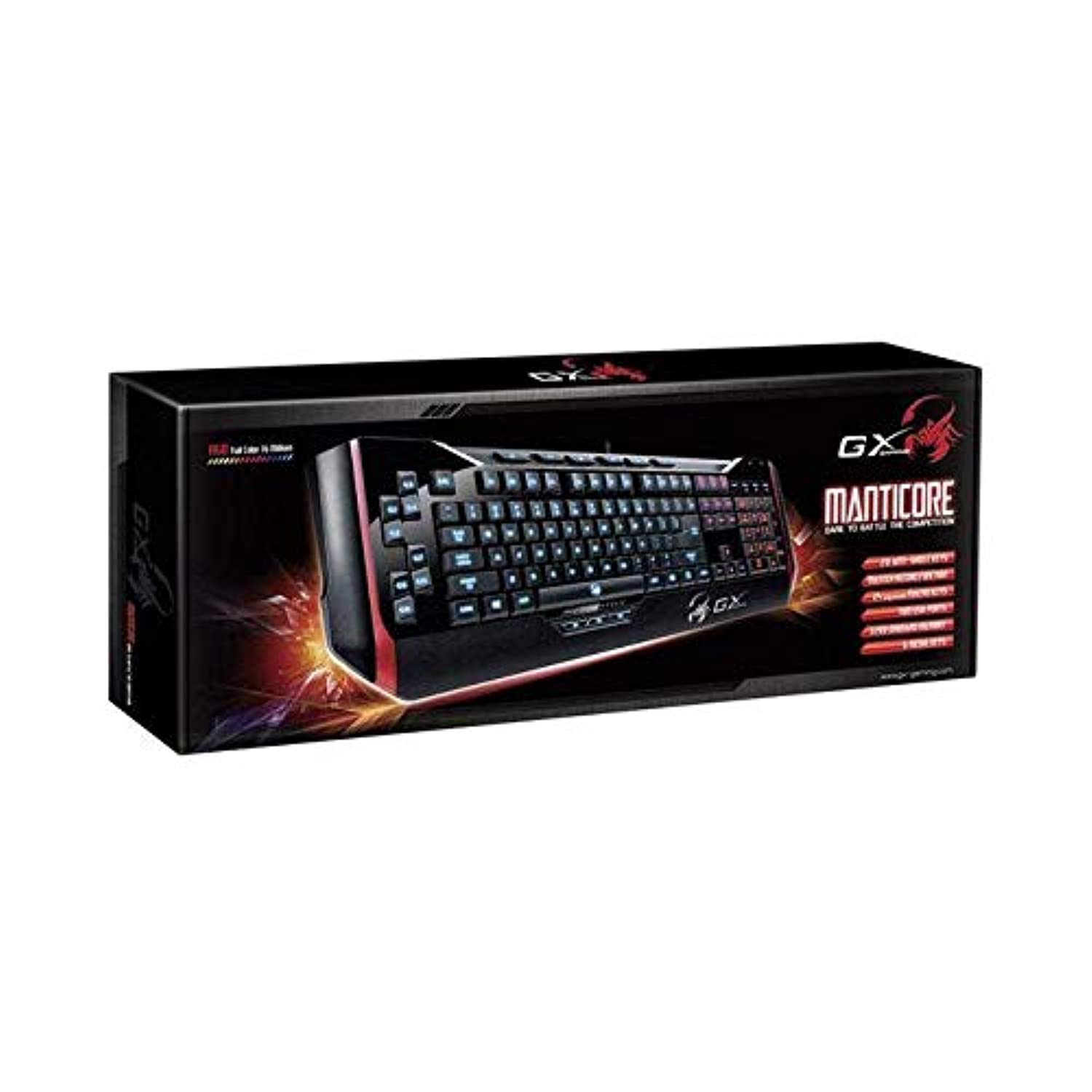
Слика 1: Genius Manticore Gaming Keyboard. This image displays the Genius Manticore Gaming Keyboard, featuring a black body with red accents on the sides. The keys are illuminated, indicating its gaming functionality. The keyboard has a standard QWERTY layout with additional keys on the left side, likely for macros, and a numeric keypad on the right.
3. Поставување
- Отпакувајте ја тастатурата: Carefully remove the Genius Manticore Gaming Keyboard from its packaging. Ensure all components are present.
- Поврзете се со вашиот уред: Locate an available USB port on your computer or compatible device. Insert the USB connector of the keyboard firmly into the USB port.
- Инсталација на драјвер (ако е потребно): For most modern operating systems, the keyboard will be recognized automatically, and standard drivers will be installed. If prompted, follow the on-screen instructions to complete any driver installation.
- Тест функционалност: Отворете уредувач на текст или web browser and test the keys to ensure they are responding correctly.
4. Упатства за работа
The Genius Manticore Gaming Keyboard offers a standard QWERTY layout for general typing and dedicated features for gaming.
- Стандардни функции на копчињата: All standard alphanumeric, symbol, and function keys operate as expected on a typical QWERTY keyboard.
- Карактеристики на игри: The keyboard is designed for gaming. Specific gaming features, such as customizable backlighting or programmable macro keys (if available on your model), can typically be configured through dedicated software provided by Genius or through specific key combinations. Refer to the Genius website for any available software downloads or advanced feature guides.
- Извор на енергија: The keyboard is powered directly via the USB connection to your device. No external power supply or batteries are required.
5. Одржување
Правилното одржување гарантира долготрајност и перформанси на вашата тастатура.
- Чистење: Користете мека, сува крпа за да ја избришете површината на тастатурата. За прашина и остатоци помеѓу копчињата, користете компримиран воздух. Избегнувајте употреба на груби хемикалии или абразивни материјали.
- Изложеност на течност: Оваа тастатура е не е отпорен на вода. Avoid spilling liquids on the keyboard, as this can cause permanent damage. If liquid exposure occurs, immediately disconnect the keyboard from your device and allow it to dry completely before attempting to use it again.
- Складирање: Кога не ја користите, чувајте ја тастатурата во чиста, сува средина, подалеку од екстремни температури и директна сончева светлина.
6 Смена на проблеми
Ако имате проблеми со тастатурата, обидете се со следниве решенија:
- Тастатурата не реагира:
- Осигурајте се дека USB кабелот е безбедно поврзан и со тастатурата и со компјутерот.
- Обидете се да ја поврзете тастатурата со друг USB порт на вашиот компјутер.
- Test the keyboard on another computer to determine if the issue is with the keyboard or the original computer.
- Рестартирајте го компјутерот.
- Одредени копчиња не работат:
- Check for any physical obstructions under the non-functional keys.
- Clean the keyboard as described in the Maintenance section.
- Ensure no software conflicts are present (e.g., macro software interfering with standard key functions).
- Проблеми со позадинско осветлување:
- If your model features adjustable backlighting, ensure it is not turned off or set to the lowest brightness level. Consult the Genius website for specific key combinations to control backlighting.
If these steps do not resolve the issue, please contact Genius customer support for further assistance.
7. Спецификации
| Карактеристика | Детал |
|---|---|
| Име на брендот | Генијален |
| Број на модел | GE31310058108 |
| Компатибилни уреди | Сите |
| Технологија за поврзување | USB |
| Опис на тастатурата | Играње |
| Посебни карактеристики | Играње |
| Боја | Multi-color (Black and Red) |
| Стил | Модерен |
| Материјал | Повеќе материјали |
| Тема | Игри |
| Извор на енергија | USB напојување |
| Број на клучеви | 104 |
| Распоред на тастатура | QWERTY тастатура |
| Ориентација на рацете | Амбидекстно |
| Број на копчиња | 104 |
| Ниво на отпорност на вода | Не е водоотпорен |
| Производител | Генијален |
| ASIN | B07MQMXJS9 |
8. Гаранција и поддршка
Your Genius Manticore Gaming Keyboard is covered by a standard manufacturer's warranty. For detailed information regarding warranty terms, registration, or to access technical support, please visit the official Genius webстраницата или контактирајте го нивниот оддел за услуги на клиентите. Зачувајте ја сметката за купување како доказ за купување.
За дополнителна помош, можете да ја посетите Genius Official Webсајт.