
1. Вовед
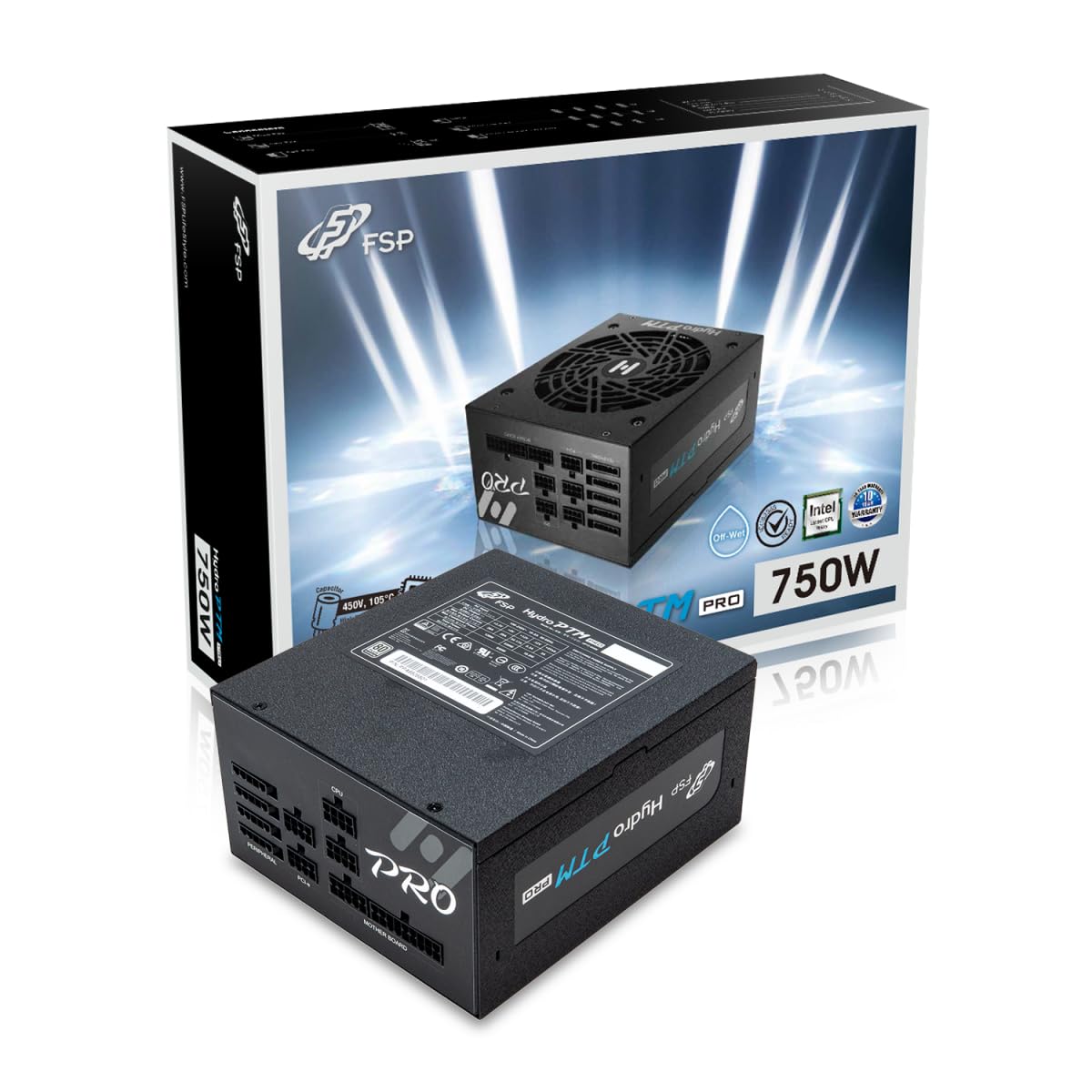
This manual provides detailed instructions for the installation, operation, and maintenance of your FSP Hydro PTM Pro 750W 80 Plus Platinum Full Modular ATX 12V Power Supply (Model: HPT2-750M). Please read this manual thoroughly before using the product to ensure proper function and safety.
The FSP Hydro PTM Pro series is designed for high efficiency and durability, featuring a conformal coating for protection against dust, humidity, and stains. It includes a semi-fanless Eco Mode for quiet operation under low loads and fully modular black ribbon cables for flexible system builds.
2. Информации за безбедност
ПРЕДУПРЕДУВАЊЕ: Improper installation or use can result in serious injury or damage to the power supply and other components. Always follow these safety guidelines:
- Не го отворајте напојувањето. Висок волуменtagВнатре нема делови што може да ги сервисира корисникот. Отворањето на уредот ќе ја поништи гаранцијата.
- Пред инсталација или одржување, осигурајте се дека напојувањето е исклучено од штекерот за наизменична струја.
- Инсталирајте го напојувањето во добро проветрено место.
- Use only the modular cables provided with this power supply. Using incompatible cables may cause damage to the power supply and connected components.
- Овој производ е дизајниран за употреба во персонални компјутери. Не го користете за друга намена.
- Keep the power supply away from water, moisture, and extreme temperatures.
- Уверете се дека сите врски се безбедни пред да го вклучите системот.

3. Содржина на пакетот
Проверете дали сите артикли се присутни во вашиот пакет:
- FSP Hydro PTM Pro 750W Power Supply Unit (HPT2-750M)
- Кабел за напојување со наизменична струја
- Modular Cable Set (refer to the "Cable Length and Connectors" section for details)
- Завртки за монтирање
- Упатство за употреба (овој документ)
4. Поставување и инсталација
4.1 Физичка инсталација
- Подгответе го вашиот систем: Осигурајте се дека вашиот компјутер е целосно исклучен од струја и исклучен од штекерот.
- Отстранете го старото напојување (доколку е применливо): Исклучете ги сите кабли од старото напојување и извадете го од куќиштето на компјутерот.
- Монтирајте го напојувањето: Insert the FSP Hydro PTM Pro 750W into the power supply bay of your PC case. Secure it with the provided mounting screws.
- Connect Motherboard Cables:
- Connect the 20+4 Pin ATX cable to your motherboard's main power connector.
- Connect the 4+4 Pin CPU (EPS) cable(s) to your motherboard's CPU power connector(s).
- Поврзете ги периферните кабли:
- Connect the 6+2 Pin PCI-E cables to your graphics card(s).
- Поврзете ги SATA каблите за напојување со вашите SSD, HDD и оптички дискови.
- Connect Molex cables to any other peripherals requiring them.
- Безбедни врски: Ensure all modular cables are firmly seated into both the power supply and the respective components.
- Поврзете AC напојување: Приклучете го кабелот за наизменична струја во приклучокот за наизменична струја на напојувањето, а потоа во ѕидниот штекер или во заштитата од пренапон.
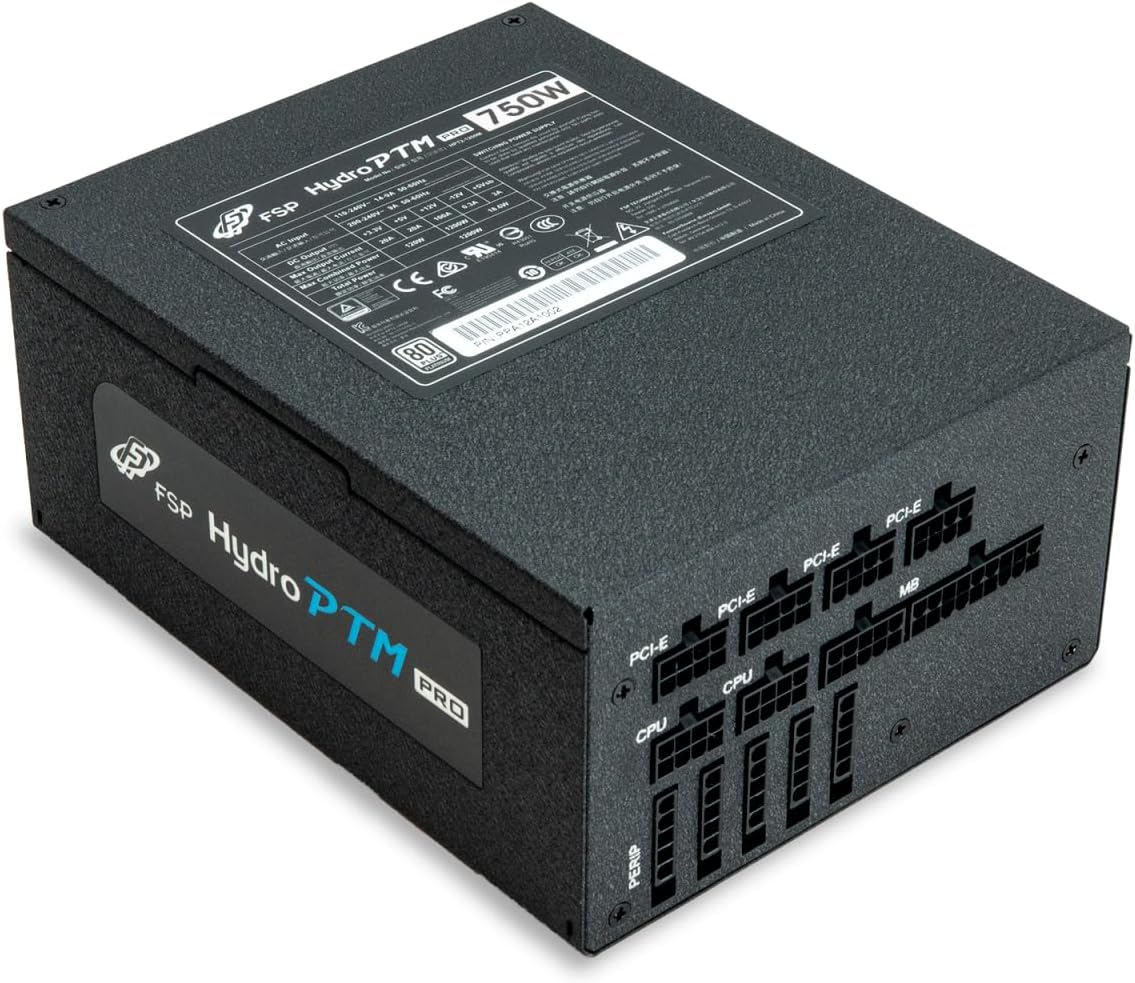
4.2 Cable Length and Connectors
The FSP Hydro PTM Pro 750W comes with a set of fully modular black ribbon cables. Refer to the diagram below for connector types and approximate lengths.

5. Операција
5.1 Вклучување/исклучување
After completing the installation, ensure the main power switch on the back of the power supply is in the "ON" (I) position. You can then power on your computer using its case power button.
5.2 еко режим
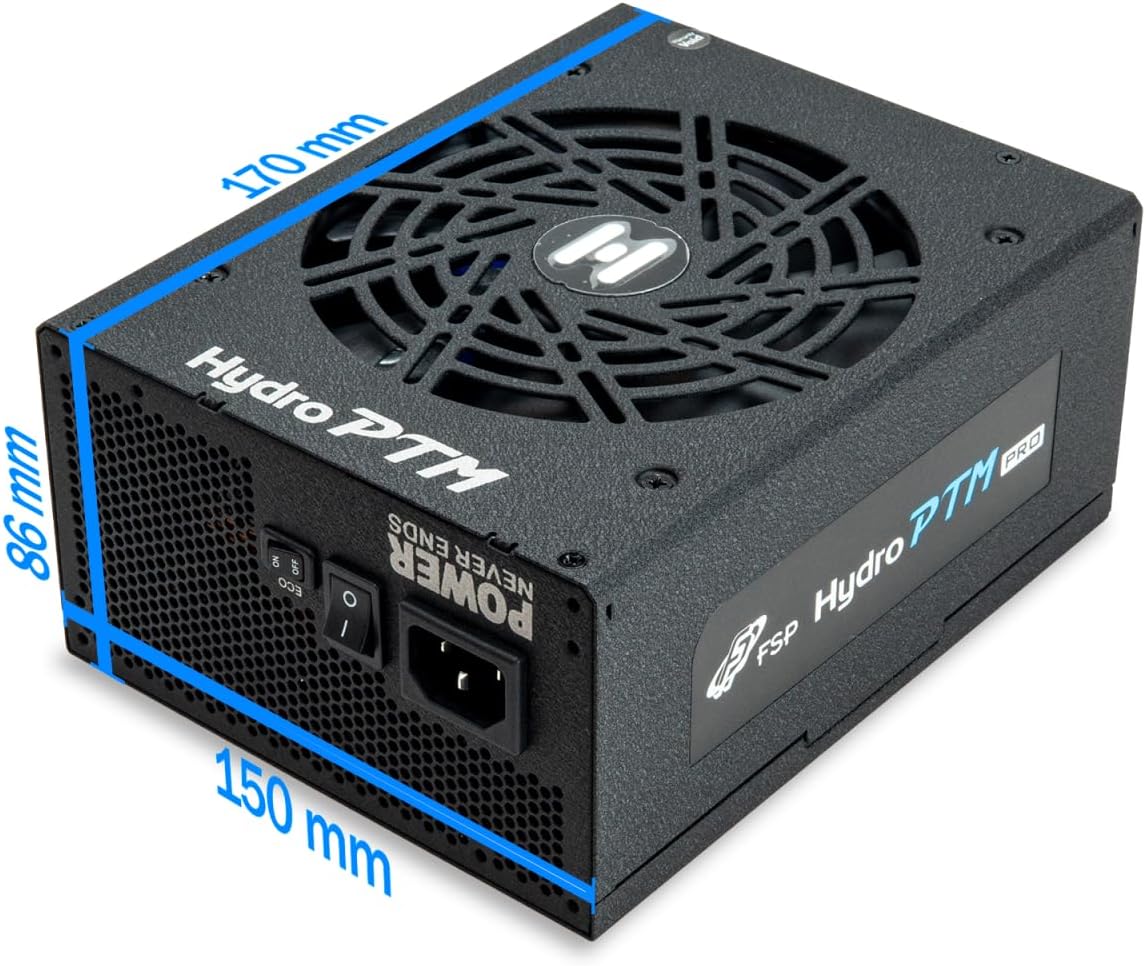
The Hydro PTM Pro features a semi-fanless Eco Mode. When enabled, the power supply fan will remain off until the system load exceeds approximately 30%. This provides silent operation during low-power tasks.
- To activate Eco Mode: Locate the "ECO" switch next to the main power switch on the rear of the power supply and set it to the "ON" position.
- To disable Eco Mode: Set the "ECO" switch to the "OFF" position. The fan will operate continuously based on temperature.
Видео: Оверview of the FSP Hydro PTM Pro series, highlighting features like conformal coating, Eco Mode, and modular design. This video is provided by FSP GROUP USA.
6. Одржување
6.1 Чистење
To maintain optimal performance and longevity, periodically clean your power supply:
- Ensure the power supply is completely powered off and unplugged from the AC outlet before cleaning.
- Use compressed air to gently remove dust from the fan grille and ventilation openings.
- Wipe the exterior with a soft, dry cloth. Do not use liquid cleaners or solvents.
6.2 Заштита на животната средина
The FSP Hydro PTM Pro features a proprietary conformal coating that protects internal components from dust, humidity, and stains. This allows the power supply to reliably operate in environments with up to 95% relative humidity. While this coating offers enhanced protection, it is still recommended to operate the power supply in a clean, dry environment for best results.
7 Смена на проблеми
Доколку наидете на проблеми со напојувањето, погледнете ги следните вообичаени проблеми и решенија:
| Проблем | Можна причина | Решение |
|---|---|---|
| Системот не се вклучува. |
|
|
| System powers on but immediately shuts down. |
|
|
| Fan is not spinning (Eco Mode off). |
|
|
If the problem persists after attempting these solutions, please contact FSP customer support.
8. Спецификации
| Карактеристика | Детал |
|---|---|
| Име на моделот | Hydro PTM Pro (HPT2-750M) |
| Бренд | ВМФ |
| Излезен Ватtage | 750 W |
| 80 Plus Certification | Платина |
| Форма фактор | ATX |
| Дизајн на напојување | Целосно модуларен |
| Метод на ладење | Воздух (вентилатор од 135 мм) |
| Влез волуменtage | 115-240 волти |
| Димензии (Д x Ш x В) | 170 x 150 x 86 mm (6.7 x 5.9 x 3.4 инчи) |
| Заштити | OCP, OVP, SCP, OPP, UVP, OTP |
| Кондензатори | Japanese-made Electrolytic Capacitors |
| PFC | Active PFC ≥ 99% |
| Конформален слој | Yes (Dust, Humidity, Stain protection) |
9. Гаранција и поддршка
9.1 Информации за гаранцијата
The FSP Hydro PTM Pro 750W power supply is covered by a 10 година гаранција од датумот на купување. Оваа гаранција ги покрива дефектите во материјалите и изработката при нормална употреба. Ве молиме задржете го доказот за купување за гаранциски барања.
Гаранцијата не покрива штети кои произлегуваат од:
- Неправилна инсталација или работа.
- Accidental damage, abuse, or misuse.
- Неовластени поправки или модификации.
- Природни катастрофи или надворешни причини.
9.2 Поддршка за корисници
For technical assistance, troubleshooting, or warranty inquiries, please contact FSP customer support. Refer to the official FSP webстраница за најактуелни информации за контакт.
FSP GROUP USA
Visit the FSP Store on Amazon