
1. Вовед
This manual provides detailed instructions for the setup, operation, and maintenance of your XINMENG 60% Gaming Keyboard and Mouse Combo. Please read this manual thoroughly before use to ensure optimal performance and longevity of your product.
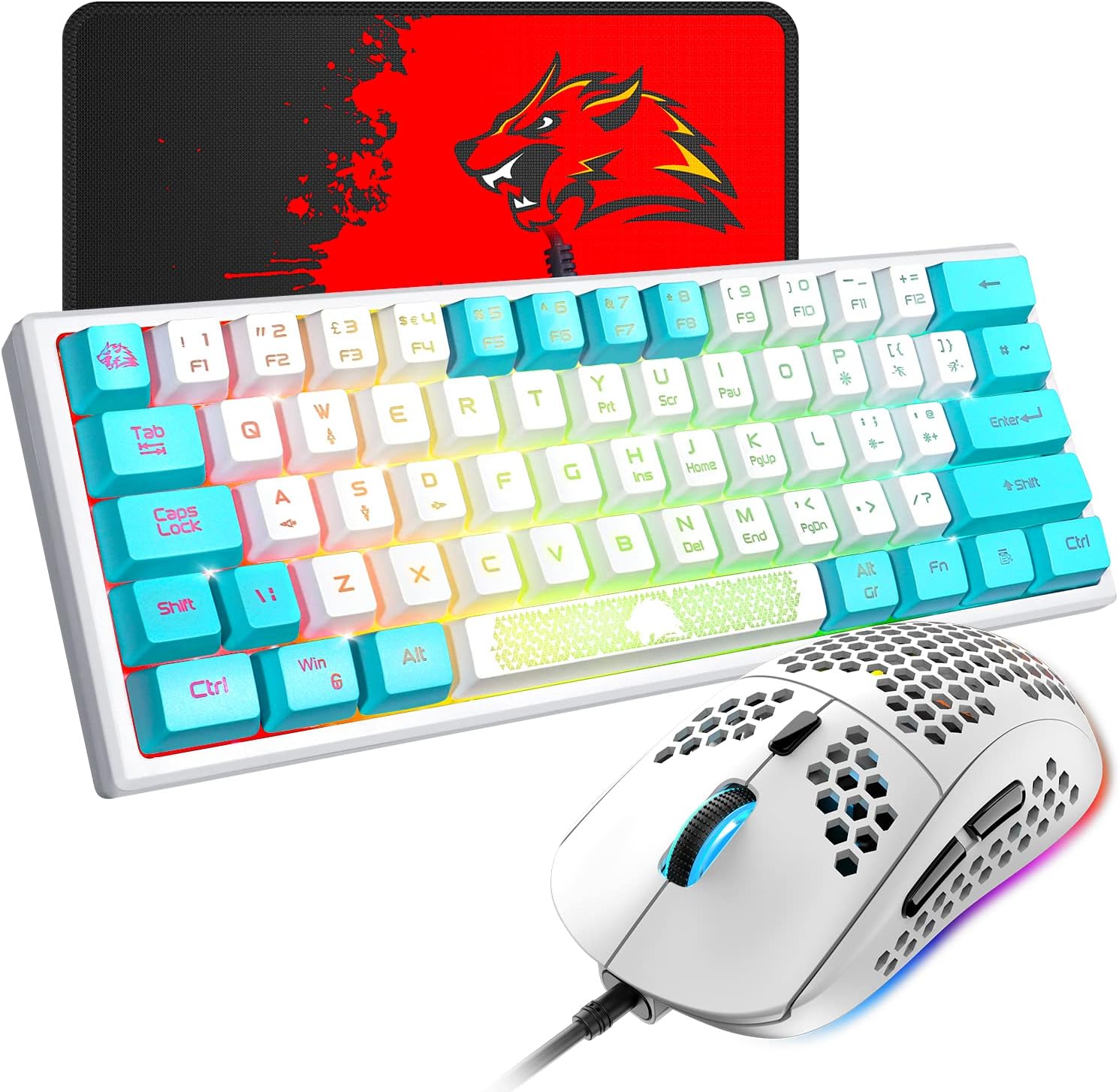
Image 1.1: The XINMENG 60% Gaming Keyboard and Mouse Combo, featuring a compact keyboard with RGB backlighting and a lightweight honeycomb optical mouse.
2. Карактеристики на производот
- 60% Compact Layout Keyboard: Designed for space-saving, ideal for gaming setups and portability.
- RGB позадинско осветлување: Customizable lighting effects for both keyboard and mouse, enhancing the user experience.
- Mechanical Feel Keyboard: Provides a tactile typing experience with reduced noise compared to traditional mechanical keyboards.
- Honeycomb Optical Mouse: Lightweight design (approximately 65 grams) with a perforated shell for improved heat dissipation and ergonomic comfort.
- Глушец со прилагодлив DPI: Up to 6400 DPI (6 levels, editable) for precise cursor control.
- FN Function Keys: The 61-key mini keyboard includes FN key combinations to access full-size 104-key keyboard functions.
- Широка компатибилност: Compatible with Windows XP, WIN 7/8/10, and MAC OS 2.0.

Image 2.1: Diagram illustrating the compact 60% layout of the keyboard, measuring approximately 11.8 inches in width and 4.3 inches in height.

Image 2.2: The compact keyboard being placed into a backpack, demonstrating its portability for travel, office, or home use.
3. Упатства за поставување
- Отпакување: Внимателно извадете ја тастатурата и глувчето од нивното пакување.
- Врска: Connect the USB cable of the keyboard to an available USB port on your computer. Connect the USB cable of the mouse to another available USB port on your computer.
- Инсталација на драјвери: The keyboard and mouse are plug-and-play devices. Your operating system should automatically detect and install the necessary drivers. No additional software installation is typically required.
- Првичен тест: After connection, test the keyboard by typing and the mouse by moving the cursor and clicking buttons to ensure they are functioning correctly.
4. Упатства за работа
4.1 Функции на тастатурата

Слика 4.1: На пр.amples of various RGB backlight effects available on the keyboard, showcasing different color patterns.
- Контрола на RGB позадинско осветлување: Притиснете FN + P to cycle through different backlight effects. The keyboard offers various cool backlight effects and monochromatic light options with 5 levels of brightness.
- Комбинации на копчиња FN: The keyboard utilizes FN key combinations to access secondary functions. Refer to the keycap legends for specific functions. For exampле:
- Притиснете FN + В to switch between W, S, A, D keys and the Up, Down, Left, Right arrow keys. Press again to toggle back.
- The ESC key and space bar may have luminous patterns or secondary functions accessible via the FN key.

Image 4.2: Diagram illustrating the FN multi-function shortcut keys, showing how FN + W toggles between WASD and arrow key functions.
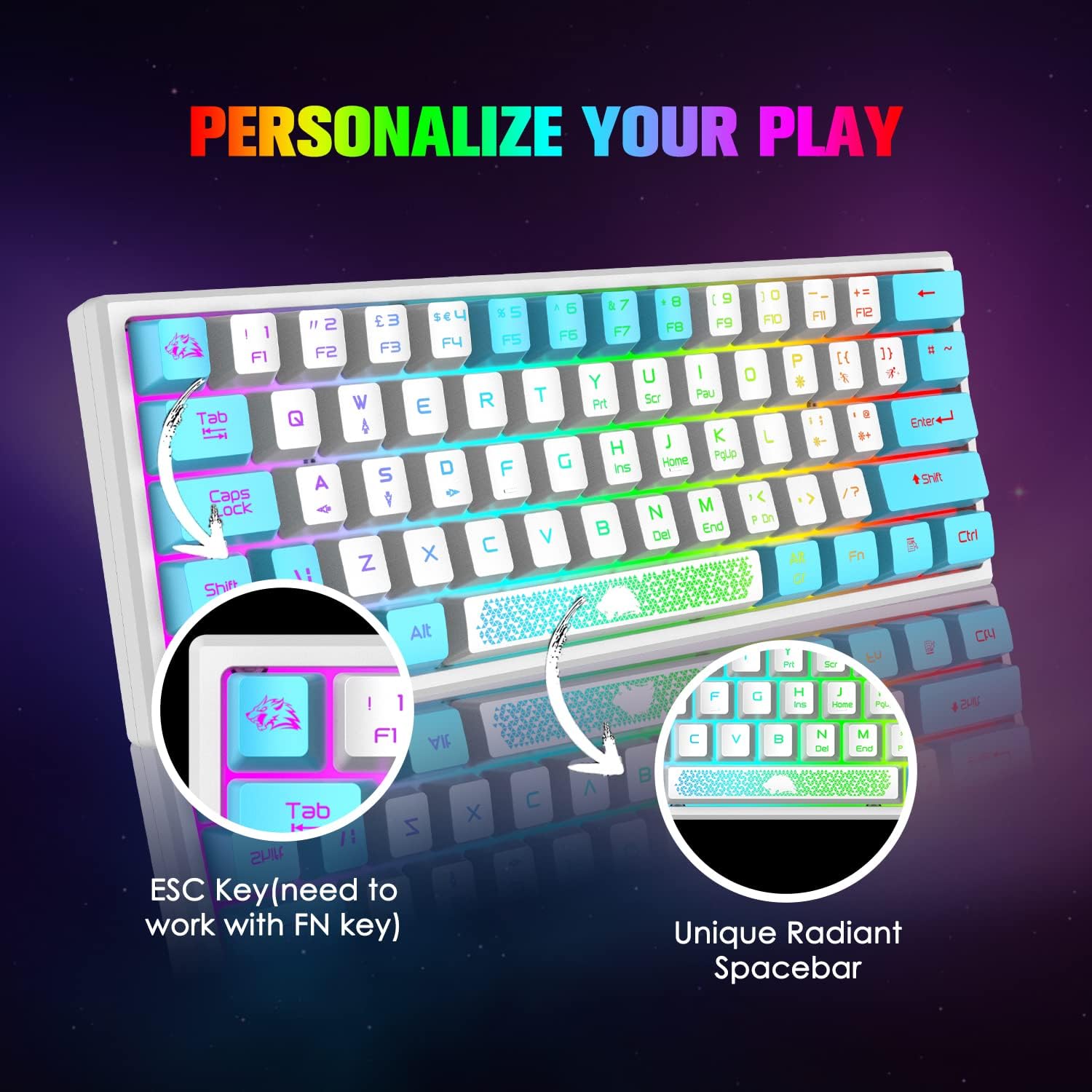
Слика 4.3: Крупен план view of the keyboard's ESC key and the unique radiant spacebar, highlighting their design and potential FN key functions.
4.2 Функции на глувчето

Image 4.4: Diagram of the 6-button gaming mouse, labeling the DPI button, scroll wheel, left/right buttons, and forward/backward buttons. It also shows the 7-color auto-changing breathing backlight.
- Прилагодување на DPI: Use the dedicated DPI button (usually located behind the scroll wheel) to cycle through different DPI settings. The mouse supports up to 6400 DPI with 6 editable levels.
- Копчиња: The mouse features 6 buttons: Left Click, Right Click, Scroll Wheel Click, DPI Button, Forward Button, and Backward Button.
- RGB позадинско осветлување: The mouse features a 7-color auto-changing breathing backlight. This lighting effect is typically automatic and cannot be manually adjusted.

Слика 4.5: Страна view of the mouse illustrating its DPI range, from 800 to 10000, with an indicator showing the current setting around 5000 DPI.

Image 4.6: The lightweight honeycomb shell design of the mouse, highlighting its ergonomic shape and perforated structure for comfort and heat dissipation.
5. Одржување
- Чистење: Користете мека, сува крпа за чистење на површините на тастатурата и глувчето. За подлабоко чистење, малкуamp може да се користи крпа, осигурувајќи се дека течноста нема да навлезе во внатрешните компоненти.
- Отстранување прашина: Use compressed air to remove dust and debris from between the keycaps and from the mouse's optical sensor.
- Грижа за кабел: Избегнувајте остри свиткувања или прекумерно влечење на USB каблите за да спречите оштетување.
- Складирање: When not in use, store the combo in a clean, dry environment away from direct sunlight and extreme temperatures.
6 Смена на проблеми
- Тастатурата/глушецот не реагираат:
- Ensure the USB cables are securely connected to your computer's USB ports.
- Обидете се да ги поврзете уредите на различни USB порти.
- Рестартирајте го компјутерот.
- Задното осветлување не работи:
- For the keyboard, ensure the backlight is not turned off or set to the lowest brightness. Press FN + P to cycle through modes.
- For the mouse, the backlight is automatic. If it's not working, try reconnecting the mouse.
- Клучевите не се регистрираат правилно:
- Clean the affected key to ensure no debris is obstructing its mechanism.
- Verify that no FN key combination is active that might alter key functions (e.g., WASD/arrow key toggle).
- Курсорот на глувчето скока или е неточен:
- Исчистете го оптичкиот сензор на глувчето.
- Ensure you are using the mouse on a suitable surface, preferably a mouse pad.
- Прилагодете ја поставката DPI користејќи го копчето DPI.
7. Спецификации
| Карактеристика | Детал |
|---|---|
| Бренд | КСИНМЕНГ |
| Модел | B09TDCBSJD |
| Боја | Бело и сино |
| Технологија за поврзување | USB жичен |
| Распоред на тастатура | 60% (61 клучеви) |
| Задно осветлување на тастатурата | RGB, 5 brightness levels |
| DPI на глувчето | До 6400 DPI (6 нивоа на прилагодување) |
| Копчиња на глувчето | 6 копчиња |
| Дизајн на глувчето | Lightweight Honeycomb Optical |
| Компатибилни уреди | Конзола за игри, персонален компјутер |
| Компатибилност на оперативниот систем | Windows XP, WIN 7/8/10, MAC OS 2.0 |
| Тежина на ставката | 2.05 фунти (приближно за комбинирано) |
| Димензии на пакетот | 17.13 x 6.46 x 2.44 инчи |
8. Гаранција и поддршка
For warranty information and customer support, please refer to the documentation included with your purchase or contact the retailer/manufacturer directly. Protection plans may be available for extended coverage; consult your purchase options for details.