1. Производот завршиview
The ROCAM CR1002 DAB Digital Alarm Clock Radio is a versatile device designed for various environments such as bedrooms, offices, and kitchens. It features a unique spherical design and integrates multiple functions including DAB/DAB+/FM radio, dual alarms, a 7-color night light, and USB charging ports.
Главните карактеристики вклучуваат:
- DAB/DAB+/FM Digital Radio for clear audio reception.
- Dual Alarm settings with adjustable volume and choice of buzzer, DAB, or FM tones.
- 7-Color Night Light for ambient lighting.
- Snooze function for additional sleep time.
- USB-A and USB-C charging ports for external devices.
- Прилагодлива осветленост на екранот.
- Функција Тајмер за спиење.
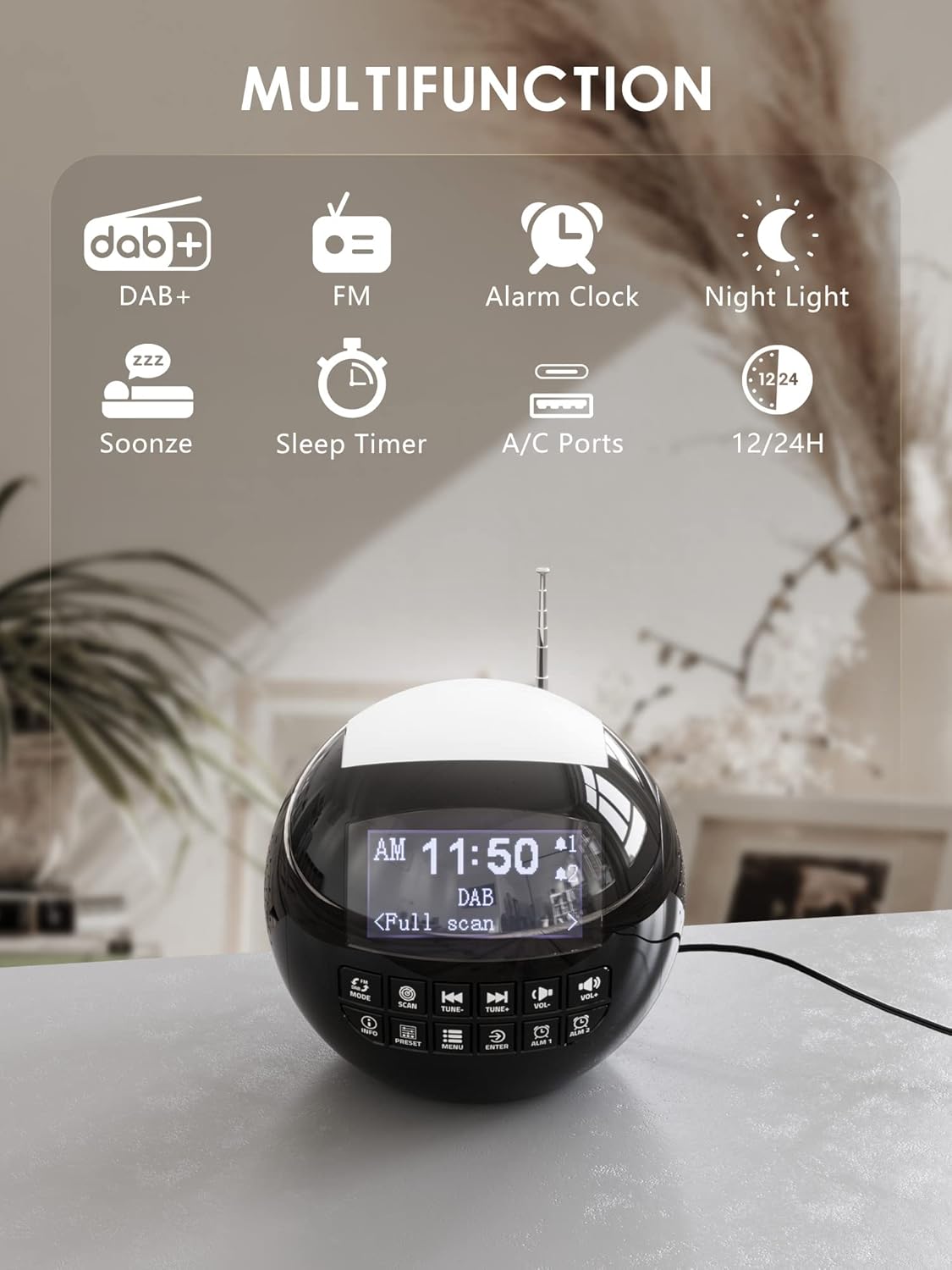
Слика 1.1: Готовоview of the ROCAM CR1002 DAB Digital Alarm Clock Radio highlighting its multifunction capabilities including DAB+, FM radio, alarm clock, night light, snooze, sleep timer, and USB-A/USB-C charging ports.
2. Информации за безбедност
- Уверете се дека уредот е поставен на стабилна, рамна површина.
- Не го изложувајте уредот на вода, влага или екстремни температури.
- Избегнувајте блокирање на отворите за вентилација.
- Use only the provided power adapter or a compatible one.
- Да се чува подалеку од дофат на деца.
- Не обидувајте се сами да го расклопите или поправите уредот. Контактирајте квалификуван сервисер.
3. Поставување
3.1 Поврзување за напојување
- Connect the power adapter to the DC IN port on the back of the alarm clock.
- Plug the power adapter into a standard wall outlet (220 Volts).
- The device will power on and the display will illuminate.
3.2 Инсталација на резервна батерија
To retain time and alarm settings during a power outagе, инсталирајте резервни батерии.
- Пронајдете го преградата за батерии на дното од уредот.
- Отворете го капакот на преградата.
- Insert 2 "AAA" batteries (not included), ensuring correct polarity (+/-).
- Добро затворете го капакот на преградата за батерии.
3.3 Прилагодување на антената
Extend the telescopic antenna fully for optimal DAB/DAB+ and FM radio reception. Adjust its position for the best signal.
4. Упатства за работа
4.1 Основно работење
- Вклучување/исклучување: Притиснете го РЕЖИМ копче за вклучување или исклучување на уредот.
- Прилагодување на јачината на звукот: Користете го VOL- и VOL+ buttons to adjust the volume (levels 1-16).
- Осветленост на екранот: The display has 3 adjustable brightness levels. Refer to the menu settings for adjustment.
4.2 DAB/DAB+ радио
- Притиснете го РЕЖИМ копче за да изберете режим DAB.
- Притиснете го СКЕНИРАЊЕ button to perform an automatic scan for available DAB/DAB+ stations. The radio will store all found stations.
- Користете го ПРЕСУДА- и TUNE+ buttons to navigate through the stored stations.
- Притиснете ИНФОРМАЦИИ до view информации за станицата (на пр., тип на програма, јачина на сигналот).
- За да зачувате станица како претходно поставена, притиснете и држете го копчето ПОСТАВЕНИ копчето, а потоа користете ПРЕСУДА-/TUNE+ to select a preset number (1-10) and press ENTER да се потврди.
- За да повикате претходно поставена вредност, притиснете го копчето ПОСТАВЕНИ кратко копче, потоа користете го ПРЕСУДА-/TUNE+ to select the desired preset and press ENTER.

Image 4.1: The radio in DAB mode, showing the "Full scan" process to find and store available digital radio stations.
4.3 FM радио
- Притиснете го РЕЖИМ копче за да изберете FM режим.
- Притиснете и задржете го СКЕНИРАЊЕ button to automatically scan for FM stations. The radio will stop at the next strong signal.
- Алтернативно, користете го ПРЕСУДА- и TUNE+ buttons for manual tuning.
- Saving and recalling FM presets follows the same procedure as DAB presets (Section 4.2).
4.4 Поставување аларми
The device supports two independent alarms (Alarm 1 and Alarm 2).
- Притиснете и задржете било кое АЛМ 1 or АЛМ 2 button to enter alarm setup.
- Користете ПРЕСУДА-/TUNE+ за да го прилагодите часот, потоа притиснете ENTER. Repeat for minutes.
- Изберете го изворот на алармот: Сирена, DAB, или FM. If DAB/FM is selected, choose a preset station. Press ENTER.
- Adjust the alarm volume (1-16) using ПРЕСУДА-/TUNE+, потоа притиснете ENTER.
- Select the alarm frequency: Once, Daily, Weekdays, or Weekends. Press ENTER да се потврди.
- To activate/deactivate an alarm, briefly press АЛМ 1 or АЛМ 2На екранот ќе се појави/исчезне икона за аларм.

Image 4.2: Illustration of the dual alarm function with customizable wake-up sounds (FM, DAB, or Buzzer).
4.5 Функција за одложување
Кога ќе се огласи алармот, притиснете го големото копче SNOOZE/NIGHTLIGHT button on top to temporarily silence the alarm for 9 minutes. The alarm will sound again after this period.

Image 4.3: The snooze function in action, providing an additional 9 minutes of sleep.
4.6 Тајмер за спиење
Тајмерот за заспивање му овозможува на радиото да репродуцира одредено време пред автоматски да се исклучи.
- Притиснете го МЕНИ копче.
- Navigate to "Sleep Timer" using ПРЕСУДА-/TUNE+ и притиснете ENTER.
- Select a duration from 10 to 90 minutes. Press ENTER да се потврди.
4.7 Функција за ноќно светло
The device features a 7-color night light.
- Briefly press the large SNOOZE/NIGHTLIGHT button on top to cycle through the 7 colors or turn the night light off.
- The night light can be used independently of the alarm function.

Image 4.4: The night light feature illuminating the top of the alarm clock in blue, one of the seven available colors.
4.8 USB порти за полнење
The alarm clock is equipped with a standard USB-A port and a USB-C port for charging external devices.
- Поврзете го кабелот за полнење на вашиот уред со USB-A или USB-C портот на задната страна од будилникот.
- Ensure the alarm clock is powered on and connected to a wall outlet for charging functionality.
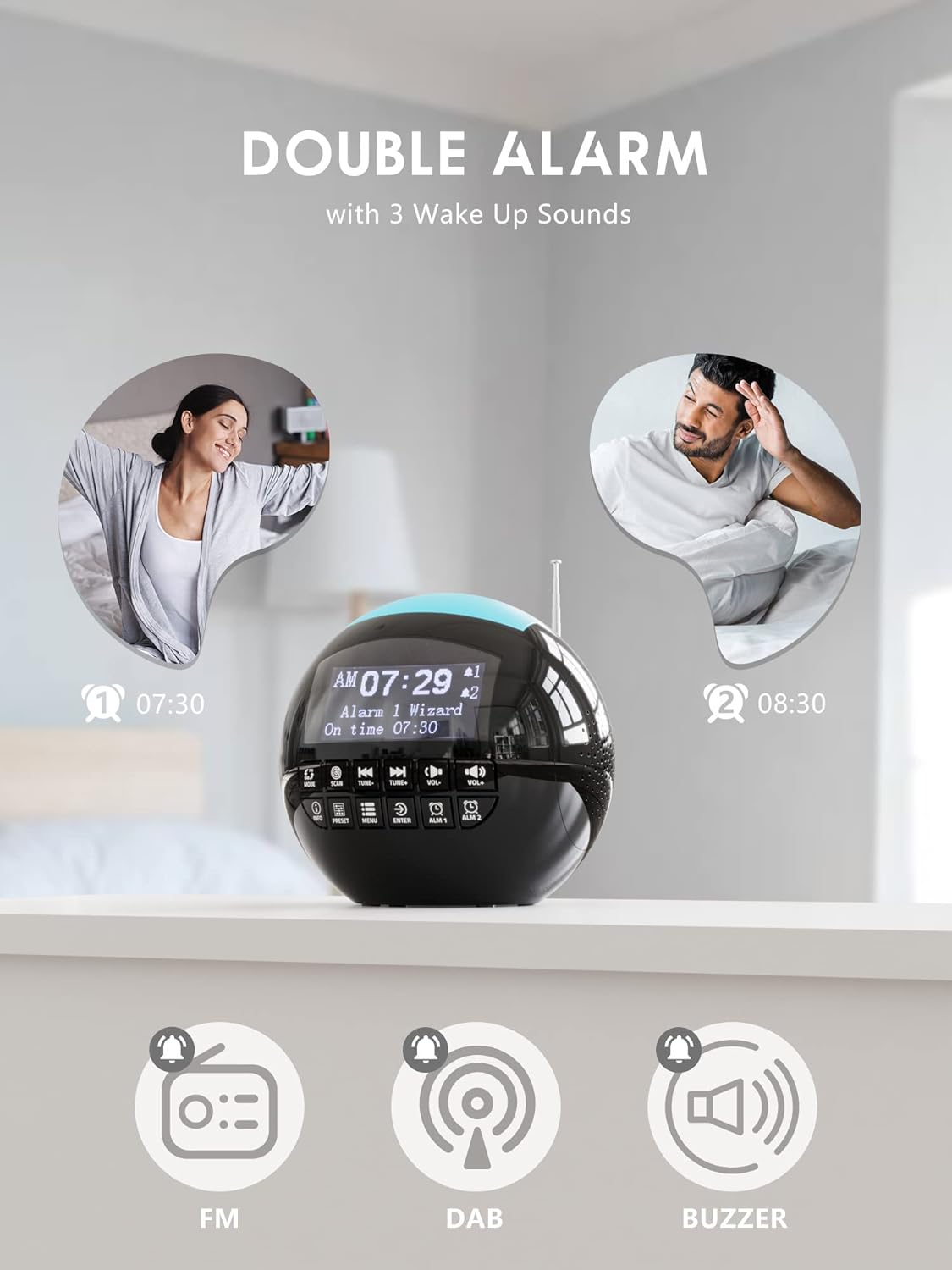
Image 4.5: The USB-A and USB-C charging ports in use, simultaneously charging a smartphone and wireless earbuds.
5. Одржување
- Чистење: Избришете го уредот со мека, сува крпа. Не користете абразивни средства за чистење или растворувачи.
- Складирање: If storing the unit for an extended period, disconnect it from power and remove backup batteries.
6 Смена на проблеми
| Проблем | Можна причина | Решение |
|---|---|---|
| Уредот не се вклучува. | Нема поврзување со струја. | Осигурајте се дека адаптерот за напојување е безбедно вклучен во уредот и во функционален ѕиден штекер. |
| Слаб радио прием (DAB/FM). | Антената не е проширена или сигналот е слаб. | Extend the telescopic antenna fully and adjust its position. Try moving the unit to a different location. Perform a full scan for DAB stations. |
| Алармот не се огласува. | Алармот не е активиран или јачината на звукот е прениска. | Check if the alarm icon is displayed. Ensure alarm volume is set to an audible level (1-16). Verify alarm time and frequency settings. |
| USB полнењето не работи. | Unit not powered or cable issue. | Ensure the alarm clock is connected to a wall outlet. Check the charging cable for damage and ensure it is properly connected to both the alarm clock and the external device. |
| Екранот е премногу светол/затемнет. | Поставувањето на осветленоста бара прилагодување. | Adjust the display brightness through the menu settings. |
7. Спецификации
| Карактеристика | Детал |
|---|---|
| Бренд | ROCAM |
| Број на модел | CR1002 DAB |
| Боја | Црното |
| Димензии (Д x Ш x В) | 15.9 x 3.81 x 16.2 cm |
| Тежина | 468 грама |
| Voltage | 220 волти |
| Материјал | Пластика |
| Тип на дисплеј | Дигитален |
| Посебни карактеристики | Adjustable Brightness, Radio (DAB/DAB+/FM), Dual Alarm, 7-Color Night Light, USB-A & USB-C Charging Ports, Snooze, Sleep Timer |
| Извор на енергија | Електричен со кабел |
| Резервна батерија | 2 x AAA (не е вклучено) |
8. Гаранција и поддршка
For warranty information or technical support, please refer to the documentation included with your purchase or contact ROCAM customer service through their official webлокацијата или продавачот на мало каде што е купен производот.
Please have your model number (CR1002 DAB) and purchase details ready when contacting support.