
Вовед
This manual provides detailed instructions for the setup, operation, and maintenance of your VTech CS2000 DECT Cordless Home Phone. Please read this manual thoroughly before using your new phone to ensure proper functionality and to take full advantagе од неговите карактеристики.
The VTech CS2000 is designed for home use, offering reliable long-range communication, essential call management features, and user-friendly design.

Figure 1: VTech CS2000 DECT Cordless Home Phone, showing the handset docked in its base unit.
Поставување
Содржина на пакетот
Осигурајте се дека сите предмети се присутни во вашиот пакет:
- VTech CS2000 Handset
- VTech CS2000 Base Unit
- Адаптер за напојување за основната единица
- Кабел за телефонска линија
- Rechargeable NiMH Battery (1 included)
Инсталирање и полнење на батеријата
The VTech CS2000 uses a rechargeable NiMH battery. Proper installation and initial charging are crucial for optimal performance.
- Пронајдете ја преградата за батерии на задниот дел од слушалката.
- Insert the supplied NiMH battery, ensuring the polarity matches the diagram inside the compartment.
- Добро затворете го капакот на преградата за батерии.
- Place the handset on the base unit. The charging indicator on the handset should illuminate.
- Allow the handset to charge for at least 16 hours before initial use, even if the display indicates a full charge sooner. This ensures maximum battery capacity.
Поврзување на базната единица
- Поврзете го едниот крај од телефонскиот кабел со приклучокот TEL LINE на задната страна од базата.
- Поврзете го другиот крај од телефонскиот кабел со телефонски ѕиден приклучок.
- Поврзете го малиот крај од адаптерот за напојување со приклучокот POWER на задната страна од базата.
- Вклучете го големиот крај на адаптерот за напојување во стандарден електричен штекер.
- Проверете дали сите врски се безбедни.
Ракување со вашиот телефон
Упатување и примање повици
Упатување повик:
- Притиснете го РАБОТИ button (green receiver icon) or lift the handset from the base.
- Бирајте го посакуваниот телефонски број.
- Притиснете го КРАЈ button (red receiver icon) or place the handset back on the base to end the call.
Примање повик:
Кога телефонот ќе заѕвони, притиснете го копчето РАБОТИ button or lift the handset from the base to answer.
Спикерфон без раце
The VTech CS2000 features a hands-free speakerphone function, allowing you to talk without holding the handset.
- За време на повик, притиснете на ЗВУЧНИК копче (икона на звучникот).
- To switch back to the handset, press the РАБОТИ копчето повторно.
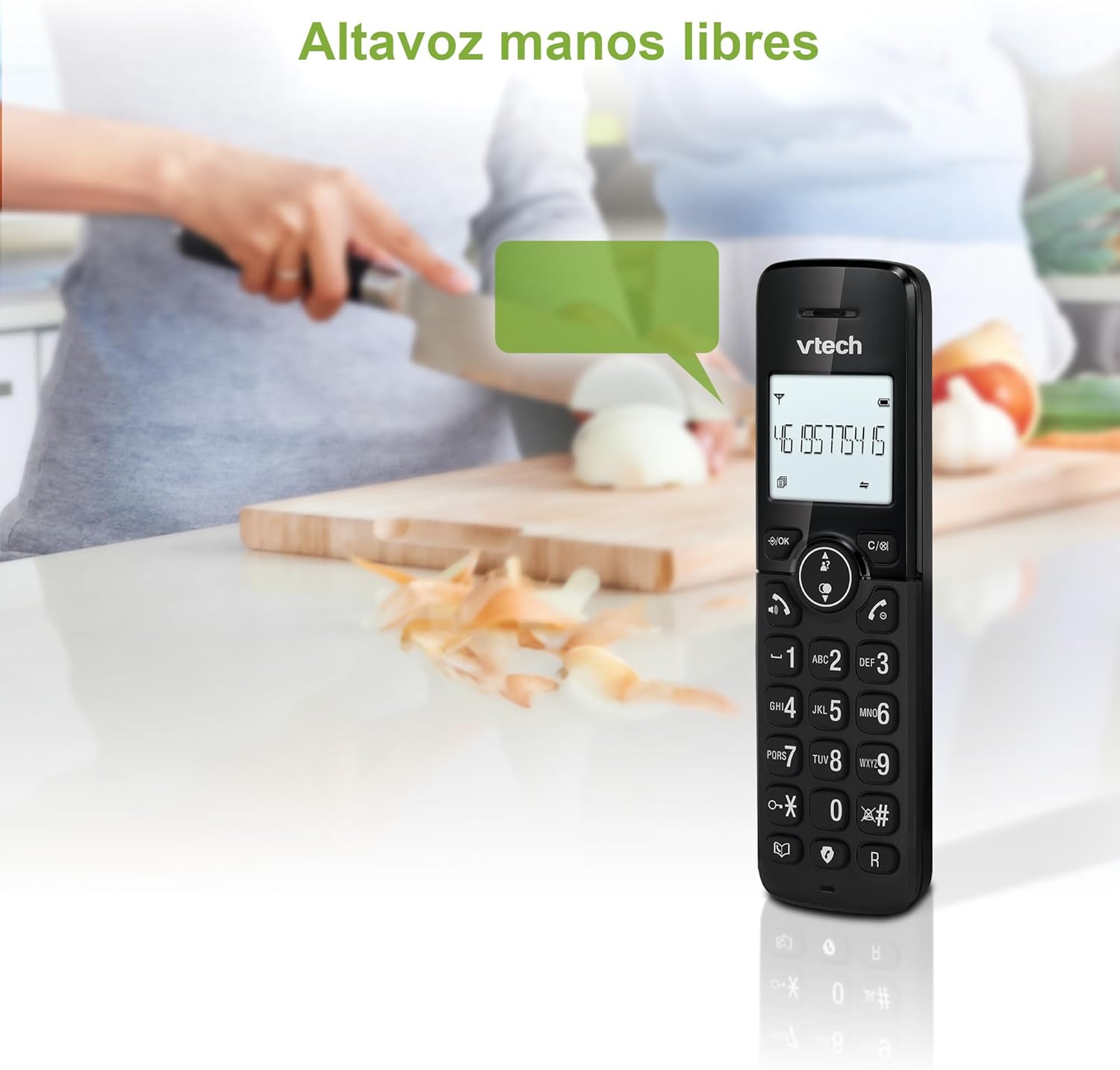
Figure 2: Using the hands-free speakerphone function.
Блокирање повик
The call blocking feature allows you to prevent unwanted calls. You can block up to 30 numbers.
- To block a number during a call, press the ПОВИК БЛОК копче.
- To add a number to the block list manually, navigate to the Call Block menu in the phone settings.
- Follow the on-screen prompts to add or remove numbers from the block list.
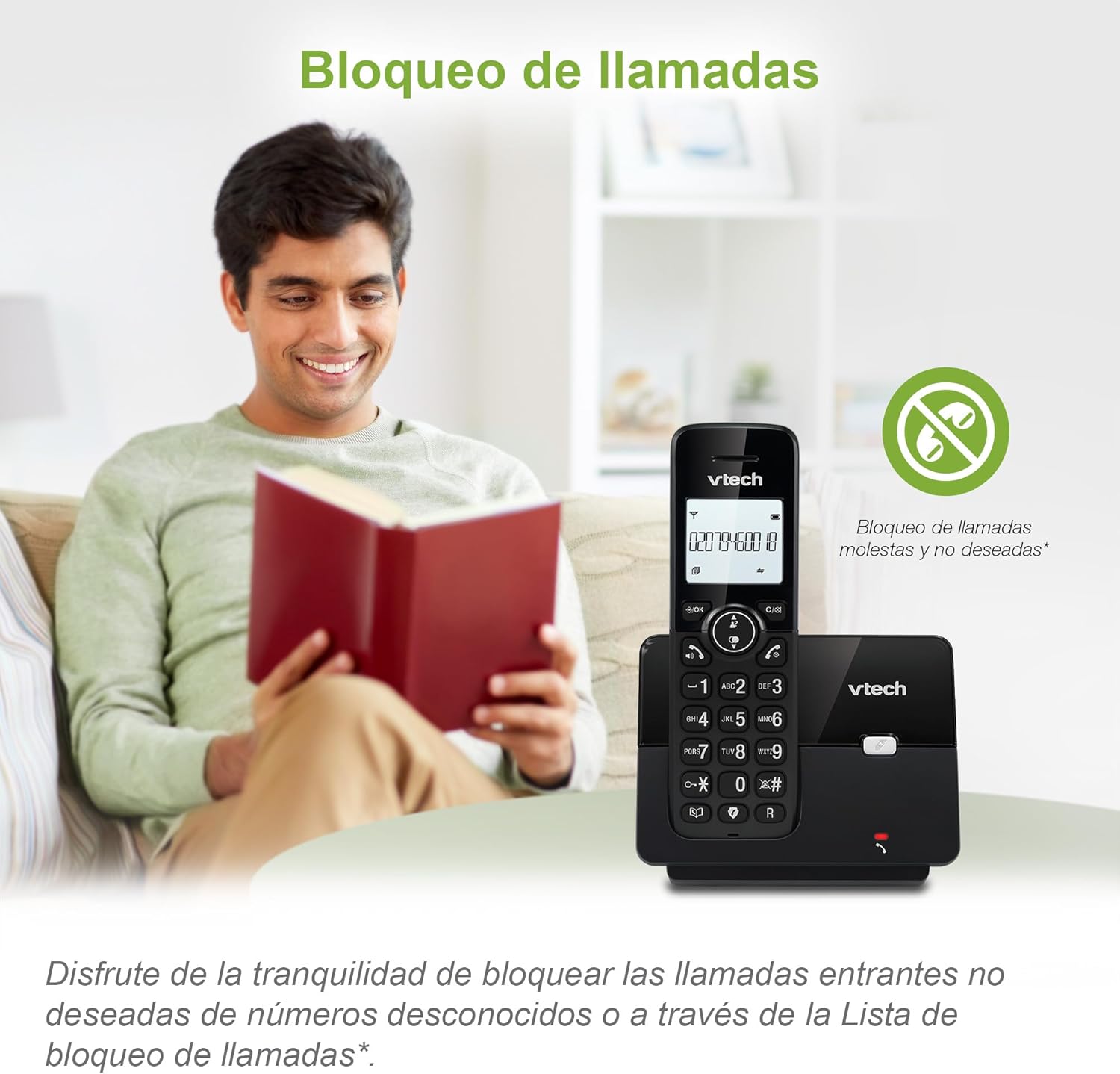
Figure 3: The call blocking feature helps manage unwanted calls.
Phonebook (Directory)
Зачувајте до 30 имиња и броеви во телефонскиот именик за брзо бирање.
- Притиснете го МЕНИ / ОК копче.
- Navigate to the "Phonebook" or "Directory" option.
- Select "Add New Entry" and follow the prompts to enter the name and number.
- To dial from the phonebook, press the ДИРЕКТОР button and scroll to the desired entry, then press РАБОТИ.

Figure 4: Managing contacts in the phonebook.
ID на повикувач и чекање повик
The phone stores up to 20 caller ID records with name and number (service subscription may be required).
When a new call comes in while you are on another call, the call waiting feature alerts you (service subscription may be required).
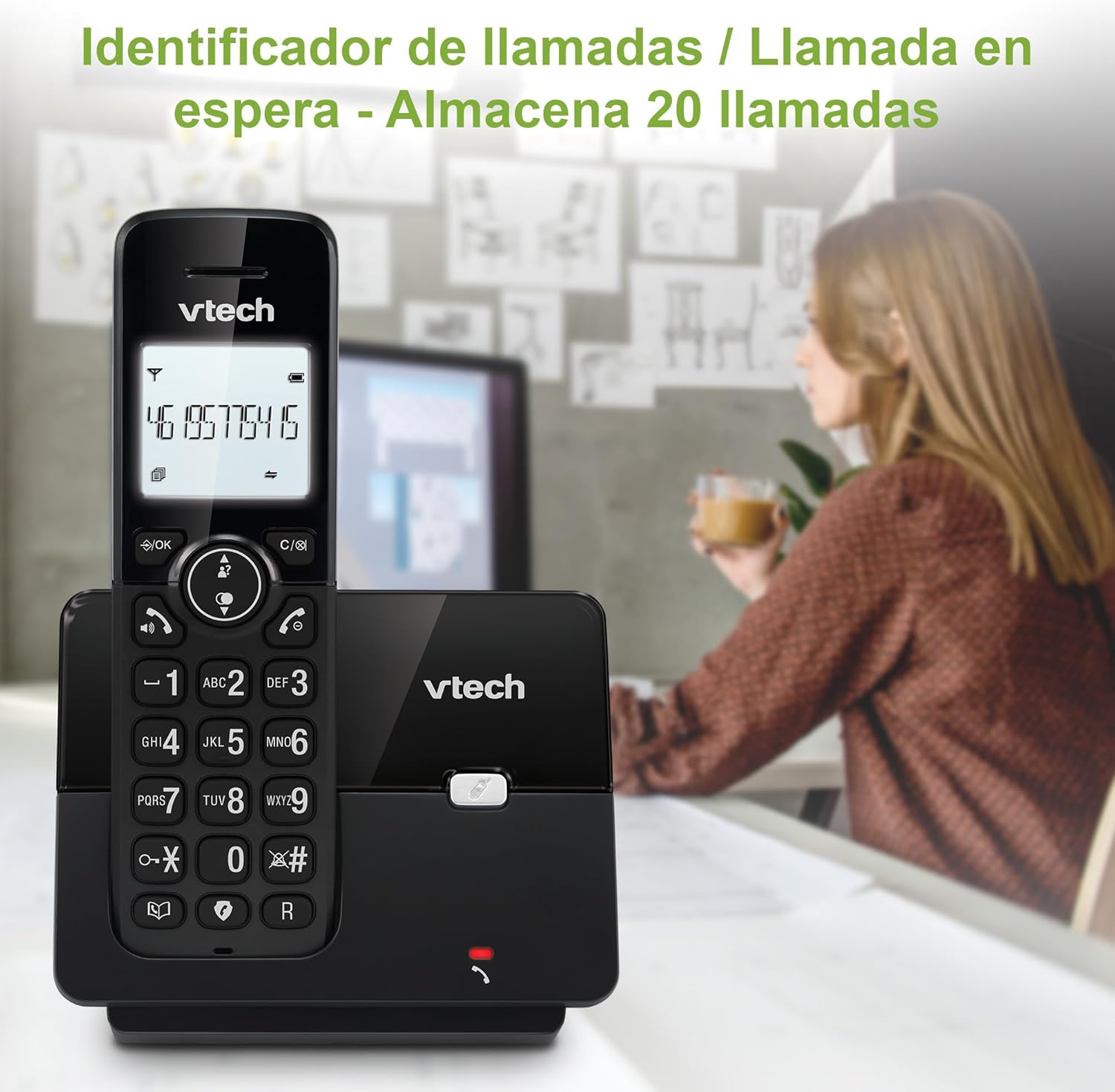
Figure 5: Caller ID display on the handset.
Список за повторно бирање
The phone stores the last 10 dialed numbers for quick redialing.
- Притиснете го РЕДИЈАЛНО копче.
- Scroll through the list using the navigation keys.
- Притиснете РАБОТИ to redial the selected number.

Figure 6: Accessing the redial list.
ЕКО режим
The ECO mode automatically adjusts the radio frequency power based on the distance between the handset and the base unit, helping to conserve energy.
Adjusting Ring Volume and Melody
You can customize the ring volume and melody of your handset.
- Притиснете го МЕНИ / ОК копче.
- Navigate to "Settings" or "Ring Settings".
- Select "Ring Volume" or "Ring Melody" and choose your preference.
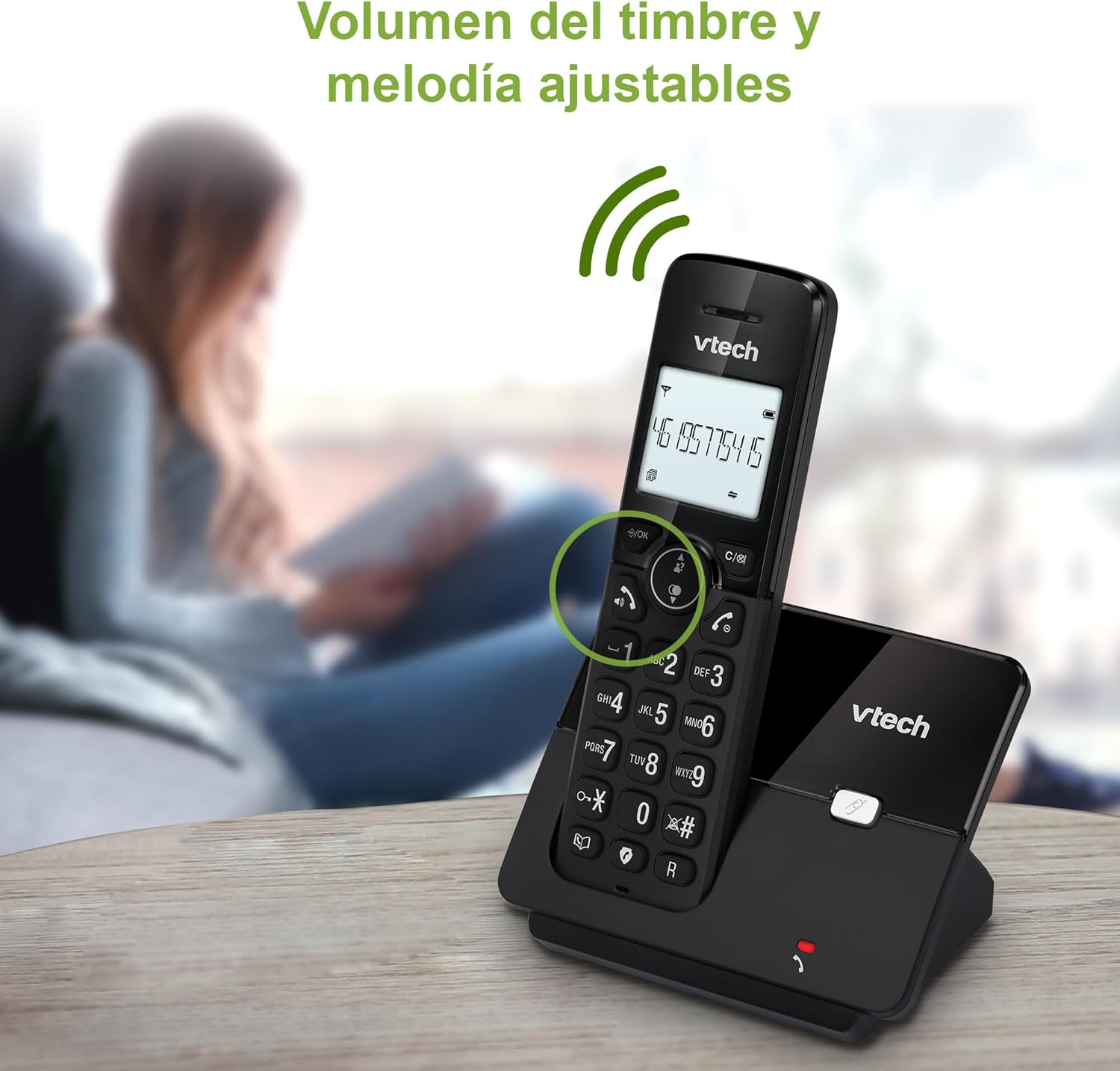
Figure 7: Adjusting ring volume and melody.
Alarm and Silence Function
The phone includes an alarm function and a silence mode for convenience.
- To set an alarm, navigate to the "Alarm" option in the menu and follow the prompts.
- To activate silence mode, typically press and hold the МУТИРА button or access the "Silence" option in the settings.

Figure 8: Alarm and silence functions.
Екран со заднинско осветлување
The 1.8-inch backlit display provides clear visibility, especially in low-light conditions.

Figure 9: The 1.8-inch backlit display for clear viewинг.
Long Range Capability
The VTech CS2000 utilizes DECT technology to provide a stable operating range of up to 300 meters outdoors, ensuring clear communication throughout your home and property.

Figure 10: The phone offers reliable long-range coverage.
Одржување
Чистење
Исчистете го телефонот и базата со мека, дamp cloth. Do not use cleaning sprays or abrasive cleaners, as they can damage the finish or electrical components.
Нега на батерии
- Only use the supplied rechargeable NiMH battery or an approved replacement.
- Доколку телефонот не се користи подолг период, извадете ја батеријата за да спречите протекување.
- Отстранете ги батериите одговорно во согласност со локалните прописи.
Решавање проблеми
If you experience issues with your VTech CS2000 phone, try the following solutions:
| Проблем | Решение |
|---|---|
| Без тон на бирање. | Ensure the telephone line cord is securely connected to both the base unit and the wall jack. Check if the power adapter is properly connected and plugged into a working outlet. |
| Слушалката не се полни. | Ensure the handset is correctly placed on the base unit. Clean the charging contacts on both the handset and base unit with a dry cloth. Verify the power adapter is connected. |
| Лош квалитет на звук или статичен електрицитет. | Move closer to the base unit. Ensure there are no large metal objects or other electronic devices interfering with the signal. Check for loose telephone line connections. |
| Не може да се остваруваат или примаат повици. | Check if the phone line is active. Ensure the handset is registered to the base unit (refer to the full manual for registration steps if needed). Temporarily unplug the base unit's power adapter, wait a few seconds, then plug it back in. |
| Идентификацијата на повикувачот не се прикажува. | Проверете дали сте претплатени на услугата за идентификација на повикувач од вашиот телефонски оператор. |
Спецификации
| Бренд | VTech |
| Број на модел | CS2000 |
| Боја | Црното |
| Тип на телефон | Безжичен DECT телефон |
| Големина на екранот | 1.8 инчи |
| Состав на батерија | NiMH |
| Број на батерии | 1 (Product Specific - Included) |
| Материјал | Пластика |
| Извор на енергија | Напојува со батерија |
| Тип на бирач | Единечна тастатура |
| Тип на одговорен систем | Безжичен |
| Тежина на ставката | 300 грама |
| Работа со повеќе линии | Операција со една линија |
| Посебни карактеристики | Cordless, Call Blocking, Hands-Free Speakerphone, Backlit Display, ECO Mode, Caller ID, Phonebook, Redial |
Гаранција и поддршка
For warranty information and technical support, please refer to the documentation included with your purchase or visit the official VTech webстраница. Чувајте ја сметката за купување како доказ за купување.
Производител: VTECH TELECOMMUNICATIONS LTD
Земја на потекло: Кина


