
Вовед
Thank you for choosing JVC Marshmallow True Wireless Bluetooth 5.3 Earbuds. These earbuds are designed for comfort and convenience, featuring soft memory foam earpieces, Bluetooth 5.3 connectivity, and IPX4 water resistance. This manual provides essential information for setting up, operating, and maintaining your earbuds.
Што има во кутијата
- JVC Marshmallow True Wireless Earbuds
- Куќичка за безжично полнење
- USB кабел за полнење
- Memory Foam Earpieces (multiple sizes)
- Silicone Earpieces (multiple sizes)
Поставување
1. Полнење на слушалките и футролата
Before first use, fully charge the earbuds and charging case. Connect the provided USB charging cable to the charging port on the back of the case and to a power source. The indicator lights on the case will show the charging status. Once fully charged, the lights will remain solid or turn off.

Image: JVC Marshmallow Earbuds in their charging case, illustrating the charging process.
2. Избор и прилагодување на слушалките
The earbuds come with both memory foam and silicone earpieces in various sizes. Choose the size that provides a snug, comfortable fit and optimal sound isolation. Gently insert the earbud into your ear canal and twist slightly to secure it.

Слика: Крупен план view of JVC Marshmallow earbuds highlighting the soft and elastic ear tips for a comfortable fit.

Image: A selection of memory foam and silicone earpieces in different sizes, included with the earbuds for personalized comfort.
3. Bluetooth спарување
- Отворете ја кутијата за полнење. Слушалките автоматски ќе влезат во режим на спарување.
- На вашиот уред (паметен телефон, таблет итн.), овозможете Bluetooth и пребарајте достапни уреди.
- Select "JVC HAA18TB" from the list to connect.
- Откако ќе се спарат, слушалките автоматски ќе се поврзат со вашиот уред кога ќе се извадат од футролата.
Упатства за работа
1. Контроли со сензор за допир
The earbuds feature intuitive touch sensor controls for various functions:
- Пушти/Пауза: Еден допир на која било слушалка.
- Следна песна: Двоен допир на десната слушалка.
- Претходна песна: Двоен допир на левата слушалка.
- Јачина на звук нагоре: Троен допир на десната слушалка.
- Намалување на јачината на звукот: Троен допир на левата слушалка.
- Одговори/заврши повик: Еден допир на која било слушалка.
- Одбијте го повикот: Притиснете и задржете на која било од слушалките.
- Активирајте го гласовниот асистент: Притиснете и задржете на која било слушалка (кога не сте на повик).

Image: An earbud with a glowing circle on its surface, demonstrating the convenient touch sensor controls.
2. Режими на звук
The earbuds offer three distinct sound modes to customize your listening experience:
- Нормално: Balanced audio for everyday listening.
- Исчисти: Enhanced vocals and treble for podcasts and spoken content.
- Бас: Amplified low frequencies for a richer, deeper sound.
To switch between sound modes, press and hold the touch sensor on the left earbud for approximately 1 second.

Image: Visual representation of the three sound modes (Normal, Clear, Bass) available on the JVC Marshmallow earbuds.
3. Режим со ниска латентност
Activate Low Latency Mode for a delay-free audio experience, ideal for gaming and video playback. This mode minimizes audio lag, ensuring synchronization between visuals and sound.

Image: JVC Marshmallow earbuds demonstrating Low Latency Mode, suitable for gaming and video content.
Одржување
1. Чистење
Regularly clean your earbuds and charging case to ensure optimal performance and hygiene. Use a soft, dry cloth to wipe the surfaces. For earpieces, remove them and gently clean with a damp крпа, осигурувајќи се дека се целосно суви пред повторно да ги прикачите.
2. Водоотпорност (IPX4)
The earbuds are IPX4 water-resistant, meaning they are protected against splashing water from any direction. This makes them suitable for workouts and light rain. However, they are not designed for submersion in water. Ensure the earbuds are dry before placing them back in the charging case.
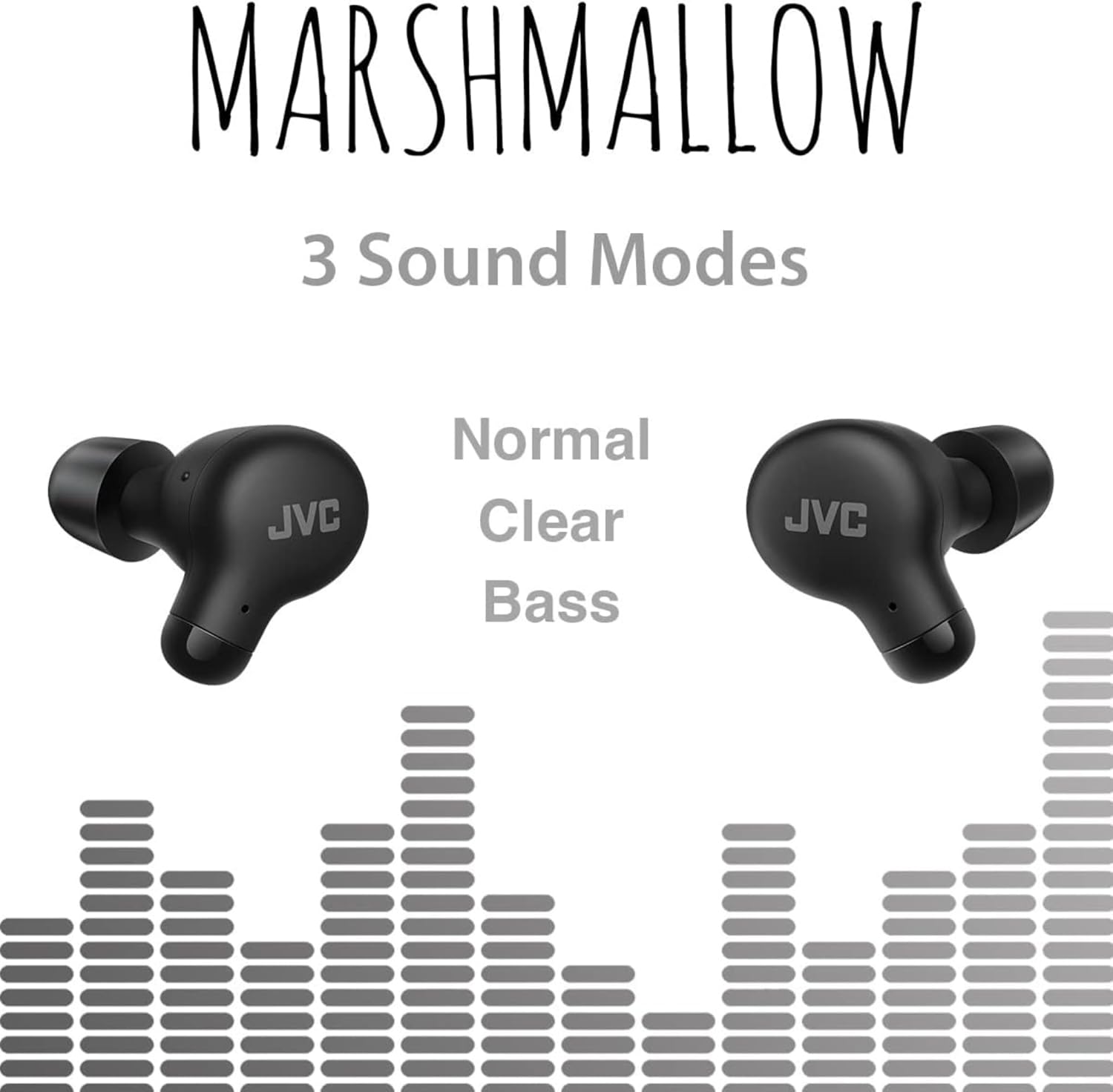
Image: A person wearing JVC Marshmallow earbuds during a workout, highlighting their IPX4 water-resistant design.
Решавање проблеми
- Слушалките не се спаруваат: Проверете дали обете слушалки се во кутијата за полнење, а потоа отворете го капакот за да го започнете режимот на спарување. Проверете ги поставките за Bluetooth на вашиот уред и обидете се повторно да се поврзете.
- Нема звук од едната слушалка: Place both earbuds back in the case, close the lid, and then reopen. This often resets the connection.
- Ниска јачина на звук или лош квалитет на звук: Ensure earpieces are clean and properly fitted. Adjust sound modes (Normal, Clear, Bass) to your preference.
- Проблеми со полнењето: Verify the charging cable is securely connected to both the case and power source. Clean the charging contacts on the earbuds and inside the case.
Спецификации
| Бренд | JVC |
| Број на модел | HAA18TB |
| Технологија за поврзување | Bluetooth 5.3 |
| Поставување на увото | Во уво |
| Ниво на отпорност на вода | IPX4 (Водоотпорен) |
| Просечен век на траење на батеријата | 28 часа (со кутија за полнење) |
| Време на полнење на батеријата | 2 часа |
| Контролен метод | Допир, глас |
| Тежина на ставката | 1.44 унци |
| UPC | 046838501890 |
Гаранција и поддршка
Your JVC Marshmallow True Wireless Earbuds come with a 1-year warranty covering parts and labor. For technical support, warranty claims, or further assistance, please visit the official JVC website or contact JVC customer service.
Video: Official JVC Marshmallow True Wireless Earbuds (HAA18T) product overview, demonstrating key features and usage.