
Вовед
This manual provides detailed instructions for the installation, operation, and maintenance of your Mars Gaming MARSGAMING MCX ATX PC Gaming Case, Model MCF. Please read this manual thoroughly before beginning assembly to ensure proper setup and optimal performance.

Figure 1: Mars Gaming MARSGAMING MCX ATX PC Gaming Case (Model MCF)
Клучни карактеристики
- Advanced Gaming Lighting: Features triple vented front and rear fans with ARGB lighting, complemented by a Metal-Mesh front design and tempered glass side window.
- Аеродинамички дизајн: Sophisticated look with pure geometric lines and premium finishes. The aerodynamically designed front panel enhances ventilation and airflow.
- Full ARGB Compatibility: ARGB lighting with multiple preset effects, controllable via an ARGB connector or motherboard for extensive aesthetic customization.
- Максимален капацитет за ладење: Includes a triple front fan system and a 120mm rear fan. Supports up to 6 x 120mm fans, removable magnetic top and bottom filters, and dual chamber design. Full support for up to 360mm liquid cooling.
- Maximum Internal Capacity: Supports ATX, micro-ATX, and mini-ITX motherboards, up to 5 hard drives, and efficient internal cable management. Accommodates VGAs up to 305mm long (330mm without front fan) and 167mm wide, and heatsinks up to 177mm high.
Содржина на пакетот
Проверете дали сите компоненти се присутни во пакувањето пред да продолжите со инсталацијата.
- Mars Gaming MARSGAMING MCX ATX PC Gaming Case (Model MCF)
- 4 x 120mm ARGB Fans (pre-installed)
- Accessory kit (screws, standoffs, cable ties)
- Упатство за употреба (овој документ)
Инструкции за поставување
1. Подготовка на случајот
Place the case on a stable, flat surface. Remove the tempered glass side panel by unscrewing the thumb screws at the rear of the case and carefully sliding the panel off.
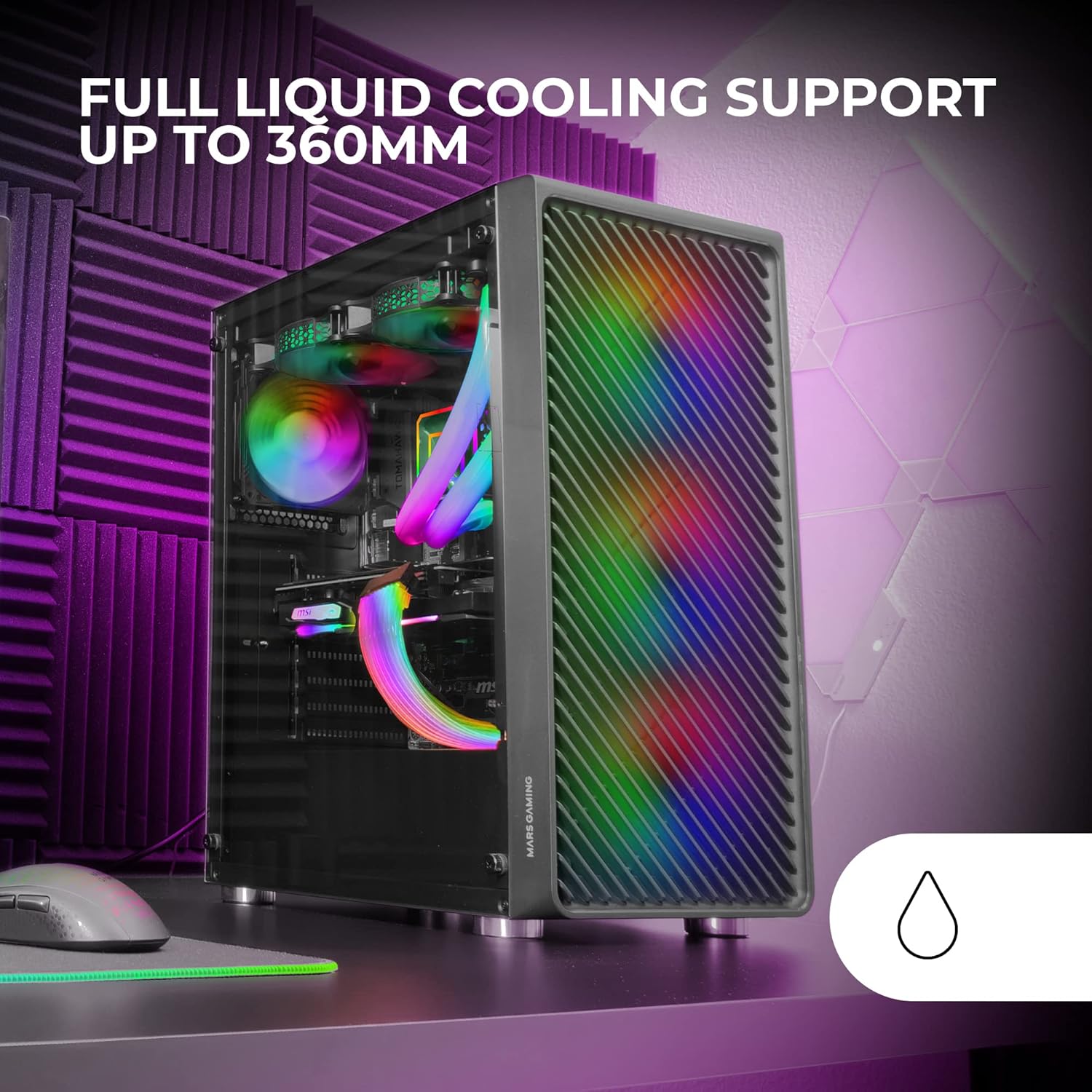
Figure 2: Tempered Glass Side Window
The front panel features a Metal-Mesh design for optimal airflow.

Figure 3: Metal-Mesh Front Panel
2. Инсталација на матична плоча
Install the appropriate standoffs for your ATX, Micro-ATX, or Mini-ITX motherboard. Carefully place the motherboard into the case, aligning it with the standoffs and the I/O shield opening. Secure the motherboard with screws from the accessory kit.
3. Инсталација на единица за напојување (PSU)
The case features a bottom-mount power supply design. Slide your PSU into its designated compartment at the bottom rear of the case and secure it with screws. Route the necessary cables through the cable management cutouts.
4. Инсталација на диск за складирање
Install your 3.5-inch hard drives and 2.5-inch solid-state drives into the available drive bays. The case supports up to 5 hard drives. Refer to the internal layout diagram for bay locations.
5. Инсталација на графичка картичка (VGA)
Remove the necessary PCI-E slot covers. Insert your graphics card into the appropriate PCI-E slot on your motherboard and secure it with screws. The case supports VGAs up to 305mm long (330mm without a front fan) and 167mm wide.
6. Cooling System Installation (Fans & Liquid Cooling)
The case comes with four pre-installed 120mm ARGB fans (three front, one rear). Additional fans can be installed as follows:
- Врв: До 2 x 120 mm или 2 x 140 mm вентилатори.
- Предна страна: Up to 3 x 120mm or 2 x 140mm fans (pre-installed).
- Заден дел: 1 x 120mm fan (pre-installed).
For liquid cooling, the case supports radiators up to 360mm.

Figure 4: Pre-installed 4x 120mm ARGB Fans

Figure 5: Internal Layout and Cooling Support
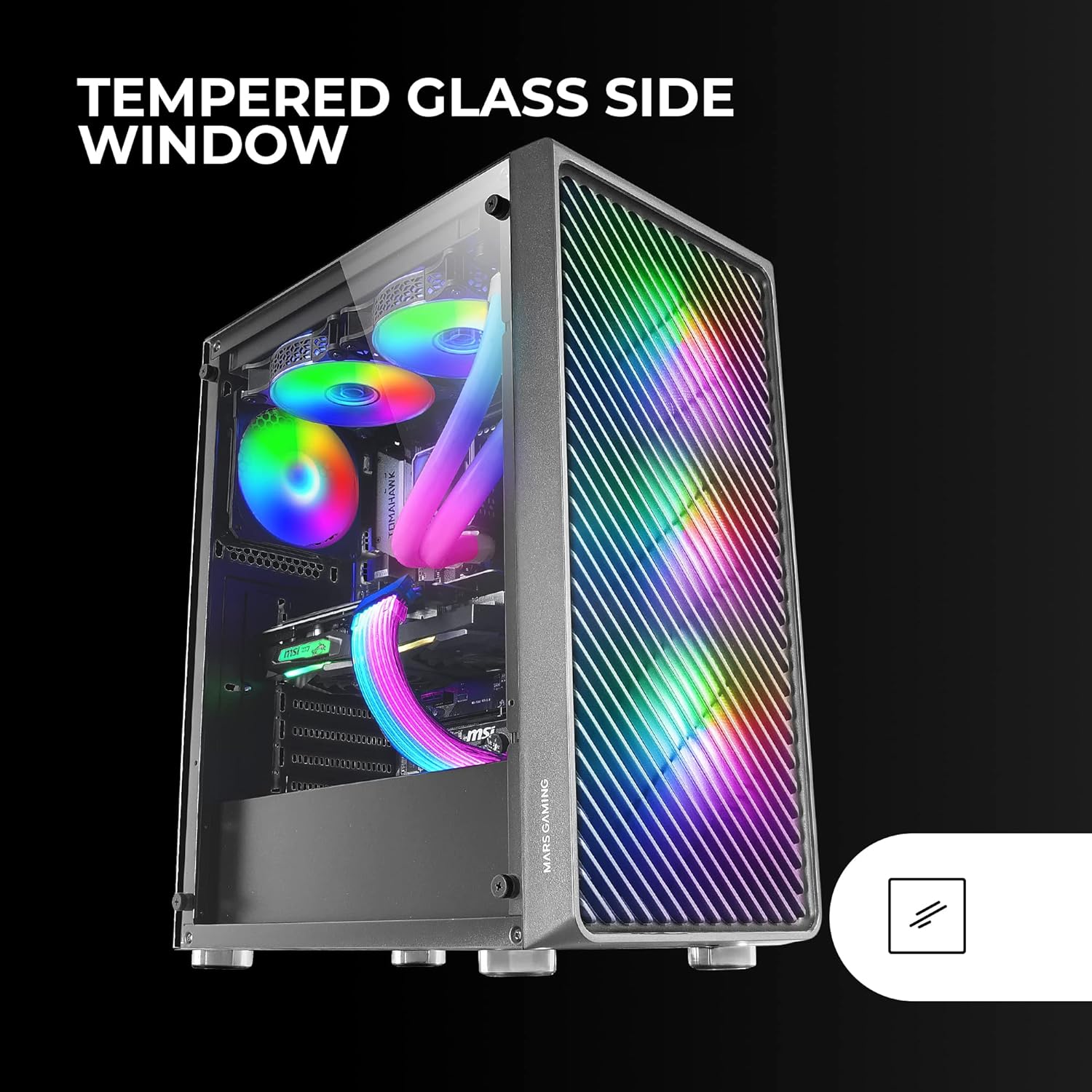
Figure 6: Liquid Cooling Support
7. Управување со кабли
Користете ги отворите за управување со кабли и точките за врзување зад фиоката на матичната плоча за да ги насочите и обезбедите каблите. Ова го подобрува протокот на воздух и естетиката.
8. Завршно собрание
Once all components are installed and cables are managed, reattach the tempered glass side panel and secure it with the thumb screws.
Упатства за работа
Вклучување
Connect your power supply to a wall outlet. Press the power button located on the top panel of the case to turn on your system.
ARGB контрола на осветлување
The pre-installed ARGB fans can be controlled via your motherboard's ARGB software (if connected to an ARGB header) or through the integrated controller (if applicable). Refer to your motherboard manual for specific ARGB software instructions. The case offers multiple preset lighting effects.
Одржување
Чистење на случајот
Редовно чистете ја надворешноста на куќиштето со мека, дamp cloth. Avoid abrasive cleaners. For interior cleaning, use compressed air to remove dust from components and fans.
Одржување на филтерот за прашина
The case features removable magnetic dust filters on the top and bottom. Periodically remove and clean these filters to maintain optimal airflow and prevent dust buildup inside the system. Wash with water and mild soap, then dry completely before reattaching.
Решавање проблеми
Fans Not Spinning / RGB Not Working
- Check all fan and ARGB connections to the motherboard or controller.
- Ensure the power supply is providing adequate power.
- Verify that ARGB software or physical controls are correctly configured.
Poor Airflow / Overheating
- Clean all dust filters and fans.
- Ensure proper fan orientation for intake and exhaust.
- Проверете дали никакви кабли не го попречуваат протокот на воздух.
- Consider adding additional fans if temperatures remain high.
Системот не се вклучува
- Check all power connections from the PSU to the motherboard and components.
- Ensure the front panel power button cable is correctly connected to the motherboard.
- Verify the PSU is switched on.
Спецификации
| Карактеристика | Детал |
|---|---|
| Бренд | Марс Гејминг |
| Име на моделот | MCF |
| Тип на случај | Mid Tower |
| Компатибилност со матична плоча | ATX, Micro ATX, Mini-ITX |
| Материјал | Метал |
| Боја | Црното |
| Димензии на ставката (Д x Ш x В) | 14.96" Д x 8.5" Ш x 18.11" В |
| Тежина на ставката | 4.7 килограми |
| Internal Bays Quantity | 5 (for 3.5" Hard Disk Form Factor) |
| Максимална должина на графичкиот процесор | 305mm (330mm without front fan) |
| Максимална висина на ладилникот на процесорот | 177 мм |
| Претходно инсталирани вентилатори | 4 x 120 mm ARGB вентилатори |
| Метод на ладење | Воздух, Вода |
| Поддршка за течно ладење | Up to 360mm radiator |
| Тип на монтирање на напојување | Долна монтажа |
| Вкупно USB порти | 2 (USB 2.0) |
| Посебни карактеристики | RGB Lighting, Tempered Glass Side Panel, Metal-Mesh Front Panel |
Гаранција и поддршка
За информации за гаранцијата и техничка поддршка, ве молиме погледнете ја официјалната страница на Mars Gaming. webлокација или контактирајте го нивниот оддел за корисничка поддршка. Зачувајте го доказот за купување за гаранциски барања.
Производител: Марс Гејминг