
Вовед
This manual provides detailed instructions for the setup, operation, and maintenance of your VTech CS1501 DECT Cordless Phone system. Please read this manual thoroughly to ensure proper use and to take full advantagе од сите карактеристики.
Содржина на пакетот
Your VTech CS1501 package includes the following items:
- 2 x безжични слушалки
- 2 x Handset Chargers (Bases)
- 4 x NiMH Rechargeable Batteries (2 per handset)
- 1 x кабел за телефонска линија
- 1 x адаптер за напојување за основната единица
- 1 x Водич за брз почеток (не е вклучен во ова дигитално упатство)

Image: Two VTech CS1501 cordless handsets with their respective charging bases.
Поставување
1. Инсталација на батерија
- Отворете го капакот на преградата за батерии на задната страна од секој слушалки.
- Вметнете ги двете испорачани NiMH батерии што можат да се полнат, почитувајќи го точниот поларитет (+ и -).
- Добро затворете го капакот на преградата за батерии.
2. Поврзување со основната единица
- Connect the power adapter to the base unit and plug it into a standard electrical outlet.
- Поврзете го едниот крај од телефонскиот кабел со базата, а другиот крај со телефонскиот ѕиден приклучок.
3. Полнење на мобилните телефони
Place each handset on its respective charging base. The innovative dual-charging design allows you to place the handset face down or face up. Face-up orientation allows for easy screen viewing, while face-down is convenient for quick placement and maintaining the unit's sleek design.

Image: A VTech CS1501 handset being charged, illustrating the dual-charging capability (face up or face down).
Allow the handsets to charge for at least 16 hours before initial use to ensure optimal battery performance.
Упатства за работа
Упатување и примање повици
- За да остварите повик: Притиснете го Зборувајте / трепкајте копчето, потоа бирајте го бројот.
- За да добиете повик: Кога телефонот ќе заѕвони, притиснете го копчето Зборувајте / трепкајте копче.
- За да завршите повик: Притиснете го ИСКЛУЧЕНО/ЧИСТИ button or place the handset back on the charger.
Спикерфон без раце
За да го активирате звучникот без раце за време на повик, притиснете го копчето ЗВУЧНИК button. Press it again to return to handset mode.

Image: A VTech CS1501 handset in a kitchen, with an overlay indicating the speakerphone button for hands-free calling.
Идентификација на повикувач / Повик на чекање
The handset displays the name, number, time, and date of incoming calls. The phone stores up to 20 caller ID records. If you subscribe to Call Waiting service, the phone will alert you to a second incoming call.

Image: A VTech CS1501 handset showing a phone number on its display, with an adjacent graphic illustrating a list of stored caller ID entries.
Phonebook (Directory)
You can store up to 60 names and numbers in the phonebook for quick dialing. Refer to the on-screen menu for adding, editing, and deleting entries.

Image: A VTech CS1501 handset displaying a phone number on its screen, indicating the phonebook feature for storing up to 60 contacts.
Блокатор на повици
The nuisance call blocker allows you to block unwanted calls. You can add up to 60 numbers to the blacklist. Access this feature through the handset menu to manage blocked numbers.

Image: A close-up of the VTech CS1501 handset keypad, with a magnified view of the call blocker button, indicating its function.
Конференции во 3 насоки
The handset call transfer and intercom features enable multiple users to participate in a conversation simultaneously. This allows for a three-way conference call.

Image: A collage of three individuals engaged in phone conversations, representing the 3-way conferencing capability of the phone system.
Редилирање
The phone stores the last 10 numbers dialed. To redial a number, press the РЕДИЈАЛНО button and select the desired number from the list.
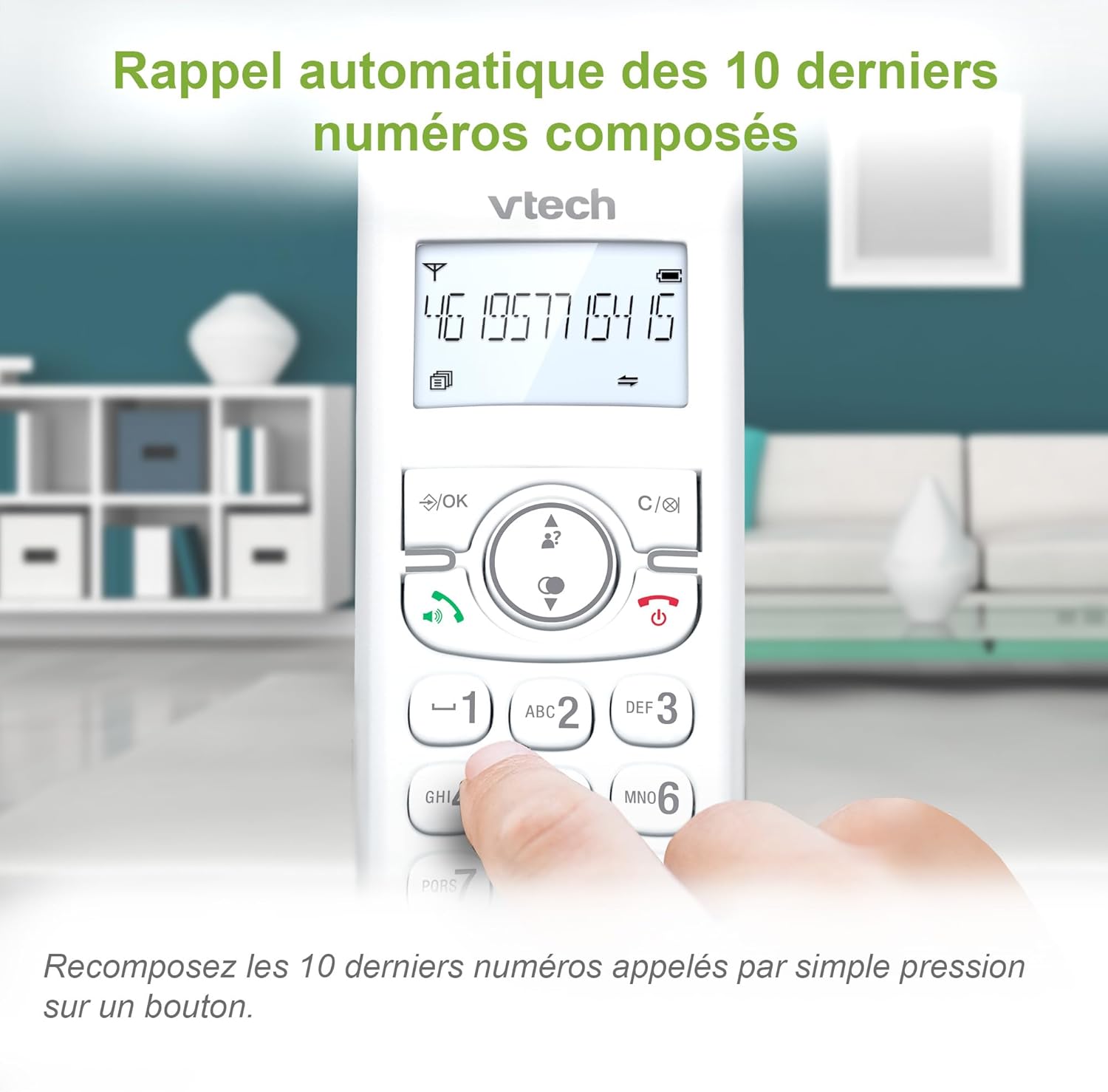
Image: A VTech CS1501 handset displaying a phone number, with an arrow pointing to the redial button, illustrating the 10-number redial feature.
Дополнителни функции
- Функција за аларм: Set practical alarms on the handset.
- Функција за исклучување на звукот: Mute your voice during calls when privacy is needed.
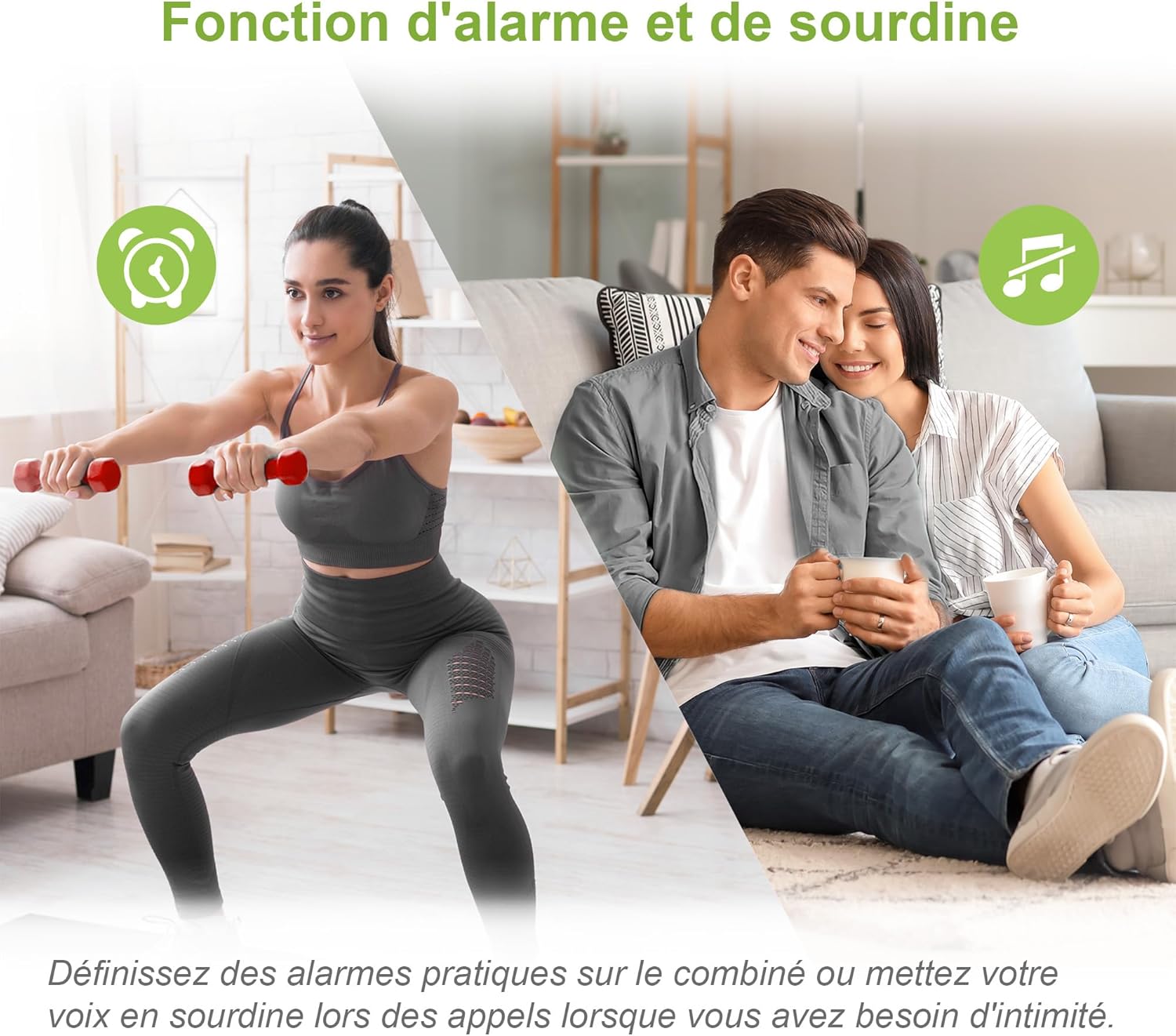
Image: A split image showing a person exercising (with an alarm clock icon) and a couple relaxing (with a mute icon), representing the alarm and mute functions of the phone.
ЕКО режим
The handset automatically adjusts and minimizes radio frequency power based on its distance from the base unit, promoting energy efficiency.

Image: A VTech CS1501 handset on its charging base in a home setting, with an ECO mode leaf icon, indicating its energy-saving feature.
Екран и тастатура со позадинско осветлување
The backlit LCD screen and keypad illuminate, making dialing and reading information easy, even in low-light conditions.
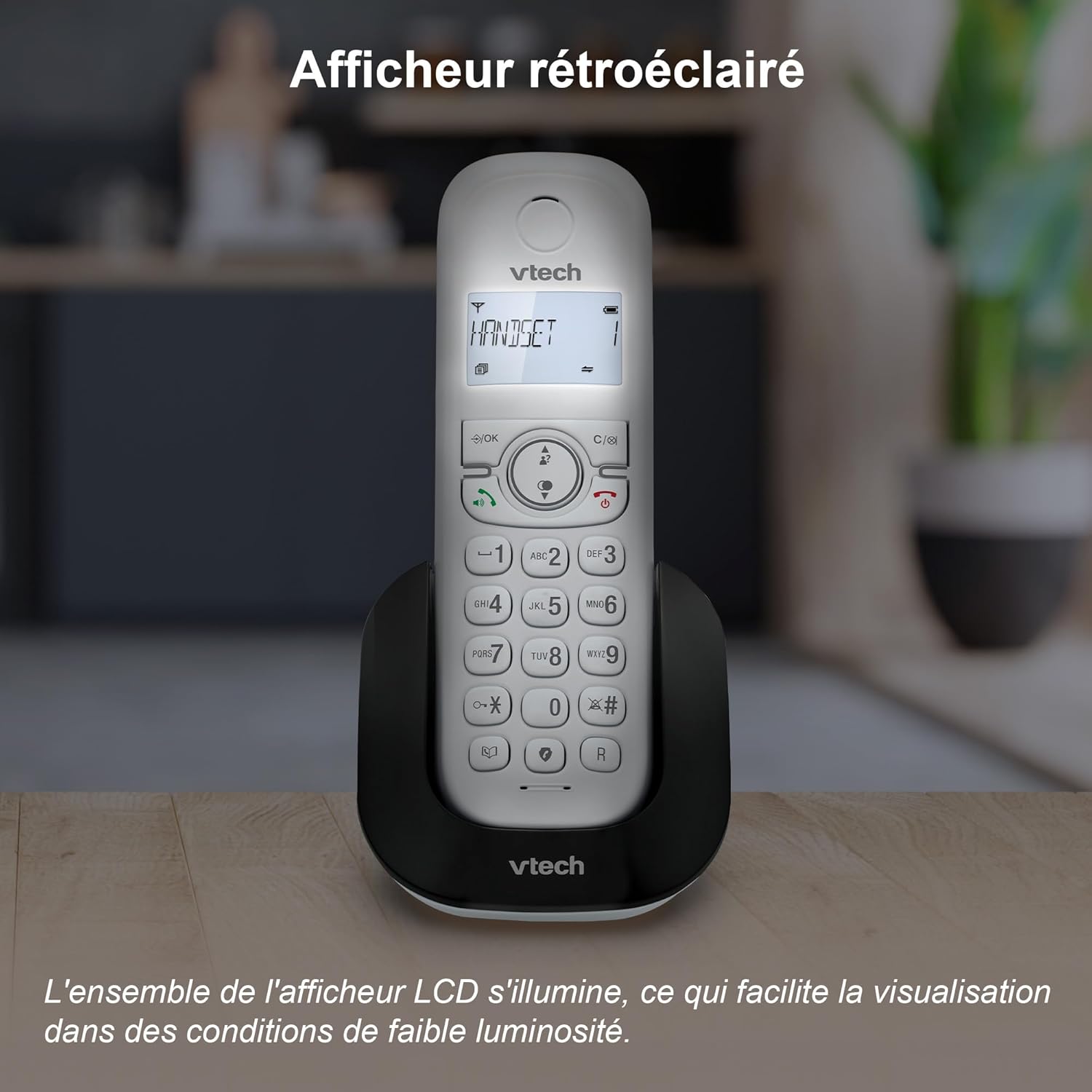
Image: A VTech CS1501 handset on its charging base, with its backlit display clearly visible in a dimly lit environment.
Adjustable Ringtone Volume and Melodies
Easily adjust the ringtone volume and select your preferred melody through the handset settings.

Image: A VTech CS1501 handset on its charging base, with musical notes emanating from it, symbolizing the adjustable ringtone volume and melody options.
Long Range Reliability
Benefit from reliable coverage and clear, long-range clarity throughout your home.

Image: A VTech CS1501 handset and its base unit placed in different areas of a spacious home, with signal waves indicating long-range coverage.
Траење на батеријата
The handset offers up to 13 hours of talk time and 200 hours of standby time on a full charge.

Image: A graphic highlighting '13 hours talk time' with a battery icon, illustrating the VTech CS1501's extended battery performance.
Одржување
- Чистење: Избришете го телефонот и базата со мека, дamp крпа. Не користете спрејови за чистење или јаки хемикалии.
- Нега на батеријата: For optimal battery life, avoid fully discharging the batteries frequently. If the phone will be unused for an extended period, remove the batteries.
- Еколошки услови: Држете го телефонот подалеку од прекумерна топлина, директна сончева светлина и влага.
Решавање проблеми
| Проблем | Решение |
|---|---|
| Нема тон за бирање | Проверете дали телефонскиот кабел е безбедно поврзан и со базата и со ѕидниот приклучок. Проверете дали адаптерот за напојување е правилно поврзан. |
| Не може да се остваруваат/примаат повици | Verify that the handset batteries are charged. Check the telephone line connection. Ensure the handset is registered to the base. |
| Лош квалитет на звукот | Приближете се до базата. Проверете дали има пречки од други електронски уреди. Уверете се дека телефонскиот кабел не е оштетен. |
| Слушалката не се полни | Проверете дали слушалката е правилно поставена во лежиштето за полнење. Исчистете ги контактите за полнење и на слушалката и на базата со сува крпа. |
| Екранот е празен | Charge the handset batteries. If the problem persists, try resetting the phone by unplugging the base unit's power adapter for a few minutes, then plugging it back in. |
Спецификации
- Бренд: VTech
- Број на модел: CS1501
- Боја: Бело
- Тип: Телефон безжичен DECT
- Број на слушалки: 2
- Компатибилни уреди: Fixed telephone networks only
- Тип на батерија: NiMH rechargeable batteries (4 included)
- Материјал: Пластика
- Извор на енергија: Battery Powered (Handset), AC Adapter (Base)
- Тип на бирач: Едноставна тастатура
- Тежина на ставката: Approximately 499.2 Grams (total package)
- Време за разговор: До 13 часа
- Време на мирување: До 200 часа
- Карактеристики: Call Blocking, Caller ID/Call Waiting, Hands-Free Speakerphone, Backlit LCD, 60-Name Directory, 3-Way Conferencing, ECO Mode, 10 Last Number Redial, Adjustable Ringtone, Alarm Function, Mute Function.
Гаранција и поддршка
За информации за гаранцијата и техничка поддршка, ве молиме погледнете ја документацијата што ја приложивте со вашата нарачка или посетете ја официјалната страница на VTech. webлокација. Специфичните гарантни услови може да се разликуваат во зависност од регионот и продавачот.