
Вовед
This manual provides detailed instructions for the setup, operation, and maintenance of your VTech CS1550 DECT Cordless Phone with Answering Machine. Please read this manual thoroughly to ensure proper use and to take full advantagе од сите карактеристики.

Image: The VTech CS1550 DECT Cordless Phone, featuring a white handset and black base unit.
Содржина на пакетот
Before beginning installation, ensure all items are present in your package:
- Безжична слушалка
- Базна единица
- Адаптер за напојување за основната единица
- Кабел за телефонска линија
- Rechargeable NiMH Batteries (4x AAA size, typically)
- Упатство за употреба (овој документ)
Поставување
1. Инсталација на батерија
- Пронајдете ја преградата за батерии на задниот дел од слушалката.
- Отворете го капакот на преградата за батерии.
- Insert the supplied NiMH rechargeable batteries, observing the correct polarity (+ и -).
- Добро затворете го капакот на преградата за батерии.
2. Поврзување со основната единица
- Connect the power adapter to the base unit and plug it into a wall outlet.
- Поврзете го едниот крај од телефонскиот кабел со базата, а другиот крај со телефонскиот ѕиден приклучок.
- Place the base unit in a central location for optimal signal range.
3. Initial Handset Charging
Place the handset on the base unit to charge. The VTech CS1550 features a dual-charging design, allowing you to place the handset face down or face up. For initial use, charge the handset for at least 16 hours to ensure full battery capacity.
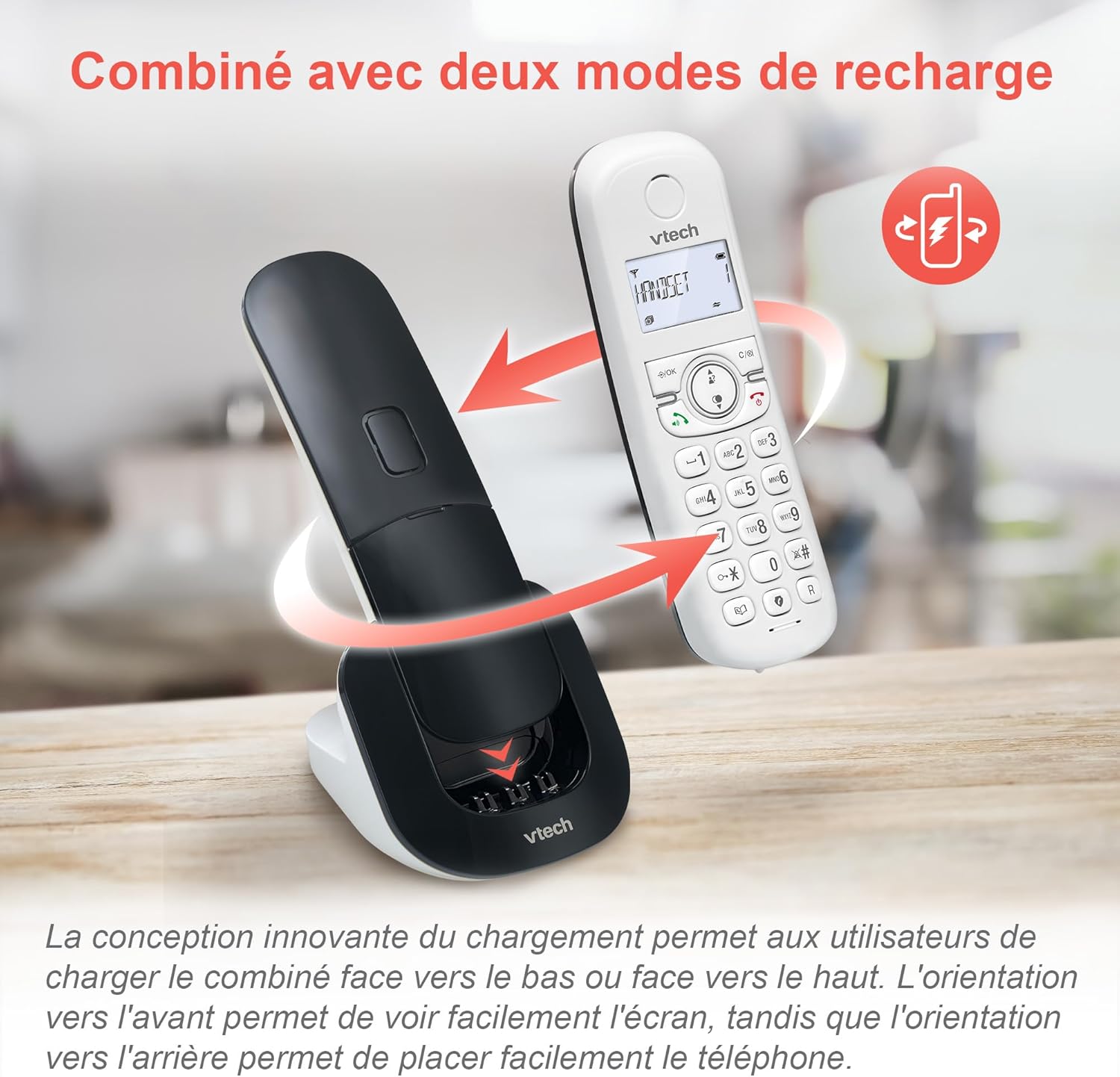
Image: The VTech CS1550 handset can be charged face down or face up on its base unit, offering flexible placement options.
4. Поставување датум и време
After initial charging, the handset will prompt you to set the date and time. Follow the on-screen instructions using the navigation and OK buttons.
Упатства за работа
Упатување и примање повици
- За да остварите повик: Притиснете го Разговор копчето, потоа бирајте го бројот.
- За да одговорите на повик: Притиснете го Разговор копче кога телефонот ѕвони.
- За да завршите повик: Притиснете го Крај копче.
Функција за звучник
За време на повик, притиснете на Звучник button to activate hands-free communication. Press it again to return to handset mode.
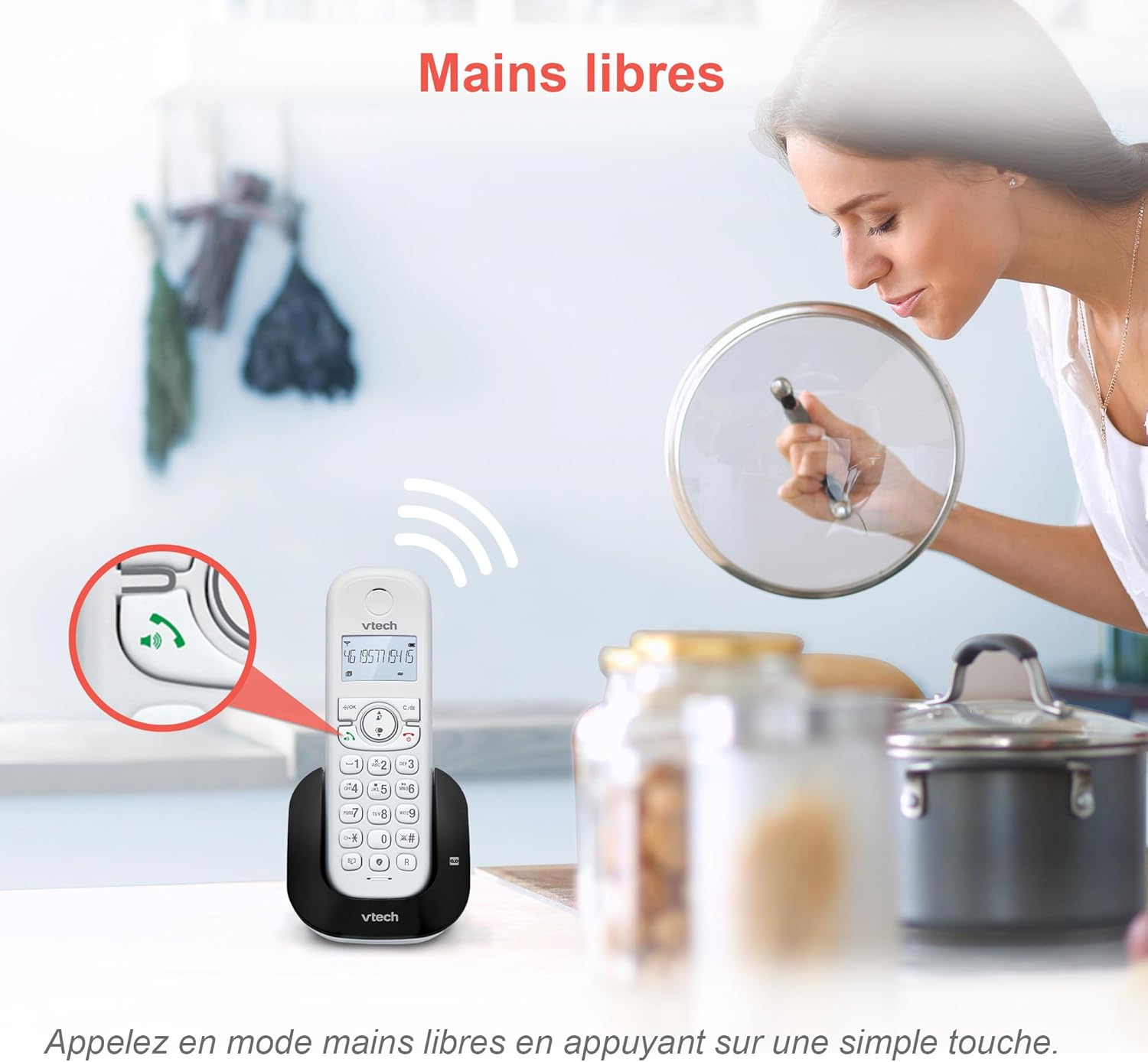
Image: The speakerphone button on the VTech CS1550 handset allows for hands-free calling.
ID на повикувач и чекање повик
The phone displays the name, number, time, and date of incoming calls. It stores up to 20 caller ID records. If you have Call Waiting service, the phone will alert you to a second incoming call.

Image: The handset display shows incoming caller ID details, including number, name, time, and date.
Функција за повторно бирање
To redial one of the last 10 numbers called, press the Редилирање button and select the desired number from the list.
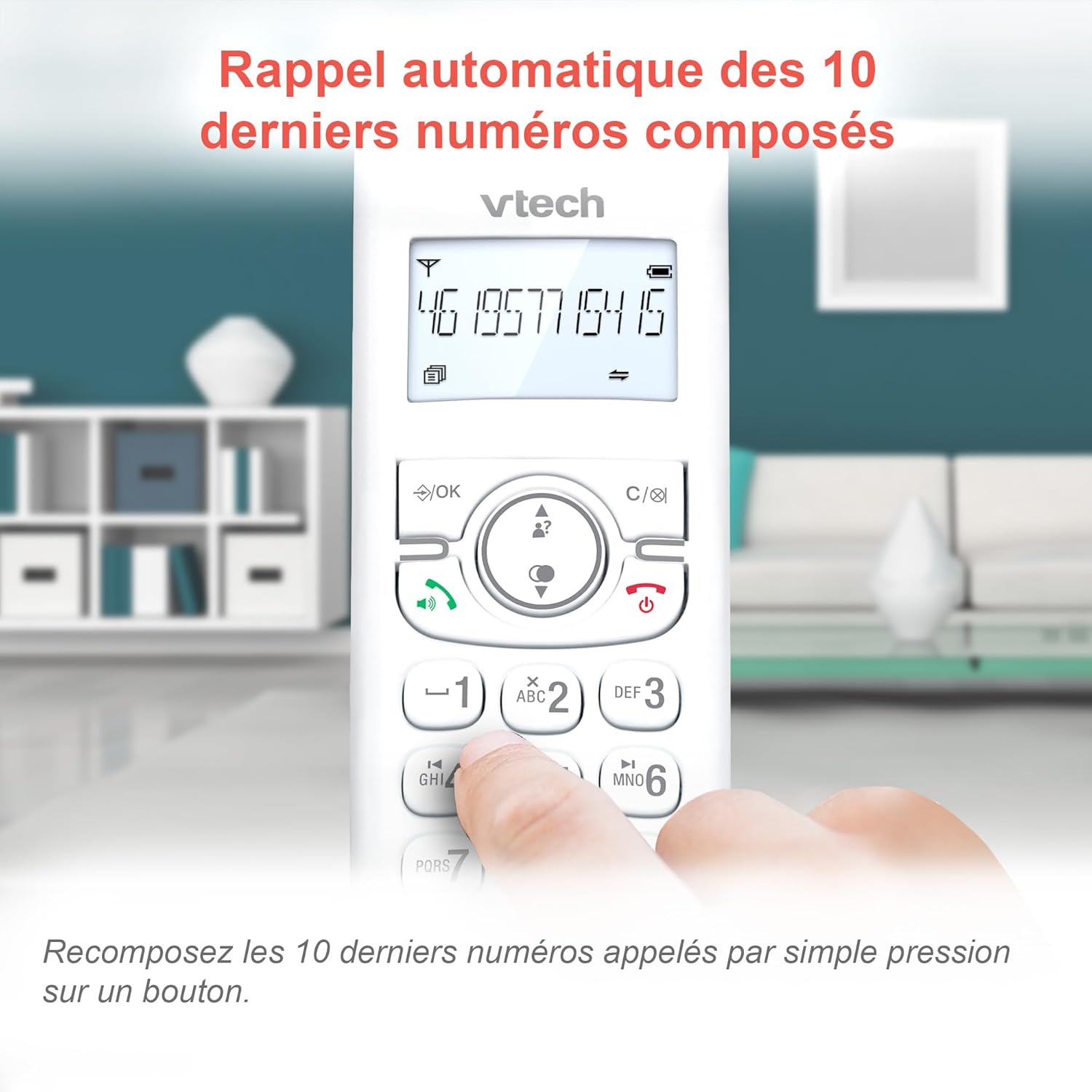
Image: Easily redial the last 10 numbers by pressing the dedicated redial button on the handset.
Именик
The phonebook can store up to 60 names and numbers. Refer to the on-screen menu for instructions on adding, editing, and deleting entries.
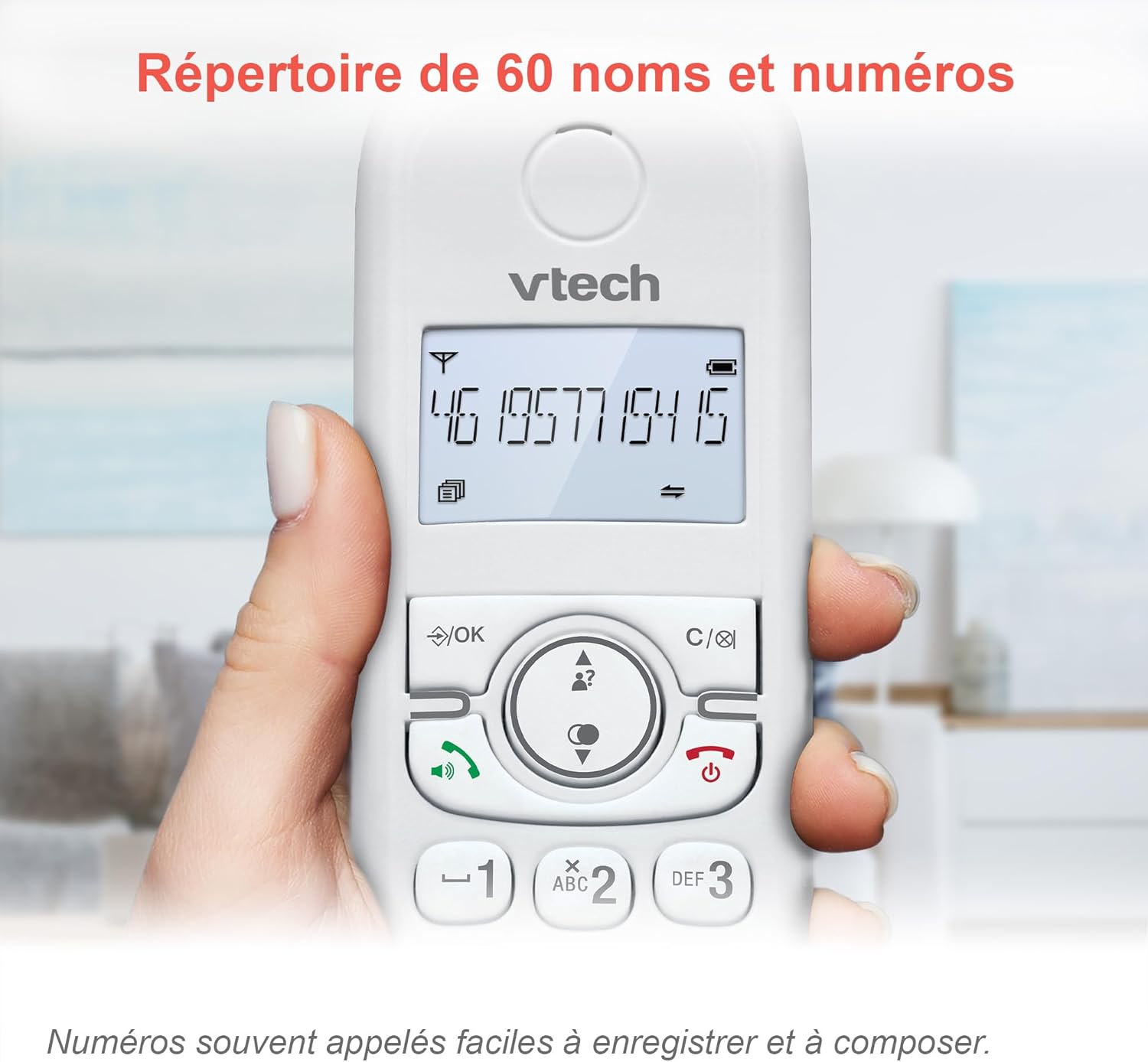
Image: The phonebook allows storage of up to 60 contacts for quick dialing.
Дигитална телефонска секретарка
The integrated answering machine records messages for up to 15 minutes. You can access messages from the handset or the base unit. Follow the menu prompts to set up your outgoing message and retrieve messages.

Image: The answering machine feature records messages for up to 15 minutes when you are unavailable.
Блокатор на досадни повици
Block unwanted calls by adding up to 60 numbers to the blacklist. This feature prevents blocked numbers from ringing your phone.

Image: The call blocker button allows you to add unwanted numbers to a blacklist, preventing future calls from ringing.
ЕКО режим
ECO mode automatically adjusts and minimizes the radio frequency power based on the distance between the handset and the base unit, optimizing energy consumption.
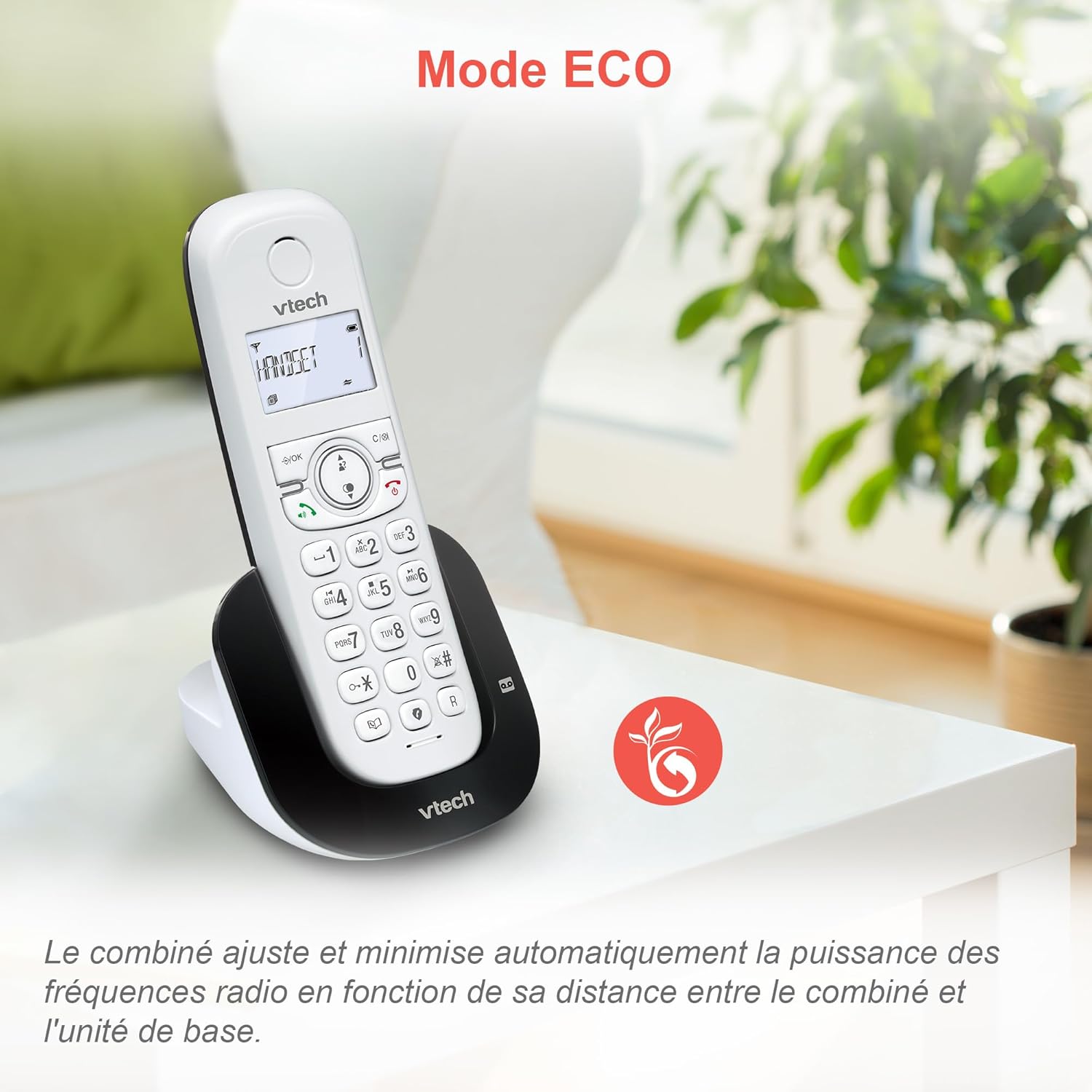
Image: ECO mode automatically reduces power consumption based on handset proximity to the base unit.
Alarm and Mute Functions
Set alarms directly on the handset. During a call, you can mute your microphone for privacy by pressing the mute button.

Image: The phone includes alarm functionality and a mute feature for calls, enhancing user convenience and privacy.
Adjustable Ringer Volume and Melodies
Customize your phone's ringing experience by adjusting the ringer volume and selecting from available melodies through the handset menu.

Image: Adjust the ringer volume and choose from various melodies to personalize your phone's alerts.
Екран и тастатура со позадинско осветлување
The handset features a backlit LCD screen and keypad, ensuring clear visibility and ease of use even in low-light conditions.

Image: The backlit display and keypad provide enhanced visibility in dark environments.
Покриеност со долг дострел
The DECT technology provides reliable long-range coverage and clear audio quality throughout your home or office.

Image: The phone offers extended range and clear communication across various areas of your property.
Траење на батеријата
The handset provides up to 13 hours of talk time and up to 200 hours of standby time on a full charge.

Image: The VTech CS1550 offers up to 13 hours of continuous talk time.
Одржување
Чистење на вашиот телефон
Избришете го телефонот и базата со мека, дamp крпа. Не користете спрејови за чистење или груби хемикалии, бидејќи тие може да ја оштетат завршната обработка или електричните компоненти.
Нега на батерии
Use only the supplied rechargeable NiMH batteries. Do not use alkaline, manganese, or other non-rechargeable batteries. If the phone will not be used for an extended period, remove the batteries to prevent leakage.
Решавање проблеми
If you experience issues with your VTech CS1550, try the following steps:
- Нема тон на бирање: Проверете дали телефонскиот кабел е безбедно поврзан и со базата и со ѕидниот приклучок. Проверете дали другите телефони на истата линија работат.
- Не можам да воспоставувам/примам повици: Verify the power adapter is properly connected to the base unit and a working power outlet. Ensure the handset batteries are charged.
- Лош квалитет на звукот: Move the handset closer to the base unit. Check for interference from other electronic devices.
- Слушалката не се полни: Ensure the handset is correctly seated in the charging cradle. Clean the charging contacts on both the handset and base unit with a dry cloth.
- Телефонската секретарка не снима: Проверете дали телефонската секретарка е вклучена. Осигурајте се дека има доволно време за снимање.
For further assistance, refer to the detailed troubleshooting section in the full user manual or contact VTech customer support.
Спецификации
| Бренд | VTech |
| Број на модел | CS1550 |
| Боја | Бело |
| Тип на телефон | Безжичен DECT |
| Компатибилни уреди | Switched telephone network (PSTN), potentially other analog telephone networks |
| Состав на батерија | NiMH (4x AAA size included) |
| Време за разговор | До 13 часа |
| Време на мирување | До 200 часа |
| Време на снимање на телефонската секретарка | 15 минути |
| Капацитет на именик | 60 имиња и броеви |
| Call Blocker Capacity | До 60 броеви |
| Записи за идентификација на повикувач | 20 записи |
| Тежина | 275 грама |
| Материјал | Пластика |
Информации за гаранцијата
Specific warranty details for the VTech CS1550 DECT Cordless Phone are typically provided with your purchase documentation. Please refer to the warranty card or contact your retailer for information regarding warranty coverage and terms. Information regarding spare parts availability and software updates is not available in the provided product data.
Поддршка за корисници
For technical assistance, product inquiries, or service, please visit the official VTech website or contact VTech customer support directly. Contact information can usually be found on the VTech webна локацијата или во материјалите за пакување.