
1. Вовед
The JZAQ A13 Bluetooth Helmet Speakers and Intercom System provides wireless communication and audio playback for motorcycle riders, skiers, cyclists, and other sports enthusiasts. This system features Bluetooth 5.3 connectivity, two-way intercom functionality, noise cancellation, and a waterproof design for reliable performance in various conditions.

Image 1.1: JZAQ A13 Bluetooth Helmet Headset overview.
2. Содржина на пакетот
Пред инсталацијата, проверете дали сите наведени подолу се присутни во вашиот пакет:
- JZAQ A13 Headphone Host
- Hard Earbuds
- Soft Earbuds
- Основа за клип
- Paste Base
- Horn Velcro
- Кабел за полнење TYPE-C
- Hard and Soft Velcro Pads
- Упатство за употреба

Image 2.1: All components included in the JZAQ A13 package.
3. Производот завршиview
Familiarize yourself with the main unit and its controls:
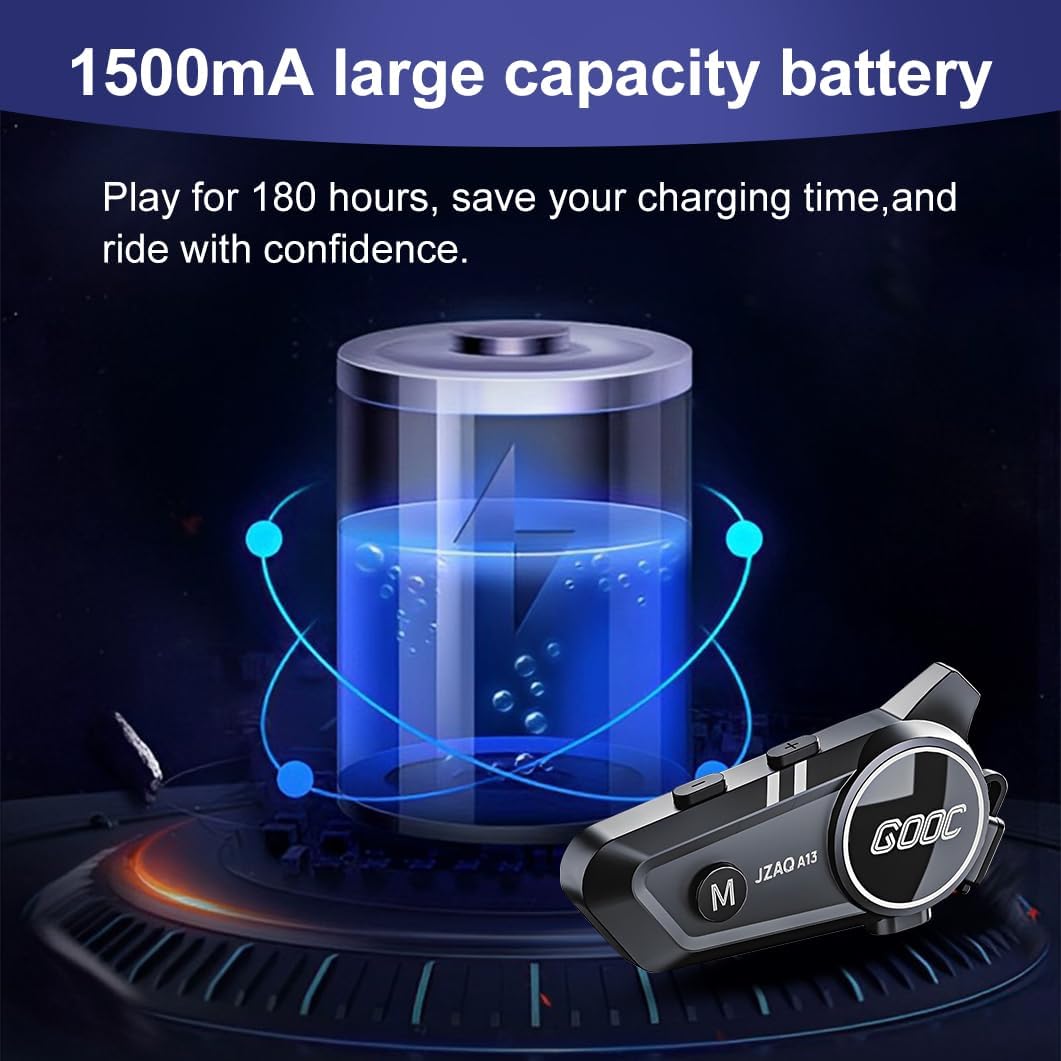
Image 3.1: Diagram illustrating the button functions and ports on the JZAQ A13 unit.
- Power On/Off/Pause/Play/Connect Button: Controls power, music playback, and Bluetooth connection.
- Volume Up/Next Song Button: Ја зголемува јачината на звукот и прескокнува на следната песна.
- Volume Down/Previous Song/Voice Assistant Button: Decreases volume, goes to the previous track, and activates the voice assistant.
- Порта за полнење: USB Type-C порт за полнење на уредот.
- Jackек за слушалки: Connects the speakers and microphone.
4. Поставување и инсталација
4.1 Полнење на уредот
Before first use, fully charge the JZAQ A13 unit. Connect the provided TYPE-C charging cable to the charging port on the unit and a USB power source. A full charge typically takes approximately 2 hours. The device features a 1500mAh battery, providing up to 180 hours of continuous play time.

Image 4.1: Illustration of the 1500mAh large capacity battery.
4.2 Инсталација на кацига
The JZAQ A13 is designed to be compatible with various helmet types. The speakers are ultra-thin (10mm) to ensure comfort and avoid ear pressure.

Слика 4.2: На пр.amples of various helmet types compatible with the JZAQ A13.
Follow these steps to install the system in your helmet:
- Поставување звучници: Identify suitable locations within your helmet for the speakers, typically in the ear recesses. Use the provided Velcro pads to secure the speakers.
- Приклучок за микрофон: Choose between the hard or soft earbuds (microphones) based on your helmet type and preference. Attach the microphone using Velcro in a position that allows clear voice pickup without obstructing your vision or comfort.
- Монтирање на главната единица: Use either the clip base or the paste base to attach the main JZAQ A13 unit to the side of your helmet. Ensure it is securely fastened and easily accessible for operation.
- Управување со кабли: Route all cables neatly within the helmet padding to prevent discomfort or interference.

Image 4.3: Step-by-step visual guide for installing the JZAQ A13 system into a helmet.
5. Упатства за работа
5.1 Вклучување/исклучување
- Вклучување: Притиснете и задржете го копчето за вклучување/исклучување приближно 3 секунди додека не светне индикаторската ламбичка.
- Исклучено: Притиснете го и држете го копчето за вклучување приближно 3 секунди додека индикаторската ламбичка не се изгасне.
5.2 Спарување преку Bluetooth
The JZAQ A13 uses Bluetooth 5.3 for stable wireless connectivity.
- Проверете дали уредот е исклучен.
- Притиснете го и држете го копчето за вклучување приближно 5-7 секунди додека индикаторската ламба не трепка наизменично црвена и сина, што укажува на режим на спарување.
- On your mobile phone or Bluetooth-enabled device, search for "JZAQ A13" in the Bluetooth settings.
- Select "JZAQ A13" to connect. Once paired, the indicator light will flash blue slowly.
5.3 Репродукција на музика
After successful Bluetooth pairing, you can play music from your connected device. The system features Hi-Fi stereo sound and DSP noise reduction technology for clear audio.

Image 5.1: The JZAQ A13 provides clear music playback with noise reduction.
- Пушти/Пауза: Притиснете го копчето за вклучување еднаш.
- Јачина на звук нагоре: Притиснете го копчето за зголемување на јачината на звукот (+).
- Намалување на јачината на звукот: Притиснете го копчето за намалување на јачината на звукот (-).
- Следна песна: Притиснете и задржете го копчето за зголемување на јачината на звукот (+).
- Претходна песна: Притиснете и задржете го копчето за намалување на јачината на звукот (-).
5.4 Двонасочен домофон
The JZAQ A13 supports two-way intercom communication between two riders within a range of up to 200 meters. The universal pairing function allows connection with other compatible intercom systems.

Image 5.2: Illustration of two-way intercom communication between riders.
- Иницирај интерфон: Consult the specific instructions for initiating intercom with another JZAQ A13 unit or a universally paired device.
- Краен интерфон: Press the Power button once during an active intercom call.
5.5 Телефонски повици
The system supports hands-free calling with automatic answering and DSP noise reduction for clear voice communication.
- Одговори на повикот: The system will automatically answer incoming calls after a few rings.
- Крај на повикот: Притиснете го копчето за вклучување еднаш.
- Одбијте го повикот: Притиснете и задржете го копчето за вклучување 2 секунди.
5.6 гласовен асистент
Activate your smartphone's voice assistant (e.g., Siri) directly from the JZAQ A13.
- Активирајте го гласовниот асистент: Press the Volume Down (-) button twice quickly.
6. Одржување
6.1 Хидроизолација
The JZAQ A13 features IPX67 deep waterproof technology with Nano coating, making it suitable for use in rainy or snowy conditions and capable of operating in temperatures as low as -20°F.
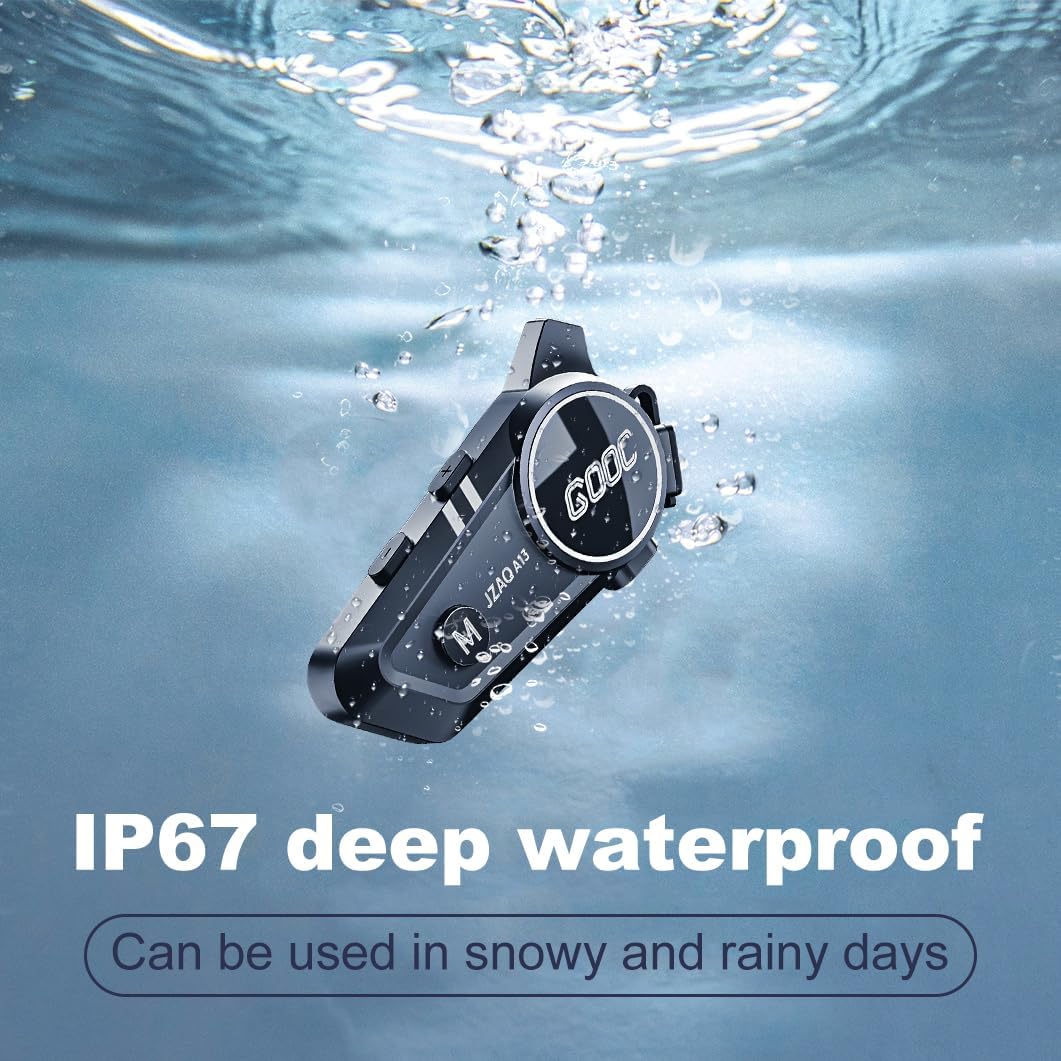
Image 6.1: The JZAQ A13 demonstrating its IP67 deep waterproof capability.
6.2 Чистење и чување
- Избришете го уредот со меко, гamp крпа. Избегнувајте употреба на груби хемикалии или абразивни средства за чистење.
- Осигурајте се дека капакот на приклучокот за полнење е безбедно затворен за да се одржи водоотпорноста.
- Чувајте го уредот на ладно и суво место кога не го користите.
7 Смена на проблеми
If you encounter issues with your JZAQ A13, refer to the following common problems and solutions:
| Проблем | Можна причина | Решение |
|---|---|---|
| Уредот не се вклучува | Слаба батерија; Уредот е замрзнат; | Charge the device fully; Perform a hard reset (if applicable, refer to manufacturer for specific steps). |
| Не може да се спари со телефон | Not in pairing mode; Bluetooth off on phone; Device already paired | Ensure device is in pairing mode (flashing red/blue); Turn on phone's Bluetooth; Forget previous connections on phone and re-pair. |
| Нема звук од звучници | Volume too low; Speakers disconnected; Faulty connection | Increase volume on device and phone; Check speaker connections; Try re-plugging speakers into the main unit. |
| Интеркомот не се поврзува | Out of range; Incorrect pairing procedure | Ensure riders are within 200m range; Repeat intercom pairing steps for both units. |
| Poor voice quality during calls/intercom | Microphone position; Excessive wind noise | Adjust microphone closer to mouth; Ensure microphone is shielded from direct wind. |
8. Спецификации
Key technical specifications for the JZAQ A13 Bluetooth Helmet Speakers & Intercom System:
| Карактеристика | Спецификација |
|---|---|
| Име на моделот | A13 |
| Бренд | JZAQ |
| Технологија за поврзување | Безжичен (Bluetooth) |
| Bluetooth верзија | 5.3 |
| Капацитет на батеријата | 1500 mAh |
| Траење на батеријата (време за репродукција) | До 180 часа |
| Време на полнење | 2 часа |
| Опсег на домофон | Up to 200 meters (two-way) |
| Ниво на отпорност на вода | IPX67 (Водоотпорен) |
| Контрола на бучава | Sound Isolation, DSP Noise Reduction |
| Посебни карактеристики | Built-In Voice Assistant, Fast Charging, Includes microphone, Lightweight |
| Тежина на ставката | 7.4 унци (0.21 килограми) |
| Работна температура | -20°F to (unspecified upper limit) |
9. Гаранција и поддршка
The JZAQ A13 Bluetooth Helmet Speakers & Intercom System comes with a 2 година гаранција. For any product-related inquiries, technical assistance, or warranty claims, please contact JZAQ customer service through the Amazon Buyer Center. Our customer service team is available to assist you.


