
1. Вовед
This manual provides instructions for the VTech CS2051 DECT 2 Handset Cordless Home Telephone with Answering Machine. It covers setup, operation, maintenance, and troubleshooting to ensure optimal performance of your device. Please read these instructions carefully before using your telephone.
2. Содржина на пакетот
Потврдете дека вашиот пакет ги содржи следниве ставки:
- 1 x Основна единица
- 2 x безжични слушалки
- 2 x полначи за мобилни телефони
- 2 x AC Adaptors (for base unit and chargers)
- 2 x Battery Packs (AAA batteries required, included)
- 1 x кабел за телефонска линија
- 1 x Водич за брз почеток

Image: The VTech CS2051 system, showing the main base unit with one handset, and a separate charger with the second handset.
3. Поставување
3.1 Инсталација на батерија
- Отворете го капакот на преградата за батерии на задната страна од секој слушалки.
- Insert the supplied AAA battery pack, ensuring correct polarity.
- Затворете го капакот на преградата за батерии.
- Place each handset on its respective charger or the base unit to charge for at least 16 hours before first use.
3.2 Поврзување на основната единица
- Поврзете го едниот крај од телефонскиот кабел со LINE портата на базата.
- Поврзете го другиот крај од телефонскиот кабел со ѕидниот телефонски приклучок.
- Connect the AC adaptor to the POWER port on the base unit.
- Plug the AC adaptor into a mains power outlet.
- For the additional charger, connect its AC adaptor to the charger and then to a mains power outlet.
3.3 Регистрација на телефон
Your handsets are typically pre-registered to the base unit. If a handset displays 'Unregistered' or 'Register Handset', follow these steps:
- На базата, притиснете и држете го СТРАНИЦА button for approximately 5 seconds until the registration indicator light flashes.
- On the handset, navigate to the 'Registration' menu (refer to the Quick Start Guide for specific menu navigation).
- Select 'Register Handset' and enter the system PIN (default is usually 0000).
- The handset will display 'Registering...' and then 'Handset Registered' upon successful completion.
4. Упатства за работа
4.1 Остварување и примање повици
- За да остварите повик: Притиснете го РАБОТИ копче, потоа бирајте го бројот. Алтернативно, прво бирајте го бројот, а потоа притиснете РАБОТИ.
- За да добиете повик: Кога телефонот ќе заѕвони, притиснете го копчето РАБОТИ копче.
- За да завршите повик: Притиснете го КРАЈ копчето или вратете ја слушалката на базата/полначот.
4.2 Digital Answering Machine
The base unit includes a digital answering machine to record messages when you are unavailable.
- Репродукција на пораки: Притиснете го ИГРАЈ/СТОП button on the base unit. The display will show the number of new messages.
- Бришење пораки: За време на репродукција на пораката, притиснете го копчето ИЗБРИШИ копчето на базата.
- Поставување: Access the answering machine settings via the handset menu to record your outgoing message or adjust settings.

Image: The base unit of the VTech CS2051, highlighting the digital answering system with a message count display.
4.3 Блокатор на досадни повици
This feature allows you to block unwanted incoming calls.
- Блокирање на број: During or after a call, access the call blocker menu on the handset. You can add numbers to a block list.
- Блокирање на непознати броеви: The system can be configured to block calls from numbers not stored in your phonebook or from withheld numbers.

Image: A VTech CS2051 handset, illustrating the call blocker feature for managing unwanted calls.
4.4 Идентификација на повикувач и чекање на повик
These features require subscription from your telephone service provider.
- ID на повикувач: The handset display shows the caller's number (and name if stored in your phonebook) before you answer. The phone stores up to 20 incoming call records.
- Повик на чекање: If you are on a call and another call comes in, you will hear a tone. You can switch between calls.

Image: A close-up of the VTech CS2051 handset display showing an incoming call number, demonstrating the Caller ID feature.
4.5 Звучник
The speakerphone function allows for hands-free conversations.
- Активирање: За време на повик, притиснете на ЗВУЧНИК копче.
- За деактивирање: Притиснете го ЗВУЧНИК button again or lift the handset to your ear.
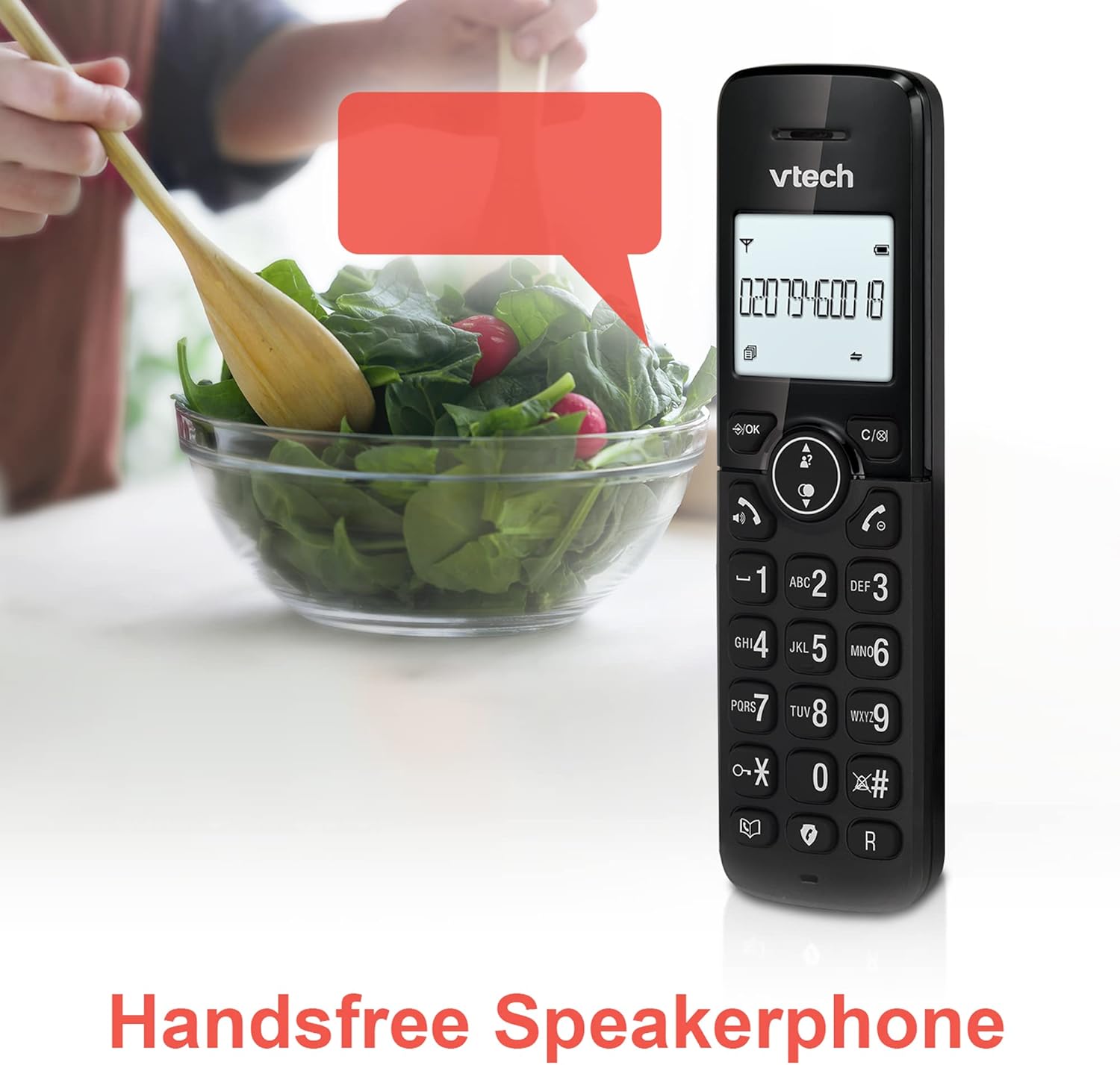
Image: A VTech CS2051 handset positioned for hands-free use, illustrating the speakerphone capability.
4.6 Домофон
You can use the handsets to communicate with each other internally.
- To Initiate: Притиснете го ИНТ button on one handset and select the desired handset to call.
4.7 Adjustable Ring Volume and Melody
Customize the ringtone and volume to your preference.
- Access the 'Ringtone Settings' or 'Volume Settings' menu on the handset to choose from available melodies and adjust the ring volume.

Image: A VTech CS2051 handset, highlighting the controls for adjusting ring volume and melody settings.
4.8 Функција за аларм и исклучување на звук
- Аларм: Set an alarm through the handset menu.
- Исклучи звук: За време на повик, притиснете на МУТИРА button to temporarily silence your microphone. Press again to unmute.

Image: Illustrates the alarm function (represented by a clock icon) and the mute function (represented by a musical note icon) available on the VTech CS2051.
5. Одржување
- Чистење: Wipe the telephone and handsets with a soft, damp крпа. Не користете абразивни средства за чистење или растворувачи.
- Нега на батеријата: Ensure handsets are placed on the charger when not in use to maintain battery life. Replace batteries when performance significantly degrades.
- Локација: Place the base unit in a central location, away from other electrical appliances that may cause interference.
6 Смена на проблеми
- Нема тон на бирање: Проверете дали телефонскиот кабел е безбедно поврзан и со базата и со ѕидниот штекер. Проверете дали адаптерот за наизменична струја е правилно вклучен.
- Слушалката не се полни: Verify the handset is correctly seated in the charger/base unit. Clean the charging contacts on both the handset and charger with a dry cloth.
- Лош квалитет на повик/пречки: Поместете ја базата подалеку од други електронски уреди (на пр., Wi-Fi рутери, микробранови печки). Осигурајте се дека слушалката е во опсегот на базата.
- Handset Displays 'Unregistered': Follow the handset registration steps in Section 3.3.
- Телефонската секретарка не снима: Check the answering machine settings via the handset menu to ensure it is enabled and has sufficient recording time.
7. Спецификации
| Карактеристика | Спецификација |
|---|---|
| Модел | CS2051 |
| Тип на телефон | DECT безжичен |
| Број на слушалки | 2 |
| Тип на одговорен систем | Digital (up to 15 minutes record time) |
| Идентификација на повикувач | Да (потребна е претплата) |
| Блокатор на досадни повици | Да |
| Приказ | 1.8-inch Backlit Display |
| Батерии | Потребни се 4 AAA батерии (вклучени) |
| Материјал | Акрилонитрил бутадиен стирен (ABS) |
| Извор на енергија | Напојува со батерија |
| Повеќелиниска операција | Да |
8. Гаранција и поддршка
This VTech CS2051 product is supplied as an Amazon Renewed item. For specific warranty details and support, please refer to the Amazon Renewed program terms and conditions or contact Amazon Renewed customer service directly. VTech provides manufacturing support for its products. For technical assistance or further information, please visit the official VTech support website or consult the full user manual if available from the manufacturer.