
Вовед
Thank you for choosing the HOCO W40 Bluetooth Headphones. These wireless headphones are designed to provide a high-quality audio experience with deep bass, clear calls, and comfortable wear. This manual will guide you through the setup, operation, and maintenance of your new headphones.
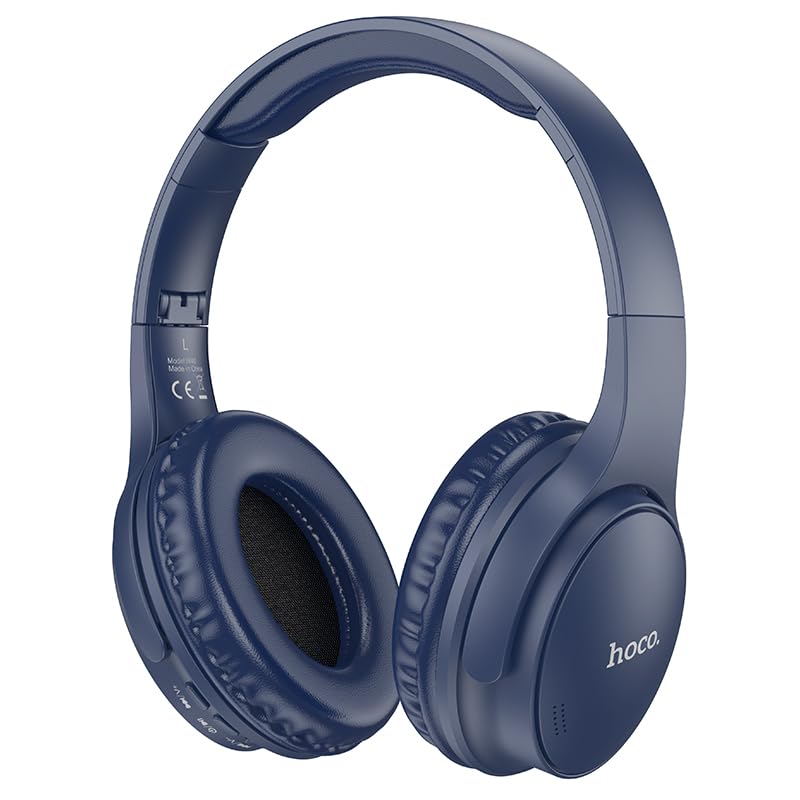
Image: HOCO W40 Bluetooth Headphones in a folded position, showcasing the earcups and headband. The headphones are blue.
Што има во кутијата
Проверете ја содржината на вашиот пакет за да се осигурате дека сите предмети се присутни:
- HOCO W40 Bluetooth Headphones
- Ушни перничиња
- Headband (integrated with headphones)
The package includes the HOCO W40 Bluetooth Headphones, along with ear cushions and the integrated headband for comfortable use.
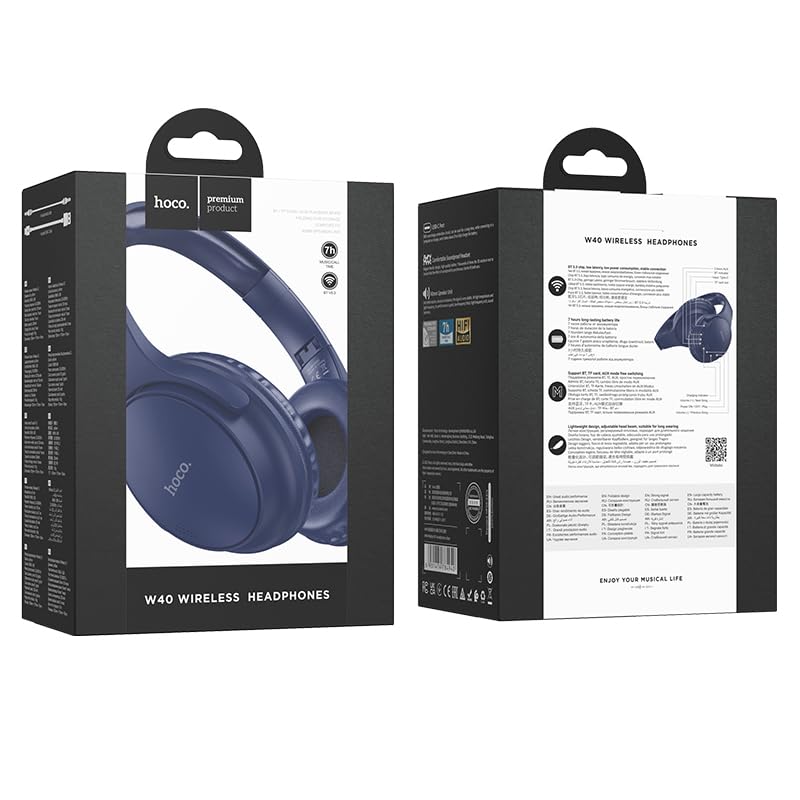
Image: Retail packaging for the HOCO W40 Wireless Headphones, showing the product image and some features on the box.
Производот завршиview
Familiarize yourself with the various parts and controls of your HOCO W40 headphones.
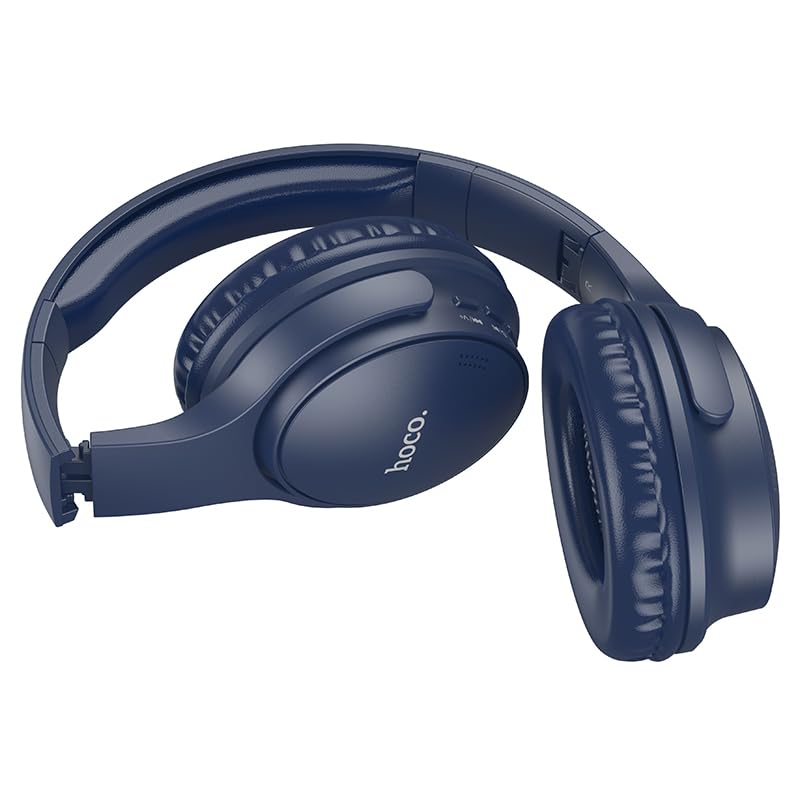
Слика: Страна view of the HOCO W40 Bluetooth Headphones, highlighting the earcup and headband design. The controls are visible on the right earcup.
Контроли и индикатори:
- Копче за вклучување: Used to power the headphones on/off and initiate pairing.
- Контрола на јачината на звукот: Adjusts the listening volume using touch controls.
- Копче за повеќе функции (MFB): За репродукција/пауза, одговарање/завршување на повици.
- Микрофон: Вграден за повици без користење на рацете.
- Порта за полнење: За поврзување на кабелот за полнење.
- LED индикатор: Shows power status, pairing mode, and charging status.
The headphones feature touch controls for volume adjustment and other functions, along with a built-in microphone for clear communication.
Поставување
1. Полнење на слушалките
Before first use, fully charge your headphones. A full charge takes approximately 1 час.
- Connect the charging cable (not included in the JSON's 'whats_in_the_box' but typically provided) to the charging port on the headphones.
- Поврзете го другиот крај на кабелот со USB извор на енергија (на пр. компјутер, ѕиден адаптер).
- The LED indicator will show the charging status (e.g., red while charging, blue/off when fully charged).
Once fully charged, the headphones provide up to 12 часа of continuous playtime.
2. Спарување со уред со Bluetooth
The HOCO W40 headphones use Bluetooth 5.3 for stable and seamless connectivity. They are compatible with smartphones, tablets, laptops, and other Bluetooth-enabled devices (iOS, Android).
- Проверете дали слушалките се исклучени.
- Press and hold the Power Button until the LED indicator flashes rapidly (usually blue and red alternately), indicating pairing mode.
- На вашиот уред, овозможете Bluetooth и побарајте достапни уреди.
- Select "HOCO W40" from the list of found devices.
- Once paired, the LED indicator will stop flashing and may turn solid blue or off, depending on the model.
- The headphones have a wireless range of up to 10 метри.
If pairing is unsuccessful, turn off both devices, wait a few seconds, and repeat the steps.
Упатства за работа
Вклучување/исклучување
- Вклучување: Press and hold the Power Button for approximately 3 seconds until the LED indicator lights up.
- Исклучено: Press and hold the Power Button for approximately 5 seconds until the LED indicator turns off.
Контрола на музика
- Пушти/Пауза: Кратко притиснете го копчето за повеќе функции (MFB).
- Јачина на звук нагоре: Tap the designated touch control area for volume up.
- Намалување на јачината на звукот: Tap the designated touch control area for volume down.
- Следна песна: Double-tap the MFB or use the designated touch control.
- Претходна песна: Triple-tap the MFB or use the designated touch control.
Note: Specific touch control gestures may vary slightly. Refer to the quick start guide included with your product for precise details.
Контрола на повици
- Одговори/заврши повик: Кратко притиснете го копчето за повеќе функции (MFB).
- Одбијте го повикот: Притиснете и задржете го MFB 2 секунди.
- Повторно бирајте последен број: Притиснете двапати на MFB кога не сте на повик.
Одржување
Proper care will extend the life of your HOCO W40 headphones.
- Чистење: Користете мека, сува крпа за чистење на слушалките. Не користете абразивни средства за чистење или растворувачи.
- Складирање: Слушалките чувајте ги на ладно и суво место, подалеку од директна сончева светлина и екстремни температури.
- Отпорност на вода: The headphones are water resistant, making them suitable for workouts and outdoor activities. However, they are not designed for submersion in water. Avoid prolonged exposure to heavy rain or direct water jets.
- Нега на батеријата: To preserve battery life, charge the headphones regularly, even if not in frequent use. Avoid fully discharging the battery for extended periods.
Решавање проблеми
| Проблем | Можно решение |
|---|---|
| Слушалките не се вклучуваат. | Ensure the headphones are charged. Connect them to a power source and try again after a few minutes. |
| Не може да се спари со уредот. |
|
| Нема звук или има ниска јачина на звук. |
|
| Квалитетот на повикот е слаб. |
|
Спецификации
| Модел | W40 |
| Бренд | HOCO |
| Технологија за поврзување | Безжичен (Bluetooth 5.3) |
| Опсег на Bluetooth | 10 метри |
| Траење на батеријата | До 12 часа |
| Време на полнење | Приближно 1 час |
| Тип на драјвер за аудио | Динамичен драјвер |
| Контрола на бучава | Звучна изолација |
| Ниво на отпорност на вода | Водоотпорен |
| Тип на контрола | Контрола на јачината на звукот (на допир) |
| Вграден микрофон | Yes, for Hands-Free Calls |
| Компатибилни уреди | Smartphones, Tablets, Laptops (Universal Compatibility) |
| Материјал | Пластика |
| Тежина на ставката | 180 гр |
Официјално видео за производот
Погледнете го официјалното видео за производот за визуелен прегледview of the HOCO W40 Bluetooth Headphones and their key features.
Видео: Официјален производ завршенview of the HOCO W40 Bluetooth Headphones, demonstrating its features, battery life, design, and device compatibility.
Гаранција и поддршка
За информации за гаранцијата и поддршка на клиентите, ве молиме погледнете ја документацијата вклучена во вашата нарачка или посетете ја официјалната страница на HOCO. webстраница. Зачувајте го доказот за купување за какви било гаранциски побарувања.
За дополнителна помош, можете да контактирате и со продавачот каде што е купен производот.