
1. Производот завршиview
The VTech CS1500 DECT cordless phone is designed for home use, offering essential communication features with enhanced convenience. This manual provides instructions for setting up, operating, and maintaining your phone.
Клучни карактеристики:
- Dual-Charging Design: Innovative design allows the handset to be charged face up for easy screen viewing or face down for a compact profile.
- Блокирање на повици: Block up to 60 unwanted numbers to prevent nuisance calls.
- ECO DECT Mode: Automatically adjusts radio frequency power based on distance from the base station, ensuring reduced energy consumption.
- Долг век на батеријата: Обезбедува до 13 часа време за разговор и 200 часа време на мирување.
- Екран со позадинско осветлување: Clear, easy-to-read display for optimal visibility.
- Именик: Зачувајте до 60 имиња и броеви за брзо бирање.
- ID на повикувач/Чекање повик: Stores up to 20 incoming call entries with name, number, time, and date.
- Повторно бирање на последен број: Easily redial the last 10 numbers called.
- Звучник без раце: For convenient conversations.
- Дополнителни функции: Adjustable ringtone volume and melodies, alarm function, mute function, 3-way conference, call transfer, and intercom.

Figure 1: VTech CS1500 DECT Cordless Phone Handset in Charging Base.
2. Содржина на пакетот
Осигурајте се дека вашиот пакет ги содржи следниве артикли:
- VTech CS1500 Handset
- Базна станица со адаптер за напојување
- Кабел за телефонска линија
- Rechargeable Batteries (1 product specific - included)
- Упатство за употреба (овој документ)
3. Водич за поставување
3.1 Инсталација на батерија
- Отворете го капакот на преградата за батерии на задниот дел од слушалката.
- Insert the supplied rechargeable batteries, observing the correct polarity (+ and -).
- Добро затворете го капакот на преградата за батерии.
3.2 Base Station Placement and Connection
- Place the base station on a flat, stable surface, away from heat sources and direct sunlight.
- Connect the small end of the power adapter to the power jack on the base station.
- Вклучете го големиот крај на адаптерот за напојување во ѕиден штекер.
- Connect one end of the telephone line cord to the telephone line jack on the base station.
- Вклучете го другиот крај од телефонскиот кабел во телефонски ѕиден приклучок.
3.3 Initial Charging and Handset Registration
- Place the handset in the base station to charge. The handset can be placed face up or face down.
- Оставете го телефонот да се полни најмалку 16 часа пред првата употреба за да се осигурате дека батеријата е целосно наполнета.
- The handset is typically pre-registered to the base station. If not, follow the on-screen prompts or refer to the full manual for manual registration steps.

Figure 2: Handset dual-charging design, allowing face-up or face-down placement in the base.

Figure 3: Illustration of the phone's reliable long-range signal within a home environment.
4. Упатства за работа
4.1 Остварување и примање повици
- За да остварите повик: Притиснете го Разговор button (green phone icon), then dial the number. Alternatively, dial the number first and then press Разговор.
- За да добиете повик: Кога телефонот ќе заѕвони, притиснете го копчето Разговор копче.
- За да завршите повик: Притиснете го Крај button (red phone icon) or place the handset back in the base station.
4.2 Користење на звучникот
За време на повик, притиснете на Звучник button (speaker icon) to activate hands-free mode. Press it again to return to handset mode.
4.3 Именик
The phonebook stores up to 60 names and numbers.
- За да додадете запис: Navigate to the Phonebook menu, select 'Add New', enter the name and number, then save.
- За бирање од телефонскиот именик: Притиснете го Именик button, scroll to the desired entry, and press Разговор.
4.4 Блокирање на повици
Block unwanted calls by adding numbers to the call block list (up to 60 entries).
- За блокирање на број: During an incoming call or from the Caller ID log, press the Повик блок button (shield icon) and confirm.

Figure 4: Close-up of the handset highlighting the call block button, used to prevent unwanted calls.
4.5 Caller ID and Call Log
The phone displays the caller's information (if available) and stores the last 20 incoming calls.
- На View Дневник на повици: Притиснете го CID button or navigate to the Call Log menu. Use the navigation keys to scroll through entries.
- To Dial from Call Log: Select an entry from the Call Log and press Разговор.

Figure 5: Handset display showing caller ID information and a list of stored incoming calls.
4.6 Повторно бирање на последен број
The phone stores the last 10 numbers dialed.
- To Redial: Притиснете го Редилирање button, scroll to the desired number, and press Разговор.

Figure 6: Handset display showing a number being redialed, illustrating the last 10 number redial function.
4.7 Други функции
- Исклучи звук: За време на повик, притиснете на Исклучи звук button to temporarily disable your microphone.
- Аларм: Set an alarm through the handset menu.
- Домофон: If you have multiple handsets, you can make internal calls between them.
- Тринасочна конференција: Allows three parties to participate in a single call.

Figure 7: A user on a call, with an indicator showing the phone's 13-hour talk time capability.
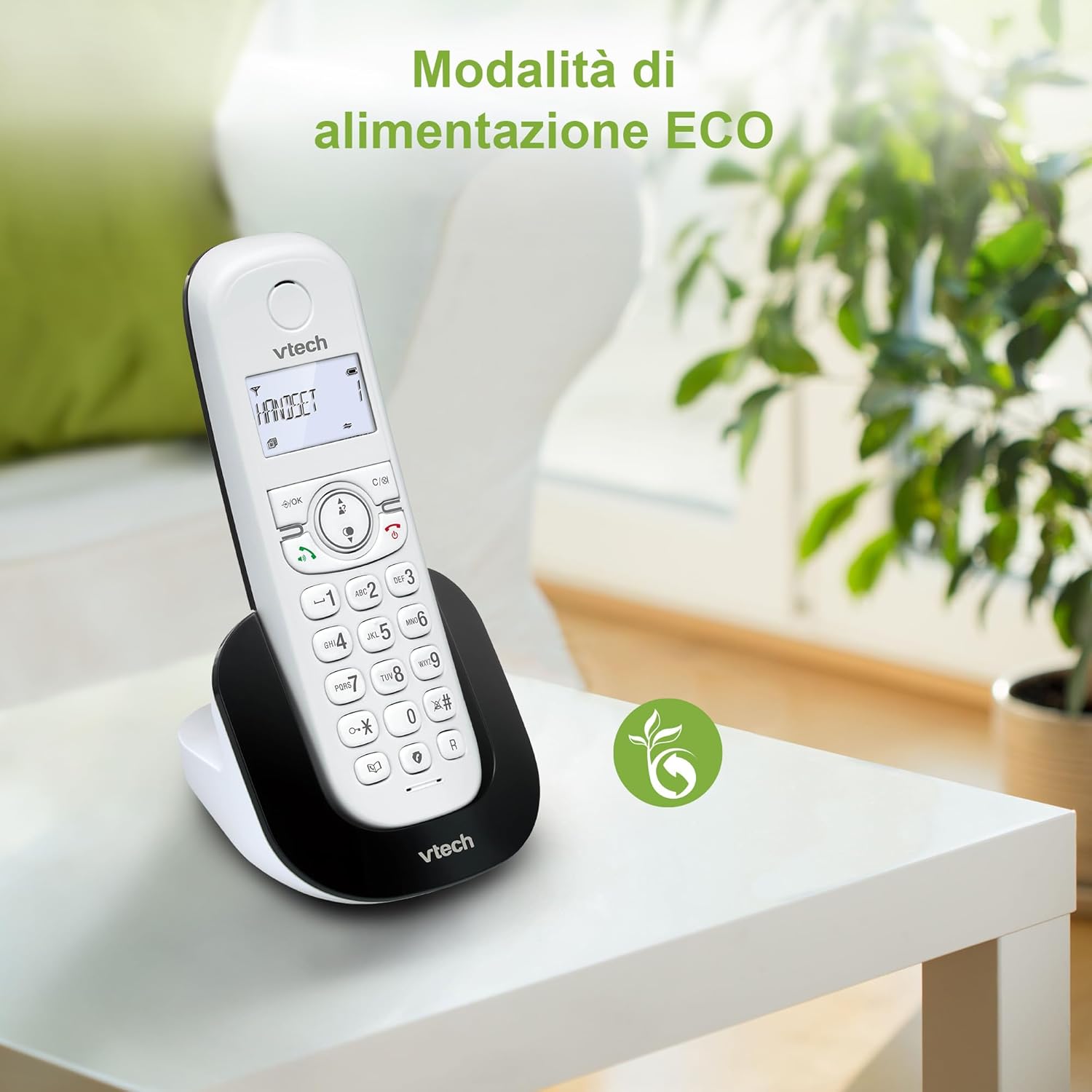
Figure 8: The phone in a home setting, indicating the energy-saving ECO power mode.
5. Одржување
5.1 Чистење
- Wipe the phone and base station with a soft, damp крпа.
- Do not use cleaning sprays or harsh chemicals, as these can damage the surface or internal components.
5.2 Грижа за батерии
- To maintain optimal battery performance, always return the handset to the base station when not in use.
- Доколку телефонот не се користи подолг период, извадете ги батериите за да спречите протекување.
- Replace batteries when their performance significantly degrades. Use only VTech-approved replacement batteries.
6 Смена на проблеми
If you experience issues with your VTech CS1500, try the following solutions:
| Проблем | Решение |
|---|---|
| Нема тон за бирање | Ensure the base station power adapter and telephone line cord are securely connected. Check if other phones on the same line are working. |
| Не може да се остваруваат/примаат повици | Check the telephone line connection. Ensure the handset batteries are charged. If multiple handsets, ensure they are registered. |
| Лош квалитет на звукот | Move closer to the base station. Ensure there are no large metal objects or other electronic devices interfering with the signal. |
| Екранот на слушалката е празен | Place the handset in the base station to charge. The battery may be depleted. |
| Слушалката не се полни | Ensure the power adapter is connected to the base station and a working wall outlet. Clean the charging contacts on both the handset and base station. |
7. Спецификации
| Карактеристика | Детал |
|---|---|
| Бренд | VTech |
| Број на модел | CS1500 |
| Боја | Бело |
| Тип на телефон | Безжичен |
| Посебни карактеристики | Безжичен |
| Компатибилни уреди | PSTN |
| Број на батерии | 1 (Product Specific - Included) |
| Материјал | Пластика |
| Извор на енергија | Напојува со батерија |
| Тип на бирач | Единечна тастатура |
| Тип на одговорен систем | Digital (Note: Product description does not explicitly mention an answering machine feature.) |
| Тежина на ставката | 350 грама |
| Производител | VTECH TELECOMMUNICATIONS LTD |
| Земја на потекло | Кина |
8. Гаранција и поддршка
За информации за гаранцијата и техничка поддршка, ве молиме погледнете ја гарантната картичка вклучена во вашиот производ или посетете ја официјалната страница на VTech. webстраница. Таму обично можете да најдете контакт информации за поддршка, често поставувани прашања и дополнителни ресурси.
Официјален претставник на VTech Webсајт: www.vtechphones.com