
Вовед
The Vieta Pro Way 3 headphones are designed to provide a versatile audio experience with multiple connectivity options and features. This device supports Bluetooth wireless connection, an Aux-in port for wired use, an integrated microphone for hands-free communication, a dedicated gaming mode, and Dual Pairing functionality. With an impressive battery life of up to 50 hours, these headphones are suitable for extended listening sessions.
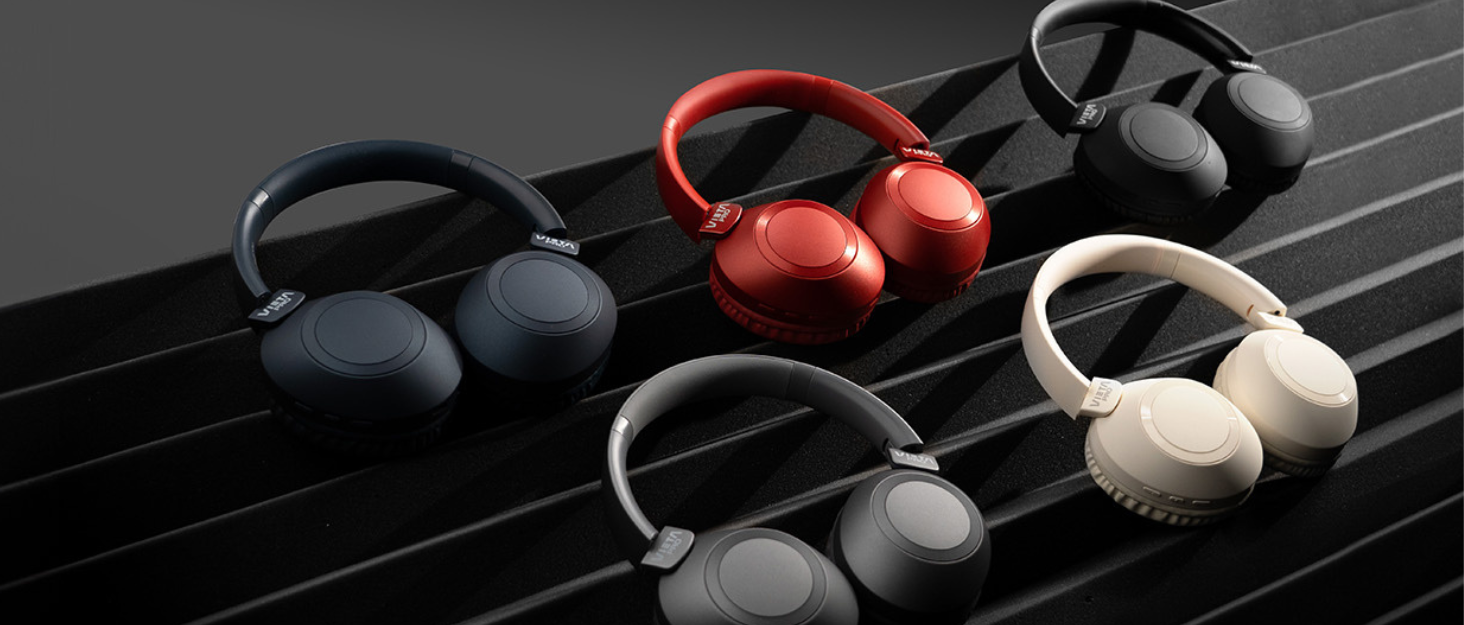
Image: Vieta Pro Way 3 headphones displayed in multiple color options.
Поставување
1. Полнење на слушалките
Before initial use, ensure the headphones are fully charged. The Vieta Pro Way 3 headphones support wireless charging. A full charge provides up to 50 hours of continuous playback.
- Connect the provided charging cable to the charging port on the headphones and to a compatible USB power source.
- Alternatively, place the headphones on a compatible wireless charging pad.
- The indicator light will show the charging status and turn off or change color once fully charged.
2. Вклучување/исклучување
- За вклучување: Притиснете и задржете го копчето за вклучување/исклучување приближно 3 секунди додека не светне индикаторската ламбичка.
- За исклучување: Притиснете го и држете го копчето за вклучување приближно 3 секунди додека индикаторската ламбичка не се изгасне.
3. Bluetooth спарување
За безжично поврзување на слушалките со уред:
- Проверете дали слушалките се исклучени.
- Притиснете го и држете го копчето за вклучување приближно 5-7 секунди додека индикаторската ламба не трепка брзо, што укажува на режим на спарување.
- На вашиот паметен телефон, таблет или компјутер, овозможете Bluetooth и пребарајте достапни уреди.
- Select "Vieta Pro Way 3" from the list of found devices.
- Once connected, the indicator light will stop flashing and remain solid or flash slowly.
4. Aux-in конекција
For a wired connection, use a 3.5mm audio cable:
- Поврзете го едниот крај од 3.5 mm аудио кабелот со Aux-in портата на слушалките.
- Connect the other end to the 3.5mm audio output of your audio source.
- The headphones will automatically switch to Aux-in mode when a cable is detected.
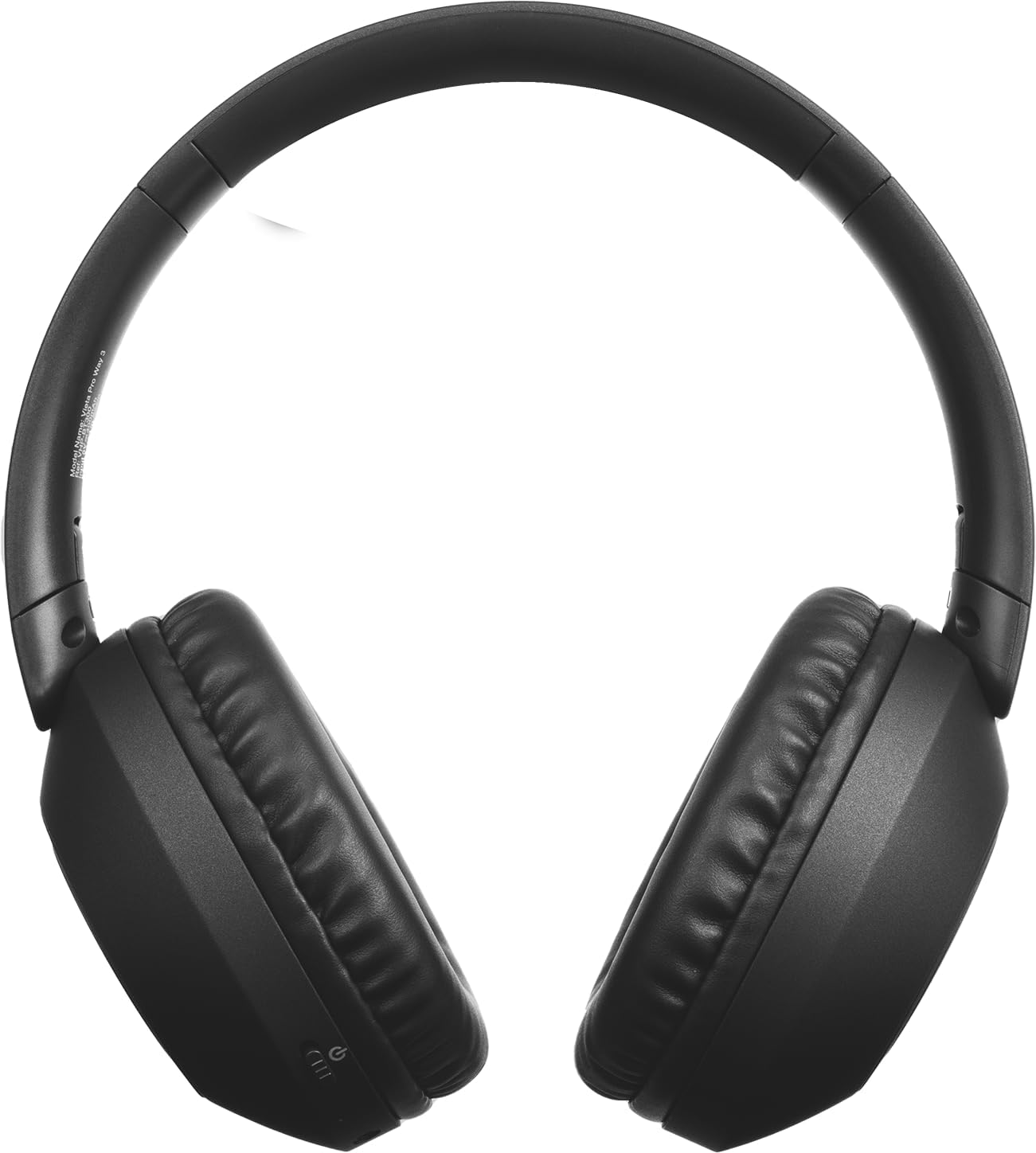
Слика: напред view of the Vieta Pro Way 3 headphones, showing the earcups and headband.
Упатства за работа
1. Репродукција на музика
When connected via Bluetooth or Aux-in, you can control your music:
- Пушти/Пауза: Притиснете го копчето за повеќе функции еднаш.
- Следна песна: Притиснете и задржете го копчето за зголемување на јачината на звукот.
- Претходна песна: Притиснете и задржете го копчето за намалување на јачината на звукот.
- Јачина на звук нагоре: Кратко притиснете го копчето за зголемување на јачината на звукот.
- Намалување на јачината на звукот: Кратко притиснете го копчето за намалување на јачината на звукот.
2. Управување со повици
The integrated microphone allows for hands-free calls when connected via Bluetooth:
- Одговори/заврши повик: Притиснете го копчето за повеќе функции еднаш.
- Одбијте го повикот: Притиснете и задржете го копчето за повеќе функции 2 секунди.
- Гласовен асистент: Притиснете двапати на копчето за повеќе функции за да го активирате гласовниот асистент на вашиот уред.
3. Режим на игри
Activate the dedicated gaming mode for optimized audio performance during gameplay, reducing latency and enhancing sound effects.
- Активирајте го режимот на играње: Refer to the specific button or gesture indicated in the quick start guide for your model. (Typically a dedicated button or a long press on a volume button).
4. Двојно спарување
The Dual Pairing feature allows the Vieta Pro Way 3 headphones to connect to two different Bluetooth devices simultaneously. This enables seamless switching between audio sources without the need to disconnect and re-pair.
- Pair the headphones with your first device following the Bluetooth Pairing instructions.
- Привремено исклучете го Bluetooth на првиот уред.
- Спарете ги слушалките со вашиот втор уред.
- Повторно овозможете Bluetooth на првиот уред. Слушалките сега треба да бидат поврзани со двата уреди.
- Audio will play from the active source, and you can switch by pausing one and playing the other.

Image: A person wearing the Vieta Pro Way 3 headphones, demonstrating comfortable use.
Одржување
1. Чистење
- Избришете ги слушалките со мека, сува крпа што не остава влакненца.
- Do not use abrasive cleaners, solvents, or strong chemicals, as these may damage the surface or internal components.
- Избегнувајте навлегување на влага во какви било отвори.
2. Складирање
- Слушалките чувајте ги на ладно и суво место, подалеку од директна сончева светлина и екстремни температури.
- When not in use for extended periods, store them in their protective case (if included) to prevent dust and damage.
3. Нега на батерии
- To prolong the lifespan of the battery, avoid fully discharging the headphones frequently.
- Charge the headphones regularly, even if not in frequent use.
Решавање проблеми
1. Нема звук
- Проверете дали слушалките се вклучени и наполнети.
- Проверете ги нивоата на јачина на звук и на слушалките и на поврзаниот уред.
- Verify that the headphones are properly paired via Bluetooth or securely connected via the Aux-in cable.
- Try restarting both the headphones and the audio source device.
2. Проблеми со спарување
- Ensure the headphones are in Bluetooth pairing mode (indicator light flashing rapidly).
- Оневозможете го и повторно овозможете го Bluetooth на вашиот уред.
- Move the headphones closer to your device to ensure a strong signal.
- Clear previous Bluetooth connections from your device's Bluetooth settings and try pairing again.
3. Проблеми со полнењето
- Verify that the charging cable is securely connected to both the headphones and the power source, or that the headphones are correctly placed on the wireless charging pad.
- Ensure the power source (USB adapter, computer port, wireless charger) is functional.
- Check the charging port on the headphones for any debris that might obstruct the connection.
Спецификации
| Бренд | Vieta Pro |
| Модел | Начин 3 |
| Форма фактор | Over-ear (Headband) |
| Технологија за поврзување | Wireless (Bluetooth), Wired (Aux-in) |
| Безжична комуникација | Bluetooth |
| Траење на батеријата | До 50 часа (репродукција) |
| Посебни карактеристики | Wireless Charging, Built-in Microphone, Gaming Mode, Dual Pairing |
| Производител | ФРАМЕЈСОН АУДИО СА |
| ASIN | B0CRL99NBD |
Белешка: Спецификациите може да се променат без претходна најава.
Гаранција и поддршка
For detailed warranty information, product registration, or technical assistance, please refer to the official Vieta Pro website or contact their customer support directly. It is recommended to retain your purchase receipt as proof of purchase for any warranty claims.
- Службен Webсајт: Посетете www.vietapro.com (or relevant regional site) for support resources.
- Услуга за клиенти: Contact information can typically be found on the official webсајт.