1. Вовед
Ви благодарам за купувањетоasing the Generic Wireless Mouse. This manual provides detailed instructions for setting up, operating, and maintaining your new mouse to ensure optimal performance and longevity. Please read this manual thoroughly before using the product and keep it for future reference.
This sleek and stylish wireless mouse is designed to elevate your computing experience. Its ergonomic design ensures comfortable use for extended periods, while the smooth gliding surface allows for precise cursor control. Featuring a striking RGB lighting system that cycles through a vibrant spectrum of colors, this mouse adds a touch of flair to your desktop setup. With its plug-and-play functionality and reliable wireless connectivity, you can bid farewell to tangled cords and enjoy seamless operation. Crafted with durability in mind, this mouse is built to withstand the demands of daily use.
2. Производот завршиview
The Generic Wireless Mouse combines ergonomic comfort with advanced features for an enhanced user experience. Key features include:
- Seamless RGB Lighting: A vibrant RGB lighting strip that cycles through a spectrum of colors.
- Ергономски дизајн: Contoured shape and textured grips for comfortable and secure handling.
- Прецизно следење: High-precision optical sensor for smooth and accurate cursor control.
- Двојно поврзување: Supports 2.4GHz wireless connection and Bluetooth (3.0 and 5.2) for versatile pairing.
- Батерија на полнење: Built-in 500mAh lithium polymer battery for extended use.
- Тивки копчиња: Mute buttons for a quiet clicking experience.
- Plug and Play: No software installation required for 2.4GHz mode.
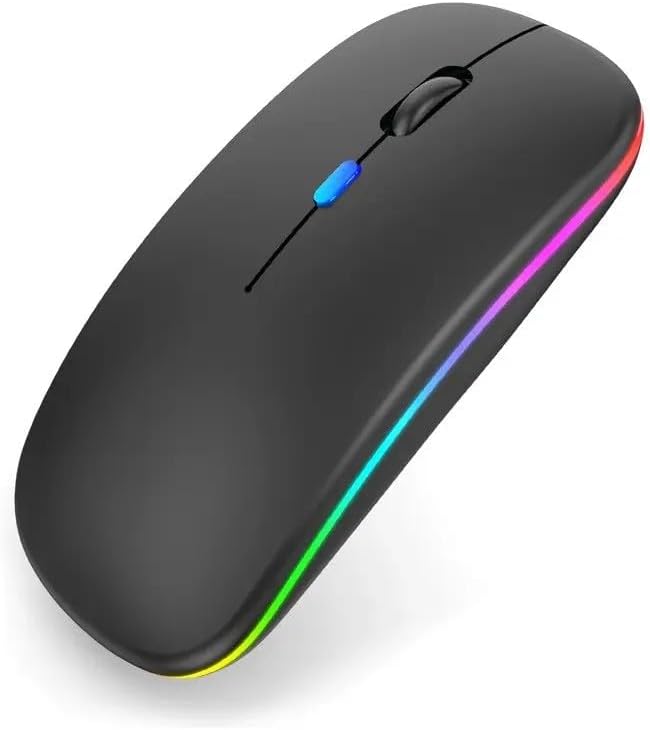
Слика 2.1: Предна страна view of the Generic Wireless Mouse, showcasing its sleek black design and vibrant RGB lighting strip along the sides.
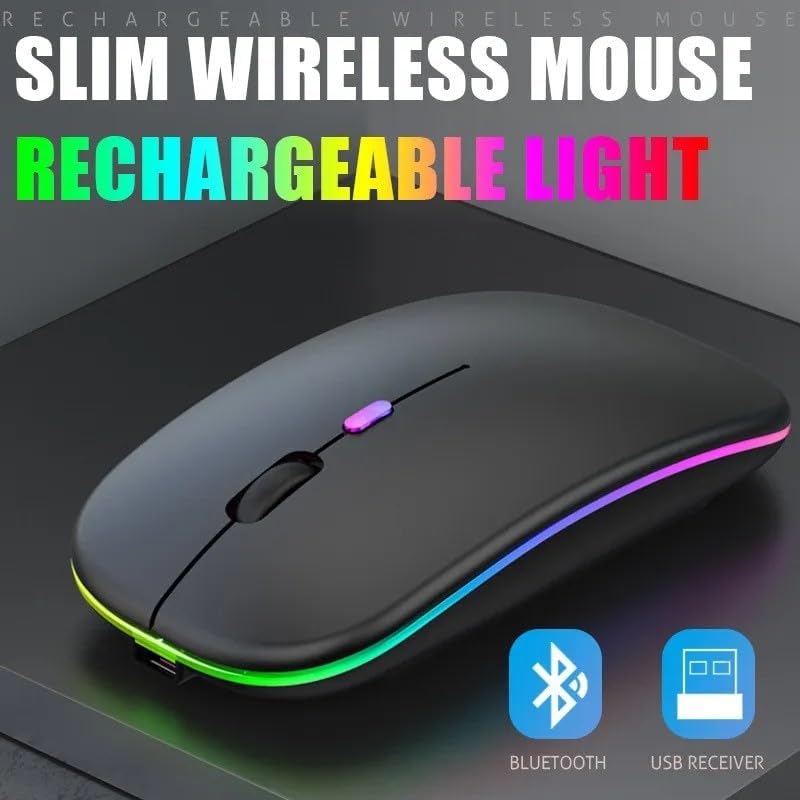
Figure 2.2: The slim profile of the wireless mouse, highlighting its rechargeable light feature and indicating support for both Bluetooth and USB receiver connectivity.
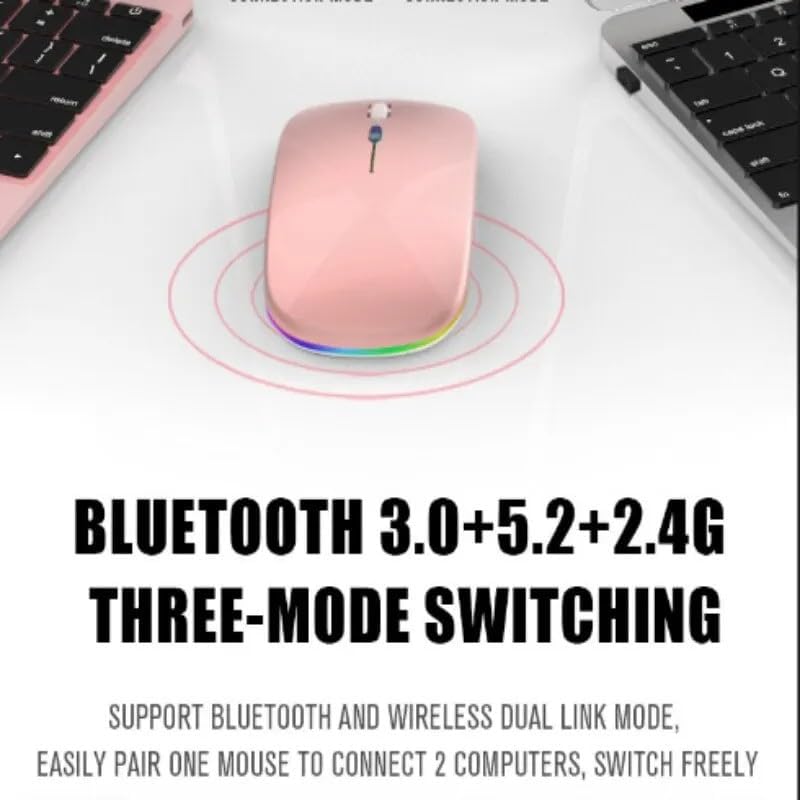
Figure 2.3: Illustration of the mouse's versatile connectivity options, supporting Bluetooth 3.0, Bluetooth 5.2, and 2.4G wireless modes, allowing connection to multiple devices.
3. Поставување
3.1 Почетно полнење
Before first use, it is recommended to fully charge the mouse. Connect the included USB charging cable to the mouse's charging port and the other end to a USB power source (e.g., computer USB port, USB wall adapter).

Figure 3.1: The mouse connected to a charging cable, illustrating its 500mAh battery and long endurance after a single charge.
The RGB lighting may indicate charging status. A full charge typically provides up to 60 days of use, depending on usage patterns and RGB lighting settings.
3.2 Поврзување на глувчето
Your mouse supports two primary connection modes: 2.4GHz Wireless and Bluetooth.
3.2.1 Безжична конекција од 2.4 GHz
- Locate the USB nano receiver, usually stored in a compartment on the bottom of the mouse.
- Вклучете го USB нано приемникот во слободен USB порт на вашиот компјутер.
- Вклучете го глувчето користејќи го прекинувачот за напојување лоциран на дното.
- Switch the mouse to 2.4G mode (refer to the mode switch on the bottom of the mouse).
- Компјутерот треба автоматски да ги детектира и инсталира потребните драјвери. Глушецот е подготвен за употреба.
3.2.2 Bluetooth конекција
The mouse supports Bluetooth 3.0 and Bluetooth 5.2. You can easily pair one mouse to connect to two computers and switch freely between them.
- Вклучете го глувчето користејќи го прекинувачот за напојување на дното.
- Switch the mouse to Bluetooth mode (BT1 or BT2, refer to the mode switch on the bottom of the mouse).
- На вашиот компјутер или уред, отворете ги поставките за Bluetooth.
- Пребарај за new devices. The mouse should appear as "Wireless Mouse" or similar.
- Изберете го глувчето за спарување. Следете ги сите упатства на екранот.
- Откако ќе се спари, глувчето е подготвено за употреба.
4. Упатства за работа
4.1 Вклучување/исклучување
Use the power switch located on the bottom of the mouse to turn it ON or OFF.
4.2 Префрлување на режими на поврзување
The mouse features a mode switch on its underside, allowing you to toggle between 2.4G wireless mode and two Bluetooth modes (BT1, BT2). This enables seamless switching between up to three connected devices.
4.3 Прилагодување на DPI
The mouse typically features a DPI (Dots Per Inch) button, often located near the scroll wheel, to adjust cursor sensitivity. Press this button to cycle through different DPI settings (e.g., 800, 1200, 1600 DPI) to match your preference and task requirements.
4.4 RGB контрола на осветлувањето
The mouse features dynamic RGB lighting. The lighting typically activates automatically when the mouse is in use. Some models may allow cycling through different lighting modes or turning the lighting off by pressing a specific button (often the DPI button or a dedicated light button) or a combination of buttons. Refer to the product's specific button functions for detailed control.

Figure 4.1: The mouse's colorful and cool RGB lights, designed to enhance the aesthetic of your desktop setup.
4.5 Функција за тивок клик
This mouse is designed with mute buttons, providing a quiet clicking experience. This feature is particularly beneficial in quiet environments, ensuring you do not disturb others.

Figure 4.2: Demonstrating the silent button feature, allowing for comfortable and undisturbed use, even in quiet environments.
5. Одржување
5.1 Чистење
To clean your mouse, gently wipe its surface with a soft, dry, or slightly damp cloth. Avoid using harsh chemicals, abrasive cleaners, or excessive moisture, as these can damage the mouse's finish or internal components.
5.2 Грижа за батерии
- Avoid exposing the mouse to extreme temperatures (hot or cold) as this can affect battery life.
- If the mouse will not be used for an extended period, it is advisable to turn it off to conserve battery life.
- Charge the mouse using only the provided cable or a compatible USB charging cable.
6 Смена на проблеми
| Проблем | Можно решение |
|---|---|
| Глувчето не реагира (2.4 GHz) |
|
| Глувчето не реагира (Bluetooth) |
|
| Курсорот е неправилен или скокачки |
|
| RGB светлата не работат |
|
| Глувчето не се полни |
|
7. Спецификации
| Карактеристика | Детал |
|---|---|
| Број на модел | SMRGBCD001 |
| Бренд | Генерички |
| Технологија за поврзување | Bluetooth (3.0, 5.2), 2.4GHz USB Wireless |
| Технологија за откривање на движење | Оптички |
| Боја | Црното |
| Специјална карактеристика | Ergonomic Design, RGB Lighting, Silent Click Buttons |
| Тип на батерија | 1 литиум-полимерна батерија (500mAh) |
| Производител | Ch |
| Датум прв на располагање | 26 август 2024 година |
8. Гаранција и поддршка
For warranty information and customer support, please refer to the documentation included with your purchase or visit the manufacturer's official webстраница. Зачувајте го доказот за купување за какви било гаранциски побарувања.
If you encounter any issues not covered in this manual, please contact the retailer or manufacturer's customer service for assistance.


