
GGSTOPWATER JM13
Open Ear Headphones Wireless Bluetooth 5.4 User Manual
Model: JM13 | Brand: GGSTOPWATER
1. Вовед
Thank you for choosing the GGSTOPWATER Open Ear Headphones. These wireless earbuds are designed to provide a comfortable listening experience while maintaining awareness of your surroundings. Featuring advanced Bluetooth 5.4 technology and an IPX5 waterproof rating, they are ideal for various activities including sports, running, workouts, and driving.

The open-ear design ensures comfort and awareness of your environment.

Key features of the GGSTOPWATER Open Ear Headphones.
2. Што има во кутијата
Проверете ја содржината на пакувањето за да се осигурате дека сите артикли се присутни:
- True Wireless Bluetooth Headphones (2 units)
- Headset Charging Compartment (1 unit)
- Кабел за полнење од тип C (1 единица)
- Упатство за употреба (1 единица)
- Silicone Lanyard (1 unit)
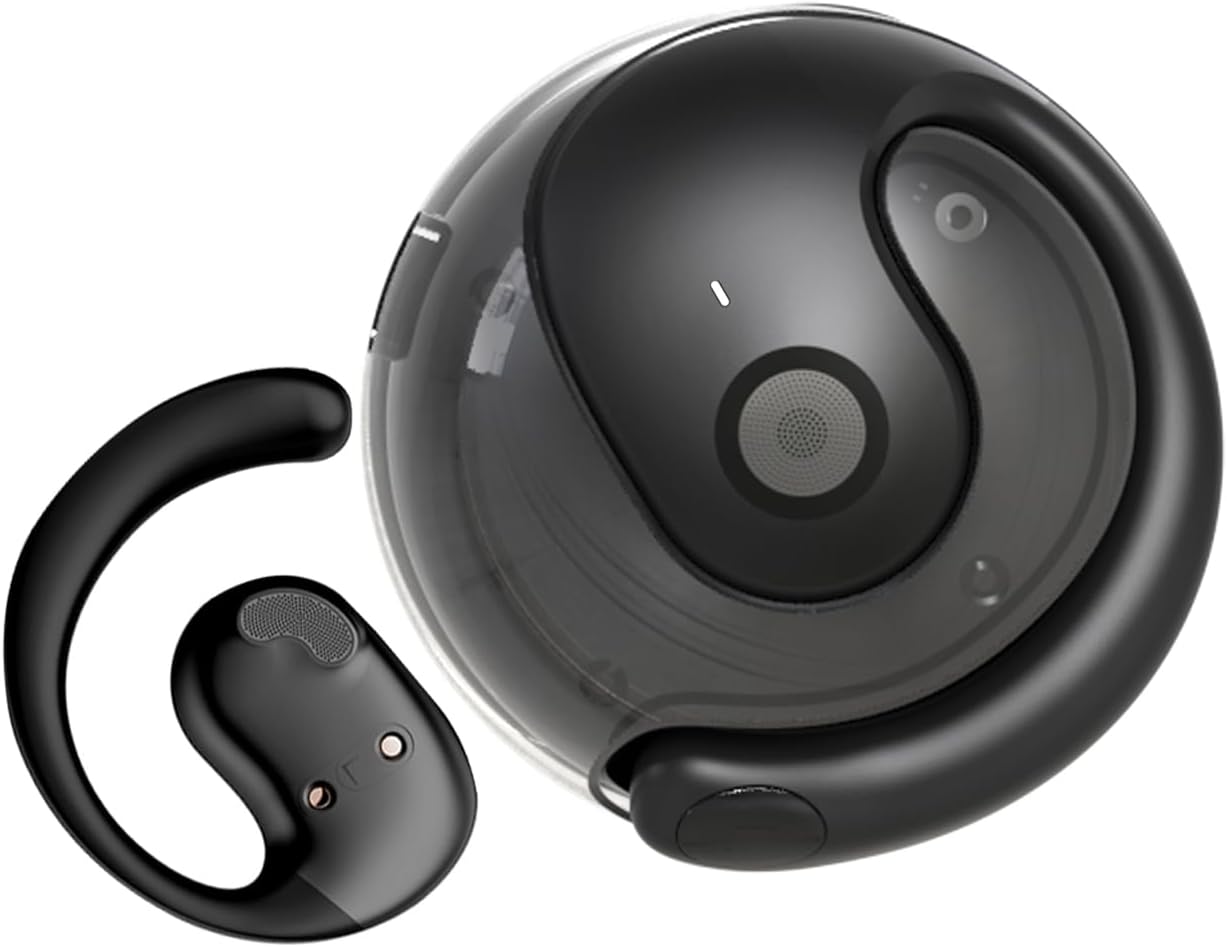
The GGSTOPWATER Open Ear Headphones and their compact charging case.
Погледнете го ова видео за повеќеview на производот и неговите компоненти.
3. Поставување и спарување
3.1 Почетно спарување
- Ensure the headphones are charged (refer to Section 4).
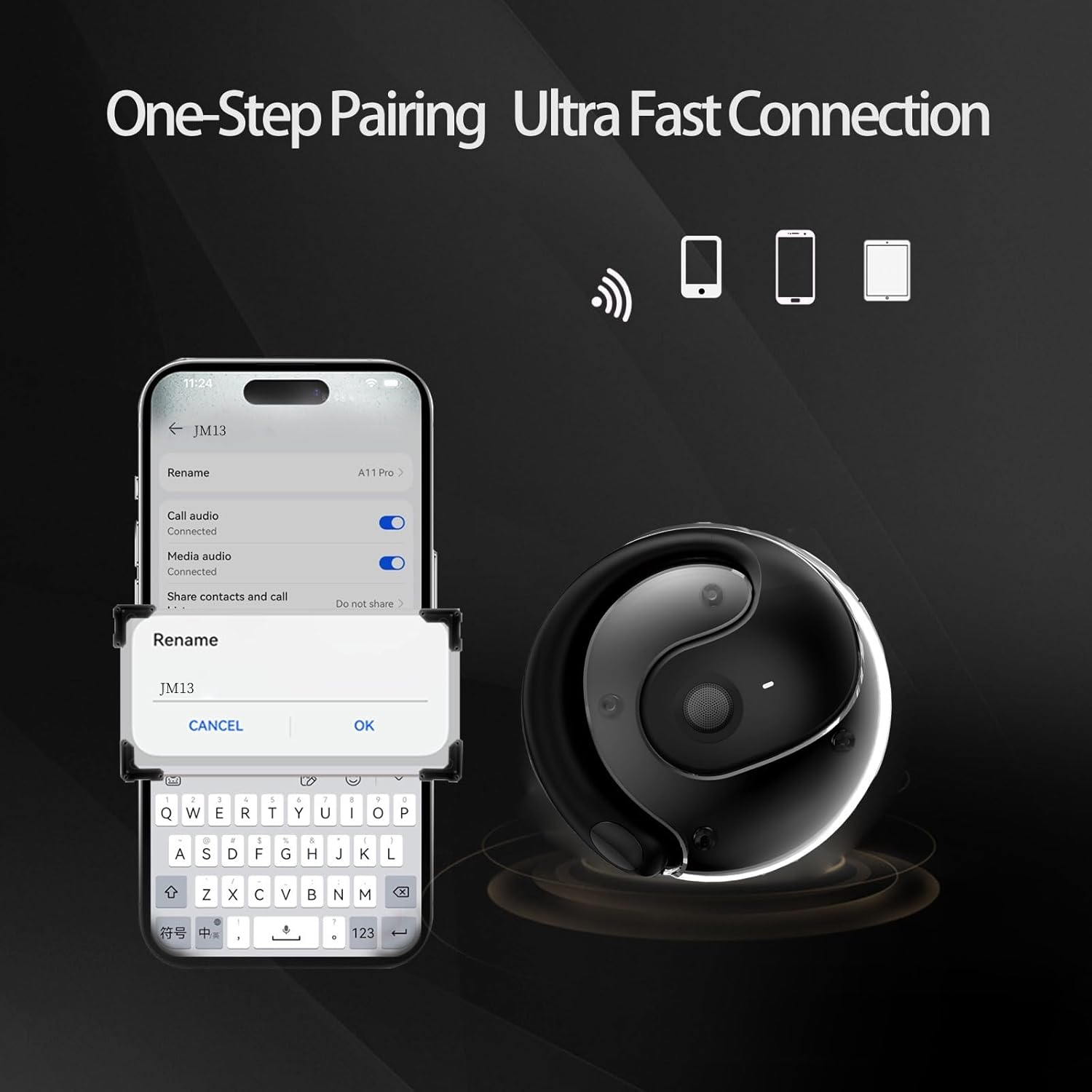
- Отворете ја кутијата за полнење. Слушалките автоматски ќе се вклучат и ќе влезат во режим на спарување.
- На вашиот уред (паметен телефон, таблет, лаптоп), овозможете Bluetooth.
- Пребарај за "JM13" in the list of available Bluetooth devices.
- Select "JM13" to connect. A voice prompt will confirm successful pairing.
3.2 Носење на слушалките
For optimal comfort and sound, follow these steps to wear your headphones:

Ergonomic design for easy and comfortable wear.
4. Упатства за работа
The GGSTOPWATER Open Ear Headphones feature intuitive touch controls on each earbud. Refer to the diagram and descriptions below for common functions:

Detailed touch control commands for your headphones.
This video demonstrates the touch controls for music playback and call management.
4.1 Telephone Mode
- Одбијте го повикот: Долго притиснете 2 секунди.
- Incoming Call (Answer): Single click to answer.
- Incoming Call (Hang Up): Single click to hang up.
4.2 Режим на музика
- Пушти/Пауза: Еден допир.
- Претходна песна: Double touch (Left earbud).
- Следна песна: Double touch (Right earbud).
4.3 Binaural Mode (General Controls)
- Вклучување: Долго притиснете 3 секунди.
- Исклучено: Долго притиснете 5 секунди.
- Намалување на јачината на звукот: Three touches (Left earbud).
- Јачина на звук нагоре: Three touches (Right earbud).
5. Батерија и полнење
The headphones and charging case are equipped with high-capacity batteries for extended use. The charging case has a 300mAh capacity.
- Headset Usage Time: Приближно 4 часа.
- Време на полнење: Approximately 1.5 hours for the case.
- Време на мирување: До 120 часа.
To charge the case, connect the provided Type-C charging cable to the charging port on the case and a compatible USB power source.
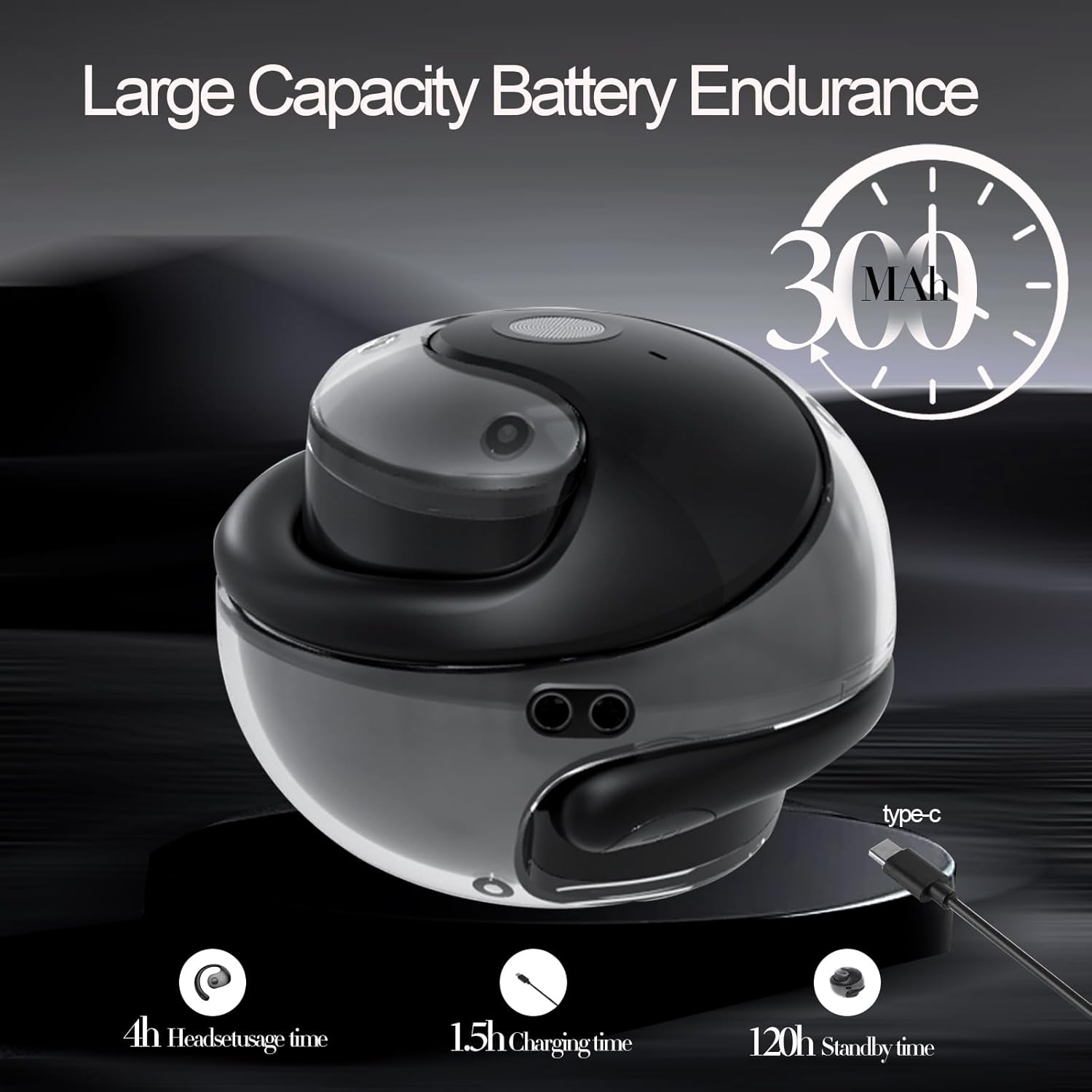
Battery life and charging indicators.
6. Одржување и грижа
To ensure the longevity and optimal performance of your GGSTOPWATER Open Ear Headphones, please follow these maintenance guidelines:
6.1 Водоотпорност (IPX5)
The headphones feature an IPX5 waterproof rating, meaning they are protected against low-pressure water jets from any direction. This makes them suitable for protection against daily sweat and light rain. However, they are not designed for submersion in water or use during heavy rainfall.
The IPX5 rating protects against sweat and light rain.
6.2 Чистење
Wipe the headphones and charging case with a soft, dry, lint-free cloth. Do not use abrasive cleaners, alcohol, or chemical sprays.
6.3 Складирање
Store the headphones in their charging case when not in use to protect them from dust and damage. Avoid extreme temperatures.
7 Смена на проблеми
Ако имате проблеми со слушалките, обидете се со следниве решенија:
- Нема проблеми со звукот/врската:
- Осигурајте се дека слушалките се полнат.
- Исклучете и вклучете го Bluetooth на вашиот уред.
- Forget "JM13" in your device's Bluetooth settings and re-pair.
- Рестартирајте го вашиот уред.
- Една слушалка не работи:
- Вратете ги обете слушалки во кутијата за полнење, затворете го капакот, почекајте неколку секунди, а потоа повторно извадете ги.
- Погрижете се двете слушалки да се наполнат.
- Проблеми со полнење:
- Проверете го кабелот за полнење и адаптерот за оштетување.
- Осигурајте се дека приклучокот за полнење на куќиштето е чист и без остатоци.
8. Спецификации
| Карактеристика | Спецификација |
|---|---|
| Име на моделот | JM13 |
| Бренд | GGSTOPWATER |
| Технологија за поврзување | Безжичен (Bluetooth) |
| Bluetooth верзија | 5.4 |
| Поставување на увото | Отворено уво |
| Ниво на отпорност на вода | IPX5 (Водоотпорен) |
| Тип на драјвер за аудио | Динамички драјвер (16 мм) |
| Опсег на фреквенција | 20Hz - 20,000Hz |
| Импеданса | 32 Ом |
| Контролен метод | Далечински управувач (на допир) |
| Вклучени компоненти | Куќичка за безжично полнење |
| Тежина на ставката | 3.52 унци |
| Производител | GGSTOPWATER |
9. Информации за безбедност
When using your GGSTOPWATER Open Ear Headphones, always prioritize your safety and the safety of others. The open-ear design enhances spatial awareness, allowing you to hear your surroundings, which is particularly beneficial for outdoor activities.
- Do not use at excessively high volumes for prolonged periods to prevent hearing damage.
- Be aware of your surroundings, especially when operating vehicles, cycling, or walking in traffic.
- Keep the headphones away from extreme temperatures, direct sunlight, and moisture.
- Do not attempt to disassemble or modify the headphones.
10. Гаранција и поддршка
GGSTOPWATER is committed to providing high-quality products. For warranty information, technical support, or any inquiries regarding your Open Ear Headphones, please refer to the contact details provided in your product packaging or visit the official GGSTOPWATER store on Amazon.
Note: Specific warranty terms and support contact information may vary by region and purchase location. Please retain your proof of purchase.
Ask a question about this manual
Ask about setup, troubleshooting, compatibility, parts, safety, or missing instructions. Manuals+ will review the question and use this page’s manual context to help answer it.