
VTech 80-547480
Упатство за користење на пренослив Bluetooth систем VTech Super Sound Karaoke
Модел: 80-547480
Вовед
This manual provides essential instructions for the setup, operation, and maintenance of your VTech Super Sound Karaoke Portable Bluetooth System. Please read this manual thoroughly before using the product to ensure proper function and longevity.
The VTech Super Sound Karaoke system is a versatile, portable entertainment device designed for both adults and children. It features Bluetooth connectivity, two wired microphones, dynamic sound output, and built-in party lights to enhance your karaoke experience. It can also function as a portable speaker for various audio sources.
Содржина на пакетот
Before proceeding with setup, please verify that all components are present in the package:
- VTech Super Sound Karaoke Portable Bluetooth System Unit
- Two Wired Microphones
- Адаптер за напојување
- Упатство за употреба (овој документ)
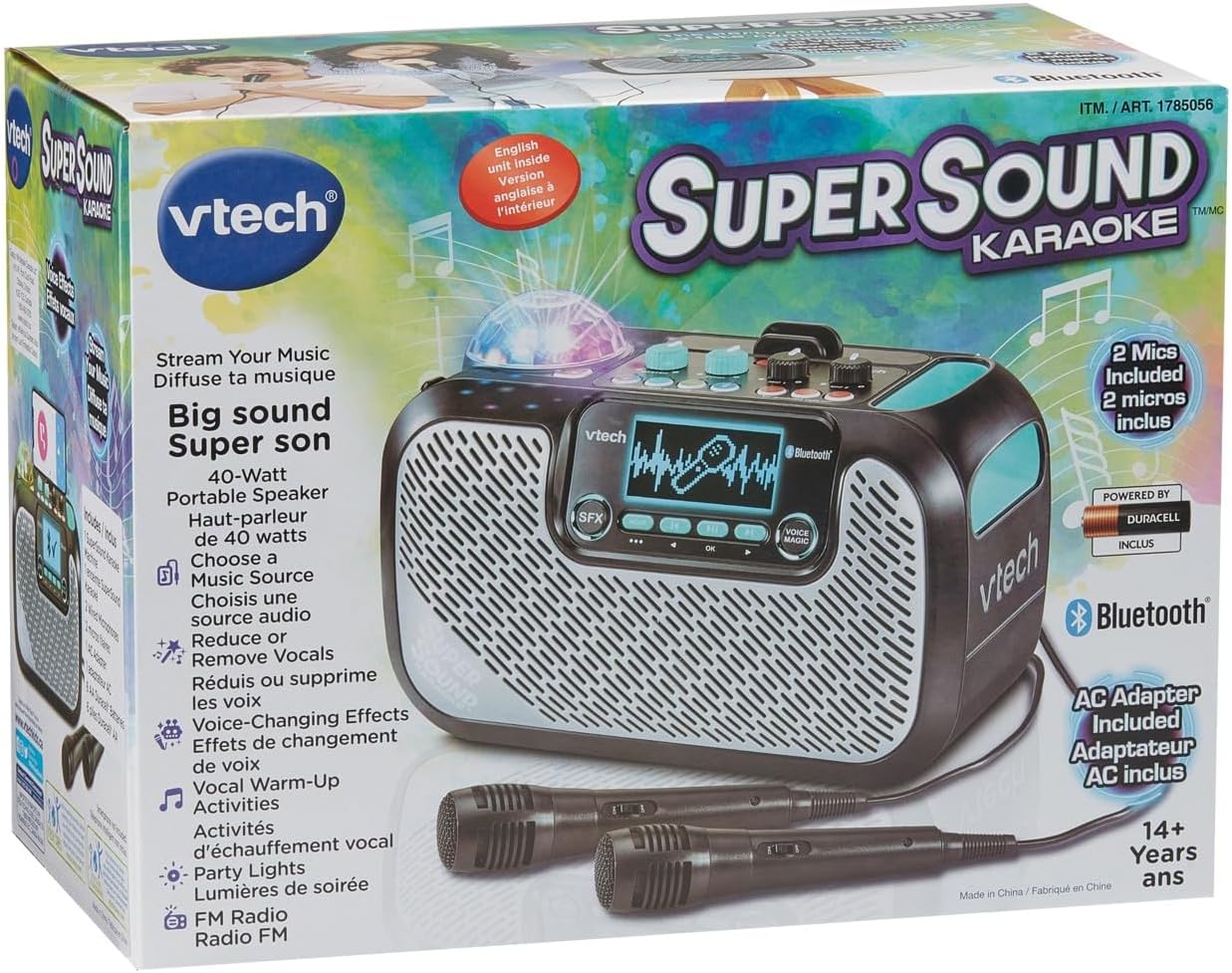
Image: The VTech Super Sound Karaoke machine shown in its retail packaging, highlighting its features and included accessories.
Поставување
Поврзување за напојување
- Connect the provided power adapter to the DC input port on the back of the karaoke machine.
- Plug the power adapter into a standard electrical outlet (AC 1.1E+2 Volts).
- Press the Power button located on the top panel to turn on the unit.
Поврзување со микрофон
The system includes two wired microphones. Locate the microphone input jacks on the front or side of the unit and firmly insert the microphone cables.
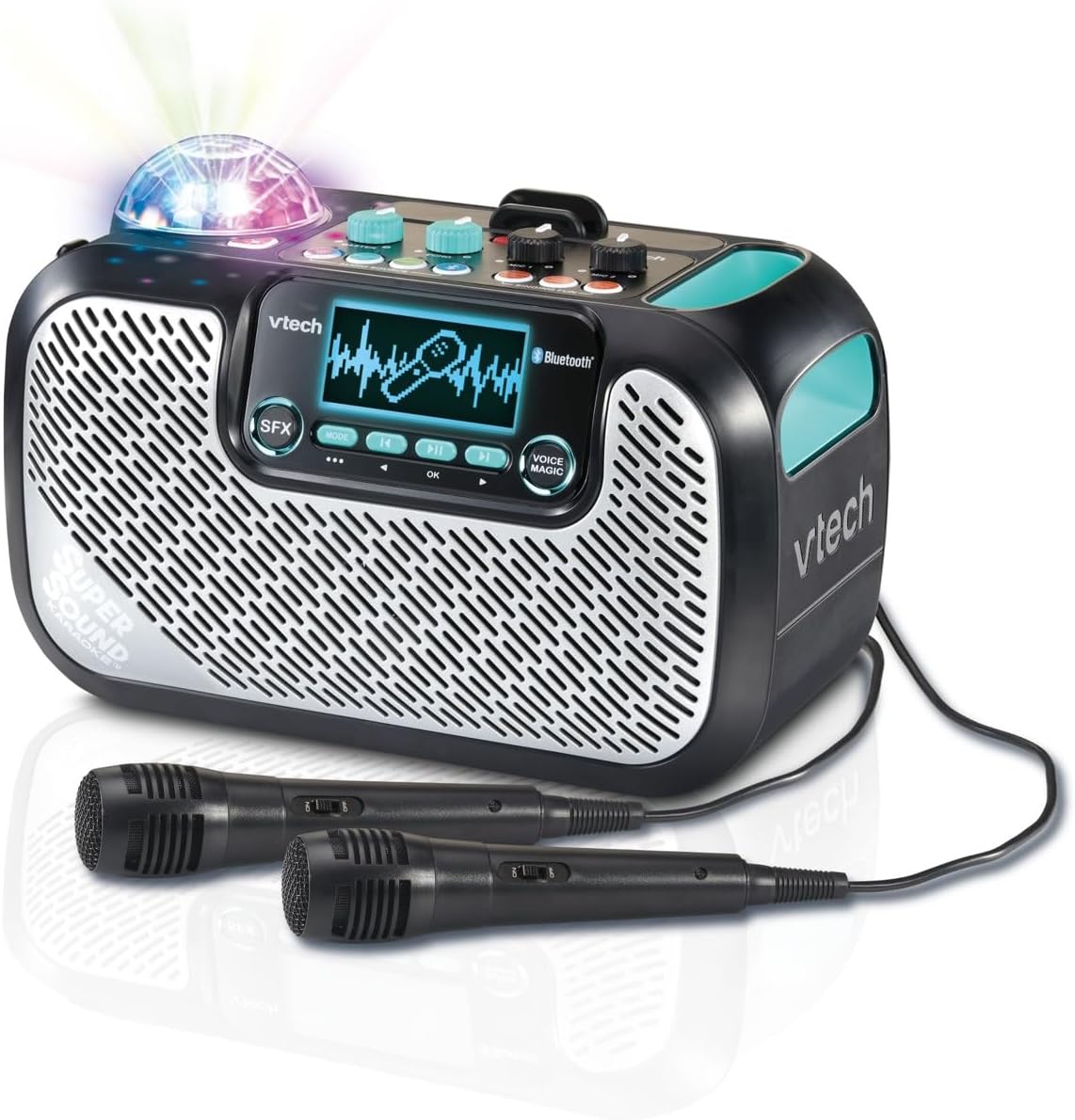
Image: The VTech Super Sound Karaoke machine with its two wired microphones connected and ready for use. The main unit features a display screen and various control buttons.
Упатства за работа
Контролите се завршениview

Слика: Од горе надолу view of the VTech Super Sound Karaoke machine, detailing the layout of its control panel including master volume, echo, microphone volume controls, and audio source selection buttons.
- Копче за вклучување: Го вклучува или исклучува уредот.
- Главно копче за јачина на звук: Го прилагодува вкупното ниво на излезен звук.
- Ехо копче: Controls the echo effect applied to the vocals.
- Mic 1 / Mic 2 Volume Knobs: Adjusts the individual volume levels for each connected microphone.
- Audio Source Buttons (Line In, Micro SD, Radio, Bluetooth): Selects the desired audio input mode.
- Singing Fun Buttons (Singing Effect, Voice Changer, Activities): Activates various vocal effects and interactive singing activities.
- Копче SFX: Triggers sound effects.
- Navigation Buttons (Play/Pause, Skip, OK): Controls media playback and menu navigation on the display.
- Voice Magic Button: Activates features like vocal removal or reduction from tracks.
Поврзување на аудио извори
The VTech Super Sound Karaoke system supports multiple audio input methods:
- Bluetooth: Press the Bluetooth button. The unit will enter pairing mode. On your smartphone, tablet, or other compatible device, search for and select "VTech Karaoke" to connect.
- ФМ радио: Press the Radio button. Use the navigation buttons to tune to desired FM stations.
- MicroSD картичка: Insert a microSD card containing MP3 audio files into the designated slot. Press the Micro SD button to access content.
- Помошен влез (Line In): Connect an external audio device (e.g., smartphone, tablet) using a 3.5 mm audio cable (not included) to the Line In port. Press the Line In button.
Using Microphones and Voice Effects
Once microphones are connected and an audio source is playing:
- Adjust individual microphone volumes using the Mic 1 and Mic 2 knobs.
- Use the Echo knob to add a reverberation effect to your voice.
- Explore the Singing Effect and Voice Changer buttons for various vocal modifications (e.g., harmony, robot voice).
- The Voice Magic feature can reduce or remove lead vocals from songs, allowing you to sing along more prominently.
Светилки за забави
The integrated multicolored party lights automatically activate when the unit is in use, creating a dynamic visual experience. There is no separate control for the party lights; they operate in conjunction with the audio playback.
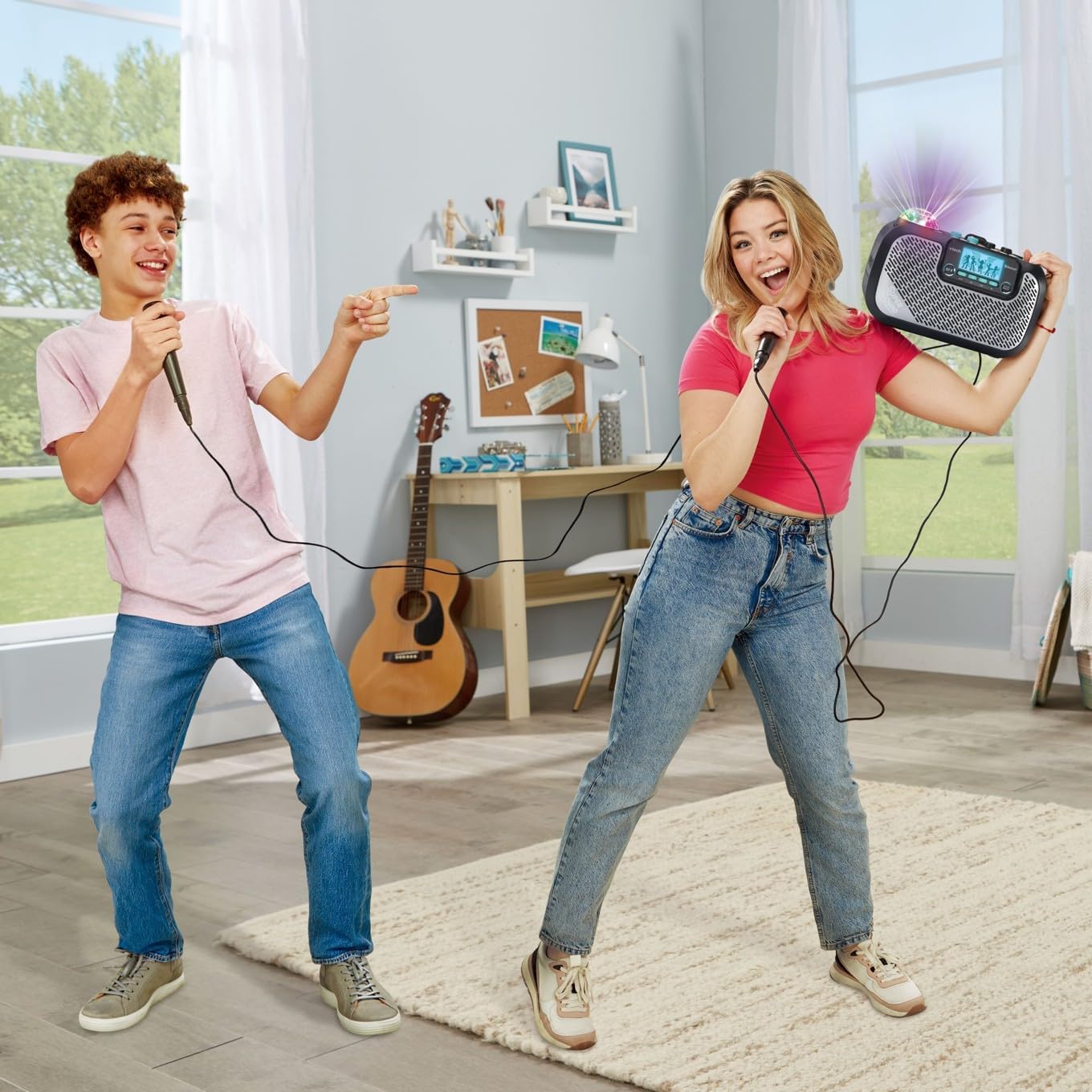
Image: Two individuals enjoying the VTech Super Sound Karaoke machine, demonstrating the use of microphones and the visual effect of the integrated party lights during a performance.
Одржување
Чистење
To maintain the appearance and functionality of your karaoke system:
- Пред чистење, проверете дали уредот е исклучен и изваден од струја.
- Избришете ги надворешните површини со мека, сува крпа.
- Не користете абразивни средства за чистење, растворувачи или груби хемикалии, бидејќи тие можат да го оштетат финишот.
- Избегнувајте да внесувате влага во какви било отвори или порти.
Складирање
When not in use, store the karaoke system in a cool, dry place, away from direct sunlight and extreme temperatures. Disconnect all cables and microphones before storing.
Решавање проблеми
If you encounter issues with your VTech Super Sound Karaoke system, refer to the following common problems and solutions:
| Проблем | Можна причина | Решение |
|---|---|---|
| Нема моќ | Адаптерот за напојување не е поврзан или штекерот е неисправен. | Ensure power adapter is securely plugged into the unit and a working electrical outlet. |
| Нема звук од звучници | Master volume too low; incorrect audio source selected; external device volume too low. | Increase Master Volume. Verify the correct audio source (Bluetooth, Line In, Micro SD, Radio) is selected. Check volume on connected external device. |
| Нема звук од микрофони | Microphones not connected properly; Mic volume knobs too low. | Ensure microphones are fully plugged into their respective jacks. Increase Mic 1 and Mic 2 volume knobs. |
| Проблеми со спарување со Bluetooth | Уредот не е во режим на спарување; уредот е предалеку; пречки. | Press the Bluetooth button to enter pairing mode. Ensure your device's Bluetooth is on and within range. Try restarting both devices. |
| Static on FM Radio | Слаб сигнал; пречки. | Reposition the unit to improve reception. Try a different station. |
Спецификации
| Карактеристика | Детал |
|---|---|
| Број на модел | 80-547480 |
| Тежина на ставката | 5.1 фунти (приближно 2.3 кг) |
| Димензии на производот | 10.47 x 6.5 x 8.5 инчи (26.6 x 16.5 x 21.6 см) |
| Извор на енергија | Приклучок за електрична енергија |
| Voltage | 1.1E+2 волти (AC) |
| Видови конектори | 3.5 mm Jack (Aux In), microSD card slot, Bluetooth |
| Компатибилни уреди | Smartphone, Tablet, Speaker, Headphone |
| Посебни карактеристики | AM/FM Radio, Adjustable Microphone Sensitivity, Portable, Party Lights, Voice Effects |
| Вклучени компоненти | Microphone (x2), Power Adapter, User Manual |
Гаранција и поддршка
For warranty information and customer support, please refer to the documentation included with your product at the time of purchase or visit the official VTech webлокација. Чувајте ја сметката како доказ за купување за гаранциски побарувања.
Ask a question about this manual
Ask about setup, troubleshooting, compatibility, parts, safety, or missing instructions. Manuals+ will review the question and use this page’s manual context to help answer it.