
LUVIN LUS-G8
LUVIN G8 Motorcycle Helmet Bluetooth Headset User Manual
1. Вовед
Thank you for choosing the LUVIN G8 Motorcycle Helmet Bluetooth Headset. This device is designed to enhance your riding experience by providing clear communication, music playback, and navigation audio directly within your helmet. It supports rider-to-passenger intercom, Bluetooth 5.3 connectivity, and features CVC+DSP noise reduction for optimal audio quality. Please read this manual thoroughly before use to ensure proper installation and operation.
2. Информации за безбедност
- Секогаш давајте приоритет на безбедноста на патот. Не ракувајте со уредот на начин што ќе ве одвлече од возењето.
- Adjust volume to a level that allows you to hear ambient traffic sounds.
- Пред да возите, проверете дали уредот е безбедно монтиран на вашата кацига.
- Не обидувајте се да го расклопите или модифицирате уредот. Ова може да ја поништи гаранцијата и да претставува ризик за безбедноста.
- Keep the device away from extreme temperatures and open flames.
3. Содржина на пакетот
Проверете дали сите артикли се присутни во вашиот пакет:
- LUVIN G8 Bluetooth Headset Unit (x2 for 2-rider pack)
- Helmet Speakers and Microphone Kit (x2 for 2-rider pack)
- Клип за монтирање
- Flat Back Clip
- Кабел за полнење USB Type-C
- Упатство за употреба
- Velcro Pads for Speakers/Microphone

4. Производот завршиview и Контроли
The LUVIN G8 headset features intuitive controls and an RGB lighting strip for enhanced visibility. Familiarize yourself with the buttons and indicators:

- Копче за вклучување: Press and hold to power on/off. Short press for play/pause, answer/hang up calls.
- Volume Up/Next Song Button: Кратко притиснете за зголемување на јачината на звукот, долго притиснете за следната песна.
- Volume Down/Previous Song Button: Кратко притиснете за намалување на јачината на звукот, долго притиснете за претходната песна.
- Type-C порта: За полнење на уредот.
- RGB светлосна лента: Indicates device status and adds visual flair.
5. Поставување и инсталација
Правилната инсталација обезбедува оптимални перформанси и удобност.
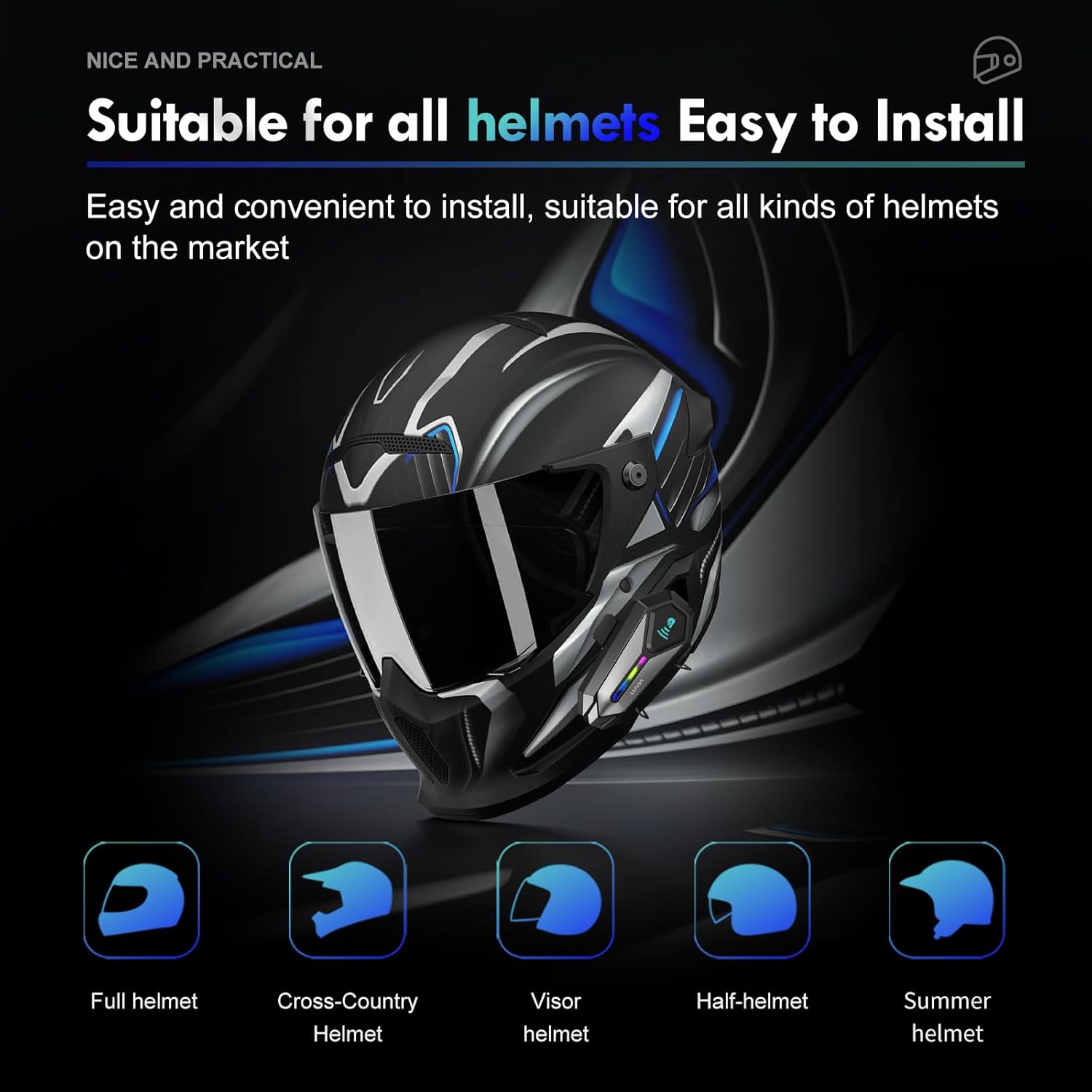
5.1 Mounting the Headset Unit
- Choose a suitable location on the left side of your helmet, near the bottom edge.
- Attach the mounting clip or flat back clip to the helmet. Ensure it is secure.
- Slide the LUVIN G8 main unit onto the mounted clip until it clicks into place.
5.2 Инсталирање на звучници и микрофон
- Отворете ја внатрешната обвивка на кацигата.
- Attach the speakers to the ear pockets using the provided Velcro pads. Ensure they are centered over your ears for best audio.
- Attach the microphone to the inside of the helmet, near your mouth. Position it to avoid wind noise.
- Route the speaker and microphone wires neatly under the helmet lining to the main unit's connector.
- Connect the speaker/microphone jack to the main unit's audio port.
6. Упатства за работа
6.1 Вклучување/исклучување
- Вклучување: Press and hold the Power Button for approximately 3 seconds until you hear a voice prompt and the RGB lights illuminate.
- Исклучено: Press and hold the Power Button for approximately 3 seconds until you hear a voice prompt and the RGB lights turn off.
6.2 Контрола на јачината на звукот
- Зголемете ја јачината на звукот: Кратко притиснете го копчето за зголемување на јачината на звукот.
- Намалување на јачината на звукот: Кратко притиснете го копчето за намалување на јачината на звукот.
6.3 Репродукција на музика
- Пушти/Пауза: Кратко притиснете го копчето за вклучување.
- Следна песна: Долго притиснете го копчето за зголемување на јачината на звукот.
- Претходна песна: Долго притиснете го копчето за намалување на јачината на звукот.
7. Bluetooth спарување
7.1 Спарување со мобилен телефон
- Ensure the LUVIN G8 headset is powered off.
- Press and hold the Power Button for approximately 5-7 seconds until the RGB lights flash red and blue alternately, indicating pairing mode.
- On your mobile phone, enable Bluetooth and search for new devices.
- Select "LUVIN G8" from the list of available devices.
- Once paired, the RGB lights will flash blue slowly, and you will hear a confirmation tone.
7.2 Intercom Pairing (Rider to Passenger)
The LUVIN G8 supports front and rear rider communication.
- Ensure both LUVIN G8 headsets are powered off.
- On both units, press and hold the Power Button for approximately 5-7 seconds until the RGB lights flash red and blue alternately, entering pairing mode.
- Short press the Power Button on еден of the units. It will search for the other unit.
- Once connected, the RGB lights on both units will flash green slowly, indicating intercom mode.

8. Функција домофон
- Иницирај интерфон: After successful pairing, short press the Power Button on either unit to start intercom communication.
- Краен интерфон: Short press the Power Button again to end the intercom conversation.
- Споделување музика: The LUVIN G8 supports music sharing between two connected units. Refer to the specific instructions for activating music sharing, typically a long press on a designated button while in intercom mode.
9. Гласовен асистент
The LUVIN G8 features an AI voice assistant for hands-free control.
- Активирајте го гласовниот асистент: While connected to your phone, short press the Power Button twice rapidly to activate your phone's voice assistant (e.g., Siri, Google Assistant).
- You can then use voice commands to control music, make calls, or get navigation directions.

10. Полнење
The LUVIN G8 is equipped with a 1000mAh battery and a Type-C fast charging port.
- Connect the provided USB Type-C cable to the charging port on the headset and to a standard USB power adapter (not included).
- The charging indicator light will illuminate red during charging and turn off when fully charged.
- Целосното полнење обично трае околу 2 часа.
- Battery life: Up to 20 hours of continuous music playback, 15 hours of intercom.

11. Хидроизолација
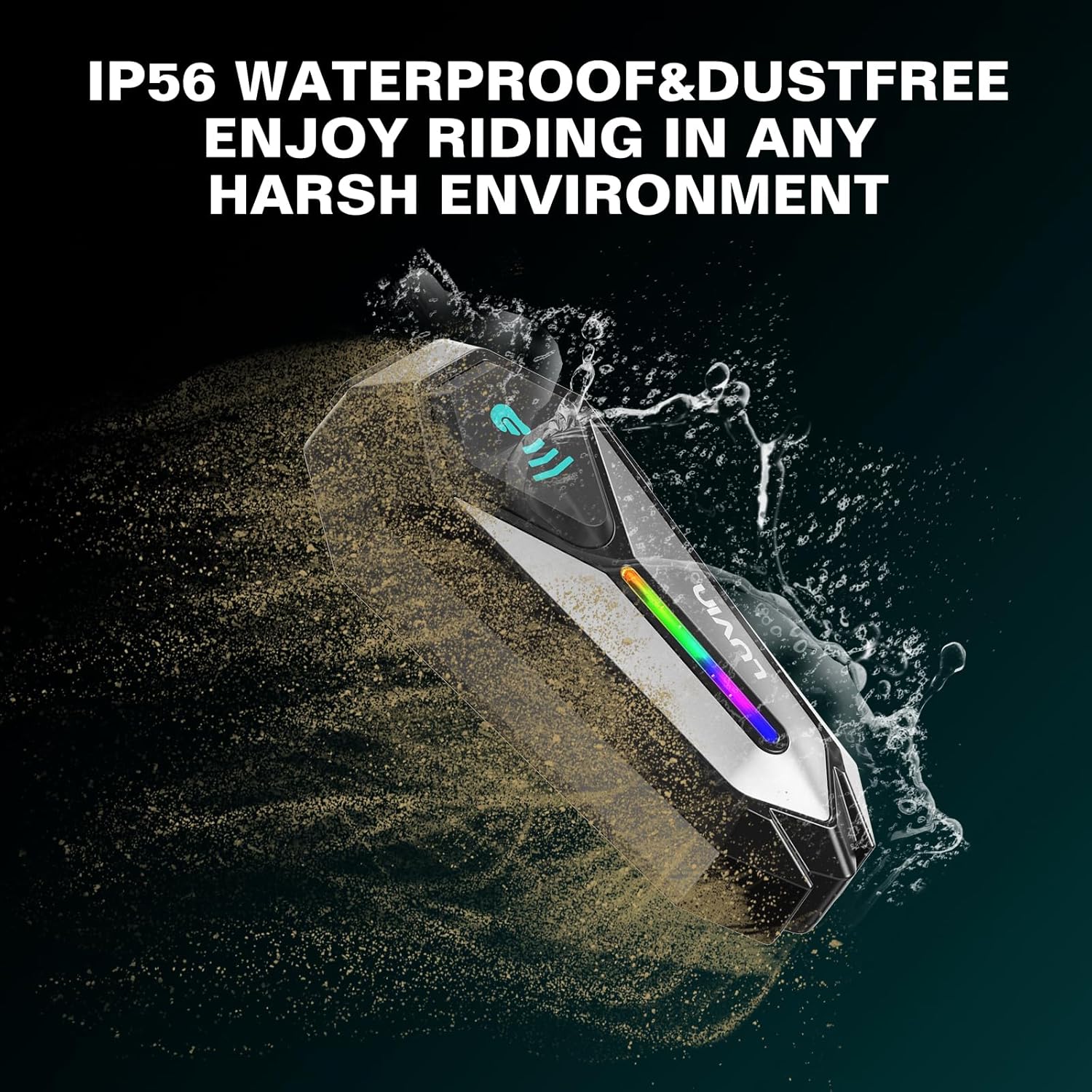
The LUVIN G8 headset is IP56 certified, making it waterproof and dustproof.
- The device is designed to withstand rain and dust exposure during normal riding conditions.
- Избегнувајте потопување на уредот во вода.
- Ensure the Type-C charging port cover is securely closed when not charging to maintain water resistance.
12. Одржување
- Clean the headset unit with a soft, damp крпа. Не користете груби хемикалии или абразивни средства за чистење.
- Осигурајте се дека приклучокот за полнење е без прашина и остатоци.
- Чувајте го уредот на ладно и суво место кога не го користите.
- Charge the battery at least once every three months if not used regularly to maintain battery health.
13 Смена на проблеми
13.1 Нема струја
- Ensure the battery is charged. Connect to a charger and check the charging indicator.
- Press and hold the Power Button for the required duration (approx. 3 seconds).
13.2 Cannot Pair with Phone/Intercom
- Ensure the headset is in pairing mode (RGB lights flashing red and blue).
- Make sure other Bluetooth devices are not interfering. Turn off Bluetooth on nearby unused devices.
- For intercom pairing, ensure both units are in pairing mode before initiating connection on one.
- Try resetting the headset to factory settings (refer to specific instructions if available, usually a long press combination).
13.3 Poor Audio Quality/Noise
- Осигурајте се дека звучниците се правилно поставени над вашите уши.
- Check microphone placement to minimize wind noise.
- Verify that the speaker/microphone cable is securely connected to the main unit.
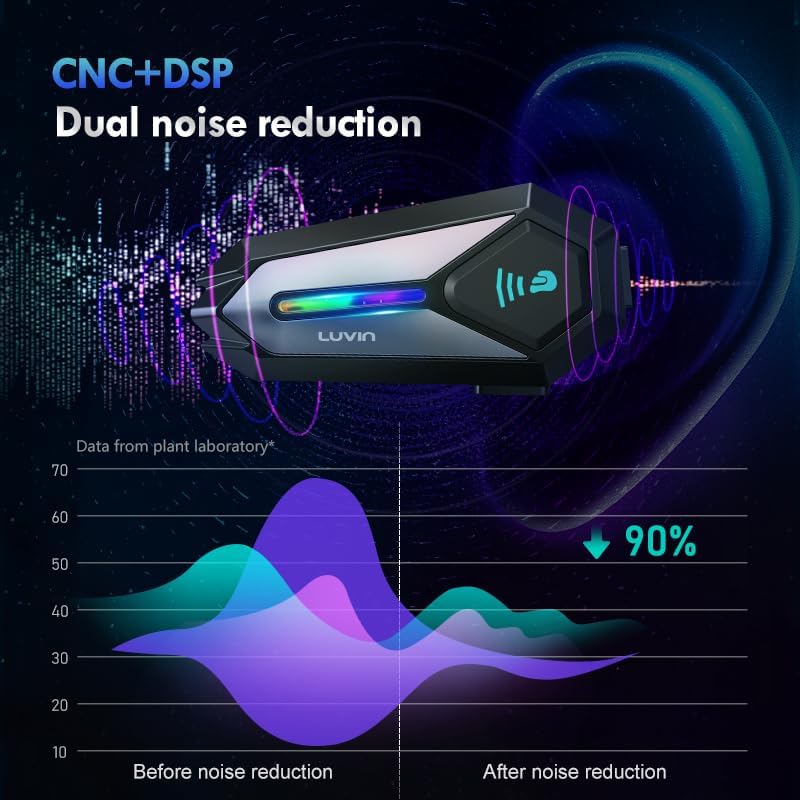
- The CVC+DSP dual noise reduction technology is active, but extreme wind conditions may still affect clarity.
14. Спецификации
| Карактеристика | Спецификација |
|---|---|
| Име на моделот | GLAXY 8 (LUS-G8) |
| Bluetooth верзија | 5.3 |
| Капацитет на батеријата | 1000 mAh |
| Време на полнење | Прибл. 2 часа |
| Време на репродукција на музика | До 20 часа |
| Време на домофон | До 15 часа |
| Отпорност на вода | IP56 Водоотпорен и отпорен на прашина |
| Контрола на бучава | Active Noise Cancellation (CVC+DSP) |
| Контролен метод | Глас, копче |
| Технологија за поврзување | Безжичен (Bluetooth) |
| Димензии на производот | 1.57 x 0.79 x 3.54 инчи |
| Тежина на ставката | 0.56 килограми (1.23 фунти) |
15. Гаранција и поддршка
The LUVIN G8 Motorcycle Helmet Bluetooth Headset comes with a 1-year warranty from the date of purchase. This warranty covers manufacturing defects under normal use.
- For warranty claims or technical support, please contact LUVIN customer service through your purchase platform or the official LUVIN webсајт.
- Ве молиме зачувајте го доказот за купување за потврда на гаранцијата.
Ask a question about this manual
Ask about setup, troubleshooting, compatibility, parts, safety, or missing instructions. Manuals+ will review the question and use this page’s manual context to help answer it.