
1. Вовед
Thank you for choosing the KOORUI N07 27-inch 4K UHD Monitor. This monitor is designed to provide a superior visual experience with its 3840x2160 resolution, IPS panel, 60Hz refresh rate, HDR10 support, and Adaptive Sync technology. This manual provides essential information for setting up, operating, and maintaining your monitor to ensure optimal performance and longevity. Please read this manual thoroughly before using the product.
2. Информации за безбедност
- Секогаш поставувајте го мониторот на стабилна, рамна површина.
- Не блокирајте ги отворите за вентилација.
- Користете само адаптерот за напојување што го обезбедува производителот.
- Држете го мониторот подалеку од вода и прекумерна влага.
- Избегнувајте изложување на мониторот на директна сончева светлина или високи температури.
- Исклучете го кабелот за напојување за време на грмотевици или кога не се користи подолг период.
3. Содржина на пакетот
Ве молиме проверете ја содржината на пакувањето по отварањето. Доколку недостасуваат или се оштетени некои предмети, контактирајте го вашиот продавач.
- KOORUI N07 27-inch 4K UHD Monitor
- Поставка за монитор (основа и врат)
- Адаптер за напојување и кабел за напојување
- HDMI кабел
- Кабел за DisplayPort
- Упатство за употреба
4. Monitor Assembly and Setup
4.1 Прицврстување на држачот
- Внимателно поставете го мониторот со лицето надолу на мека, чиста крпа за да спречите гребнатини.
- Attach the stand neck to the back of the monitor, aligning the mounting points.
- Secure the stand neck with the provided screws.
- Attach the stand base to the stand neck and tighten the thumb screw.

Слика 4.1: Заден дел view of the monitor showing VESA mount and tilt adjustment.
4.2 Кабли за поврзување
The KOORUI N07 monitor offers versatile connectivity options. Ensure your computer is turned off before making any connections.
- Поврзување за напојување: Поврзете го адаптерот за напојување со влезниот порт за еднонасочна струја на мониторот, а потоа вклучете го кабелот за напојување во штекер.
- Видео врска: Connect one end of the HDMI or DisplayPort cable to the corresponding port on your computer's graphics card and the other end to an HDMI (HDMI1 or HDMI2) or DisplayPort (DP) input on the monitor.
- Аудио излез: If desired, connect external speakers or headphones to the 3.5mm audio output port on the monitor.

Figure 4.2: Connectivity options for the KOORUI N07 monitor.
4.3 Вклучување
After connecting all necessary cables, press the power button on the monitor to turn it on. The monitor will automatically detect the active input source.
5. Упатства за работа
5.1 Мени за приказ на екран (OSD).
The OSD menu allows you to adjust various monitor settings. Use the buttons located on the bottom right of the monitor to navigate and select options.
- Копче за вклучување: Го вклучува/исклучува мониторот.
- Копче за мени: Го отвора менито за OSD.
- Копчиња за навигација: Се користи за движење низ опциите на менито и прилагодување на вредностите.
- Копче за излез: Излегува од менито OSD.
5.2 Key OSD Settings
- Поставки за слика: Прилагодете ја осветленоста, контрастот, острината и температурата на бојата.
- Режими на боја: Select from various preset modes like Standard, Movie, Game, and Eye Care.
- Влезен извор: Manually select between HDMI1, HDMI2, or DisplayPort inputs.
- Адаптивна синхронизација: Enable or disable Adaptive Sync for smoother gameplay.
- HDR10: Activate HDR10 for enhanced dynamic range with compatible content.
6. Карактеристики завршиview
6.1 4K UHD Resolution (3840x2160)
Experience incredible detail and clarity with a resolution four times higher than Full HD. This monitor provides 8.3 million pixels for a sharper and more colorful image.

Слика 6.1: Споредба на деталите за 4K UHD резолуцијата.
6.2 IPS Panel Technology
The IPS panel offers a wide 178° viewing angle and vibrant color reproduction (90% DCI-P3, 99% sRGB), ensuring consistent image quality from almost any perspective. This is ideal for graphic designers, gamers, and movie enthusiasts.

Figure 6.2: IPS panel with 99% sRGB color accuracy.
6.3 Поддршка за HDR10
Enjoy content with enhanced dynamic range. HDR10 provides brighter whites, deeper blacks, and more vivid colors, bringing your favorite movies and games to life with greater realism.

Figure 6.3: HDR10 technology for improved image quality.
6.4 Технологија за адаптивна синхронизација
Adaptive Sync eliminates screen tearing and stuttering, providing a smoother and more fluid visual experience, especially during fast-paced gaming or video playback.

Слика 6.4: Адаптивна синхронизација во акција, спречувајќи кинење на екранот.
6.5 Технологија за нега на очите
The monitor features a Blue Light Filter and Flicker-Free technology to reduce eye strain during prolonged use. The Eye Care mode optimizes settings to minimize blue light emission, promoting visual comfort.
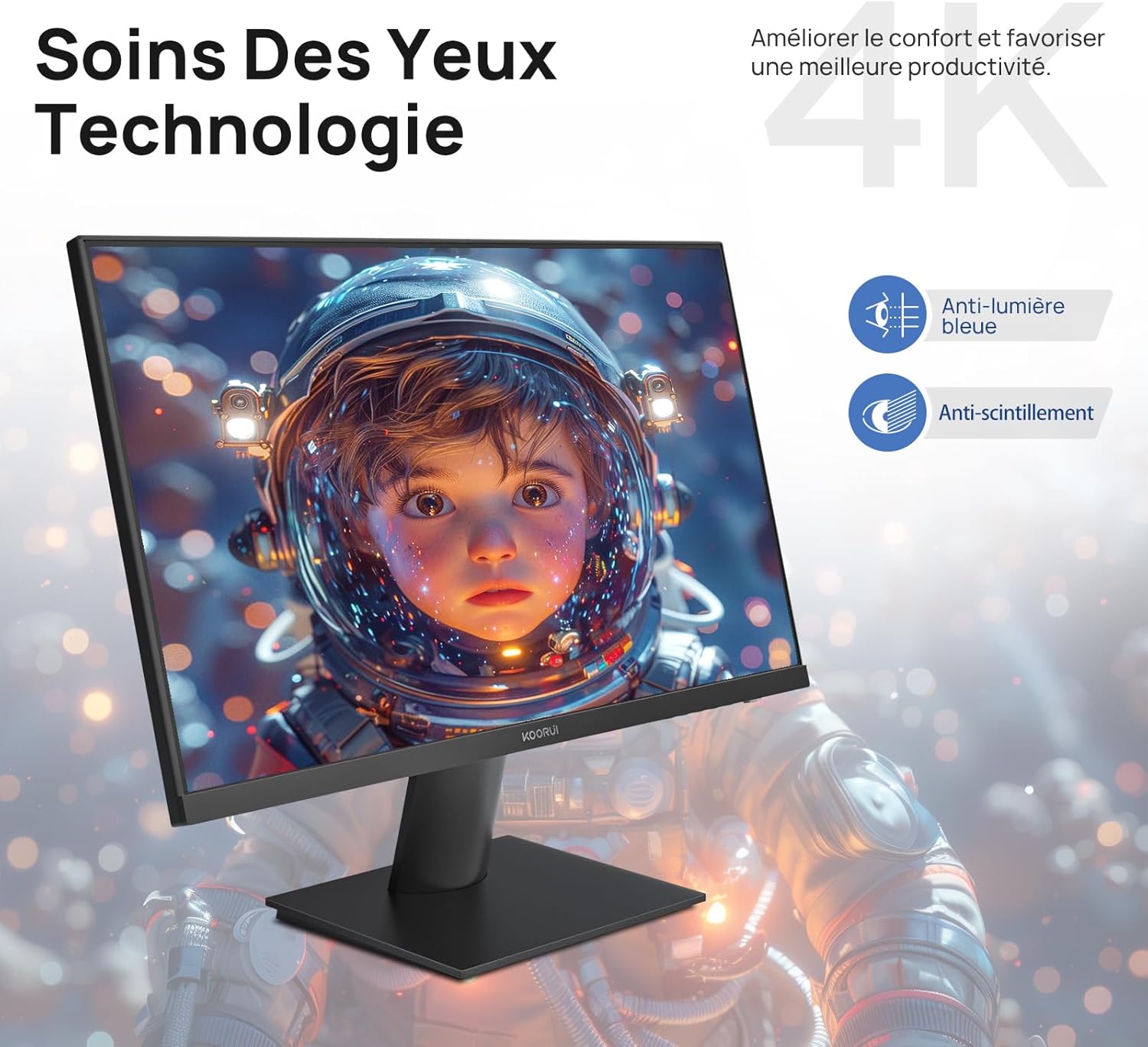
Figure 6.5: Eye Care technology for reduced eye strain.
6.6 Ергономски дизајн
The monitor stand allows for tilt adjustment from -5° to 20°, enabling you to find the most comfortable viewing angle for your posture.
6.7 Компатибилност со VESA држач
The KOORUI N07 supports 100x100mm VESA mounting, allowing you to easily attach it to a wall mount or an articulated monitor arm for a flexible and clutter-free workspace.

Figure 6.6: VESA mount compatibility for flexible setup.
7. Видео за производотview
Видео 7.1: Оверview of the KOORUI N07 27-inch 4K UHD monitor, highlighting its key features such as 4K resolution, DCI-P3 color gamut, HDR10 support, versatile usage for creation, viewing, and gaming, adjustable tilt, and VESA mounting capabilities.
8 Смена на проблеми
Доколку наидете на проблеми со вашиот монитор, погледнете ги следните вообичаени проблеми и решенија:
| Проблем | Можно решение |
|---|---|
| Нема слика на екранот | Ensure power cable is securely connected. Check video cable connection (HDMI/DP) to both monitor and computer. Verify correct input source is selected in OSD. |
| Сликата е заматена или искривена | Check display resolution settings on your computer. Ensure it is set to 3840x2160. Adjust sharpness in the OSD menu. |
| Боите изгледаат неправилно | Adjust color temperature and color settings in the OSD menu. Try resetting picture settings to factory defaults. |
| Треперење на екранот | Ensure the video cable is securely connected. Disable Adaptive Sync if enabled, or update your graphics card drivers. |
9. Спецификации
| Карактеристика | Детал |
|---|---|
| Бренд | КООРУИ |
| Број на модел | N07 |
| Големина на екранот | 27 инчи |
| Резолуција | 4K UHD (3840 x 2160 пиксели) |
| Тип на панел | IPS |
| Стапка на освежување | 60 Hz |
| Време на одговор | 4 милисекунди |
| Сооднос на аспект | 16:9 |
| Сооднос на контраст | 1000:1 |
| Осветленост | 300 cd/m² |
| Viewинголен агол | 178 степени |
| Поврзување | 2x HDMI 2.0, 1x DisplayPort 1.4, 1x аудио излез |
| Компатибилност со VESA | 100х100мм |
| Посебни карактеристики | Blue Light Filter, Tilt Adjustment, Frameless, Flicker-Free, Adaptive Sync, HDR10 |
| Димензии (Д x Ш x В) | 20.5P x 61lx 45H сантиметри |
| Тежина | 3 килограми |
10. Одржување
To ensure the longevity and optimal performance of your KOORUI N07 monitor, follow these maintenance guidelines:
- Чистење на екранот: Нежно избришете го екранот со мека крпа што не остава влакненца. За тврдокорни дамки, dampИзмијте ја крпата малку со вода или со специјализирано средство за чистење екрани. Никогаш не прскајте течност директно врз екранот.
- Чистење на Casing: Користете мека, сува крпа за чистење на мониторот casing. Избегнувајте абразивни средства за чистење или растворувачи.
- Вентилација: Осигурајте се дека отворите за вентилација на мониторот не се блокирани за да спречите прегревање.
- Исклучено: Turn off the monitor when not in use for extended periods.
11. Гаранција и поддршка
The KOORUI N07 monitor comes with a 2-годишна гаранција од производителот. This warranty covers defects in materials and workmanship under normal use. For warranty claims or technical support, please contact KOORUI customer service or your retailer with your proof of purchase.
For additional support, troubleshooting guides, and driver downloads, please visit the official KOORUI webсајт.