1. Вовед
Ви благодарам за купувањетоasing the Portable Mini Projector. This device is designed to provide a versatile and immersive viewing experience, supporting high-definition decoding and various connectivity options for both indoor and outdoor use. Please read this manual thoroughly before operating the projector to ensure proper use and to maximize its performance and lifespan.
2. Информации за безбедност
To prevent fire, electric shock, or damage to the projector, please observe the following safety precautions:
- Не ги блокирајте отворите за вентилација. Обезбедете соодветен проток на воздух околу проекторот.
- Do not expose the projector to rain or moisture. Keep it away from water sources.
- Користете го само адаптерот за напојување што е испорачан со проекторот.
- Избегнувајте да гледате директно во објективот на проекторот кога lamp е вклучено, бидејќи силната светлина може да предизвика напрегање или оштетување на очите.
- Не обидувајте се да го расклопите или модифицирате проекторот. За сите сервисирања обратете се на квалификуван персонал.
- Поставете го проекторот на стабилна, рамна површина за да спречите паѓање.
- Keep the projector away from direct sunlight, heat sources, and extreme temperatures.
3. Содржина на пакетот
Ве молиме проверете ја содржината на пакувањето при отпакувањето:
- Пренослив мини проектор
- Адаптер за напојување
- Далечински управувач (батериите не се вклучени)
- HDMI кабел
- Упатство за употреба
4. Карактеристики и компоненти на производот
Familiarize yourself with the projector's key features and components:
- Проекциски објектив: Emits the image onto the screen or surface.
- Фокус прстен: Ја прилагодува јасноста на проектираната слика.
- Влезни пристаништа: HDMI, USB, AV, Memory Card slot for various device connections.
- Вграден звучник: Обезбедува аудио излез.
- Решетки за вентилација: За дисипација на топлина.
- Копче за вклучување: Го вклучува/исклучува проекторот.
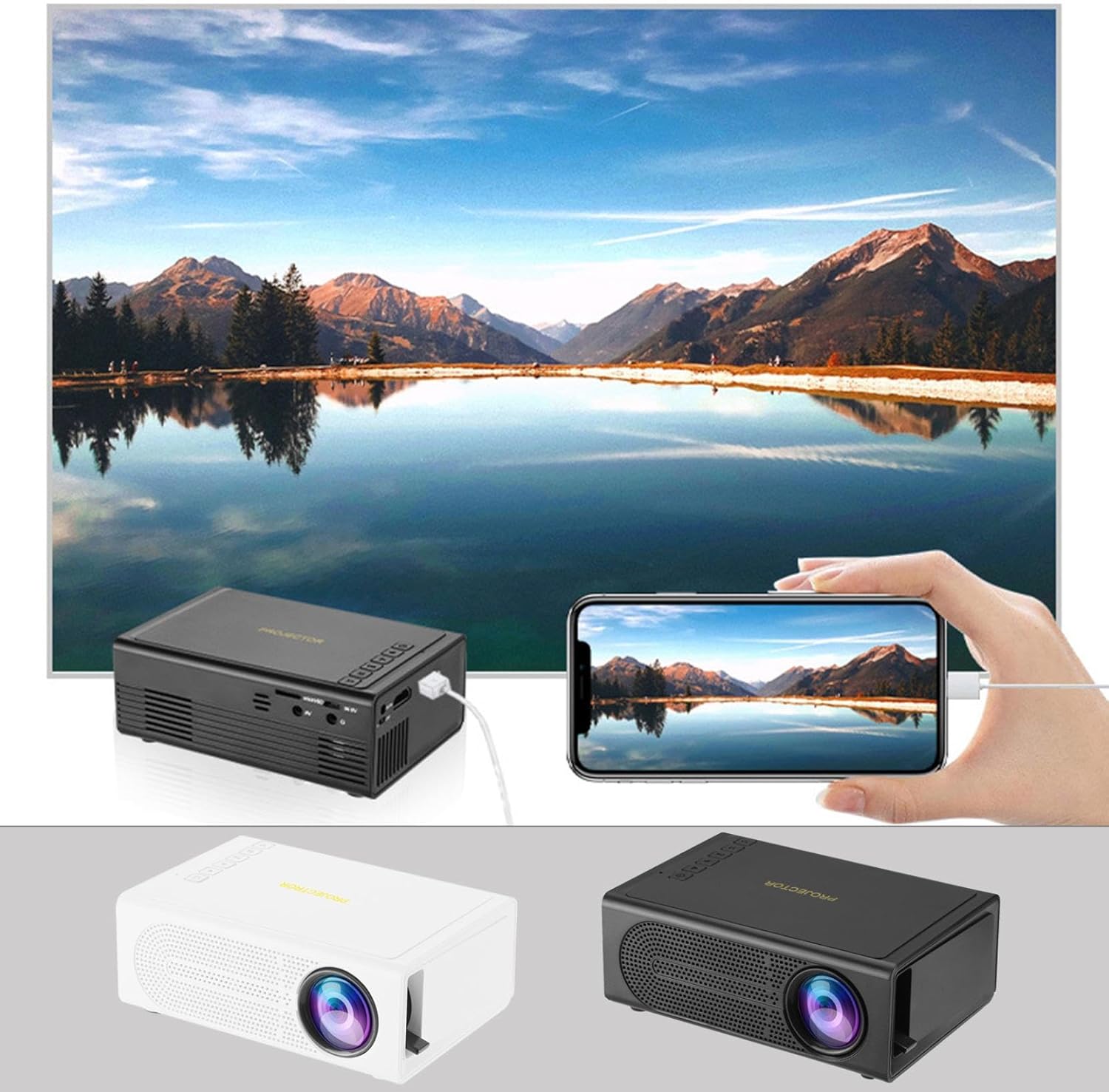
Image: The Portable Mini Projector in use, demonstrating its ability to mirror a smartphone screen onto a large display. Both black and white color options of the projector are shown.

Image: Physical dimensions of the projector, indicating its compact size.
5. Поставување
- Поврзување за напојување: Connect the supplied power adapter to the projector's power input port and then plug it into a power outlet.
- Поставување: Поставете го проекторот на стабилна, рамна површина. За оптимално viewing, position the projector perpendicular to the projection surface (wall or screen).
- Вклучување: Притиснете го копчето за вклучување на проекторот или далечинскиот управувач за да го вклучите уредот.
- Прилагодување на фокусот: Once powered on, rotate the focus ring on the projector until the projected image appears clear and sharp.
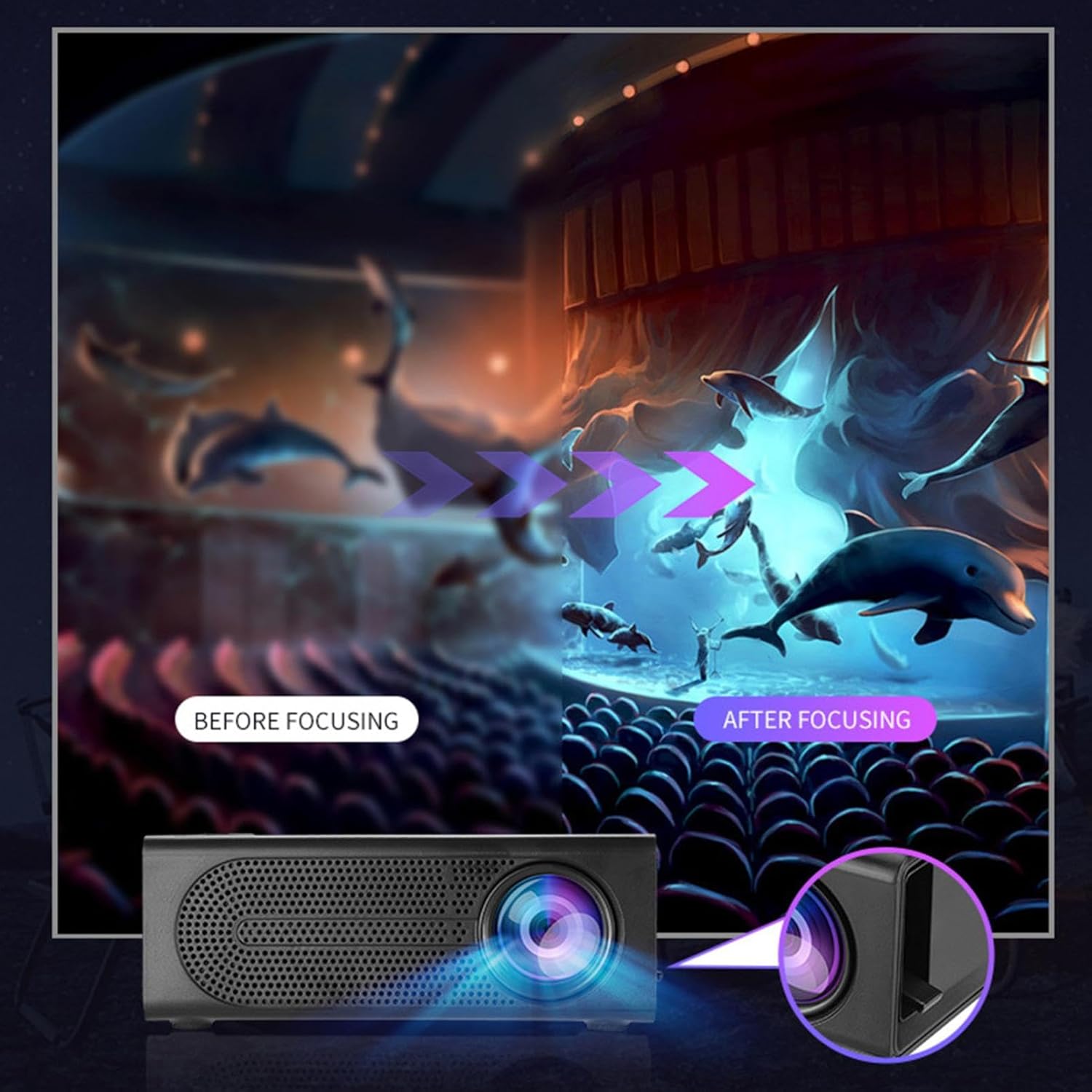
Image: Visual demonstration of focus adjustment, showing the difference between a blurry and a sharp image.
6. Упатства за работа
6.1 Поврзување на уреди
The projector supports various input sources. Select the appropriate input mode from the projector's menu after connecting your device.
- HDMI: Connect laptops, gaming consoles, DVD players, or other HDMI-enabled devices using an HDMI cable.
- USB: Вметнете USB флеш-уред за репродукција на медиуми fileи директно.
- АВ: Use an AV cable to connect older devices like VCRs or some set-top boxes.
- Мемориска картичка: Insert a compatible memory card to view фотографии или видеа.
- Паметен телефон/таблет: For wired phone same screen playback, connect your smartphone or tablet via a compatible cable (e.g., USB to Lightning/USB-C for screen mirroring, if supported by your device and the projector).

Image: Connectivity diagram illustrating the wide range of devices compatible with the projector.
6.2 Adjusting Projection Size
The projector can project images ranging from 32 to 100 inches. The projection size is determined by the distance between the projector and the projection surface. Move the projector closer to the surface for a smaller image, and further away for a larger image.
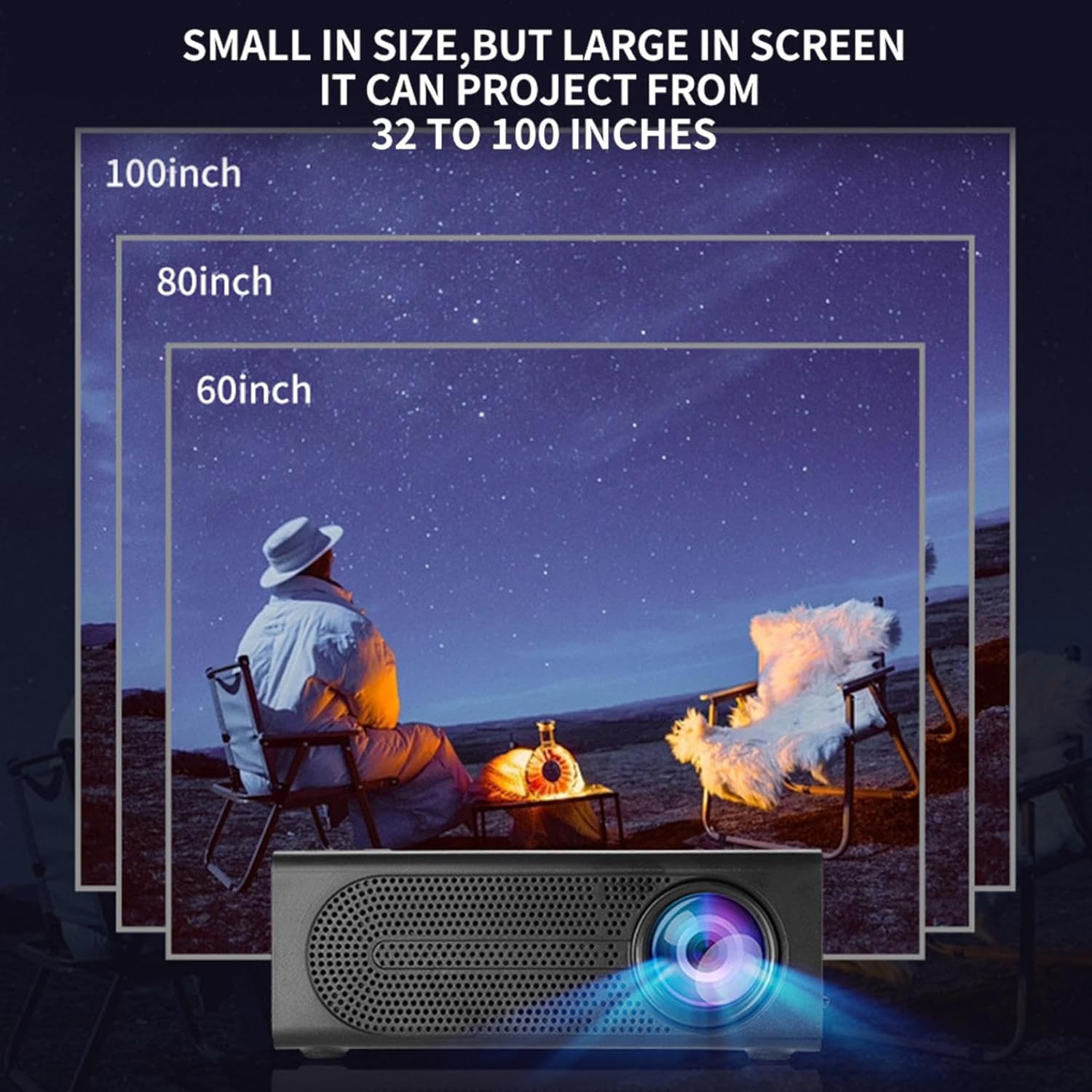
Image: Illustration of various projection sizes achievable with the projector, from 32 to 100 inches.
6.3 Сценарија за користење
This projector is suitable for a variety of environments and uses:
- Parent-child interaction: Enjoy movies or educational content with family.
- Outdoor cinema: Set up a movie night in your backyard.
- Bedroom projection: Watch content comfortably from your bed.
- Living room cinema: Transform your living space into a home theater.

Слика: Прamples of diverse usage scenarios for the projector, from indoor home theater to outdoor entertainment.

Image: Depiction of family entertainment using the projector, alongside a technical diagram explaining the benefit of diffuse reflection for eye comfort compared to direct-ray light from a TV.
7. Одржување
Правилното одржување обезбедува долготрајност и оптимални перформанси на вашиот проектор:
- Чистење леќи: Користете мека крпа без влакненца, специјално дизајнирана за оптички леќи, за нежно да ја избришете леќата на проекторот. Не користете абразивни средства за чистење или прекумерна сила.
- Отстранување прашина: Regularly clean the ventilation grilles with a soft brush or compressed air to prevent dust buildup, which can affect cooling and performance.
- Складирање: Кога не го користите подолго време, чувајте го проекторот на ладно и суво место, подалеку од директна сончева светлина и екстремни температури.
- Исклучете го правилно: Always turn off the projector using the power button and allow it to cool down before unplugging or moving it.
8 Смена на проблеми
Доколку наидете на проблеми со вашиот проектор, погледнете ги следните вообичаени проблеми и решенија:
| Проблем | Можна причина | Решение |
|---|---|---|
| Не е проектирана слика | Power not connected; Input source not selected; Lens cap on. | Ensure power is connected and unit is on; Select correct input source; Remove lens cap. |
| Сликата е матна | Фокусот не е прилагоден; Проекторот е премногу блиску/далеку од екранот. | Прилагодете го прстенот за фокусирање; Прилагодете го растојанието на проекција. |
| Нема звук | Јачината на звукот е прениска; Аудио кабелот не е поврзан; Звукот е исклучен. | Increase volume; Check audio connections; Unmute projector/source device. |
| Далечинскиот управувач не работи | Батериите се празни/неправилно вметнати; Пречка помеѓу далечинскиот управувач и проекторот. | Заменете ги батериите; Обезбедете ја чистата линија на гледање до инфрацрвениот приемник. |
Ако проблемот продолжи откако ќе ги испробате овие решенија, контактирајте ја корисничката поддршка.
9. Спецификации
- Тип на производ: Пренослив мини проектор
- Бренд: Генерички
- Компатибилни уреди: Laptop, Gaming Console, Tablet, Camera, Smartphone
- Сооднос на контраст на сликата: Високо
- Големина на проекција: 32 до 100 инчи
- Декодирање на видео: H.264, H.265
- Поврзување: HDMI, USB, AV, Memory Card
- Димензии: Approximately 5in (L) x 3.2in (W) x 1.9in (H) / 12.7cm (L) x 8.15cm (W) x 4.85cm (H)
10. Гаранција и поддршка
This product comes with a standard manufacturer's warranty. Please refer to the warranty card included in your package for specific terms and conditions. For technical support, troubleshooting assistance, or warranty claims, please contact the retailer or manufacturer's customer service department.
Контакт за поддршка на клиентите: Please refer to retailer or manufacturer webсајт за детали за контакт.