
Вовед
Thank you for choosing the Gravity C20 Pro Smartwatch. This rugged smartwatch is designed for durability and advanced functionality, featuring a 1.83-inch TFT display, IP68 waterproofing, Bluetooth calling, AI voice assistant, and over 100 sports modes. This manual will guide you through the setup, operation, and maintenance of your new device.

Слика: напред view of the Gravity C20 Pro Smartwatch, showcasing неговиот робустен дизајн и дисплеј.
Што има во кутијата
- Gravity C20 Pro Smartwatch
- Кабел за полнење
- Упатство за употреба
Производот завршиview и Карактеристики
The Gravity C20 Pro is built to withstand challenging environments while providing comprehensive smart features. Its robust construction and advanced sensors make it an ideal companion for active lifestyles.
Клучни карактеристики:
- Durable 1.83" TFT Display: Large and clear screen for easy readability.
- IP68 Водоотпорен: Designed to protect against dust and water exposure.
- Повикување преку Bluetooth: Воспоставувајте и примајте повици директно од вашиот зглоб.
- Гласовна контрола со вештачка интелигенција: Работа без раце за различни функции.
- 100+ спортски режими: Comprehensive tracking for a wide range of physical activities.
- Здравствено следење: Includes heart rate, sleep tracking, step counting, and sedentary reminders.
- Долг век на батеријата: 380mAh battery offering extended standby time.
- Паметни известувања: Receive alerts for calls, messages, and apps.

Image: Two Gravity C20 Pro smartwatches, emphasizing their robust and outdoor-ready design.

Image: A graphic displaying icons for key features such as heart rate monitoring, call reminders, pedometer, information reminders, blood pressure monitor, sleep monitor, calories, sedentary reminder, exercise data, IP68 waterproof, stress monitor, voice assistant, blood oxygen monitor, heart rate warning, and calculator.
Поставување
1. Почетно полнење
Before first use, fully charge your Gravity C20 Pro Smartwatch. Connect the magnetic charging cable to the charging points on the back of the watch and plug the USB end into a power adapter (not included) or a computer's USB port. The watch display will indicate charging status.
2. Вклучување/исклучување
- Вклучување: Притиснете и задржете го копчето за вклучување (обично од страна) додека екранот не светне.
- Исклучено: Притиснете и задржете го копчето за вклучување, а потоа изберете „Исклучи“ на екранот.
3. Инсталација на апликација и спарување
To unlock the full potential of your smartwatch, download the companion app on your iOS or Android device. Пребарај за the app name (refer to the packaging or quick start guide for the exact name) in the App Store or Google Play Store.
- Преземете ја и инсталирајте ја апликацијата на вашиот паметен телефон.
- Отворете ја апликацијата и следете ги упатствата на екранот за да креирате сметка или да се најавите.
- Овозможете Bluetooth на вашиот паметен телефон.
- Во апликацијата, одете до делот „Уред“ или „Додај уред“.
- Select 'Gravity C20 Pro' from the list of available devices.
- Потврдете го барањето за спарување и на вашиот телефон и на паметниот часовник.
Упатства за работа
Основна навигација
- Повлечете нагоре/надолу: Скролувајте низ менијата и известувањата.
- Повлечете лево/десно: Пристап до брзи функции или различни изгледи на часовникот.
- Допрете: Изберете ставка или отворете апликација.
- Копче за вклучување: Press to wake/sleep the screen, or return to the home screen. Long press for power options.
- Спортско копче: Dedicated button to quickly access sports modes.
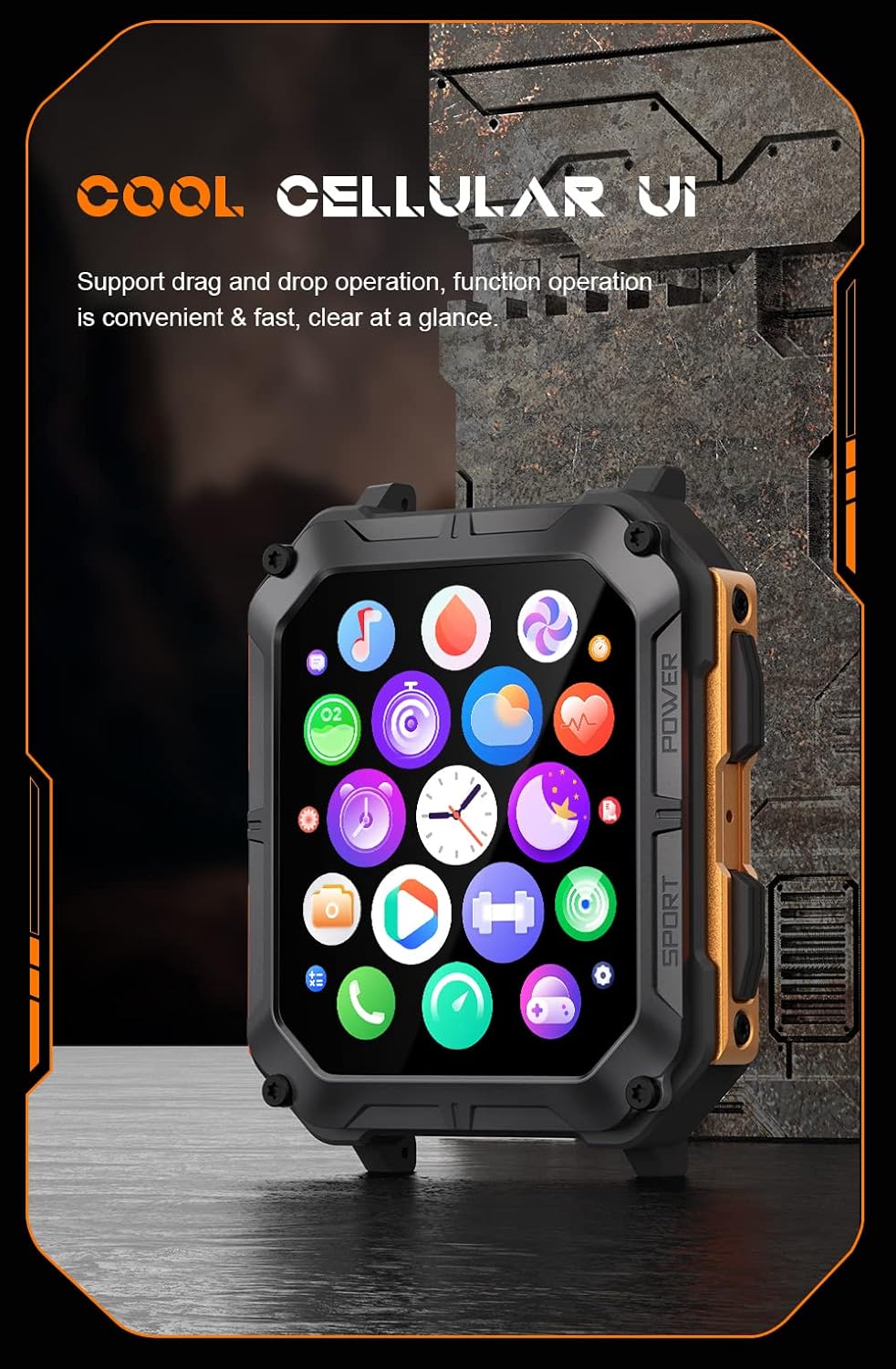
Image: The smartwatch display showing a grid of colorful application icons, illustrating the user interface.
Повикување преку Bluetooth
Откако ќе се поврзете, можете да воспоставувате и примате повици директно од вашиот часовник.
- Одговарање на повици: Кога ќе добиете повик, допрете ја зелената икона за одговор на екранот на часовникот.
- Остварување повици: Пристапете до бирачот или листата со контакти на вашиот часовник за да започнете повик.
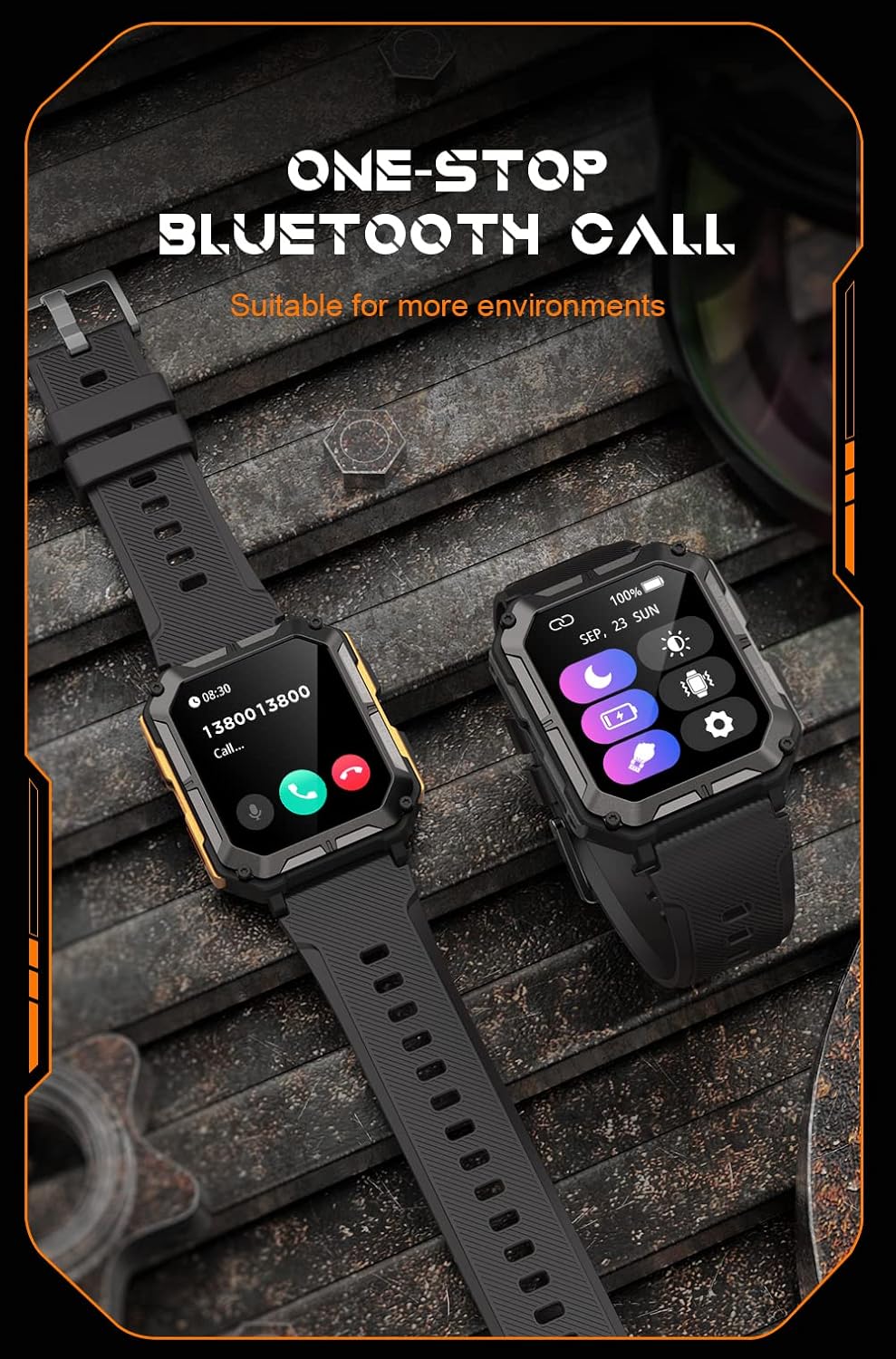
Image: Two smartwatches, one showing an incoming call notification with options to answer or decline, demonstrating the Bluetooth call feature.
Гласовен асистент со вештачка интелигенција
Activate the AI voice assistant by a designated gesture or button press (refer to in-app settings). You can then use voice commands for various tasks, such as checking weather, setting alarms, or initiating calls.
Спортски режими
The watch supports over 100 sports modes. Access them via the Sport button or the main menu. Select your activity to start tracking metrics like duration, distance, calories burned, and heart rate.
Здравствен мониторинг
The C20 Pro continuously monitors your health data.
- Отчукувањата на срцето: View real-time heart rate on the watch or in the app.
- Следење на спиење: Wear the watch to bed for detailed sleep analysis (deep sleep, light sleep, awake time).
- Кислород во крвта: Измерете ги нивоата на SpO2.
- Чекори и калории: Track your daily activity and calorie expenditure.

Image: The smartwatch display showing current heart rate (BPM) and blood oxygen saturation (SpO2) levels, indicating health monitoring capabilities.
Известувања
Receive notifications from your smartphone directly on your watch. Ensure notification permissions are enabled in both your phone's settings and the companion app.
Одржување
Чистење на вашиот паметен часовник
Regularly clean your watch to ensure optimal performance and hygiene. Use a soft, lint-free cloth to wipe the screen and body. For stubborn dirt, slightly dampИзмијте ја крпата со вода. Избегнувајте употреба на груби хемикалии или абразивни материјали.
Водоотпорност (IP68)
The Gravity C20 Pro is IP68 water-resistant, meaning it can withstand dust and immersion in water up to 1.5 meters for 30 minutes. It is suitable for daily use, such as washing hands or light rain. However, it is not recommended for hot showers, saunas, or diving, as steam and high water pressure can compromise the seals.
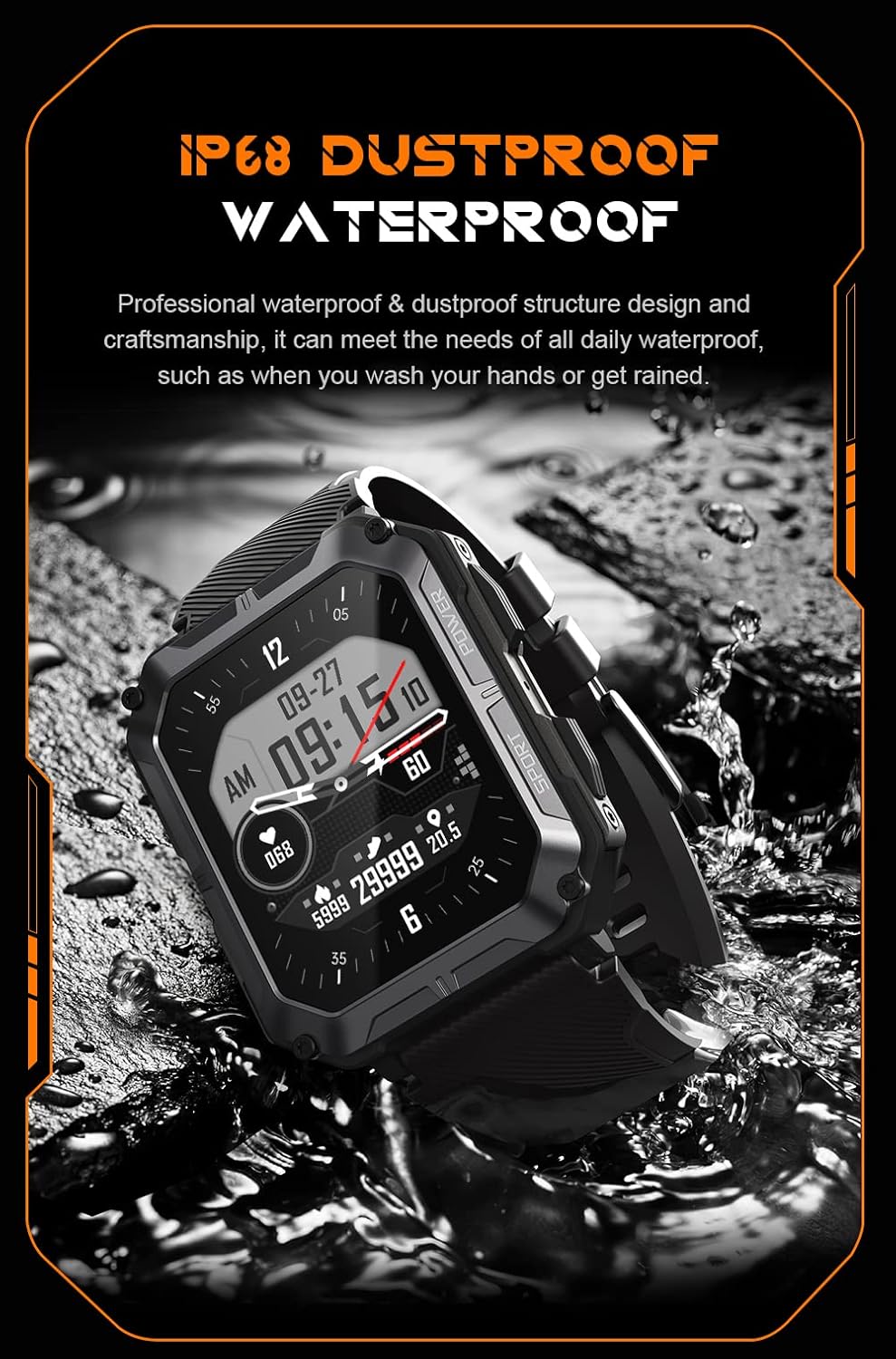
Image: The smartwatch partially submerged in water, illustrating its IP68 dustproof and waterproof capabilities.
Нега на батерии
За да го продолжите животниот век на батеријата:
- Избегнувајте екстремни температури.
- Charge the watch before the battery completely drains.
- If storing for a long period, charge it to about 50% and power it off.
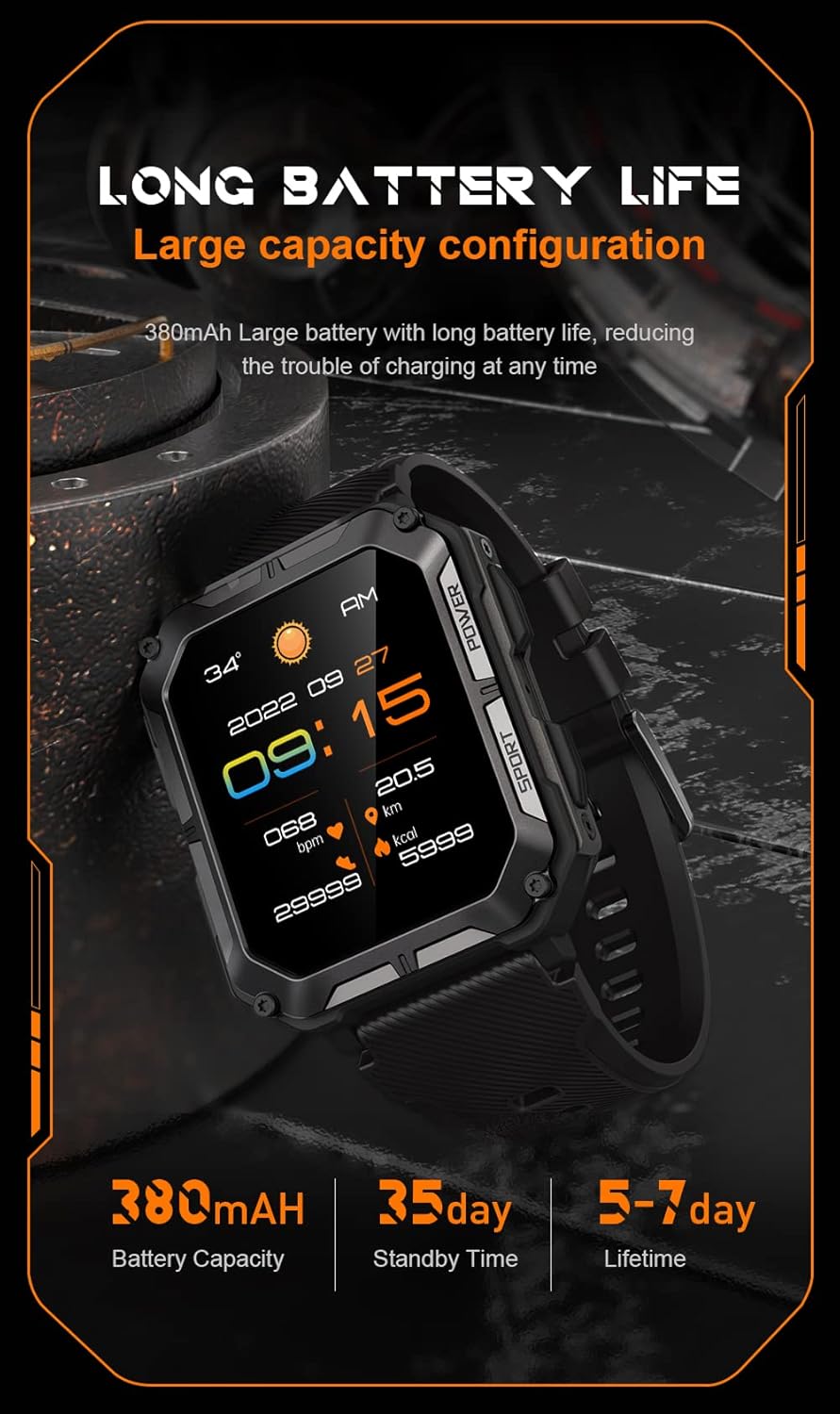
Image: The smartwatch display showing the time, date, weather, heart rate, steps, and battery level, with accompanying text emphasizing its long battery life and 380mAh capacity.
Решавање проблеми
| Проблем | Можно решение |
|---|---|
| Watch won't power on | Ensure the watch is fully charged. Press and hold the Power button for at least 10 seconds to force a restart. |
| Не може да се спари со телефон | Ensure Bluetooth is enabled on your phone. Restart both the watch and phone. Clear previous pairings in phone's Bluetooth settings. Make sure the app is updated. |
| Неточни здравствени податоци | Ensure the watch is worn snugly on your wrist, not too tight or too loose. Clean the sensor on the back of the watch. Update watch firmware via the app. |
| Известувањата не се примени | Check notification permissions in your phone's settings for the companion app. Ensure the app is running in the background. Verify Bluetooth connection. |
| Краток век на батеријата | Reduce screen brightness. Turn off unnecessary features like 'Always-On Display'. Limit frequent heart rate monitoring. Ensure no background apps are draining power. |
Спецификации
| Карактеристика | Детал |
|---|---|
| Број на модел | W4-C28 |
| Големина на екранот | 1.83 инчи |
| Капацитет на батеријата | 380 mAh |
| Отпорност на вода | IP68 |
| Поврзување | Bluetooth |
| Оперативен систем | Android OS (compatible with iOS) |
| Тежина на ставката | 1 фунти |
| Отпорност на температура | -24°C до 60°C |
Гаранција и поддршка
Информации за гаранцијата
The Gravity C20 Pro Smartwatch comes with a standard manufacturer's warranty. Please refer to the warranty card included in your product packaging or visit the official Gravity webстраница за детални услови во врска со гарантното покритие и времетраењето.
Поддршка за корисници
For any technical assistance, troubleshooting not covered in this manual, or warranty claims, please contact Gravity customer support. Contact information can typically be found on the official Gravity webна локацијата или на пакувањето на производот.