
Емерсон EVP-2002
Упатство за користење на LCD проектор за домашно кино Emerson EVP-2002
Model: EVP-2002
Вовед
Thank you for choosing the Emerson EVP-2002 Home Theater LCD Projector. This manual provides essential information for setting up, operating, and maintaining your projector to ensure optimal performance and longevity. Please read this manual thoroughly before using the product and retain it for future reference.
Што има во кутијата
При распакување, проверете дали се присутни сите од следниве предмети:
- Emerson EVP-2002 Projector
- UL Approved Power Adaptor
- Далечински управувач
- Покривка за објектив на проекторот
- Упатство за употреба (овој документ)
Производот завршиview
The Emerson EVP-2002 is designed to deliver an immersive home theater experience with its advanced LCD technology and versatile connectivity options.

Слика: напред view of the Emerson EVP-2002 projector, showcasing the lens and ventilation. This compact projector is designed for home entertainment.
Клучни карактеристики:
- Immersive Entertainment: Transforms your space into a theater for sports, movies, and TV shows.
- Bluetooth поврзување: Allows easy pairing with external audio devices.
- Effortless Media Streaming: Compatible with streaming devices like Amazon Fire Stick, Roku, or Google Chromecast (not included).
- Живописни визуелни слики: Advanced LCD projector delivers high-quality resolution with clarity and color vibrancy.
- Versatile Multi-Media Functionality: Supports HDMI and USB flash drives for various video, audio, and photo formats.
- Долготрајна LED сијалица: Durable LED bulb with up to 30,000 hours of lifespan.
- Powerful Built-In Speakers: Delivers clear, full-bodied sound.

Слика: Страна view of the Emerson EVP-2002 projector, showing its compact cylindrical design and adjustable stand.
Димензии и тежина на производот:
- Димензии: 6.75 x 4.12 x 4.98 инчи
- Тежина: 1.43 фунти

Image: Diagram illustrating the dimensions (6.75 in. length, 4.12 in. width, 4.98 in. height) and weight (1.43 lbs) of the Emerson EVP-2002 projector.
Водич за поставување
1 Поставување
Position the projector on a stable, flat surface. Ensure there is adequate ventilation around the unit. The distance from the screen or wall will determine the image size. Adjust the projector's angle using its stand for optimal projection.
2. Поврзување за напојување
- Connect the UL Approved Power Adaptor to the DC IN port on the projector.
- Plug the power adaptor into a standard electrical outlet.
- The power indicator light should illuminate.
3. Поврзување на влезни извори
The EVP-2002 offers multiple input options:
- HDMI: Connect an HDMI cable from your source device (e.g., laptop, game console, streaming stick) to the HDMI port on the projector.
- USB: Вметнете USB флеш-уред во USB-портата за репродукција на медиуми fileи директно.
- 3.5 мм аудио: Connect external speakers or headphones using a 3.5mm audio cable to the AUX OUT port.

Слика: Заден дел view of the Emerson EVP-2002 projector, showing the various input ports including HDMI, USB, and DC power input.
Упатства за работа
1. Вклучување/исклучување
- За да го вклучите, притиснете го копчето за вклучување на проекторот или на далечинскиот управувач.
- За да го исклучите, повторно притиснете го копчето за вклучување. Проекторот ќе влезе во режим на подготвеност.
2. Прилагодување на фокусот
Rotate the focus ring located near the lens until the projected image appears clear and sharp.
3. Избор на извор
Use the "Source" button on the remote control or the projector's control panel to cycle through available input sources (HDMI, USB, etc.).
4. Bluetooth поврзување
- Ensure Bluetooth is enabled on your external audio device (e.g., speaker, headphones).
- On the projector, navigate to the Bluetooth settings (refer to on-screen menu if available, or press the dedicated Bluetooth button if present).
- Изберете го вашиот уред од листата на достапни уреди за спарување.
- Once paired, audio will be routed through the connected Bluetooth device.
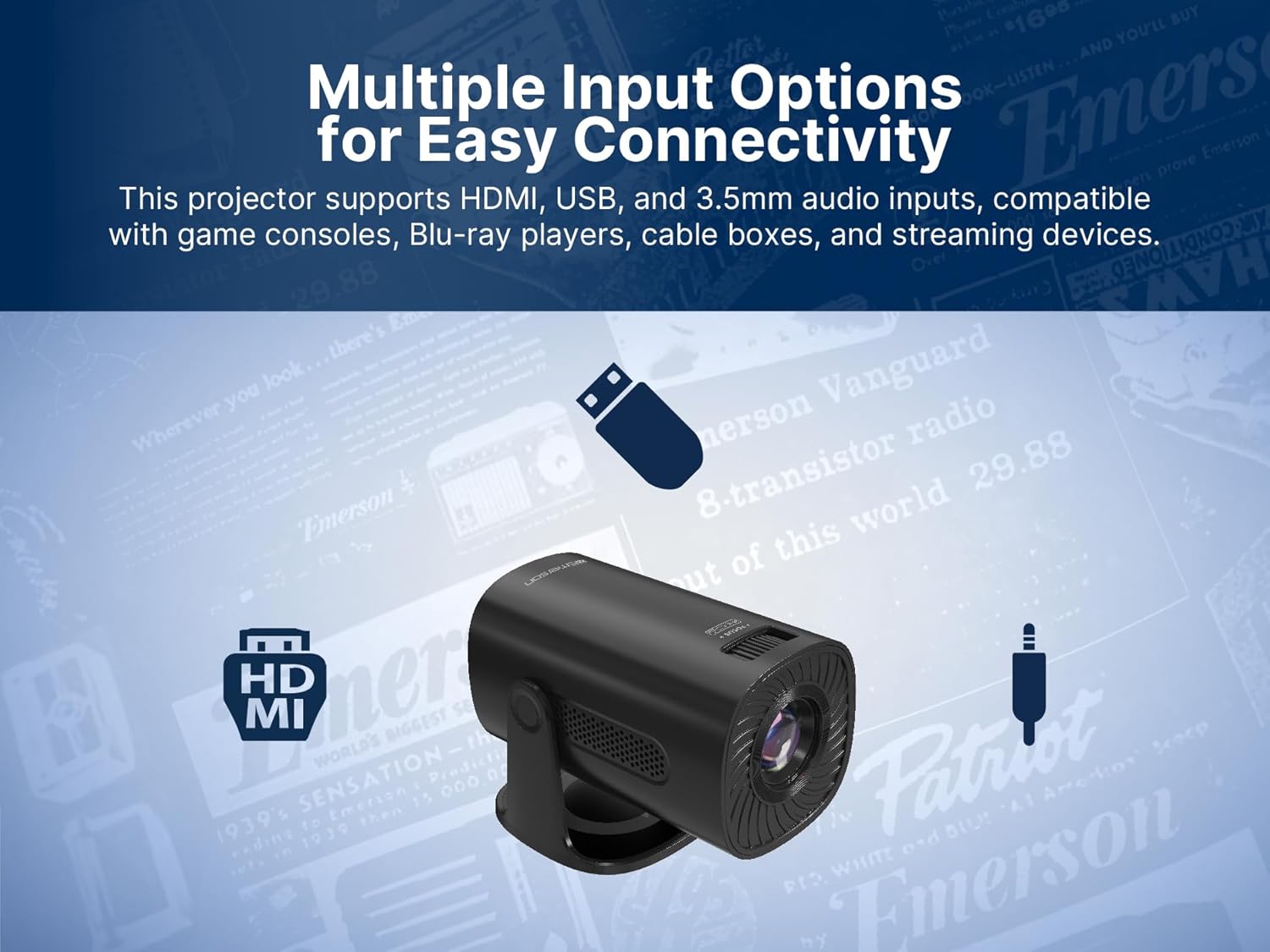
Image: The Emerson EVP-2002 projector displaying a Bluetooth icon, indicating its wireless audio connectivity feature.
5. Репродукција на медиуми (USB)
- Вметнете USB флеш-уред што содржи компатибилен медиум files во USB-портата.
- Select "USB" as the input source.
- Движете се низ папките и files using the remote control or projector buttons.
- Изберете a file да започне со репродукција.

Image: The Emerson EVP-2002 projector connected to a USB drive, illustrating its capability to play various media formats directly.
Одржување
Правилното одржување обезбедува долготрајност и оптимални перформанси на вашиот проектор.
1. Чистење на леќата
- Always power off and unplug the projector before cleaning.
- Користете мека крпа без влакненца, специјално дизајнирана за оптички леќи.
- Gently wipe the lens in a circular motion. Avoid harsh chemicals or abrasive materials.
- Replace the lens cover when the projector is not in use to protect it from dust.
2. Чистење на куќиштето на проекторот
- Избришете ја надворешноста со мека, сува крпа.
- Do not use liquid cleaners or sprays directly on the projector.
3. Вентилација
- Ensure the ventilation vents are not blocked to prevent overheating.
- Periodically check and gently clean any dust accumulation on the vents using a soft brush or compressed air.
Решавање проблеми
Доколку наидете на проблеми со вашиот проектор, погледнете ги следните вообичаени проблеми и решенија:
| Проблем | Можна причина | Решение |
|---|---|---|
| Не е проектирана слика |
|
|
| Сликата е матна |
|
|
| Нема звук |
|
|
| Проекторот се прегрева |
|
|
Спецификации
| Карактеристика | Детал |
|---|---|
| Број на модел | ЕВП-2002 |
| Бренд | Емерсон |
| Димензии на производот | 6.75 x 4.12 x 4.98 инчи |
| Тежина на ставката | 1.43 фунти |
| Резолуција на екранот | 1280 x 720 |
| Технологија за поврзување | Bluetooth |
| Специјална карактеристика | Вграден звучник |
| Препорачана употреба | Бизнис, Образование, Игри, Домашно кино |
| Производител | Naxa Electronics, Inc. |
Видеа со производи
Emerson EVP-2002 Product Video - 360 Spin
Видео: 360 степени view of the Emerson EVP-2002 projector, showcasing its design and various angles. This video provides a comprehensive visual overview of the product's exterior.
Гаранција и поддршка
Информации за гаранцијата
За детални информации за гаранцијата, ве молиме погледнете ја гарантната картичка вклучена во вашиот производ или посетете ја официјалната страница на Емерсон. webлокација. Чувајте ја сметката за купување како доказ за какви било гаранциски побарувања.
Поддршка за корисници
Доколку ви е потребна дополнителна помош, техничка поддршка или имате прашања што не се опфатени во ова упатство, ве молиме контактирајте ја службата за корисничка поддршка на Emerson. Контакт информациите обично може да се најдат на пакувањето на производот, официјалната страница на Emerson. webлокацијата или гарантната картичка.