
Вовед
This manual provides essential information for the assembly, operation, maintenance, and troubleshooting of your Deli Gaming Table E91511. Please read these instructions carefully before assembly and use to ensure proper function and longevity of your product.
Безбедносни предупредувања
- Секогаш составувајте ја масата според дадените упатства.
- Ensure the desk is properly anchored to the floor to prevent tipping, especially when using heavy setups.
- Be cautious when moving the desk, as it may require two people due to its size and weight.
- Не преоптоварувајте ја масата над нејзината наведена носивост.
- Чувајте ги малите делови подалеку од деца за време на склопувањето.
Содржина на пакетот
Before beginning assembly, verify that all components are present and undamaged. Refer to the included assembly instructions for a detailed list of parts and hardware. Typically, the package includes:
- Desktop surface (Metal and Composite)
- Desk legs (K-type carbon steel frame)
- Crossbars and support beams
- Хардвер за склопување (шрафови, завртки, подлошки)
- Assembly tools (if included, otherwise standard tools like a screwdriver may be required)
- Упатство за употреба
Поставување и склопување
The Deli Gaming Table E91511 is designed for quick assembly with minimal tools. Follow the step-by-step instructions provided in the separate assembly guide included with your product. Ensure you have adequate space for assembly and consider having a second person assist with lifting and positioning larger components.
Чекори на Генералното собрание:
- Распакувајте ги сите компоненти и поставете ги на чиста, мека површина за да спречите гребнатини.
- Attach the K-shaped table legs to the main support frame using the provided hardware. Ensure all connections are secure.
- Carefully place the desktop surface onto the assembled leg frame. Align the pre-drilled holes.
- Secure the desktop to the frame using the remaining hardware. Do not overtighten.
- Verify all screws and bolts are tightened and the desk is stable before placing any equipment on it.

Image: Close-up of the K-shaped table legs, demonstrating the stable structure.
Упатства за работа
The Deli Gaming Table E91511 offers a spacious and stable surface for various uses, including gaming, streaming, home office work, and student workstations.
- Wider Gaming Surface: The 120 cm width accommodates dual monitors or extra peripherals, providing ampостави простор за вашето поставување.
- Ергономски дизајн: The desk is designed for comfortable use, allowing for extended periods of activity without discomfort.
- Управување со кабли: Utilize the integrated 3D cable management box (if applicable) to keep your cables organized and your workspace tidy.
- Носивост: The desk is engineered for heavy setups and consistent use. Ensure weight is distributed evenly.
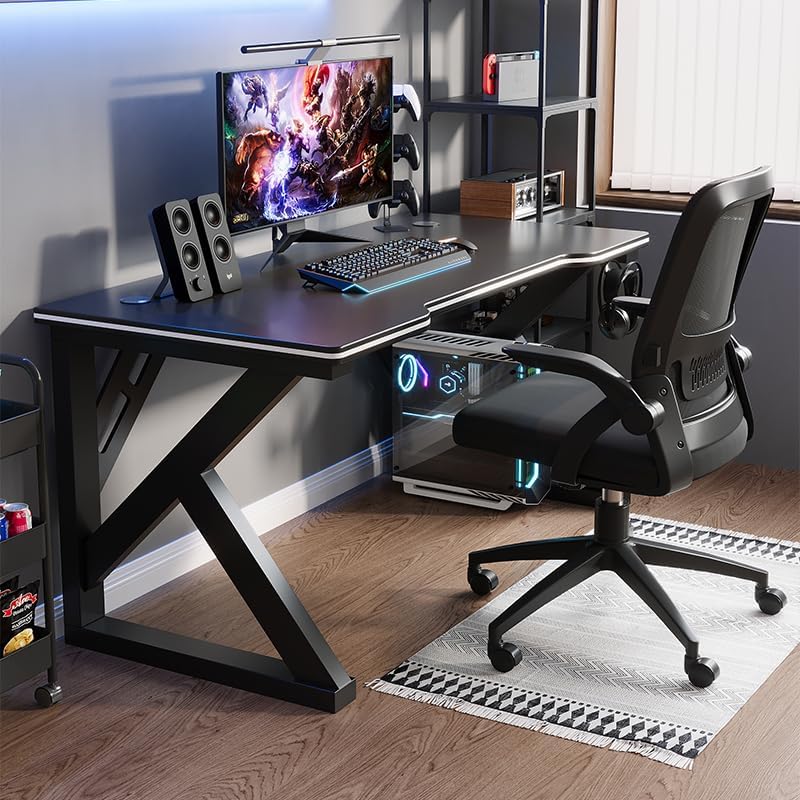
Image: A gaming setup on the Deli Gaming Table, illustrating its spacious surface.

Слика: Од горе надолу view of a user at the Deli Gaming Table, highlighting ergonomic design.
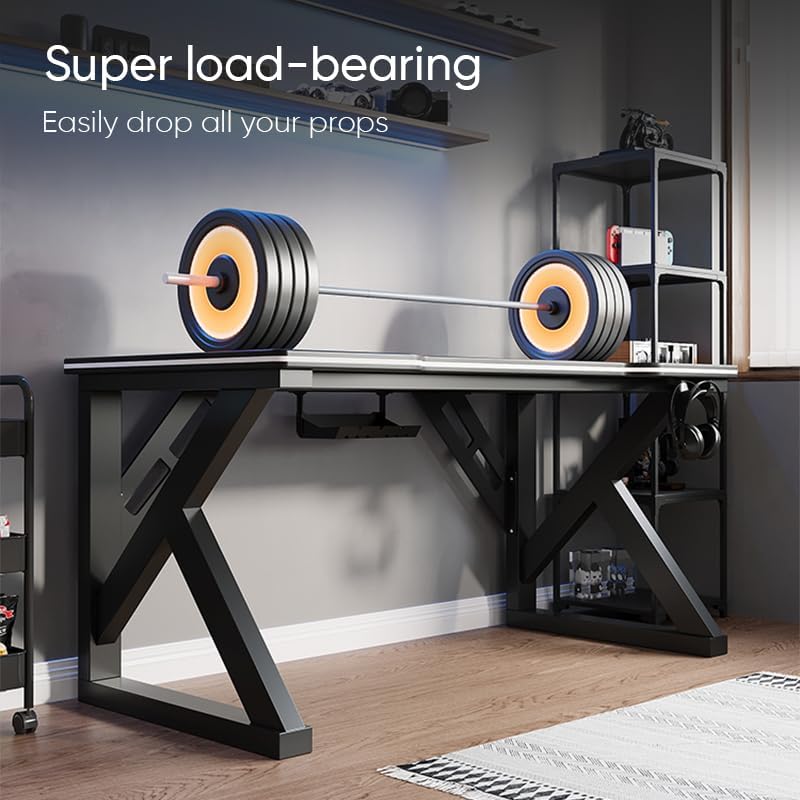
Image: The Deli Gaming Table demonstrating its load-bearing capability.
Одржување
Regular maintenance will help preserve the appearance and functionality of your Deli Gaming Table.
- Чистење: Wipe the desktop surface and legs with a soft, damp cloth. Avoid abrasive cleaners or harsh chemicals that could damage the painted finish or material.
- Истури: Исчистете ги истурените течности веднаш за да спречите дамки или оштетување на површината.
- Проверка на хардверот: Периодично проверувајте ги сите завртки и клинови за да се осигурате дека се цврсто затегнати. Затегнете ги повторно доколку е потребно за да ја одржите стабилноста.
- Спречување на 'рѓа: While the desk is made of metal, prolonged exposure to moisture can lead to rust. Keep the desk in a dry environment and wipe away any moisture promptly.
Решавање проблеми
Бирото е нестабилно или нестабилно:
- Осигурајте се дека сите завртки и навртки за склопување се целосно затегнати.
- Проверете дали бирото е на рамна површина. Прилагодете ги лизгачите на подот доколку ги има.
- Verify that all parts are correctly assembled according to the instruction manual.
Делови недостасуваат или се оштетени:
- Review the package contents list in your assembly manual.
- Contact customer support with your model number and a description of the missing or damaged part.
Тешкотија со склопување:
- Внимателно прочитајте ги упатствата за склопување, обрнувајќи внимание на дијаграмите.
- Осигурајте се дека го користите точниот хардвер за секој чекор.
- If issues persist, consider seeking assistance from another person.
Спецификации

Image: Dimensions of the Deli Gaming Table.
| Карактеристика | Детал |
|---|---|
| Број на модел | Е91511 |
| Димензии (Ш x Д x В) | 120 cm x 60 cm x 75 cm |
| Боја | Црното |
| Тип на материјал | Metal and Composite (E1 grade material) |
| Материјал за рамка | K-type Carbon Steel Frame |
| Тип на завршница | Насликани |
| Тежина на ставката | 13000 грама |
| Потребно е собрание | Да |
| Препорачана употреба | Gaming, Streaming, Home Office, Student Workstation |
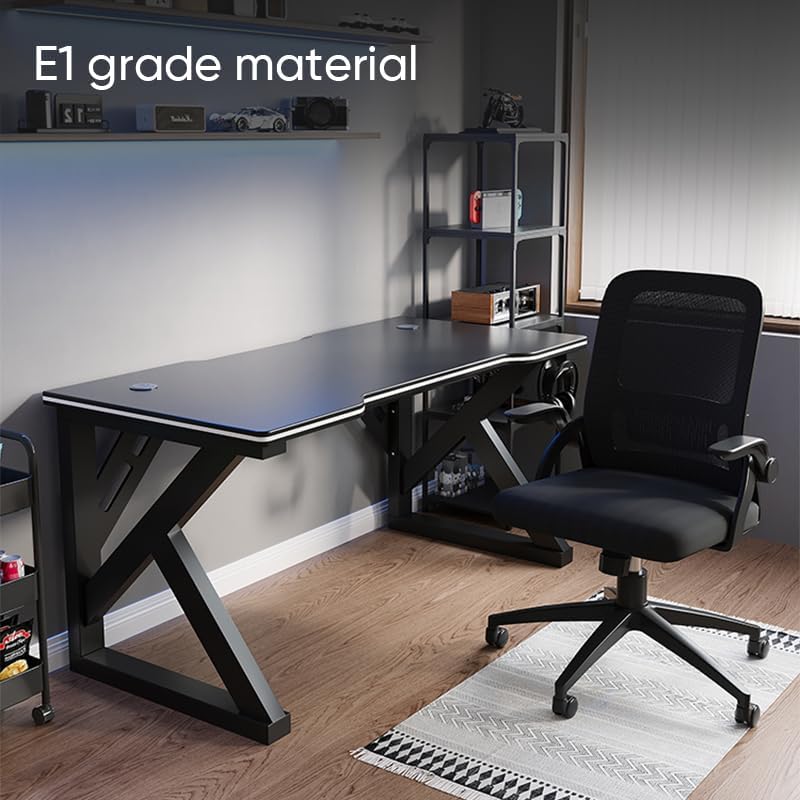
Image: The Deli Gaming Table highlighting E1 grade material.
Информации за гаранцијата
For specific warranty details regarding your Deli Gaming Table E91511, please refer to the warranty card included with your purchase or visit the official Deli website. Warranty terms typically cover manufacturing defects under normal use conditions.
Поддршка за корисници
If you have any questions, require assistance with assembly, or need to report a missing/damaged part, please contact Deli customer support through the following channels:
- Webсајт: Visit the official Deli webстраница за ресурси за поддршка и формулари за контакт.
- Е-пошта: Refer to your purchase documentation for customer service email addresses.
- Телефон: Check the product packaging or official webвеб-страница за телефонски броеви за корисничка поддршка.
Please have your model number (E91511) and proof of purchase ready when contacting support.