
1. Во текотview
The Roku Select Series HD TV provides a streamlined entertainment experience. This 32-inch 720p HD television integrates the Roku operating system for easy access to streaming content, live TV, and various applications. It features a voice remote for convenient control and includes technologies like Bluetooth Headphone Mode and Dolby Audio for enhanced sound.
Клучни карактеристики
- Беспрекорен стриминг: Fast Wi-Fi and quick app launches for immediate entertainment access.
- Extensive Content: Access to thousands of streaming apps, free movies, shows, and live TV channels.
- Прилагодлив почетен екран: Organize apps and content for personalized viewинг.
- Автоматски ажурирања на софтверот: Ensures access to the latest features and applications.
- Интеграција на паметен дом: Compatible with Roku Voice, Siri, Alexa, and Google Assistant for voice control. Supports Apple AirPlay for content sharing.
- Clear HD Picture: 720p HD resolution with Roku Smart Picture technology for optimized visuals.
- Далечински управувач со глас: Search, play, and control streaming with voice commands.
- Подобрено аудио: Designed for clear speech and louder sound with Dolby Audio technology.
- Режим на Bluetooth слушалки: Private listening with wireless headphones.
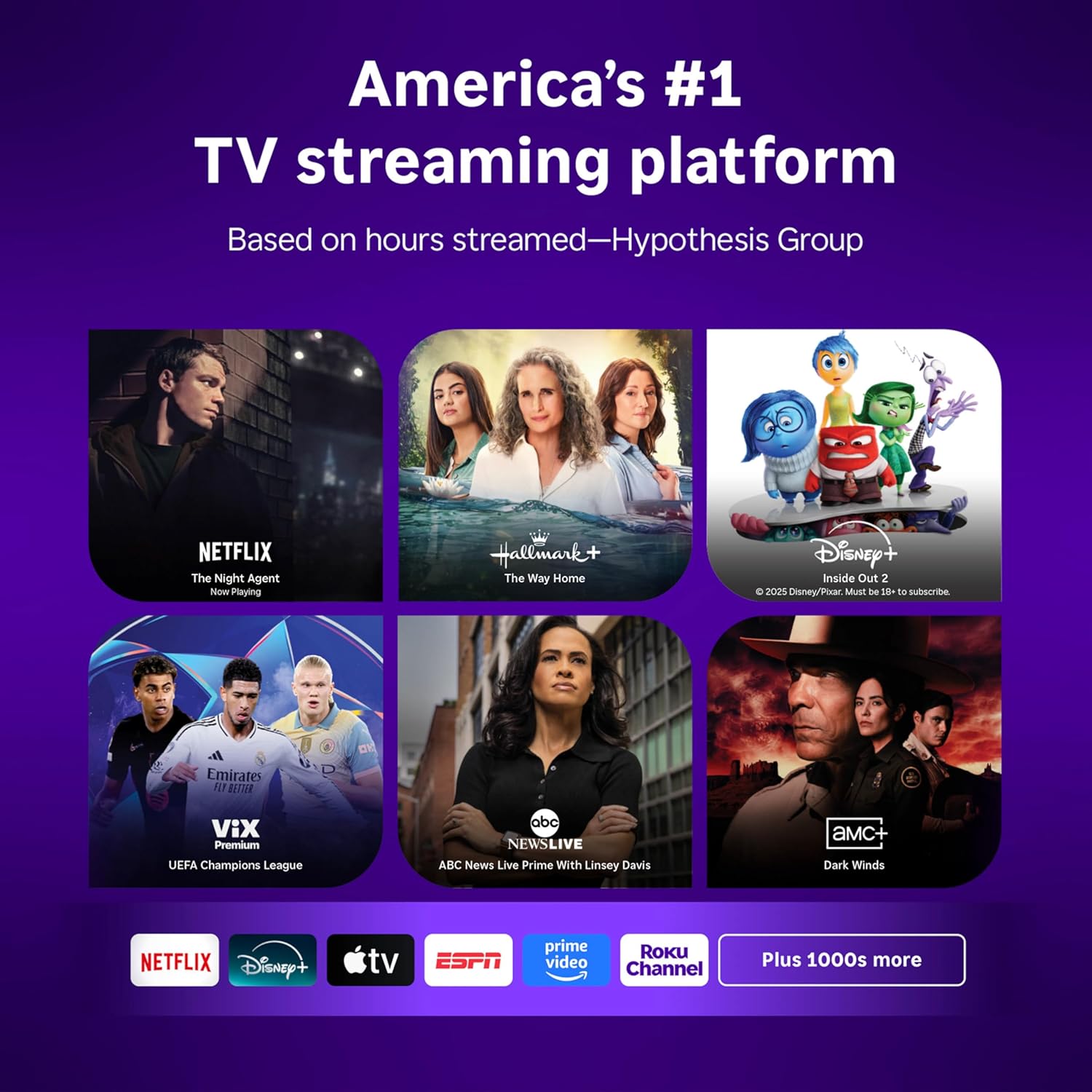
Image: Roku 32-inch Select Series HD Smart TV with included remote control.
2. Што има во кутијата
Проверете дали сите компоненти се присутни пред да продолжите со поставувањето.
- Roku Select Series 32" HD TV
- Држачи и завртки
- Roku Voice Remote with batteries (2 AAA)
- Кабел за напојување
- Упатство за употреба (овој документ)

Image: Contents of the Roku Select Series TV packaging.
3. Поставување
3.1 Отпакување
Внимателно извадете го телевизорот и сите додатоци од пакувањето. Зачувајте го пакувањето за идни потреби за транспорт или сервис.
3.2 Прицврстување на држачот
- Поставете го телевизорот со екранот надолу на мека, чиста површина за да спречите гребнатини.
- Порамнете ги држачите за ТВ со отворите за завртки на дното на телевизорот.
- Прицврстете ги држачите со приложените завртки. Уверете се дека се цврсто затегнати.
3.3 Поврзување на периферни уреди
Поврзете ги вашите уреди со соодветните порти на задната страна од телевизорот.
- HDMI: Connect up to three HDMI devices (e.g., cable box, gaming console, Blu-ray player) to the HDMI ports.
- USB: Use the USB port for media playback or connecting compatible accessories.
- Оптички (S/PDIF): За поврзување со надворешен аудио систем.
- Кабел за напојување: Поврзете го кабелот за напојување со телевизорот, а потоа со ѕидниот штекер.
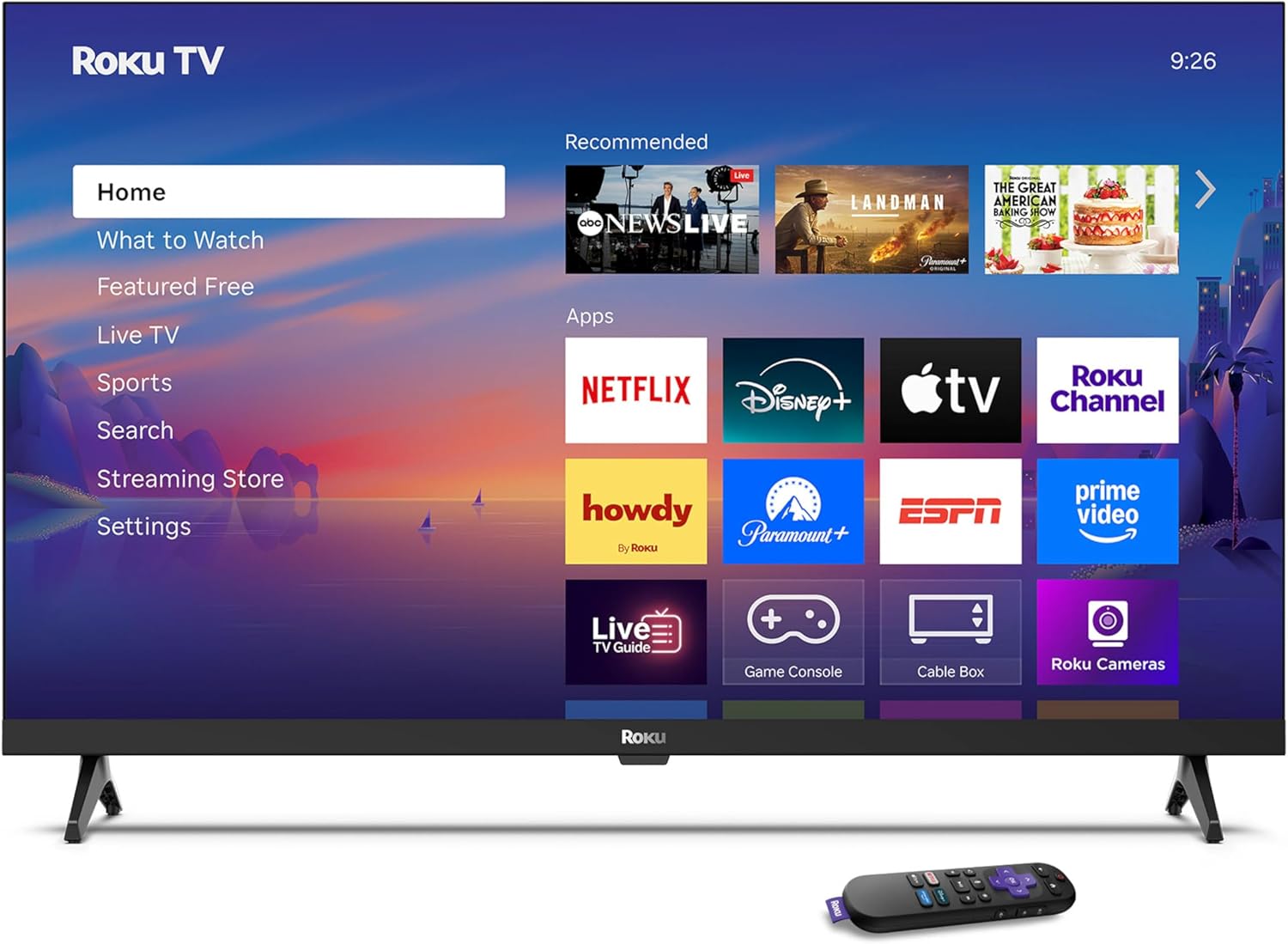
Image: Rear panel connections including HDMI, USB, and optical ports.
3.4 Првично вклучување и мрежно поврзување
- Plug in the TV and press the power button on the remote or TV.
- Следете ги упатствата на екранот за да го изберете вашиот јазик и да се поврзете на вашата Wi-Fi мрежа.
- Activate your Roku account or create a new one.
Видео: Оверview of the Roku TV operating system, demonstrating its user interface and features. This video is provided by Roku, Inc.
4. Упатства за работа
4.1 Користење на гласовниот далечински управувач
The Roku Voice Remote allows for intuitive control of your TV and streaming content.
- Гласовно пребарување: Press and hold the voice button and speak your command to search for content, launch apps, or control playback.
- Навигација: Use the directional pad to move through menus and select items.
- Кратенки за апликации: Наменските копчиња овозможуваат брз пристап до популарните услуги за стриминг.

Image: Features of the Roku Voice Remote, highlighting voice control and shortcut buttons.
4.2 Navigating the Home Screen
The Roku Home Screen provides access to all your installed apps, inputs, and settings.
- Дома: Ве враќа на главниот почетен екран.
- Што да гледате: Discover recommended content.
- ТВ во живо: Access free live television channels.
- Продавница за стриминг: Прелистајте и додавајте нови канали за стриминг.
- Поставки: Adjust TV and system preferences.

Image: The Roku TV home screen interface.
4.3 Прилагодување на поставките за слика и звук
Прилагодете ја вашата viewискуство со слушање преку менито за поставки.
- Режим на слика: Select from predefined modes like Standard, Vivid, Sports, or Movie. Roku Smart Picture automatically optimizes settings.
- Звук на владата: Изберете професионалец за звукfiles or enable features like Night Mode for reduced volume fluctuations.
- Режим на Bluetooth слушалки: Pair your wireless headphones for private audio.

Image: Picture mode settings on the Roku TV.

Image: Bluetooth Headphone Mode in use.

Image: Dolby Audio technology for clear sound.
5. Одржување
5.1 Чистење на екранот
За чистење на екранот на телевизорот, нежно избришете го со мека, сува крпа што не остава влакненца. За тврдокорни дамки, лесно избришете гоampИзмијте ја крпата со вода или раствор за чистење безбеден за екрани. Избегнувајте употреба на груби хемикалии или абразивни материјали.
5.2 Ажурирања на софтверот
Your Roku TV automatically receives software updates when connected to the internet. These updates provide new features, performance improvements, and bug fixes. Ensure your TV remains connected to the internet for optimal performance.
6 Смена на проблеми
If you encounter issues with your Roku TV, refer to the following common solutions:
- Без моќност: Проверете дали кабелот за напојување е безбедно приклучен и во телевизорот и во функционален електричен штекер. Обидете се со друг штекер.
- Нема слика/звук: Verify that the correct input source is selected. Check all cable connections (HDMI, audio). Restart the TV by unplugging it for 30 seconds and plugging it back in.
- Далечинскиот управувач не работи: Replace the AAA batteries in the remote. Ensure there are no obstructions between the remote and the TV. For voice remote issues, re-pair the remote if necessary (refer to Roku support for specific steps).
- Проблеми со мрежната конекција: Restart your Wi-Fi router and modem. Go to the TV's settings menu, then Network, and try reconnecting to your Wi-Fi network.
- Апликацијата не се вчитува/се урива: Try restarting the app. If the issue persists, remove the app from the home screen, restart the TV, and then re-add the app from the Streaming Store.
7. Спецификации
| Карактеристика | Детал |
|---|---|
| Големина на екранот | 32 инчи |
| Технологија на прикажување | LED |
| Резолуција | 720 стр |
| Стапка на освежување | 60 Hz |
| Посебни карактеристики | Bluetooth Headphone Mode, Dolby Audio, Voice Remote |
| Технологија за поврзување | Bluetooth, WiFi |
| Вкупно HDMI порти | 3 |
| Вкупно USB порти | 1 |
| Аудио влез | HDMI |
| Оперативен систем | Roku OS |
| Тип на монтирање | Монтирање на маса, Монтирање на ѕид |
| VESA стандард за монтирање | 200 x 200 mm |
| Димензии на производот (Д x Ш x В) | 7" Д x 28.3" Ш x 18.3" В |
| Тежина на ставката | 7.5 фунти |
| Број на модел | 32R2D5 |
| UPC | 829610008974 |
8. Информации за гаранцијата
8.1 Ограничена гаранција
Roku warrants the hardware against defects in materials and workmanship under normal use for a period of one (1) year from the date of purchase ("Warranty Period"). If Roku determines that the device’s hardware is defective during the Warranty Period, Roku’s sole obligation, and your exclusive remedy, will be to either repair or replace the unit with either a new or rebuilt device, at its option. This warranty applies if the product is used in accordance with the provided documentation.
8.2 Политика за враќање
You may return a device for any reason:
- Within thirty (30) days from the date of purchase from Roku.
- Within the applicable return period if purchased from an authorized reseller or distributor.
Additional details regarding product returns can be found on the Roku support site.
9. Поддршка
For further assistance, troubleshooting guides, and frequently asked questions, please visit the official Roku support webсајт: