
Вовед
Thank you for choosing the J-TREK JX06se Bluetooth 5.4 Motorcycle Intercom. This device is designed to enhance your solo riding experience by providing clear audio for music, navigation, and phone calls. It features advanced Bluetooth 5.4 technology, robust noise cancellation, and a durable waterproof design. Please read this manual thoroughly before use to ensure proper installation and operation.
Important Note: The JX06se is designed exclusively for solo riders and does not support connection with other intercom devices.
Информации за безбедност
- Секогаш давајте приоритет на безбедноста на патот. Не ракувајте со уредот на начин што ќе ве одвлече од возењето.
- Adjust volume to a level that allows you to hear ambient traffic sounds.
- Пред да возите, проверете дали уредот е безбедно монтиран на вашата кацига.
- Не обидувајте се да го расклопите или менувате уредот.
- Чувајте го уредот подалеку од екстремни температури и директна сончева светлина.
Содржина на пакетот
Проверете дали сите артикли се присутни во вашиот пакет:
- JX06se Main Unit x 1
- Jet Helmet Microphone x 1
- Full-Face Helmet Microphone x 1
- Magnetic Mount x 1
- Speakers x 1 pair
- Speaker Fixing Tape x 2
- Jet Helmet Microphone Fixing Tape x 1
- Full-Face Helmet Microphone Fixing Tape x 1
- Кабел за полнење USB од тип C x 1
- Mount Fixing Tape (Red) x 1 (for attachment)
- Clip-type Fixing Tape (White) x 1 (for mount attachment)
- Speaker Position Adjustment Pads x 2
- Упатство за употреба x 1
- Mount Clip x 1

Карактеристики
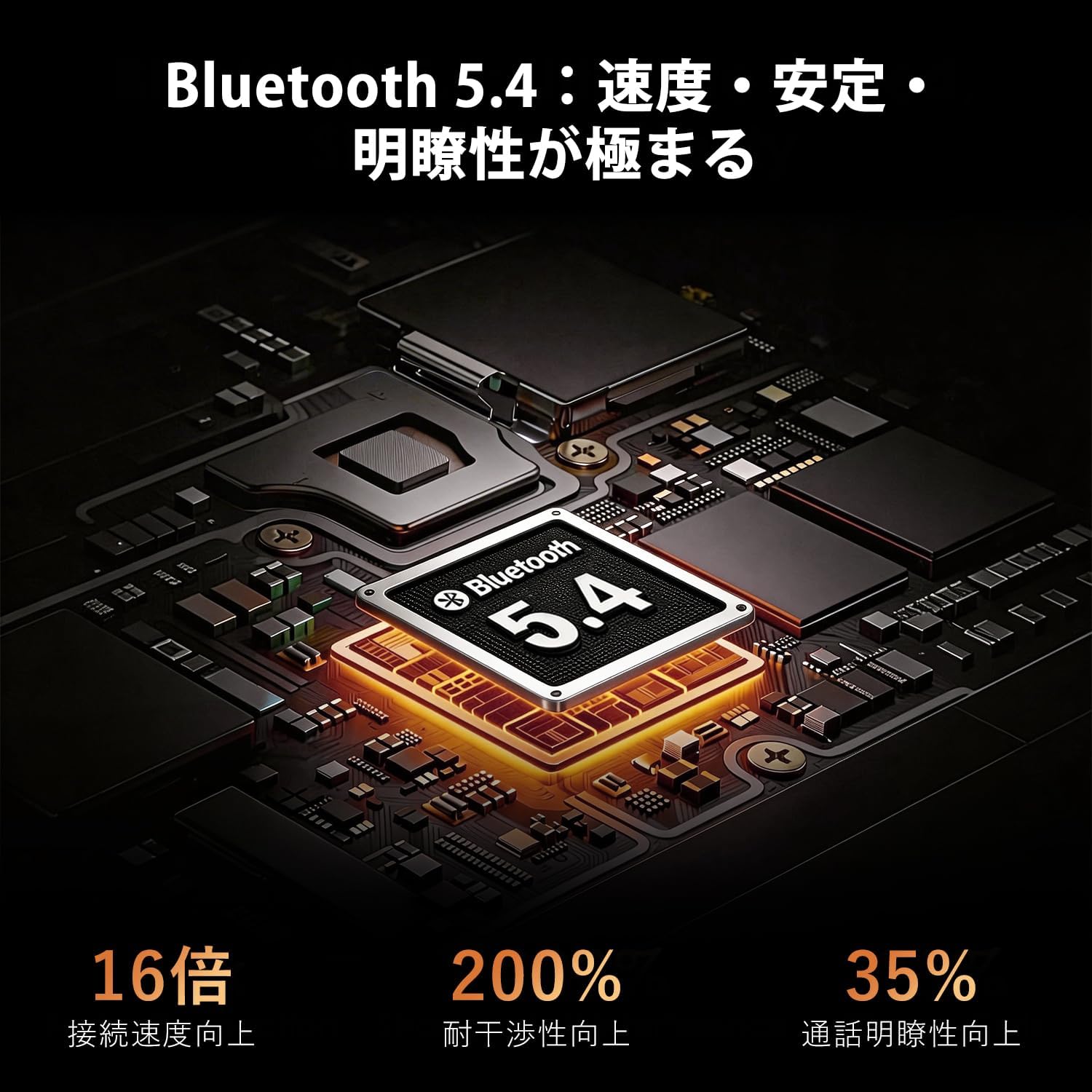
- Напреден Bluetooth 5.4: Ensures stable, low-latency connections for music, navigation, and calls.
- High-Quality Audio & Noise Cancellation: Features a high-quality driver unit and multi-layer noise canceling technology (ENC, DSP, CVC) to effectively suppress wind noise and engine sounds, providing clear audio even at high speeds.
- Интегрирано FM радио: Supports all Japanese domestic FM channels, allowing access to news, traffic information, and music without a smartphone.
- Magnetic Mount System: Offers quick and secure attachment/detachment to your helmet in approximately 1 second.
- RGB Multi-Color Lighting: Personalize your device and enhance visibility during night rides with customizable RGB lights.
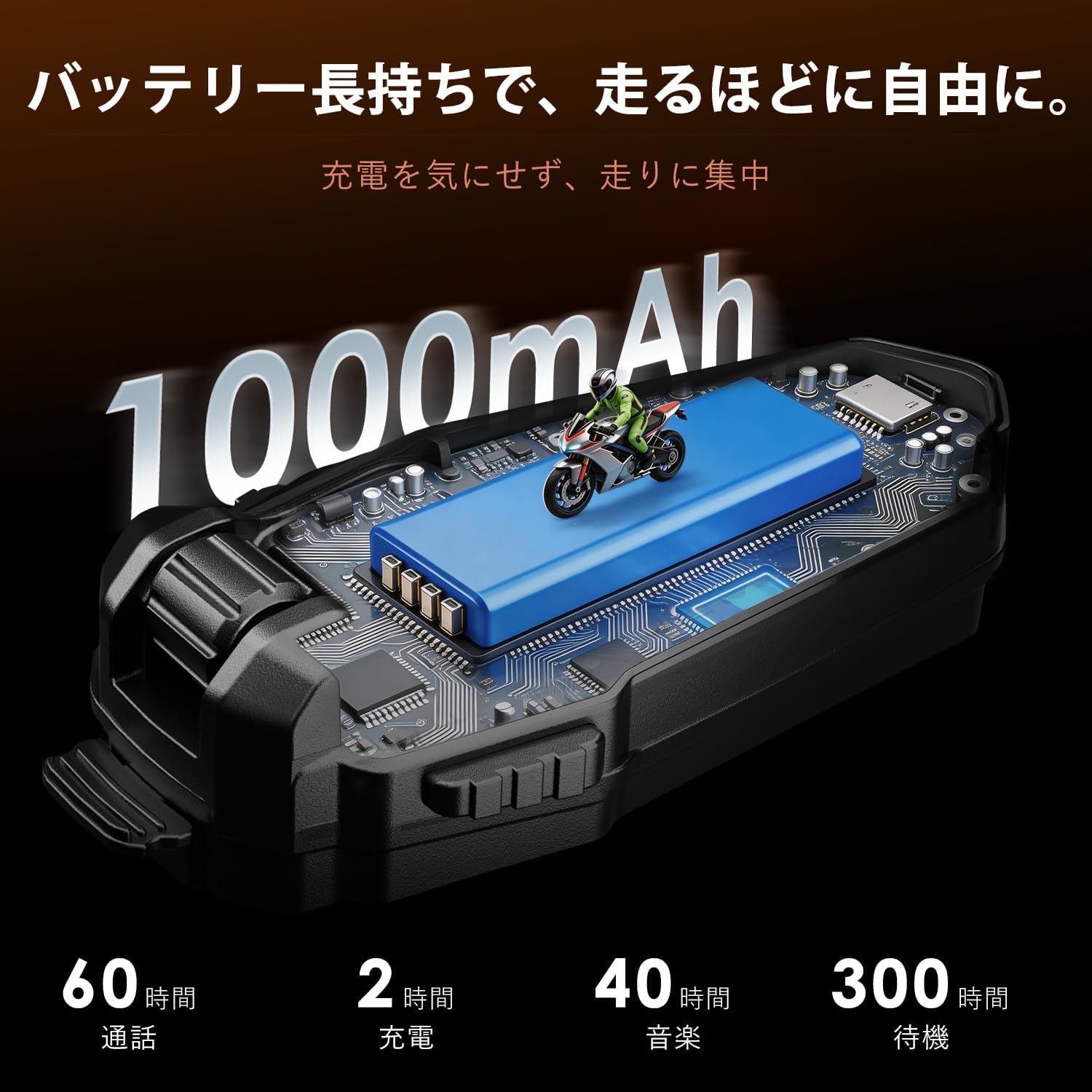
- Долготрајна батерија од 1000 mAh: Provides extended usage for long-distance touring.
- IP67 водоотпорен и отпорен на прашина: Designed to withstand harsh weather conditions, including heavy rain.
- Native Japanese Voice Guidance: All guidance is provided in clear Japanese voice prompts.
- Accurate Battery Level Detection: Announces battery percentage upon power-on and displays an icon on your smartphone.
Поставување
1. Installing the Intercom Unit
Choose between the magnetic mount or clip-type fixing tape for attaching the main unit to your helmet. The magnetic mount allows for quick attachment and removal.

2. Инсталирање на звучници и микрофон
Place the speakers inside your helmet's ear pockets. Use the provided speaker position adjustment pads if needed for optimal fit and sound. Select the appropriate microphone (jet helmet or full-face helmet type) and attach it near your mouth using the fixing tape.

3. Полнење на уредот
Before first use, fully charge the JX06se using the provided USB Type-C cable. Connect the cable to the charging port on the unit and a compatible USB power source. A full charge takes approximately 2 hours.
Упатства за работа
1. Вклучување/исклучување
- Вклучување: Press and hold the Power button for 3 seconds. You will hear a Japanese voice prompt indicating the battery level.
- Исклучено: Притиснете и задржете го копчето за вклучување 3 секунди.
2. Bluetooth спарување
За да се спарите со вашиот паметен телефон:
- With the device off, press and hold the Power button for 5-7 seconds until the LED indicator flashes red and blue, indicating pairing mode.
- On your smartphone, enable Bluetooth and search for "JX06se".
- Select "JX06se" to connect. Once connected, the LED will flash blue slowly.
3. Контрола на јачината на звукот
- Зголемете ја јачината на звукот: Притиснете го копчето за зголемување на јачината на звукот.
- Намалување на јачината на звукот: Притиснете го копчето за намалување на јачината на звукот.
4. Репродукција на музика
- Пушти/Пауза: Притиснете го копчето за повеќе функции еднаш.
- Следна песна: Притиснете и задржете го копчето за зголемување на јачината на звукот.
- Претходна песна: Притиснете и задржете го копчето за намалување на јачината на звукот.
5. Управување со повици
- Одговори на повикот: The device will automatically answer incoming calls after 10 seconds.
- Крај на повикот: Притиснете го копчето за повеќе функции еднаш.
- Одбијте го повикот: Притиснете и задржете го копчето за повеќе функции 2 секунди.

6. Гласовен асистент
Activate your smartphone's voice assistant (Siri/Google Assistant) by pressing the Voice Assistant button once. You can then issue commands for navigation, music, or other functions.

7. FM радио
- Вклучи/исклучи FM: Притиснете го и држете го копчето FM 2 секунди.
- Скенирајте канали: Press the FM button once to scan for the next available station.

8. RGB осветлување
The JX06se features RGB multi-color lights. Refer to the specific button on your device for changing light colors or modes. This feature enhances personal style and night visibility.

Одржување
- Чистење: Избришете го уредот со меко, гamp крпа. Не користете груби хемикалии или абразивни средства за чистење.
- Складирање: Чувајте го уредот на ладно и суво место кога не е во употреба. Избегнувајте продолжено изложување на директна сончева светлина или екстремни температури.
- Отпорност на вода: While IP67 rated, ensure the charging port cover is securely closed to maintain water and dust resistance.

Решавање проблеми
| Проблем | Можна причина | Решение |
|---|---|---|
| Уредот не се вклучува | Слаба батерија | Наполнете го уредот целосно. |
| Не може да се спари со паметен телефон | Device not in pairing mode; Bluetooth off on phone | Ensure device is in pairing mode (flashing red/blue LED) and phone's Bluetooth is on. Forget previous pairings and try again. |
| Нема звук од звучници | Volume too low; Speakers not connected properly | Increase volume. Check speaker connections to the main unit. |
| Микрофонот не работи | Микрофонот не е поврзан правилно | Check microphone connection to the main unit. |
| Лош квалитет на звук / Прекумерен шум | Speakers/microphone improperly positioned; Environmental interference | Adjust speaker and microphone position for optimal clarity. Ensure microphone is not obstructed. |
Спецификации
| Карактеристика | Детал |
|---|---|
| Име на моделот | JX06se |
| Bluetooth верзија | 5.4 |
| Капацитет на батеријата | 1000 mAh |
| Време на полнење | Прибл. 2 часа |
| Време за разговор | До 60 часа |
| Време на репродукција на музика | До 40 часа |
| Време на мирување | До 300 часа |
| Водоотпорен рејтинг | IP67 |
| Поништување на бучава | ENC, DSP, CVC |
| FM радио | Supported (Japanese domestic channels) |
| Гласовен асистент | Supported (Siri/Google Assistant) |
| Тип на монтирање | Магнетни |
| Земја на потекло | Кина |
Гаранција и поддршка
The J-TREK JX06se comes with a 1-годишна гаранција на производот. During this period, we offer free repair or replacement for any manufacturing defects.

For questions, technical assistance, or warranty claims, please contact our support team:
Е-пошта: support@j-trek.com
We are committed to providing excellent support for your J-TREK product.