1. Вовед
Thank you for choosing the LogiLink PX0014 7-inch Digital Photo Frame. This device allows you to display your digital photos in a convenient and stylish manner. This manual provides essential information for setting up, operating, and maintaining your digital photo frame to ensure optimal performance and longevity.
2. Производот завршиview
2.1 Клучни карактеристики
- 7-inch LCD display with a resolution of 480 x 234 pixels.
- 16:10 aspect ratio for wide-screen viewинг.
- Supports JPEG image format.
- Equipped with a USB port for external storage.
- Supports SD/SDHC and Multimedia Card (MMC) memory cards.
- Includes Calendar and Clock functions.
2.2 Содржина на пакетот
Ве молиме проверете го пакувањето за следните ставки:
- LogiLink PX0014 Digital Photo Frame
- Адаптер за напојување
- Упатство за употреба (овој документ)
- Далечински управувач (ако е вклучен)
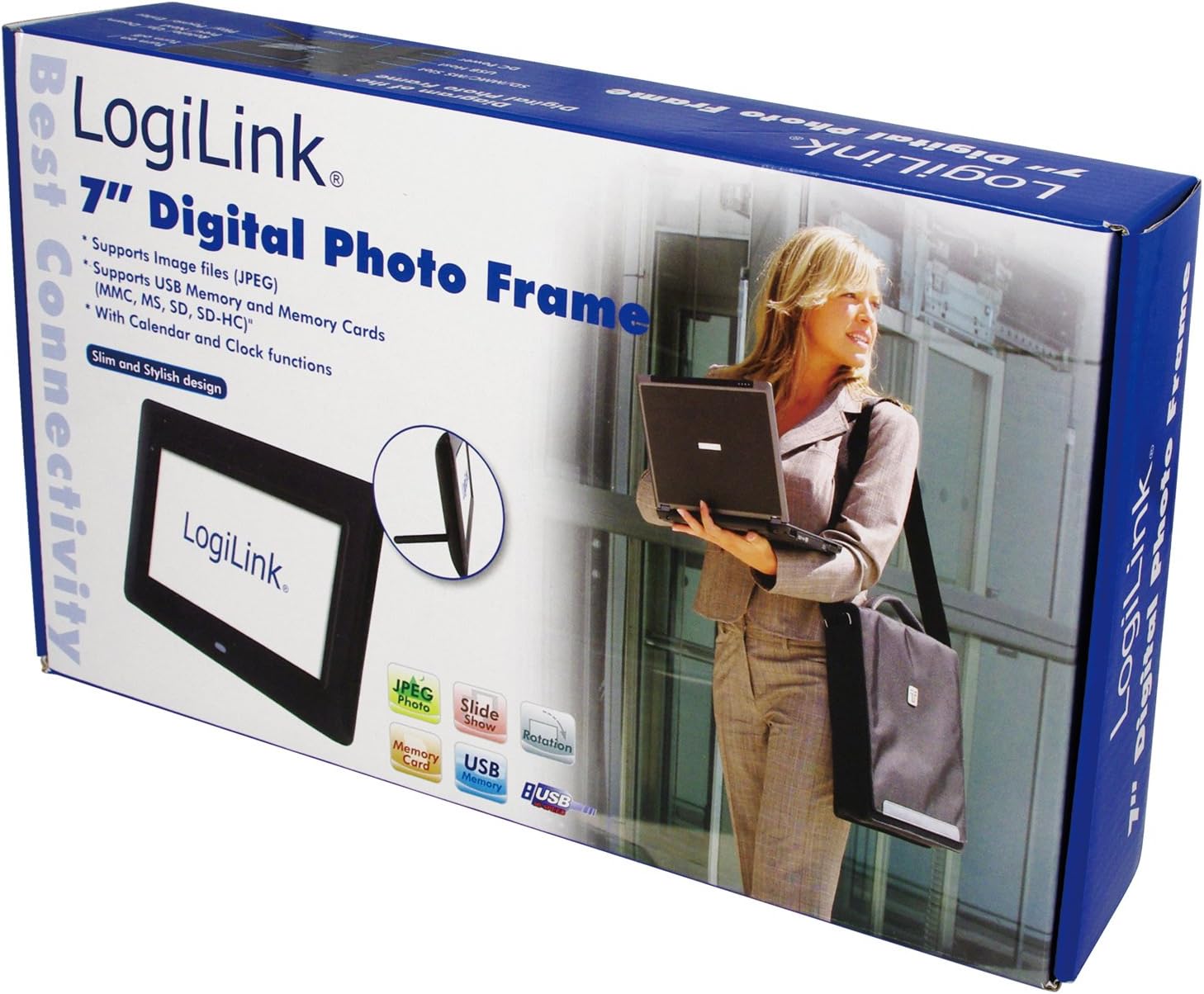
Image 1: The LogiLink PX0014 Digital Photo Frame packaging, showing the product box with a woman holding a laptop and an inset image of the frame itself.
2.3 Распоред на уреди
Familiarize yourself with the various parts of your digital photo frame:

Image 2: The LogiLink PX0014 Digital Photo Frame, a black rectangular frame with a white screen displaying the LogiLink logo, positioned in front of its product packaging.
Refer to the diagram in the included quick start guide for specific button and port locations, typically including:
- Копче за вклучување: За вклучување/исклучување на уредот.
- Копчиња за навигација: For menu navigation and photo selection.
- Слотови за мемориски картички: For SD/SDHC and MMC cards.
- USB порта: За поврзување на USB флеш драјвови.
- DC IN порта: За поврзување на адаптерот за напојување.
- Stand Slot: За прицврстување на вклучениот држач.
3. Поставување
3.1 Поврзување за напојување
- Insert the small end of the power adapter into the DC IN port on the back or side of the photo frame.
- Вклучете го другиот крај на адаптерот за напојување во стандарден електричен штекер.
- The frame should power on automatically or can be turned on using the power button.
3.2 Вметнување мемориски картички или USB уреди
The LogiLink PX0014 supports SD/SDHC, MMC memory cards, and USB flash drives.
- Ensure the photo frame is powered off or in standby mode before inserting or removing storage devices.
- For Memory Cards: Locate the appropriate memory card slot. Insert the card with the metal contacts facing down (or as indicated by the slot diagram) until it clicks into place.
- For USB Drives: Вметнете го USB флеш-уредот во USB-портата.
- Once inserted, power on the frame. The frame should automatically detect the storage device and display its contents or prompt you to select a source.
4. Упатства за работа
4.1 Основна навигација
Use the buttons on the back/side of the frame or the remote control (if included) to navigate the menus. Typically, there are buttons for:
- МЕНИ: Пристапува до главното мени.
- EXIT/RETURN: Goes back to the previous screen or exits the menu.
- ARROW Keys (Up/Down/Left/Right): Навигирајте низ опциите.
- ENTER/OK: Потврдува избор.
4.2 Viewинг Фотографии
- From the main menu, select 'Photo' or 'Browse'.
- Choose the desired storage source (e.g., 'SD Card', 'USB Drive').
- Navigate to the folder containing your JPEG images.
- Изберете слика за да view it individually, or select 'Slideshow' to start an automatic presentation of all images in the folder.
- You can typically adjust slideshow intervals and transition effects in the settings menu.
4.3 Calendar and Clock Functions
The LogiLink PX0014 includes a built-in calendar and clock. To access and set these functions:
- Go to the main menu and select 'Settings' or 'System'.
- Look for options like 'Date & Time' or 'Calendar'.
- Adjust the current date, time, and time format as needed using the navigation buttons.
- Some models allow displaying the clock or calendar alongside photos during a slideshow. Check the settings for these display options.
5. Одржување
5.1 Чистење на екранот
To clean the LCD screen, gently wipe it with a soft, lint-free cloth. For stubborn smudges, slightly dampen the cloth with water or a non-abrasive screen cleaner. Avoid using harsh chemicals or abrasive materials, as these can damage the screen surface.
5.2 Општа нега и складирање
- Keep the digital photo frame away from direct sunlight, high temperatures, and excessive humidity.
- Избегнувајте да го испуштате уредот или да го изложувате на силни удари.
- When not in use for extended periods, unplug the power adapter and store the frame in a cool, dry place.
6 Смена на проблеми
If you encounter issues with your LogiLink PX0014, refer to the following common problems and solutions:
| Проблем | Можна причина | Решение |
|---|---|---|
| Рамката не се вклучува. | Адаптерот за напојување не е поврзан или е неисправен; штекерот не работи. | Ensure the power adapter is securely connected to both the frame and a working electrical outlet. Try a different outlet. |
| Не се прикажани слики. | No memory card/USB drive inserted; unsupported file формат; оштетено files. | Insert a memory card or USB drive with JPEG images. Ensure images are in JPEG format. Try different images or reformat the storage device (backup data first). |
| Cannot read memory card/USB drive. | Improper insertion; incompatible format; faulty card/drive. | Reinsert the card/drive correctly. Ensure it is formatted to FAT32. Try a different card/drive. |
| Далечинскиот управувач не работи. | Battery depleted; obstruction; remote not pointed at sensor. | Replace the battery. Ensure there are no obstructions between the remote and the frame's IR sensor. Point the remote directly at the sensor. |
7. Спецификации
| Карактеристика | Детал |
|---|---|
| Бренд | ЛогиЛинк |
| Број на модел | PX0014 |
| Димензии на производот | 24.99 x 24.99 x 15.01 cm |
| Тежина на ставката | 300 гр |
| Големина на екранот | 7 инчи |
| Резолуција | 480 x 234 пиксели |
| Сооднос на аспект | 16:10 |
| Технологија за поврзување | USB |
| Читач на картички | Multimedia Card, Memory Card (SD/SDHC) |
| Извор на енергија | Електричен со кабел |
| Контролен метод | Далечински управувач |
8. Информации за гаранцијата
LogiLink products are designed and manufactured to the highest quality standards. This product is covered by a limited warranty from the date of purchase. Please refer to the warranty card included in your package or visit the official LogiLink webстраница за детални услови за гаранција специфични за вашиот регион.
9. Поддршка
For technical assistance, product inquiries, or to report any issues not covered in this manual, please contact LogiLink customer support. You can typically find contact information, including phone numbers, email addresses, and online support portals, on the official LogiLink webсајт (www.logilink.eu).


