Вовед
Thank you for choosing the A4Tech V-Track N-500F-1 Glossy Grey USB Mouse. This manual provides essential information for setting up, operating, and maintaining your new mouse. The contoured design ensures maximum comfort and support during extended use, and the sturdy scroll wheel with a rubberized surface prevents slippage for precise control.
Поставување
Follow these steps to set up your A4Tech V-Track N-500F-1 mouse:
- Поврзете го глувчето: Locate an available USB port on your computer. Insert the USB connector of the mouse firmly into the USB port.
- Инсталација на драјвери: Your operating system (Windows XP, Windows 7, Linux, etc.) should automatically detect and install the necessary drivers for the mouse. No additional software installation is typically required for basic functionality.
- Потврдете ја функционалноста: Once connected, move the mouse to check if the cursor responds on your screen. Test the left and right click buttons, and the scroll wheel.
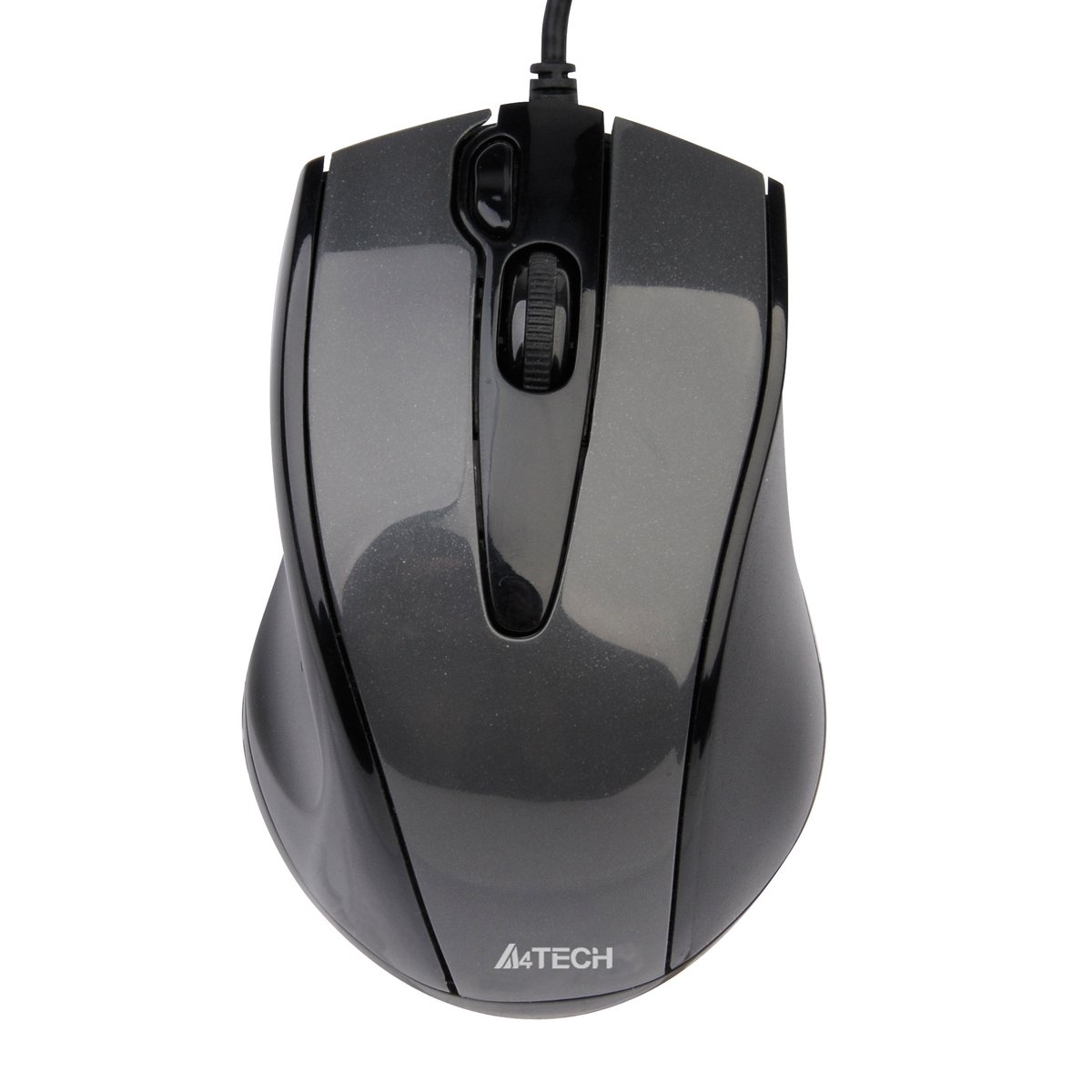
This image displays the A4Tech V-Track N-500F-1 mouse from a top-down perspective. It features a glossy grey finish, a central scroll wheel, and standard left and right click buttons. A USB cable extends from the front of the mouse.
Ракување со глувчето
The A4Tech V-Track N-500F-1 mouse is designed for intuitive use with standard computer functions.
- Лев клик: Користете го левото копче за избирање ставки, отворање files и активирање на линкови.
- Десен клик: Use the right button to access context menus, offering additional options for selected items.
- Тркало за лизгање: Вртете го тркалото нагоре или надолу за да се движите низ документите и web pages. The scroll wheel can also be pressed down for a middle-click function, often used for opening links in new tabs or auto-scrolling.
- Дополнително копче: This mouse features an additional button, typically located near the scroll wheel or on the side. This button can often be customized through your operating system's mouse settings or A4Tech's proprietary software (if available) to perform various functions, such as screen capture, quick access to applications, or specific commands. Refer to your computer's settings for customization options.
Одржување и нега
За да обезбедите долготрајност и оптимални перформанси на вашиот глушец, следете ги овие упатства за одржување:
- Чистење: Користете мека, сува крпа за да ја избришете површината на глувчето. За тврдокорна нечистотија, малку дampИзмијте ја крпата со вода или со благ, неабразивен чистач. Избегнувајте употреба на груби хемикалии или абразивни материјали.
- Чистење на сензорот: Повремено, околу оптичкиот сензор на долната страна од глувчето може да се насобере прашина или остатоци. Користете памук или компримиран воздух за нежно чистење на сензорската област.
- Избегнувајте течности: Не го потопувајте глувчето во вода и не го изложувајте на прекумерна влага.
- Складирање: Кога не го користите, чувајте го глувчето во чиста, сува средина, подалеку од екстремни температури.
Решавање проблеми
If you encounter issues with your A4Tech V-Track N-500F-1 mouse, refer to the table below for common problems and solutions:
| Проблем | Можна причина | Решение |
|---|---|---|
| Покажувачот на глувчето не се движи. | Loose USB connection, faulty USB port, dirty sensor. | Ensure USB cable is securely plugged in. Try a different USB port. Clean the optical sensor. Restart your computer. |
| Копчињата или тркалото за скролување не реагираат. | Software conflict, debris under buttons. | Restart your computer. Check for any conflicting software. Gently clean around the buttons. |
| Движењето на курсорот е неправилно или скокотливо. | Dirty sensor, unsuitable mouse pad surface. | Clean the optical sensor. Use a clean, uniform mouse pad or surface. |
| Компјутерот не го открива глувчето. | Driver issue, hardware malfunction. | Try connecting to another computer to rule out mouse malfunction. Check Device Manager for driver status. |
Технички спецификации
Below are the technical specifications for the A4Tech V-Track N-500F-1 mouse:
| Карактеристика | Детал |
|---|---|
| Бренд | A4tech |
| Модел | N-500F |
| Технологија за поврзување | USB |
| Хардверски интерфејс | USB 2.0 |
| Број на копчиња | 4 |
| Ориентација на рацете | Во право |
| Боја | Греј |
| Компатибилен ОС | Линукс, Виндоус XP, Виндоус 7 |
| Димензии на производот | 23.01 x 5.99 x 8.99 cm |
| Тежина на ставката | 158.76 гр |
| Тип на извор на енергија | Електричен со кабел |
Гаранција и поддршка
A4Tech products are manufactured to high-quality standards. For information regarding warranty coverage, technical support, or service, please refer to the warranty card included with your product or visit the official A4Tech webлокација. Чувајте ја сметката како доказ за купување за гаранциски побарувања.


