Вовед
This user manual provides comprehensive instructions for the RCA RTS7010BR6 37-inch Home Theater Sound Bar with Bluetooth. Please read this manual thoroughly before operating the device to ensure proper use, optimal performance, and safety. Keep this manual for future reference.
Информации за безбедност
Секогаш следете ги основните безбедносни мерки на претпазливост при користење на овој производ за да го намалите ризикот од пожар, електричен удар и повреда.
- Не го изложувајте овој апарат на дожд или влага.
- Не блокирајте никакви отвори за вентилација.
- Осигурете се дека кабелот за напојување не е приклештен или одење по него.
- Користете само додатоци/додатоци наведени од производителот.
- Исклучете го овој апарат од струја за време на громови или кога не го користите подолг период.
- Целото сервисирање упатете го на квалификуван сервисен персонал.
Содржина на пакетот
Проверете дали сите артикли наведени подолу се вклучени во вашиот пакет. Доколку некои артикли недостасуваат или се оштетени, ве молиме контактирајте ја службата за корисници.
- RCA RTS7010BR6 37-inch Home Theater Sound Bar
- Далечински управувач
- Адаптер за напојување
- Упатство за употреба

Image: The RCA RTS7010BR6 sound bar, its remote control, and power adapter, representing the complete system components.
Производот завршиview
The RCA RTS7010BR6 is a 37-inch home theater sound bar designed to enhance your audio experience. It features 30 watts of total power output through four built-in speakers, providing stereo sound. The sound bar supports various connectivity options, including Bluetooth for wireless streaming, and physical inputs such as Aux, Coaxial Digital, and Optical.

Слика: напред view of the RCA RTS7010BR6 sound bar, showcasing е елегантен, нископрофесионаленfile дизајн.

Слика: Заден дел view of the RCA RTS7010BR6 sound bar, highlighting the DC IN, AUX IN, LINE IN, OPTICAL IN, and COAXIAL IN ports.
Поставување
1 Поставување
Place the sound bar on a stable, flat surface in front of your television or mounted on a wall below it. Ensure there are no obstructions in front of the sound bar for optimal audio projection.
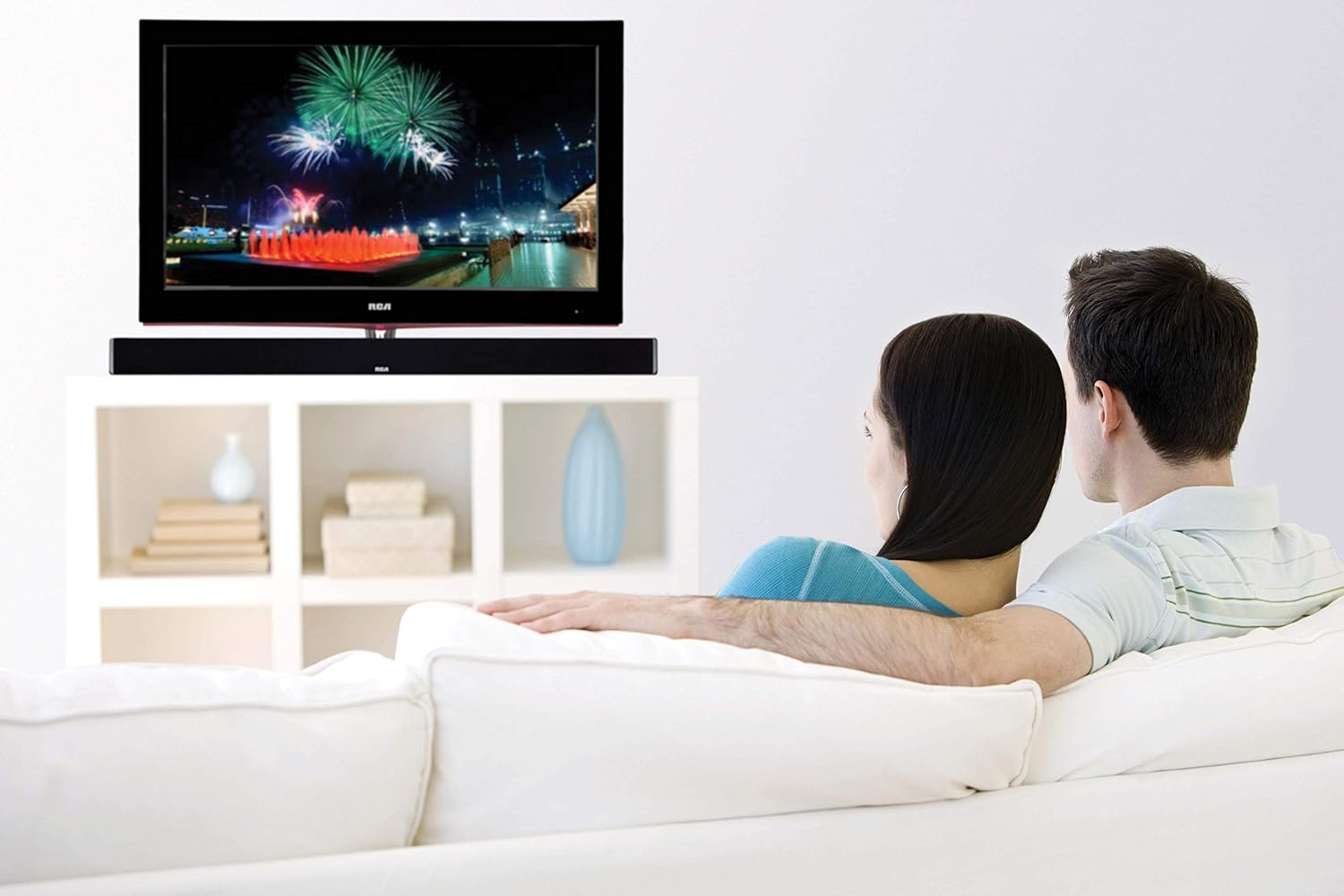
Image: The RCA sound bar positioned beneath a television, demonstrating a typical home theater setup.
2. Поврзување на напојување
- Connect the power adapter to the DC IN port on the back of the sound bar.
- Приклучете го другиот крај на адаптерот за напојување во ѕиден штекер.
3. Аудио врски
Choose one of the following methods to connect your audio source to the sound bar:
- Оптичко дигитално аудио: Connect an optical cable (not included) from your TV's Optical Out port to the OPTICAL IN port on the sound bar. This provides high-quality digital audio.
- Coaxial Digital Audio: Connect a coaxial cable (not included) from your TV's Coaxial Out port to the COAXIAL IN port on the sound bar. This also provides digital audio.
- Помошен (AUX) влез: Use an RCA stereo audio cable (not included) to connect your audio source (e.g., TV, DVD player) to the AUX IN ports (red for right, white for left) on the sound bar.
- Line-in Input: Use a 3.5mm audio cable (not included) to connect devices like MP3 players or smartphones to the LINE IN port on the sound bar.
- Bluetooth: За безжично поврзување, погледнете го делот „Спарување преку Bluetooth“ во Упатствата за работа.
Упатства за работа
Вклучување/исклучување
- Притиснете го МОЌ button on the remote control or on the sound bar to turn the unit on or off.
Избор на влез
- Притиснете го ВЛЕЗ button on the remote control or on the sound bar repeatedly to cycle through available input sources (Optical, Coaxial, AUX, Line-in, Bluetooth).
- The indicator light on the sound bar will change to reflect the selected input.
Контрола на јачината на звукот
- Притиснете VOL+ да се зголеми обемот и VOL- to decrease volume on the remote control or sound bar.
- Притиснете го МУТИРА button on the remote control to mute or unmute the sound.
Bluetooth спарување
- Turn on the sound bar and select the Bluetooth input. The Bluetooth indicator light will flash, indicating it is in pairing mode.
- Овозможете Bluetooth на вашиот мобилен уред (паметен телефон, таблет итн.).
- Пребарај за "RCA Sound Bar" in your device's Bluetooth settings and select it to pair.
- Once successfully paired, the Bluetooth indicator light on the sound bar will stop flashing and remain solid.
- You can now stream audio wirelessly from your device to the sound bar.
Adjusting Treble and Bass
- Користете го ВИСОКИ ФУНКЦИИ+ / ВИСОКИ ФУНКЦИИ- buttons on the remote control to adjust the high-frequency sound levels.
- Користете го БАС+ / БАС- buttons on the remote control to adjust the low-frequency sound levels.
Одржување
- Чистење: Use a soft, dry cloth to clean the exterior of the sound bar. Do not use liquid cleaners or aerosol sprays.
- Складирање: If storing the sound bar for an extended period, unplug it from the power outlet and store it in a cool, dry place.
Решавање проблеми
| Проблем | Можна причина | Решение |
|---|---|---|
| Нема моќ | Кабелот за напојување не е поврзан; Приклучокот за напојување не е активен. | Проверете дали кабелот за напојување е безбедно поврзан. Тестирајте го штекерот со друг уред. |
| Нема звук | Incorrect input selected; Volume too low; Mute function active; Incorrect audio cable connection. | Изберете го точниот влезен извор. Зголемете ја јачината на звукот. Исклучете го исклучувањето на звукот. Проверете ги поврзувањата на аудио каблите. |
| Спарувањето со Bluetooth не успеа | Саундбарот не е во режим на спарување; Уредот е предалеку; Пречки. | Ensure sound bar is in Bluetooth input and indicator is flashing. Move device closer. Avoid other wireless devices. |
| Далечинскиот управувач не работи | Батериите се испразнети; Пречка помеѓу далечинскиот управувач и звучникот. | Replace remote control batteries. Remove any obstructions. Ensure remote is pointed at the sound bar's sensor. |
Спецификации
| Карактеристика | Детал |
|---|---|
| Име на моделот | RTS7010BR6 |
| Бренд | RCA |
| Тип на звучник | Звучна лента |
| Големина на звучникот | 37 инчи |
| Максимална излезна моќност на звучникот | 30 вати |
| Конфигурација на каналот за опкружувачки звук | 2.0 |
| Технологија за поврзување | Помошен, Bluetooth, Коаксијален, Оптички |
| Технологија на безжична комуникација | Bluetooth |
| Компатибилни уреди | Паметен телефон, таблет, MP3 плеер |
| Контролен метод | Далечински |
| Извор на енергија | Adaptor-Powered |
| Димензии на производот | 7" Д x 41.5" Ш x 6" В |
| Тежина на ставката | 4.74 фунти |
| Материјал | Метал, Пластика, Дрво |
| Боја | Црното |
| UPC | 062118470106 |
Гаранција и поддршка
This RCA RTS7010BR6 Sound Bar includes a 1-Year limited manufacturer warranty. For warranty claims or technical support, please refer to the contact information provided with your product packaging or visit the official RCA support webсајт.


