1. Вовед
This manual provides instructions for the safe and effective use of your Aspira AirFresher. This device functions as an air ionizer and humidifier, designed to improve air quality and diffuse fragrances in your living space. It features an integrated LED lighting system for ambient effects.
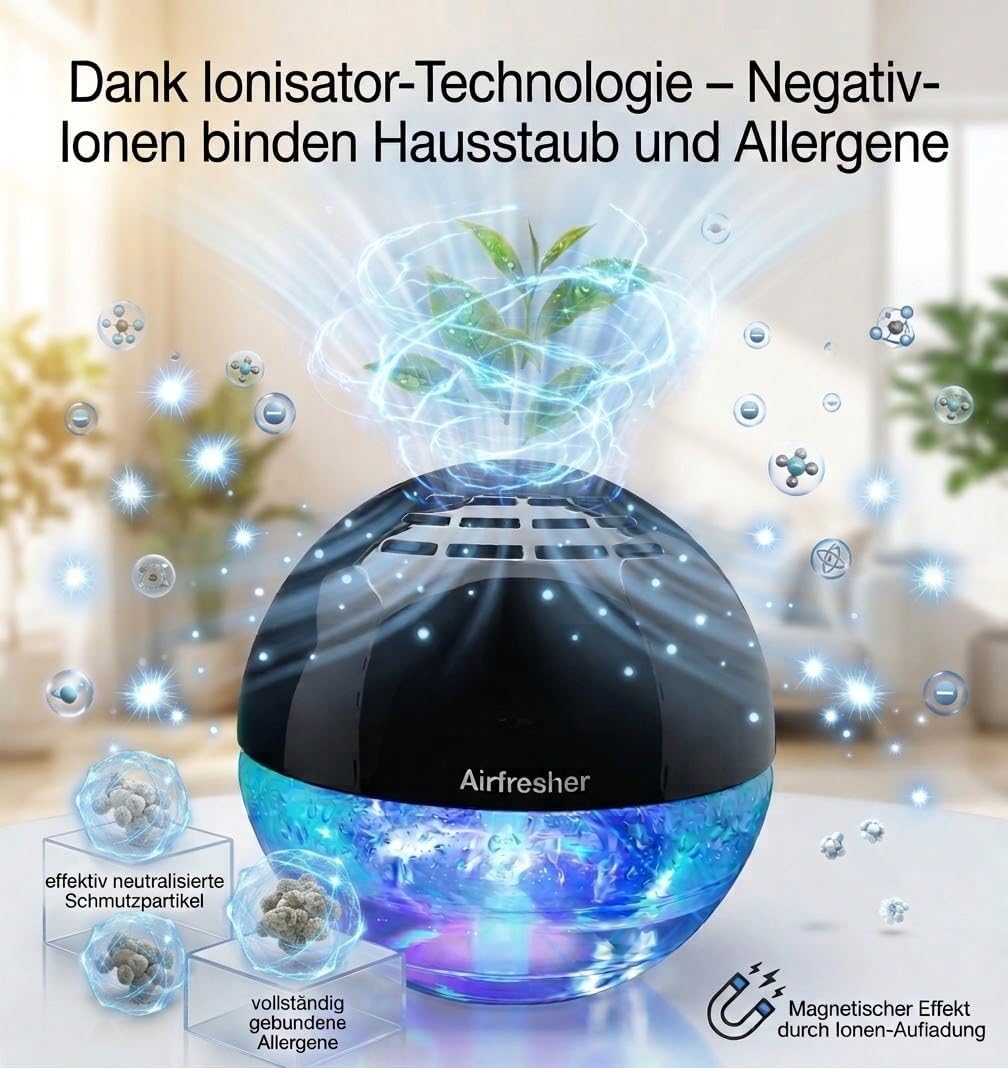
Image 1.1: The Aspira AirFresher unit alongside its packaging.
2. Инструкции за безбедност
- Прочитајте ги сите упатства пред да ракувате со уредот.
- Не го потопувајте уредот во вода или други течности.
- Осигурајте се дека кабелот за напојување не е оштетен и дека е правилно поврзан со соодветен штекер.
- Да се чува подалеку од дофат на деца и домашни миленици.
- Не ги блокирајте отворите за воздух за време на работата.
- Користете само чиста вода од чешма или дестилирана вода.
- Исклучете го уредот од струја пред чистење или повторно полнење.
- Не користете абразивни средства за чистење или растворувачи на уредот.
3. Содржина на пакетот
Проверете дали сите артикли се присутни во пакувањето:
- Aspira AirFresher Unit
- Адаптер за напојување
- Упатство за употреба
- Далечински управувач
4. Поставување
- Поставување: Place the AirFresher on a flat, stable surface away from direct sunlight or heat sources.
- Наполнете го резервоарот за вода: Carefully remove the top cover of the unit. Fill the water tank with clean tap water or distilled water up to the maximum fill line. Do not overfill.
- Додај мирис (опционално): If desired, add a few drops of your preferred essential oil or fragrance concentrate directly into the water tank.
- Заменете го капакот: Securely place the top cover back onto the unit.
- Поврзете напојување: Вклучете го адаптерот за напојување во уредот, а потоа во стандарден електричен штекер.

Image 4.1: The AirFresher utilizing ionizer technology to bind dust and allergens.

Image 4.2: Adding essential oils to the AirFresher for a customized aroma. Essential oils are not included.
5. Упатства за работа
5.1 Вклучување/исклучување
Press the power button on the unit or the remote control to turn the device on or off. The unit will begin air purification and humidification.
5.2 Air Purification and Humidification
The AirFresher uses hydro-ionic technology for 360-degree air purification, effectively covering areas up to 40 square meters. It operates quietly to maintain a comfortable environment.
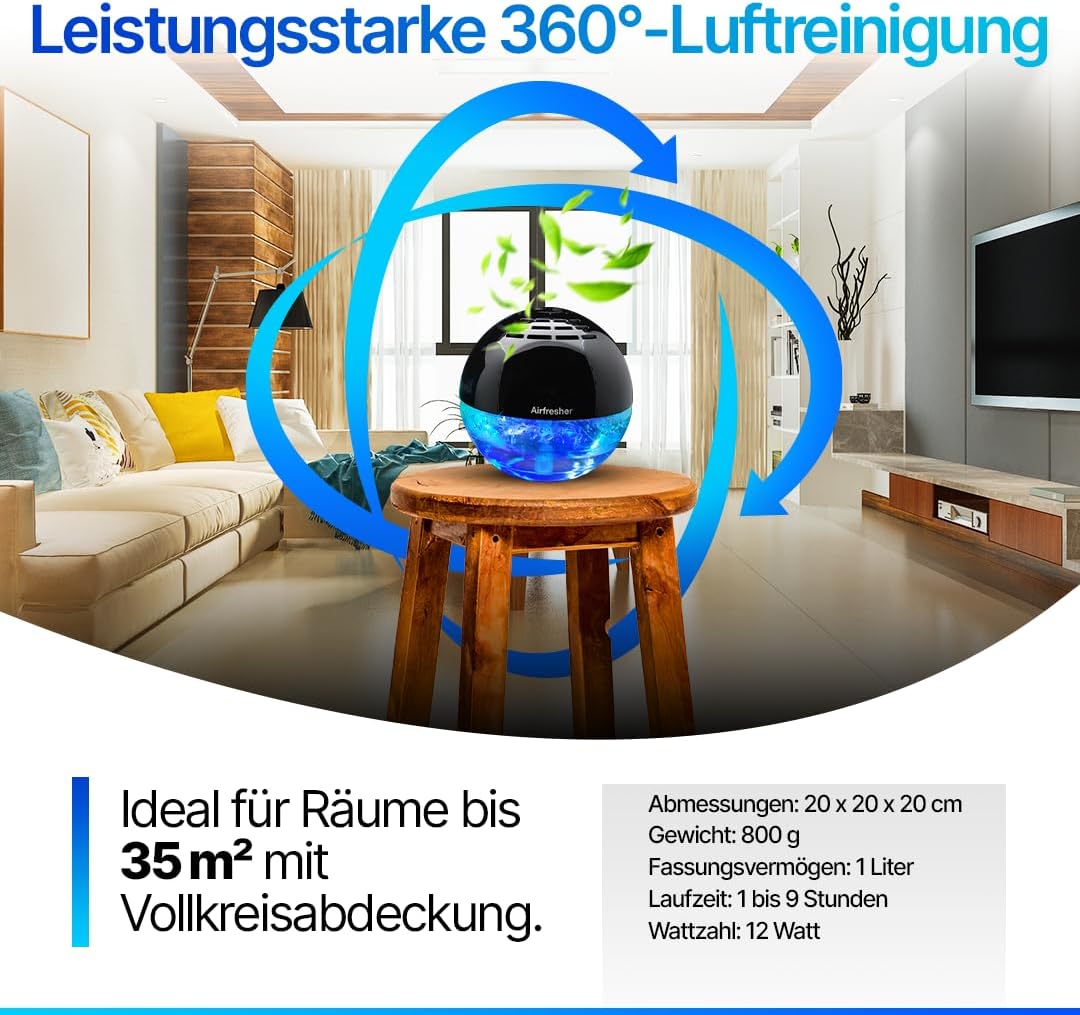
Image 5.1: The AirFresher providing 360-degree air purification in a room.
5.3 LED осветлување
The device features 14 different LED color effects. Use the dedicated button on the unit or remote control to cycle through the color options or turn the lighting off.
5.4 Работни режими
The AirFresher offers different operating modes:
- Нормален режим: Activates a stronger water flow for thorough air purification.
- Режим на спиење: Provides ultra-quiet operation with minimal water movement, ideal for undisturbed nights.

Image 5.2: Comparison of Sleep Mode (ultra-quiet operation) and Normal Mode (stronger air purification).
5.5 Контрола на мириси
The AirFresher effectively neutralizes pet odors, food smells, and nicotine odors, contributing to a fresher indoor environment.

Image 5.3: The AirFresher effectively managing pet odors.
6. Одржување
Regular cleaning ensures optimal performance and longevity of your AirFresher.
- Исклучете го: Секогаш исклучувајте го уредот од штекерот пред да го чистите.
- Празен резервоар за вода: Отстранете го горниот капак и испразнете ја преостанатата вода од резервоарот.
- Чиста единица: Wipe the interior and exterior surfaces of the unit with a soft, damp cloth or microfiber cloth. Do not use harsh chemicals or abrasive materials.
- Резервоар за плакнење: Исплакнете го резервоарот за вода темелно со чиста вода.
- Сува: Allow all parts to air dry completely before reassembling and storing or refilling.
Важно: The water tank is not suitable for dishwashers.

Image 6.1: Regular cleaning with a soft cloth ensures optimal performance.
7 Смена на проблеми
If you encounter issues with your Aspira AirFresher, refer to the following common problems and solutions:
- Уредот не се вклучува:
- Ensure the power adapter is securely plugged into both the unit and the wall outlet.
- Проверете дали штекерот е функционален.
- No mist or reduced mist:
- Проверете дали има доволно вода во резервоарот.
- Ensure the unit is clean and free from mineral buildup, especially around the mist outlet.
- Make sure the top cover is correctly seated.
- Невообичаен шум:
- Проверете дали уредот е поставен на рамна, стабилна површина.
- Check for any foreign objects in the water tank or around the fan.
- LED светлата не работат:
- Press the LED light button on the unit or remote control to cycle through options.
- Проверете дали уредот е вклучен.
Доколку проблемот продолжи, контактирајте ја поддршката за корисници.
8. Спецификации
| Карактеристика | Спецификација |
|---|---|
| Број на модел | AirFresher (AS10061) |
| Димензии (Д x Ш x В) | 17 x 17 x 17 cm |
| Тежина | 800 грама |
| Извор на енергија | Електричен со кабел |
| Потрошувачка на енергија | 15 вати |
| Ниво на бучава | 50 децибели |
| Областа на покриеност | До 40 квадратни метри |
| Тип на филтер | Електростатско |
| Контролен метод | Далечински управувач |
| LED ефекти | 14 different color settings |
| Сертификати | CE сертифициран |

Image 8.1: Quality certification details for the Aspira Home Air Freshener/Humidifier.
9. Гаранција и поддршка
9.1 Информации за гаранцијата
The Aspira AirFresher comes with a 3-year manufacturer's warranty, covering defects in materials and workmanship under normal use. Please retain your proof of purchase for warranty claims.
9.2 Поддршка за корисници
For technical assistance, troubleshooting not covered in this manual, or warranty inquiries, please contact Aspira customer support. Contact details can typically be found on the product packaging or the official Aspira webсајт.


