1. Вовед
This manual provides essential information for the safe and effective use of your ProForm Le Tour De France Upright Exercise Bike, Model PFEX01215. Please read all instructions carefully before assembly and operation. Retain this manual for future reference.
Безбедносни информации:
- Консултирајте се со лекар пред да започнете која било програма за вежбање.
- Чувајте ги децата и домашните миленици подалеку од опремата.
- Place the exercise bike on a level surface.
- Уверете се дека сите делови се добро затегнати пред секоја употреба.
- Максимална корисничка тежина: 250 lbs (113.4 kg).
2. Поставување и склопување
Unpack all components and ensure all parts are present. Refer to the included assembly guide for detailed step-by-step instructions. Basic assembly typically involves attaching the stabilizers, pedals, seat, handlebars, and console.

Слика 2.1: Fully assembled ProForm Le Tour De France Upright Exercise Bike. This image shows the complete bike from a front-side angle, highlighting the console, handlebars, seat, pedals, and the distinctive "Le Tour De France" branding on the flywheel.
2.1 Stabilizer Installation
Attach the front and rear stabilizers to the main frame using the provided bolts and washers. Ensure they are firmly secured to prevent wobbling during use.
2.2 Приклучок за педала
The pedals are marked 'L' for left and 'R' for right. Attach the left pedal by turning it counter-clockwise and the right pedal by turning it clockwise into the crank arms. Tighten securely with a wrench.
2.3 Прилагодување на седиштето и кормилото
Adjust the seat height and handlebar position to ensure a comfortable and ergonomic riding posture. The seat features an adjustable post for vertical positioning, and the handlebars can be adjusted for angle.

Слика 2.2: A user adjusting the seat height of the exercise bike. This image illustrates the process of loosening and tightening the knob to set the seat to the desired vertical position.

Слика 2.3: A user adjusting the handlebar angle on the exercise bike. This image shows how to manipulate the adjustment mechanism to find a comfortable handlebar position.
3. Упатства за работа
3.1 Конзола надview
The console displays key workout metrics such as time, distance, speed, calories, and resistance level. Familiarize yourself with the buttons and display functions.

Слика 3.1: Детално view of the exercise bike's console. This image highlights the digital display, control buttons for incline, gears, and various workout modes, and the iFit branding.
3.2 Започнување на тренинг
- Sit on the bike and place your feet securely in the pedal straps.
- Press any button on the console to activate it.
- Select a workout program or begin in manual mode.
- Adjust resistance using the '+' and '-' buttons on the console.
3.3 Resistance System
The bike utilizes a magnetic resistance system for smooth and quiet operation. Resistance levels can be adjusted electronically via the console, simulating various terrains and inclines.

Слика 3.2: Close-up of the SMR (Silent Magnetic Resistance) system. This image focuses on the flywheel and the resistance mechanism, showing the "SMR" branding.
3.4 iFit Connectivity
This exercise bike is iFit compatible. Connect your device to access interactive workouts, global routes powered by Google Maps, and personalized training programs. Refer to the iFit manual or webстраница за детални инструкции за поставување.
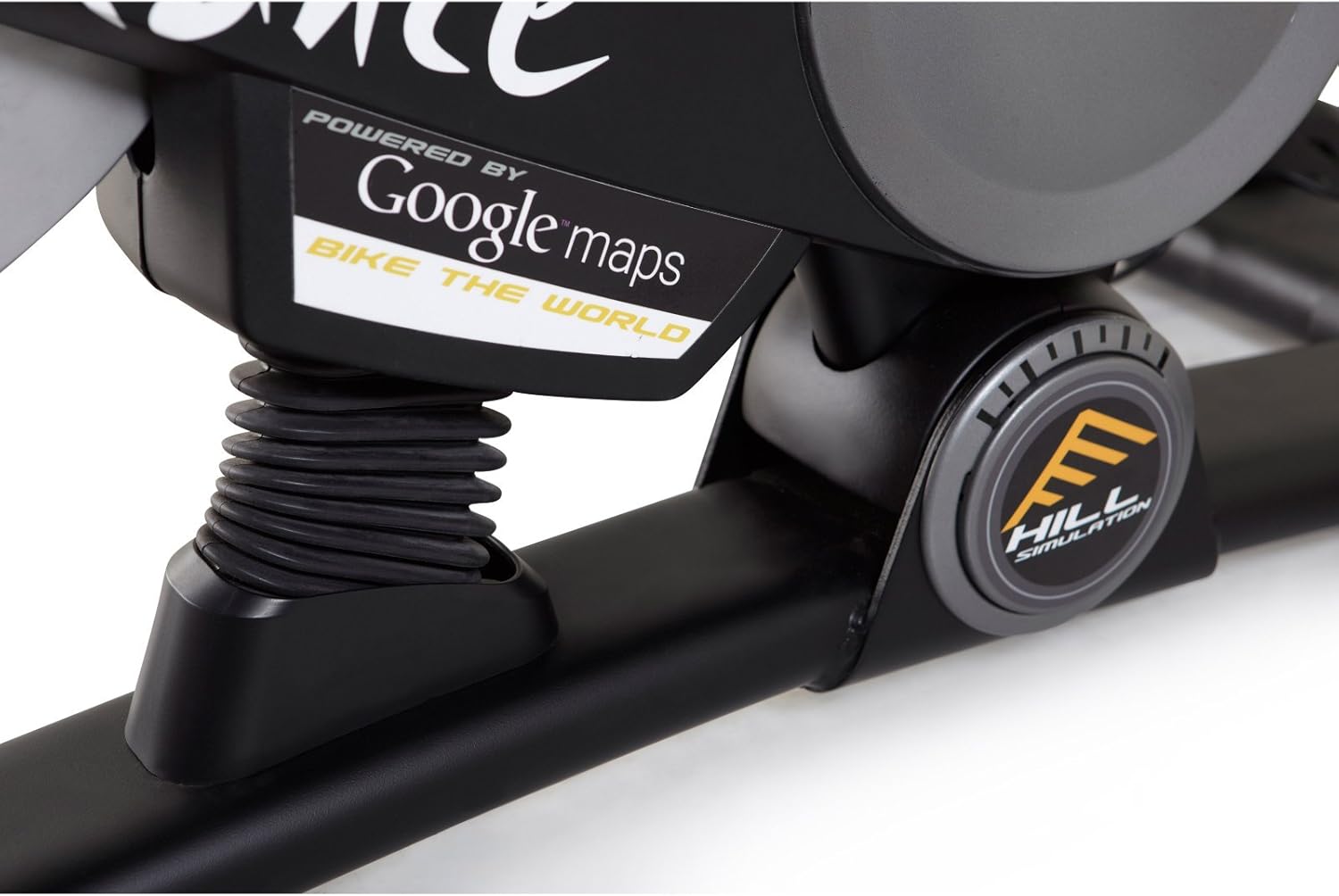
Слика 3.3: Branding indicating "Powered by Google Maps" on the exercise bike's frame. This highlights the bike's integration with iFit for virtual routes.
4. Одржување
Редовното одржување обезбедува долготрајност и оптимални перформанси на вашиот велосипед за вежбање.
- Чистење: Избришете го велосипедот по секоја употреба со рекламаamp крпа за отстранување на пот и прашина. Избегнувајте абразивни средства за чистење.
- Инспекција: Periodically check all bolts and nuts for tightness. Tighten any loose fasteners.
- Подмачкување: No lubrication is required for the magnetic resistance system.
- Складирање: Store the bike in a dry, cool environment away from direct sunlight and moisture.
5 Смена на проблеми
| Проблем | Можна причина | Решение |
|---|---|---|
| Конзолата не се вклучува | Батериите се празни или неправилно инсталирани. | Заменете ги батериите или проверете ја точната поларност. |
| Нестабилен за време на употреба | Stabilizer feet not adjusted or loose bolts. | Adjust the leveling feet on the stabilizers. Tighten all assembly bolts. |
| Отпорот не се менува | Console connection issue or internal fault. | Check console cables. If problem persists, contact customer support. |
| Педалите прават бучава | Loose pedals or crank arms. | Ensure pedals are tightly screwed into crank arms. |
6. Спецификации
| Карактеристика | Детал |
|---|---|
| Број на модел | PFEX01215 |
| Димензии (Д x Ш x В) | 136.4 cm x 62.7 cm x 135.1 cm (53.7 во x 24.7 во x 53.2 инчи) |
| Тежина на собраниот производ | 54.4 кг (120 фунти) |
| Максимална тежина на корисникот | 113.4 кг (250 фунти) |
| Отпорен механизам | Magnetic (SMR™ Silent Magnetic Resistance) |
| Тип на дисплеј | LCD екран |
| Извор на енергија | Напојува со батерија |
| Посебни карактеристики | Adjustable Seat, iFit Compatible, Google Maps Integration |
7. Информации за гаранцијата
ProForm products are manufactured with high-quality materials and craftsmanship. For specific warranty details regarding your ProForm Le Tour De France Upright Exercise Bike, please refer to the warranty card included with your purchase or visit the official ProForm webстраница. Зачувајте го доказот за купување за гаранциски побарувања.
8. Поддршка за корисници
If you have questions, require assistance with assembly, or need to troubleshoot an issue not covered in this manual, please contact ProForm customer support.
- Поддршка преку Интернет: Посетете го официјалното лице Поддршка за ProForm Webсајт.
- Телефонска поддршка: Refer to your product registration card or the ProForm webсајт за регионални контакт броеви.


