1. Вовед
This manual provides instructions for the installation, operation, and maintenance of your Swann 8-Channel 1080p Surveillance Kit. This system is designed to provide high-definition video surveillance for your property, featuring an 8-channel Digital Video Recorder (DVR) and four 1080p cameras.
2. Содржина на пакетот
Ве молиме проверете ја содржината на вашето пакување. Доколку недостасуваат или се оштетени некои предмети, контактирајте го вашиот продавач.
- Swann 8-Channel 1080p DVR with 1TB Hard Drive
- 4 x 1080p Surveillance Cameras
- Power Adapters for DVR and Cameras
- Video Cables for Cameras
- HDMI кабел
- Етернет кабел
- USB глушец
- Монтирачки завртки и приклучоци
- Водич за брз почеток
3. Производот завршиview
3.1 Дигитален видео рекордер (DVR)
DVR е централната единица за снимање, складирање и управување со видео содржина.tage from your cameras. It features 8 channels for connecting up to 8 cameras and a pre-installed 1TB hard drive for continuous recording.
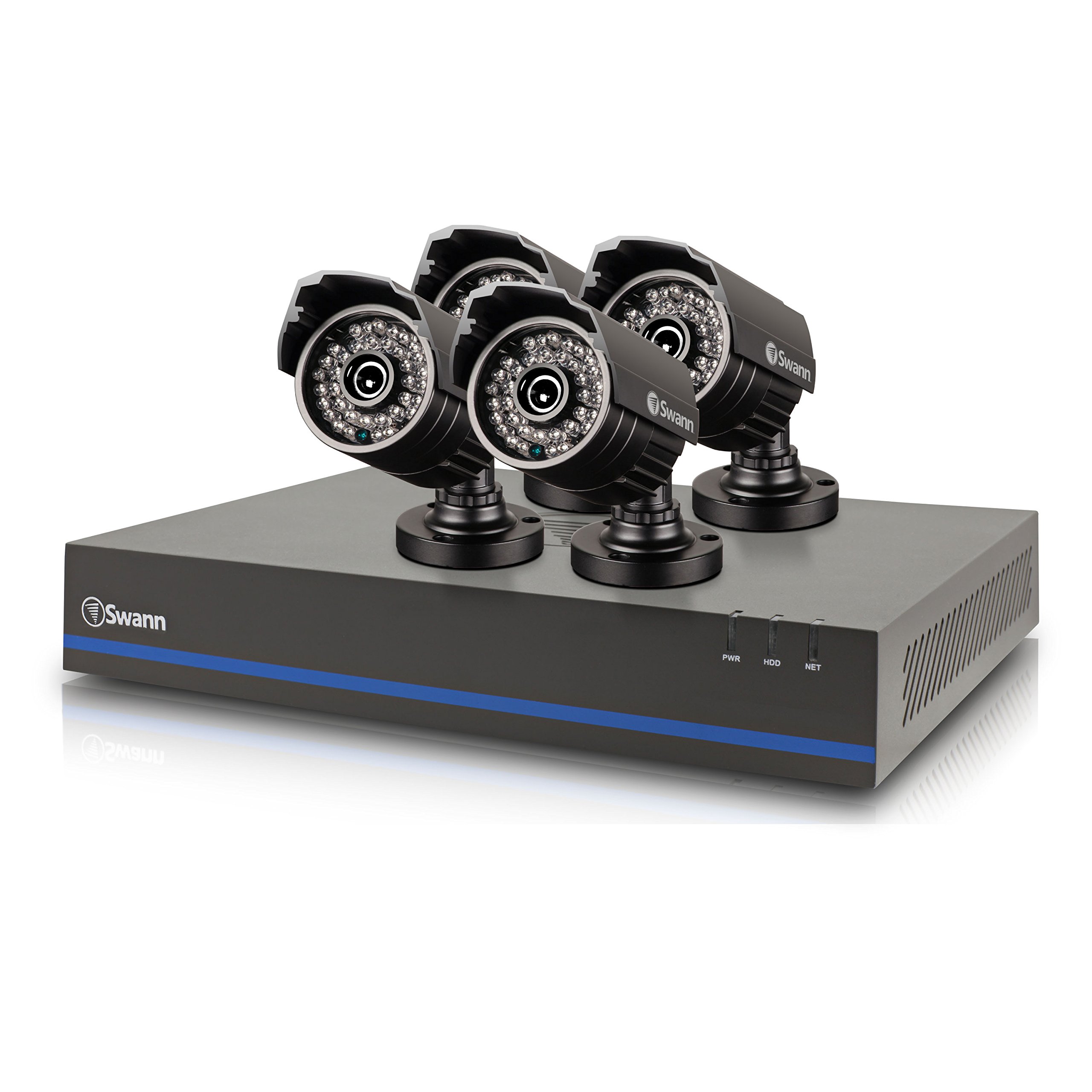
Image 1: Swann 8-Channel DVR (Angled View). This image shows the DVR unit from an angle, highlighting its compact design and front panel indicators.
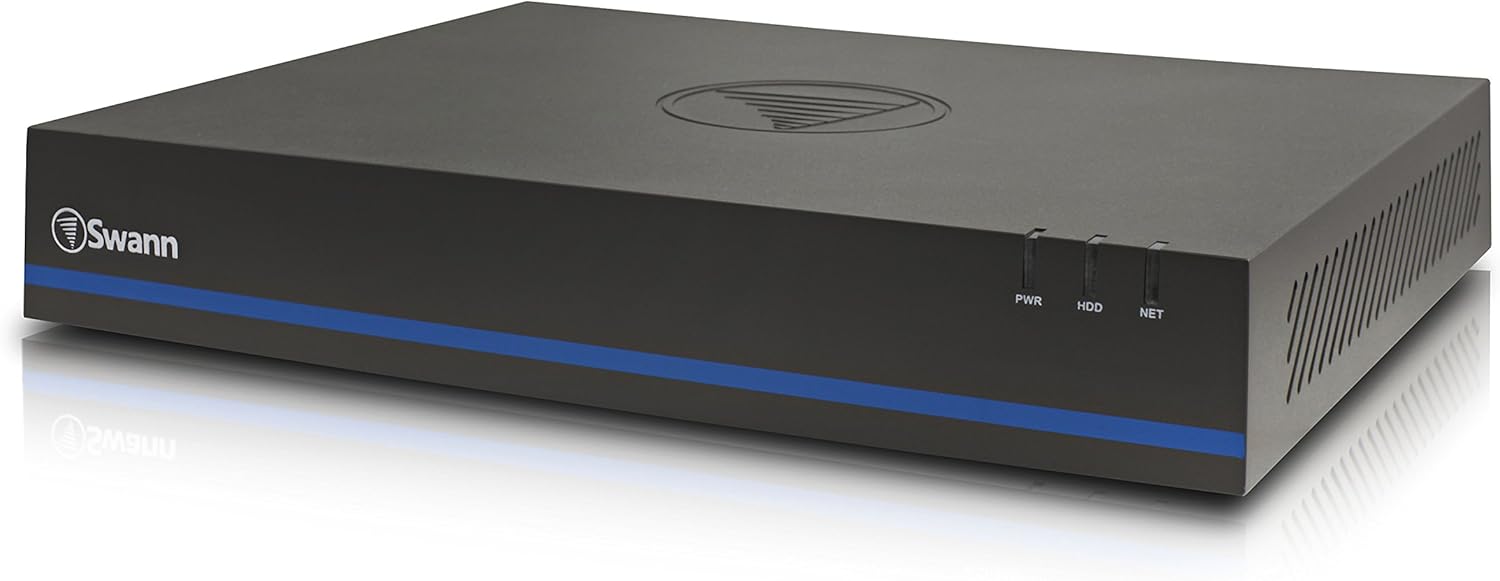
Image 2: Swann 8-Channel DVR (Front View). This image displays the front of the DVR, showing the PWR, HDD, and NET indicator lights.
3.2 Surveillance Cameras
The kit includes four 1080p cameras designed for both indoor and outdoor use. They provide crystal-clear 1920 x 1080 pixel video and are equipped with IR-cut filters for powerful night vision up to 100 feet (30 meters). The cameras have an IP66 weather-resistant rating.
4. Поставување
4.1 Инсталација на хардвер
- Positioning the DVR: Place the DVR in a secure, well-ventilated area, away from direct sunlight and moisture.
- Поврзување на камери: Connect each camera to an available video input port on the DVR using the provided video cables. Ensure connections are secure.
- Powering Cameras: Connect the camera power adapters to the cameras and then to a power outlet.
- Connecting to a Monitor: Connect the DVR to a monitor (e.g., HDTV, LCD screen) using the HDMI or VGA cable.
- Поврзување на глувчето: Вклучете го USB-глушецoт во USB-порт на DVR-от.
- Network Connection (Optional but Recommended): Connect an Ethernet cable from the DVR to your router for remote viewспособности за работа.
- Powering the DVR: Поврзете го адаптерот за напојување на DVR со DVR, а потоа со штекер. DVR ќе се вклучи автоматски.
4.2 Initial Software Configuration
Upon first power-on, the DVR will guide you through an initial setup wizard. Follow the on-screen prompts to:
- Set up a password for the administrator account.
- Конфигурирајте ги поставките за датум и време.
- Adjust video output resolution.
- Perform a software update if prompted. (Note: Some users have reported needing to manually check for updates.)
- Configure network settings (if connected to a router).
4.3 Поставување на мобилна апликација
За далечински viewing on your smartphone or tablet (iOS/Android), download the СвонView Плус app from your device's app store. (Note: The older SwannView app is not compatible with this system.) Follow the in-app instructions to add your DVR using its unique ID or QR code.
5. Ракување со системот
5.1 Во живо Viewинг
Once the system is set up, you can view живеј фаоtage from all connected cameras on your monitor or via the SwannView Plus mobile app. Use the USB mouse to navigate the DVR's on-screen interface.
5.2 Снимање
DVR-от поддржува различни режими на снимање:
- Континуирано снимање: Records 24/7, overwriting older footage кога хард дискот е полн.
- Снимање на откривање на движење: Records only when motion is detected by a camera. Sensitivity and recording schedules can be configured.
- Закажано снимање: Records during specific times of the day or week.
Access the DVR's menu to configure recording settings for each camera.
5.3 Репродукција
За повторноview снимен footage:
- Access the DVR's main menu and select the 'Playback' option.
- Choose the date and time range you wish to review.
- Select the camera(s) whose footagе сакате да view.
- Користете ги контролите за репродукција (репродукција, пауза, брзо премотување напред, премотување назад) за да се движите низ содржината.tage.
You can also transfer incident video to external storage via USB or network.
5.4 Далечински пристап
The SwannView Plus app allows you to:
- View live camera feeds from anywhere with an internet connection.
- Репродуцирајте снимено footage.
- Receive push notifications for motion detection events.
Ensure your DVR is connected to the internet and the app is correctly configured.
6. Одржување
- Редовно чистење: Keep camera lenses clean for optimal image clarity. Use a soft, damp крпа.
- DVR вентилација: Ensure the DVR's ventilation openings are clear to prevent overheating.
- Ажурирања на фирмверот: Периодично проверувајте ја поддршката на Swann website for firmware updates for your DVR to ensure optimal performance and security.
- Управување со хард диск: Хард дискот од 1TB автоматски ќе ја пребрише најстарата датотека за храна.tage when full. Back up important footagе редовно.
7 Смена на проблеми
| Проблем | Можна причина | Решение |
|---|---|---|
| No video on monitor | Лабава кабелска врска, неточен влезен извор на мониторот, DVR не е вклучен. | Проверете ги поврзувањата на HDMI/VGA кабелот. Осигурајте се дека мониторот е на правилен влез. Проверете го напојувањето на DVR. |
| Нема далечински viewпреку апликација | DVR not connected to network, incorrect app (SwannView Link vs. SwannView Plus), network configuration issues. | Ensure DVR is connected to router. Confirm you are using the СвонView Плус app. Check DVR network settings. |
| Лош квалитет на ноќно гледање | Obstructions in front of camera, camera too far from subject, IR lights blocked. | Clear obstructions. Ensure camera is within 82 feet (25 meters) of the area of interest. |
| DVR making loud humming noise | Normal operation of internal fan/hard drive, poor ventilation. | Ensure adequate ventilation around the DVR. If noise is excessive, contact support. |
| False motion alerts (e.g., from insects) | High motion sensitivity, insects near camera at night. | Adjust motion detection sensitivity in DVR settings. Consider scheduling email alerts to avoid notifications during specific times. |
8. Спецификации
- Бренд: Свон
- Број на модел: LYSB01LG2GSMY-ELECTRNCS
- Технологија за поврзување: Жичен
- Резолуција за снимање видео: 1080 стр
- Посебни карактеристики: Motion Sensor, Night Vision
- Број на канали: 8
- Капацитет за складирање на меморија: 1 ТБ (тврд диск)
- Извор на енергија: Електричен со кабел
- Димензии на ставката (Д x Ш x В): 16.5 x 12.6 x 8.3 инчи
- Компатибилност со оперативен систем: Андроид, iOS (за мобилна апликација)
- Препорачана употреба: Indoor, Outdoor Surveillance
- Опсег на ноќно гледање: До 82 стапки (25 метри)
- Viewагол: 90 степени
- Тежина на ставката: 12.8 фунти
- UPC: 840236117031
9. Гаранција и поддршка
For warranty information and technical support, please refer to the documentation included with your product or visit the official Swann webлокација. Чувајте ја сметката како доказ за купување за гаранциски побарувања.
Онлајн ресурси:
- Свон Официјален Webсајт: www.swann.com
- Product Support Page: Refer to the Swann website for specific support pages related to your model.


