1. Вовед
This manual provides essential information for setting up, operating, and maintaining your Sony XBR-65X900E 65-inch 4K HDR Smart LED TV. This television combines stunning 4K Ultra HD clarity with High Dynamic Range (HDR) for a lifelike picture, powered by the 4K HDR Processor X1. Enjoy smart functionality with Android TV, offering access to a wide range of apps and content.
2. Што има во кутијата
- Sony XBR-65X900E 65-inch 4K HDR Smart LED TV
- Кабел за напојување
- Далечински управувач
- ТВ-штанд
3. Поставување
3.1 Распакување и инсталација на држач
Carefully remove the TV from its packaging. It is recommended that two people handle the TV due to its size and weight. Attach the included stand to the bottom of the TV using the provided screws. Ensure the stand is securely fastened before placing the TV on a stable surface.

3.2 Монтирање на ѕид
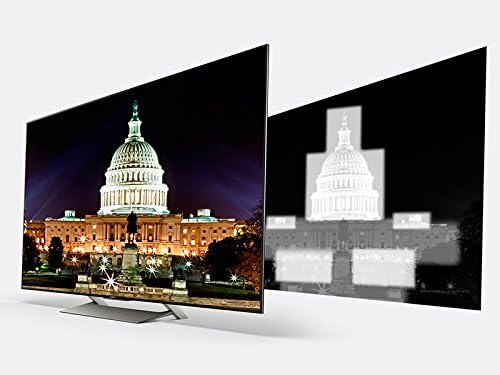
The TV can also be wall-mounted. It features standard VESA screw holes for compatible wall mounts (sold separately). Refer to your wall mount's instructions for proper installation. Ensure the wall can support the TV's weight (approximately 77.2 pounds).

3.3 Поврзување на периферни уреди
Connect your devices to the TV's various input ports:
- HDMI: 4 HDMI ports for high-definition devices like Blu-ray players, gaming consoles, and cable boxes.
- USB: 2 USB 2.0 ports and 1 USB 3.0 port for connecting external storage or other USB devices.
- Component/Composite Hybrid: 1 port for older video devices.
- Композитен: 1 dedicated composite video input.
- LAN: Етернет порта за жична мрежна врска.
- Оптички дигитален аудио излез: За поврзување со саундбар или аудио приемник.
- Антена/кабел: За поврзување на антена или кабелска телевизија.
3.4 Првично вклучување и поставување на мрежата
After connecting all necessary cables, plug the power cable into an electrical outlet. Press the power button on the remote control. Follow the on-screen instructions to complete the initial setup, including connecting to your Wi-Fi network and logging into your Google account for Android TV features.
4. Ракување со вашиот телевизор
Далечински управувач 4.1
Вклучениот далечински управувач овозможува лесен пристап до сите функции на телевизорот. Клучните копчиња вклучуваат:
- Моќност: Го вклучува/исклучува телевизорот.
- Влез: Selects the input source (HDMI, USB, etc.).
- Волумен +/-: Ја прилагодува јачината на звукот.
- Канал +/-: Менува ТВ канали.
- Дома: Пристапува до почетниот екран на Android TV.
- Плочка за навигација: За навигација низ менијата и избирање опции.
- Гласовна контрола: Го активира Google Assistant за гласовни команди.
- Наменски копчиња за апликации: Quick access to popular streaming services like Netflix, Amazon Video, Hulu, and YouTube.
4.2 Карактеристики на Android TV
Your Sony XBR-65X900E is equipped with Android TV, providing a smart and intuitive user experience. Access thousands of apps from Google Play, including Netflix, Amazon Video, Hulu, and YouTube. The TV is also Google Home-compatible, allowing for seamless integration with your smart home ecosystem.

4.3 Поставки за слика
Experience exceptional picture quality with advanced Sony technologies:
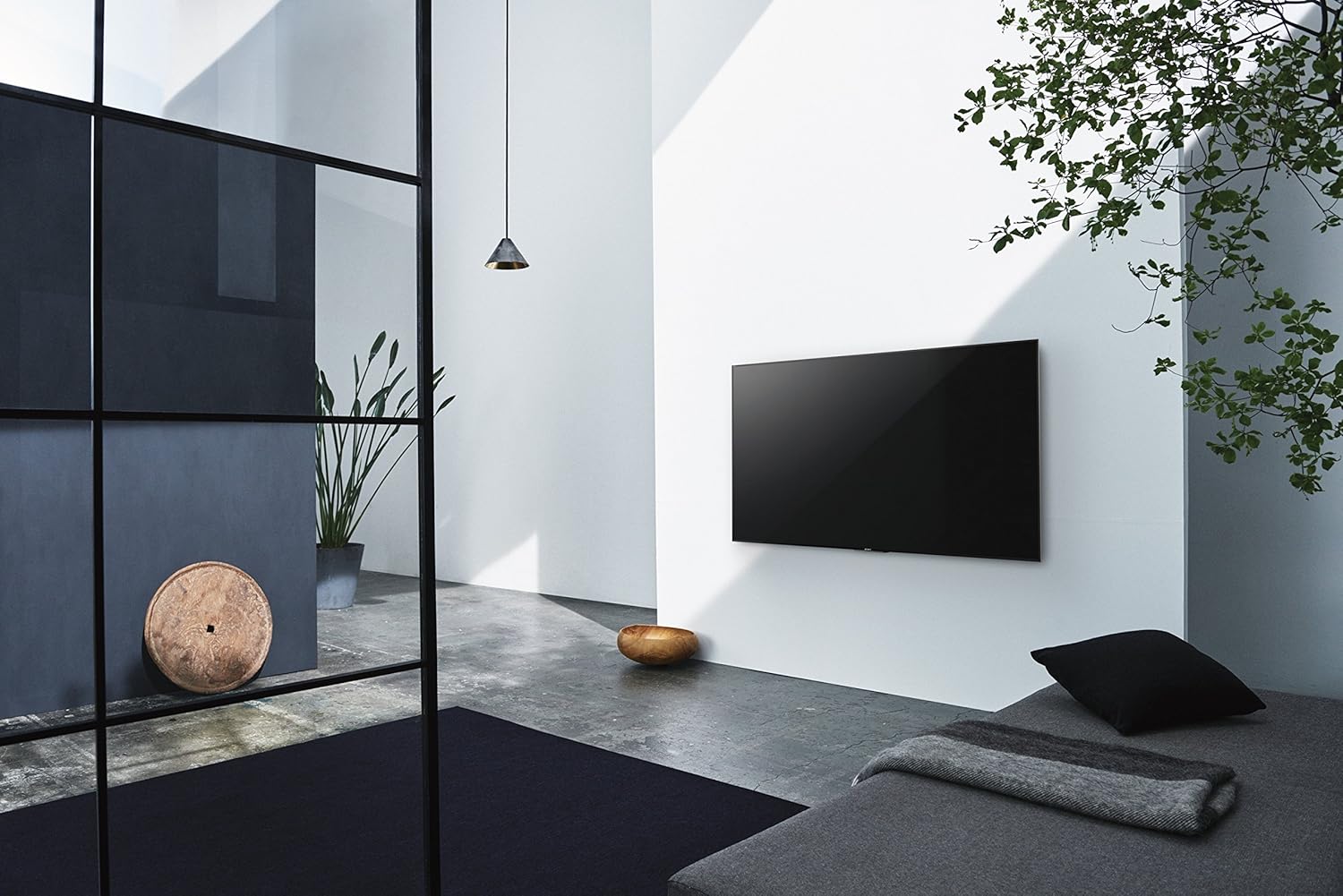
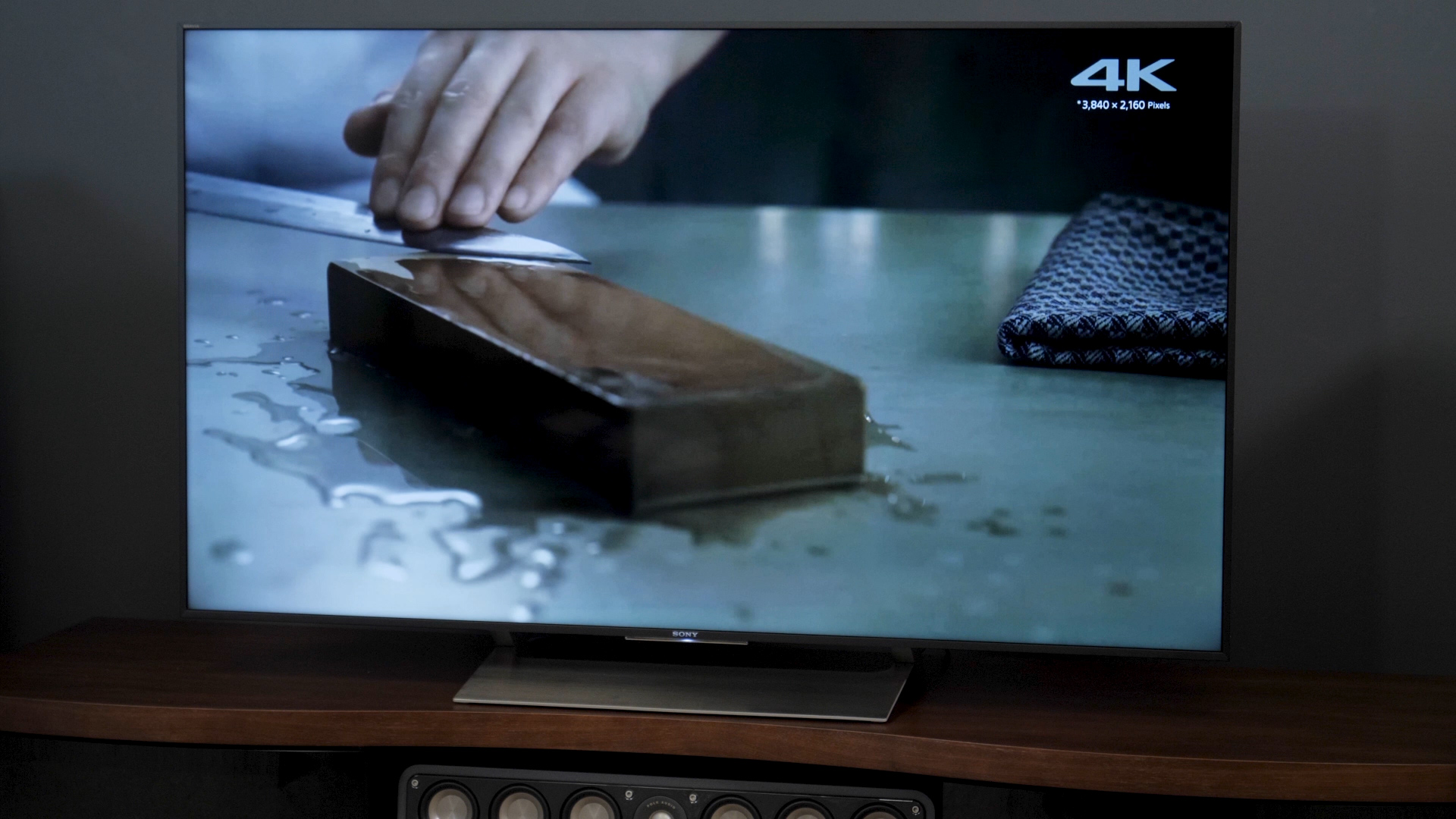
- 4K HDR процесор X1: Enhances clarity, color, and contrast for a more realistic image.
- Екран TRILUMINOS: Reproduces a wider, more vivid spectrum of colors.
- 4K HDR Super Bit Mapping: Optimizes colors for rich and natural results.
- 4K X-Reality PRO: Upscales images to near 4K clarity.
- X-tended Dynamic Range PRO 5x: Delivers five times the contrast range of conventional LED TVs.
- Motionflow XR 960: Ensures smooth, clear fast-moving action scenes.

4.4 Поставки за звук
The TV features balanced light output across the screen for greater brilliance in every scene. For enhanced audio, connect an external sound system via the optical digital audio out port.
4.5 Избор на влез
To switch between connected devices, press the 'Input' button on your remote control and select the desired source from the on-screen menu.
5. Одржување
5.1 Чистење
To clean the TV screen, gently wipe it with a soft, dry cloth. For stubborn smudges, lightly dampen the cloth with water or a specialized screen cleaner. Avoid using harsh chemicals or abrasive materials. Clean the TV's frame and stand with a soft, dry cloth.
5.2 Ажурирања на софтверот
Your Android TV will periodically receive software updates to improve performance and add new features. Ensure your TV is connected to the internet to receive these updates automatically. You can also manually check for updates in the TV's settings menu.
6 Смена на проблеми
If you encounter any issues with your TV, try the following basic troubleshooting steps:
- Без моќност: Ensure the power cable is securely plugged into both the TV and the electrical outlet. Try a different outlet.
- Нема слика/звук: Check the selected input source. Ensure all cables are securely connected to the TV and external devices.
- Далечинското не реагира: Заменете ги батериите во далечинскиот управувач. Уверете се дека нема пречки помеѓу далечинскиот управувач и IR сензорот на телевизорот.
- Проблеми со мрежната конекција: Рестартирајте го рутерот и модемот. Проверете ги мрежните поставки на телевизорот за да се осигурате дека е поврзан со точната Wi-Fi мрежа или дека етернет кабелот е правилно поврзан.
- Android TV Lag: Restart the TV by unplugging it from the power outlet for a few minutes, then plugging it back in. Close unused applications.
For more detailed troubleshooting, refer to the comprehensive help guide available through the TV's Android TV interface or visit the Sony support webсајт.
7. Спецификации
| Карактеристика | Спецификација |
|---|---|
| Број на модел | XBR65X900E |
| Големина на екранот | 65 инчи |
| Резолуција | 4K Ultra HD (3840 x 2160) |
| Технологија на прикажување | LED with Full-Array Local Dimming |
| Стапка на освежување | 120Hz Native (Motionflow XR 960) |
| Процесор | 4K HDR процесор X1 |
| Платформа за паметна телевизија | Android TV (Google Home Compatible) |
| Димензии (без држач) | 57" x 32.8" x 2.4" (W x H x D) |
| Димензии (со држач) | 57" x 35.3" x 10.3" (W x H x D) |
| Тежина на ставката | 77.2 фунти |
| Влезови HDMI | 4 |
| USB порти | 2 (USB 2.0), 1 (USB 3.0) |
| Поврзување | Wi-Fi, етернет |
| Потрошувачка на енергија | 212 вати |

8. Гаранција и поддршка
Your Sony XBR-65X900E TV comes with a manufacturer's warranty. For specific warranty details, please refer to the warranty card included with your product or visit the official Sony support website. For technical assistance, product registration, or service inquiries, please contact Sony Customer Support.