1. Вовед
The Tenda AC1300 (U12) is a dual-band wireless USB adapter designed to provide Wi-Fi connectivity to desktop PCs and laptops. It supports the 802.11ac standard, offering data transfer rates up to 867Mbps on the 5GHz band and 400Mbps on the 2.4GHz band. The adapter utilizes a USB 3.0 interface for faster data transfer compared to USB 2.0.
2. Содржина на пакетот
Проверете дали сите артикли се присутни во вашиот пакет:
- AC1300 USB Adapter (U12)
- Водич за инсталација
- USB кабел за продолжување
- ЦД за инсталација
3. Поставување
3.1 Инсталација на драјвери
Before connecting the adapter, install the necessary drivers. The drivers can be found on the included CD or downloaded from the official Tenda website. For optimal performance and compatibility, it is recommended to download the latest drivers from the Tenda support page.
- Insert the Installation CD into your computer's CD/DVD drive, or download the driver package from the Tenda webсајт.
- Следете ги упатствата на екранот за да ја завршите инсталацијата на драјверот.
- Рестартирајте го компјутерот доколку се побара.
3.2 Поврзување на адаптерот
The U12 adapter uses a USB 3.0 interface. For best performance, connect it to a USB 3.0 port on your computer. USB 3.0 ports are typically blue.
- Locate an available USB 3.0 port on your desktop PC or laptop.
- Insert the Tenda U12 USB WiFi Adapter directly into the USB port.
- Alternatively, use the provided USB extension cable for flexible placement to optimize signal reception. Connect the adapter to one end of the extension cable and the other end to your computer's USB port.
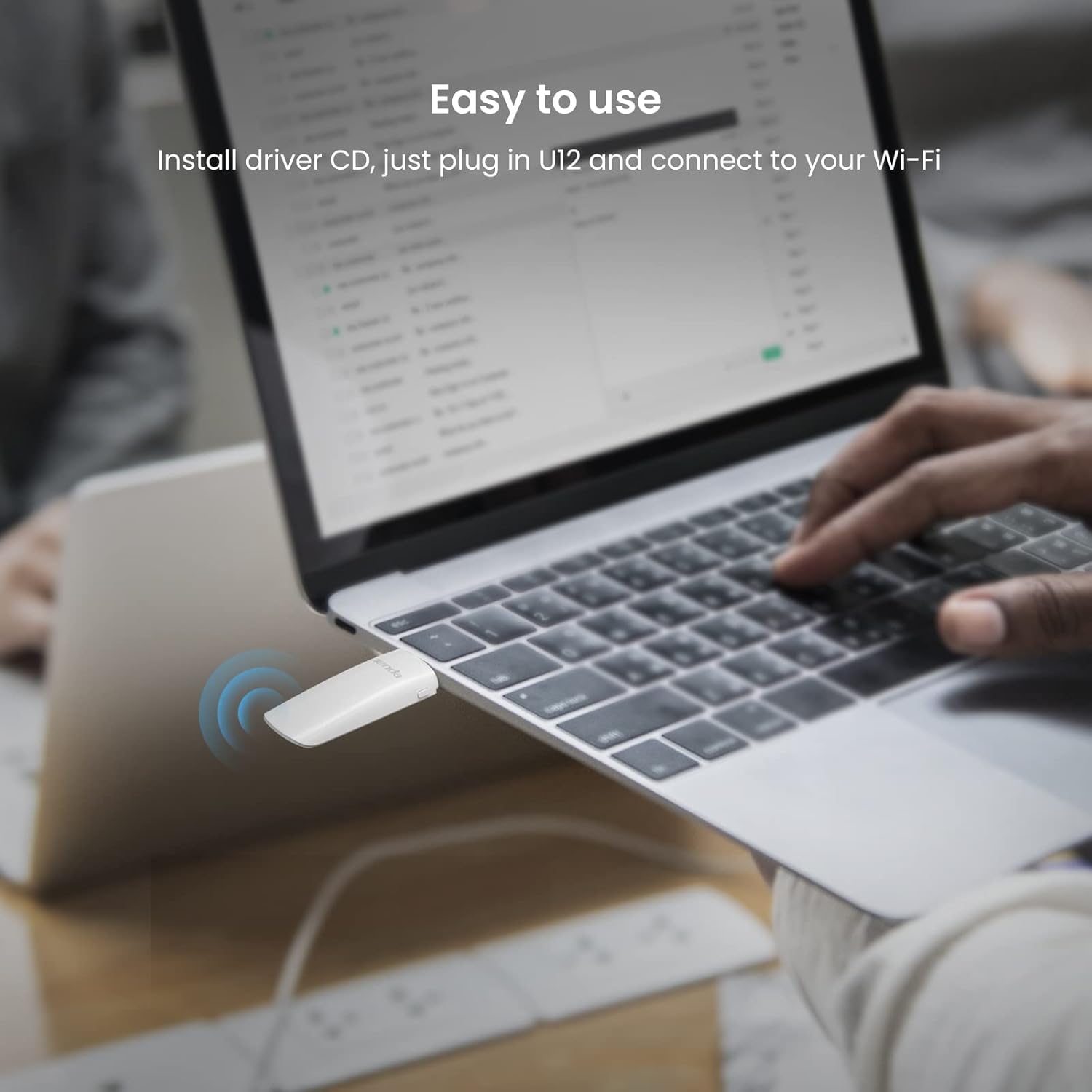
Image: Tenda U12 adapter plugged into a laptop USB port, illustrating easy setup.

Image: Tenda U12 adapter connected to a desktop computer's USB port.
3.3 Поврзување со Wi-Fi мрежа
- Once the adapter is connected and drivers are installed, your operating system should detect it.
- Open your computer's Wi-Fi settings.
- Изберете ја саканата Wi-Fi мрежа од листата на достапни мрежи.
- Внесете ја лозинката за мрежата (доколку е потребно) и кликнете на „Поврзи се“.
4. Упатства за работа
4.1 Dual-Band Functionality
The Tenda U12 supports both 2.4GHz and 5GHz Wi-Fi bands. The 5GHz band offers higher speeds (up to 867Mbps) and is ideal for activities like HD video streaming and online gaming, while the 2.4GHz band provides wider coverage (up to 400Mbps) and is suitable for general internet use.
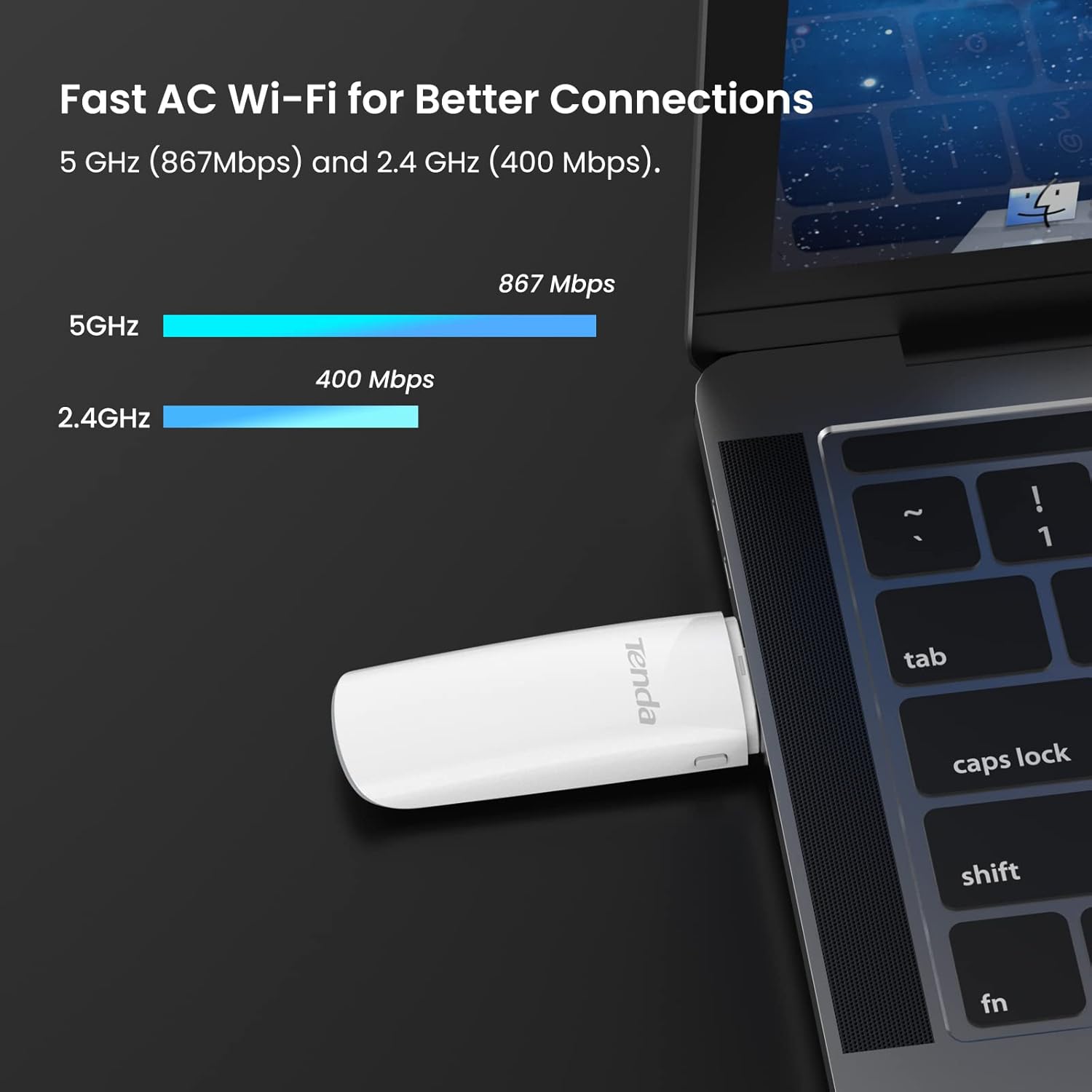
Image: Tenda U12 adapter showing 5GHz and 2.4GHz speed capabilities.
4.2 WPS Button
The adapter features a WPS (Wi-Fi Protected Setup) button for easy and secure wireless network encryption. If your router supports WPS, you can establish a secure connection without manually entering the password:
- Притиснете го копчето WPS на вашиот безжичен рутер.
- Within two minutes, press the WPS button on the Tenda U12 adapter.
- The adapter will automatically connect to the network.
5. Одржување
- Чувајте го адаптерот чист и без прашина.
- Избегнувајте изложување на адаптерот на екстремни температури или влажност.
- Ensure the latest drivers are installed for optimal performance and security updates. Regularly check the Tenda webстраница за ажурирања на драјвери.
6 Смена на проблеми
6.1 Adapter Not Detected or Not Working
- Проверете го USB-портот: Ensure the adapter is firmly inserted into a functioning USB port. Try a different USB port, preferably a USB 3.0 port.
- Инсталација на драјвери: Verify that the correct drivers are installed. Reinstall drivers from the provided CD or the official Tenda webсајт.
- Рестартирајте го системот: Restart your computer after driver installation or if the adapter is not recognized.
6.2 Slow Connection Speed or Frequent Disconnections
- Поставување на адаптерот: Use the USB extension cable to position the adapter away from obstructions and closer to your Wi-Fi router for better signal strength.
- USB 3.0 порт: За максимална брзина, осигурајте се дека адаптерот е поврзан со USB 3.0 порт. USB 2.0 портите ќе ги ограничат перформансите.
- Router Band: Connect to the 5GHz band if available and within range, as it generally offers higher speeds and less interference.
- Пречки: Keep the adapter away from devices that may cause interference, such as microwaves, cordless phones, or other wireless devices.
- Поставки на рутерот: Check your router's settings for channel optimization or firmware updates.
6.3 Adapter Heats Up
It is normal for the adapter to generate some heat during operation. Ensure it is not covered or placed in an enclosed space to allow for proper ventilation.
7. Спецификации
| Карактеристика | Спецификација |
|---|---|
| Број на модел | U12 |
| Безжични стандарди | IEEE 802.11ac, IEEE 802.11a, IEEE 802.11n, IEEE 802.11g, IEEE 802.11b |
| Data Transfer Rate (5GHz) | До 867 Mbps |
| Data Transfer Rate (2.4GHz) | До 400 Mbps |
| Хардверски интерфејс | USB 3.0 |
| Безжична безбедност | WPA-PSK/WPA2-PSK, WPA/WPA2, WEP, WPS |
| Компатибилни оперативни системи | Windows 10/8.1/8/7/XP (32/64bits), Mac OS X 10.6-10.12, Linux |
| Димензии | 1.19 x 0.53 x 3.7 инчи |
| Тежина на ставката | 1.76 унци (50 грама) |
| Боја | Бело |

Image: Tenda U12 adapter showing compatibility with Windows, Mac OS, and Linux.
8. Гаранција и поддршка
The Tenda U12 USB WiFi Adapter typically comes with a 3-year warranty. For warranty claims, technical support, or further assistance, please visit the official Tenda webлокација или контактирајте ја нивната служба за корисници. Зачувајте ја сметката за купување за потврда на гаранцијата.
9. Важни безбедносни информации
- Не расклопувајте или менувајте го уредот.
- Држете го уредот подалеку од вода, оган и високи температури.
- Користете само обезбедените додатоци или оние што ги препорачува производителот.


