Вовед
Thank you for choosing the Billboard Bluetooth Wireless Hook Over Earbuds. This manual provides essential information for setting up, operating, and maintaining your new earbuds. Please read these instructions carefully before use to ensure optimal performance and longevity of your device. Keep this manual for future reference.
Содржина на пакетот
Проверете дали сите предмети се присутни во пакувањето:
- Безжична Bluetooth кука за слушалки Billboard
- Микро USB кабел за полнење
- Упатство за употреба (овој документ)
Производот завршиview
The Billboard Bluetooth Wireless Hook Over Earbuds are designed for comfortable and secure fit, featuring a tangle-free flat cord and integrated controls for music and calls.
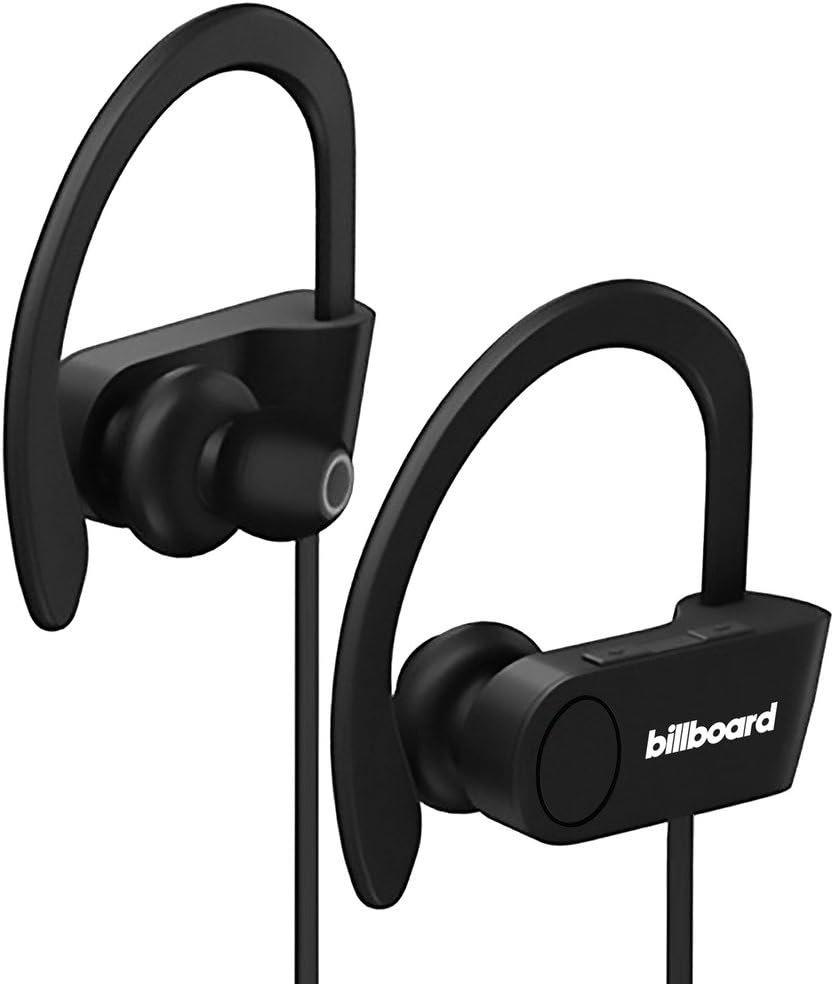
Image: Billboard Bluetooth Wireless Hook Over Earbuds, front view. These black earbuds feature an over-ear hook design for secure placement and a flat cord connecting the two earpieces.

Image: Billboard Bluetooth Wireless Hook Over Earbuds, showing the flat tangle-free cord. The design emphasizes a comfortable fit with the ear hooks and the practical flat cable.
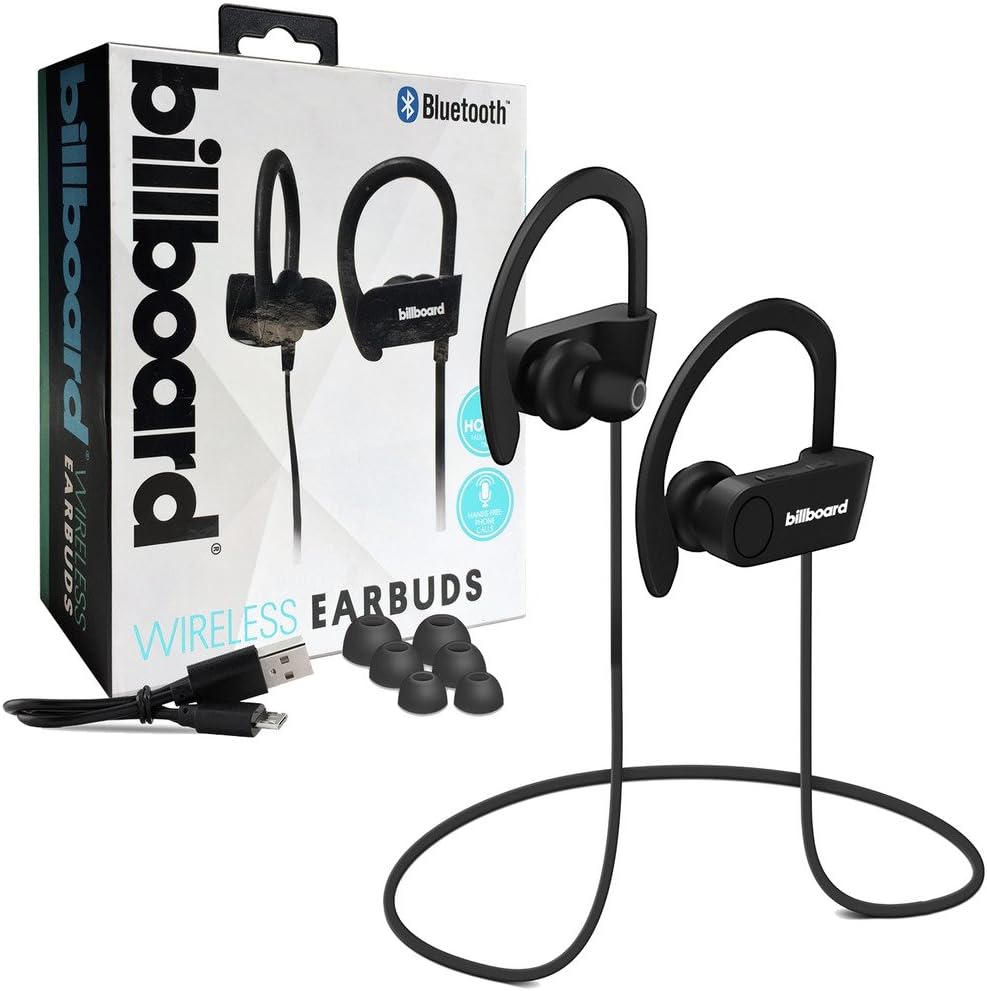
Image: Billboard Bluetooth Wireless Hook Over Earbuds packaging with included accessories. The box displays the earbuds, a charging cable, and additional ear tips, highlighting the product's features.
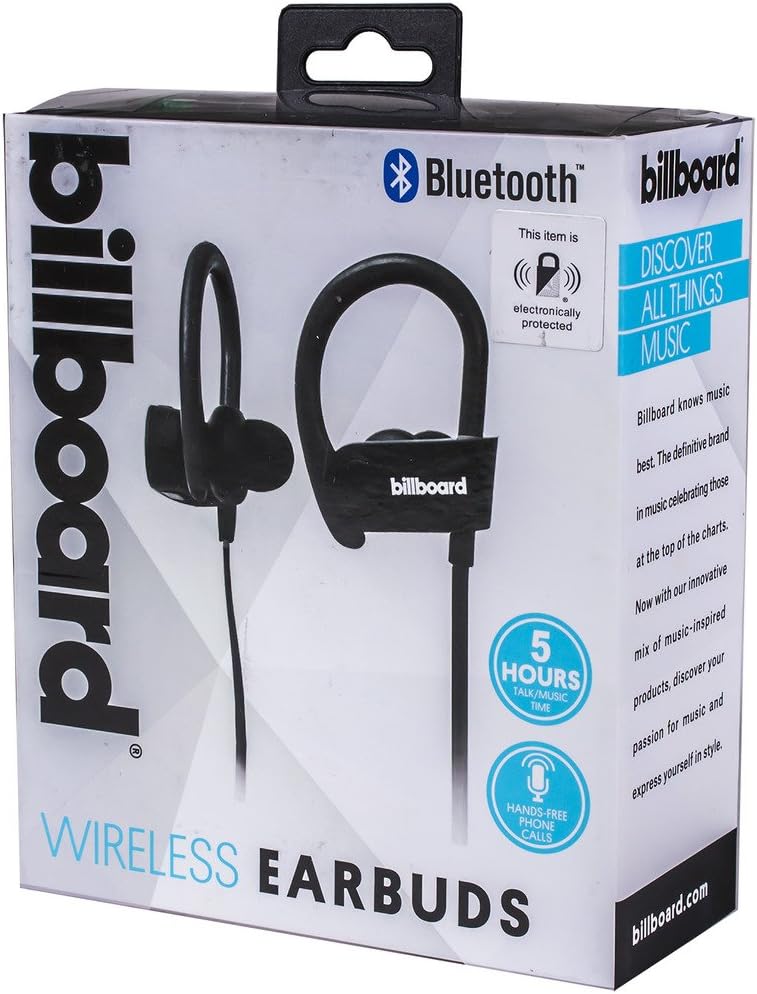
Image: Close-up of Billboard Bluetooth Wireless Hook Over Earbuds packaging, detailing features. The packaging highlights key features such as Bluetooth connectivity, 5 hours of talk/music time, and hands-free phone calls.
Поставување
1. Полнење на слушалките
- Locate the Micro USB charging port on one of the earbuds (typically on the control module).
- Connect the provided Micro USB charging cable to the earbud's charging port.
- Вклучете го другиот крај од USB кабелот во USB извор на напојување (на пр., USB порт на компјутер, адаптер за на ѕид).
- The LED indicator light will illuminate, typically red, to show that the earbuds are charging.
- Once fully charged, the LED indicator light will change color (e.g., turn blue or off). A full charge usually takes approximately 1-2 hours.
Забелешка: Ensure the earbuds are fully charged before first use for optimal battery life.
2. Bluetooth спарување
- Вклучување: Press and hold the Multi-function button (usually the center button on the control module) for a few seconds until the LED indicator light flashes blue and red alternately, indicating pairing mode.
- Активирајте Bluetooth: На вашиот паметен телефон или друг уред со Bluetooth, одете во поставките за Bluetooth и проверете дали Bluetooth е вклучен.
- Пребарај за Уреди: Your device will automatically search for nearby Bluetooth devices.
- Изберете слушалки: From the list of available devices, select "Billboard Earbuds" or a similar name.
- Потврдете го спарувањето: Once successfully paired, the LED indicator light on the earbuds will typically flash blue slowly or turn off, and you will hear an audible confirmation.
- Доколку се побара лозинка, внесете „0000“ (четири нули).
Забелешка: The earbuds will automatically attempt to reconnect to the last paired device when powered on, if that device's Bluetooth is active and within range.
Упатства за работа
Контролите се завршениview
The control module on the earbud cord typically includes a Multi-function button (MFB) and Volume Up/Down buttons.
- Копче за повеќе функции (MFB): Power On/Off, Play/Pause, Answer/End Call, Reject Call.
- Јачина на звук (+): Зголеми ја јачината на звукот, Следна песна.
- Намалување на јачината на звукот (-): Намали јачина на звук, Претходна песна.
Вклучување/исклучување
- Вклучување: Press and hold the MFB for approximately 3 seconds until the LED flashes blue and you hear a power-on prompt.
- Исклучено: Press and hold the MFB for approximately 3-5 seconds until the LED flashes red and you hear a power-off prompt.
Репродукција на музика
- Пушти/Пауза: Притиснете го MFB еднаш.
- Следна песна: Притиснете и задржете го копчето за зголемување на јачината на звукот (+).
- Претходна песна: Притиснете и задржете го копчето за намалување на јачината на звукот (-).
Управување со повици
- Одговори/заврши повик: Press the MFB once during an incoming call or during an active call.
- Одбијте го повикот: Press and hold the MFB for approximately 2 seconds during an incoming call.
- Повторно бирајте последен број: Double-press the MFB when no call is active.
Контрола на јачината на звукот
- Зголемете ја јачината на звукот: Press the Volume Up (+) button repeatedly.
- Намалување на јачината на звукот: Press the Volume Down (-) button repeatedly.
Одржување
- Чистење: Use a soft, dry cloth to clean the earbuds. Do not use abrasive cleaners or solvents.
- Складирање: Чувајте ги слушалките на ладно и суво место, подалеку од директна сончева светлина и екстремни температури.
- Нега на батеријата: To preserve battery life, charge the earbuds regularly, even if not in frequent use. Avoid fully discharging the battery for extended periods.
- Изложеност на вода: These earbuds are not waterproof. Avoid exposure to water or excessive moisture.
Решавање проблеми
| Проблем | Решение |
|---|---|
| Earbuds will not power on. | Ensure the earbuds are fully charged. Connect to a power source and check the charging indicator light. |
| Не може да се спари со уредот. | Make sure the earbuds are in pairing mode (flashing blue and red). Ensure Bluetooth is enabled on your device and it is within range (typically 10 meters). Try turning both devices off and on again. |
| Нема звук или има ниска јачина на звук. | Check the volume levels on both the earbuds and your connected device. Ensure the earbuds are properly paired and connected. Try playing different audio sources. |
| Прекината врска. | Move closer to your connected device. Avoid obstacles between the earbuds and the device. Ensure there is no interference from other wireless devices. |
Спецификации
- Бренд: Билборд
- Модел: B073CCBSLL
- Боја: Црното
- Поставување на увото: Во уво (со кука за преку уво)
- Форма фактор: Две уши
- Поврзување: Безжичен Bluetooth
- Порта за полнење: Микро USB
- Battery Life (Talk/Music Time): Приближно 5 часа
- Компатибилни уреди: Universal/Smartphones
- Карактеристики: Tangle-Free Flat Cord, Built-in Microphone, Integrated Controls
Гаранција и поддршка
За информации за гаранцијата и поддршка на клиентите, ве молиме погледнете ја документацијата вклучена во вашата нарачка или посетете ја официјалната поддршка за производи на Billboard. webстраница. Зачувајте го доказот за купување за какви било гаранциски побарувања.
If you encounter issues not covered in this manual, please contact customer service for assistance.


