1. Вовед
Ви благодарам за купувањетоasing the Gingko Cube LED Click Clock. This innovative alarm clock combines elegant design with smart functionality, displaying time, date, and temperature. Its unique sound-activated display ensures a dark room at night, illuminating only when needed. Please read this manual carefully to ensure proper setup and operation of your device.
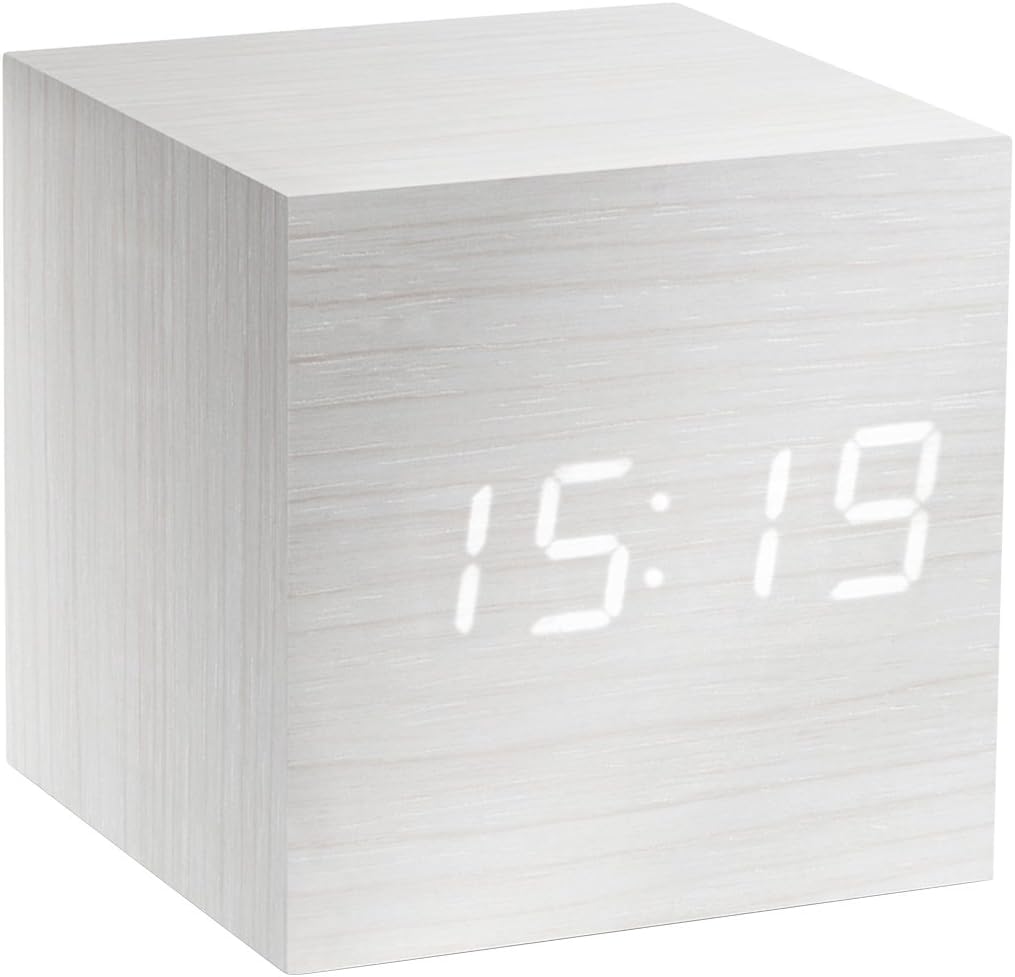
Figure 1: The Gingko Cube LED Click Clock displaying the time 15:19. The clock features a minimalist cube design with a white wood-grain finish and bright white LED digits.
2. Информации за безбедност
- Не го изложувајте уредот на вода или прекумерна влага.
- Avoid extreme temperatures, direct sunlight, or heat sources.
- Не обидувајте се да го расклопите или модифицирате уредот. Ова ќе ја поништи гаранцијата.
- Use only the provided USB adapter or compatible power sources.
- Да се чува подалеку од дофат на деца.
- Отстранете ги батериите одговорно во согласност со локалните прописи.
3. Содржина на пакетот
Ве молиме означете го полето за следните ставки:
- Gingko Cube LED Click Clock (Model GK08W13)
- USB адаптер за напојување
- USB кабел
- Упатство за употреба (овој документ)
4. Производот завршиview
The Gingko Cube LED Click Clock is designed for simplicity and functionality. Its main features include a hidden LED display that appears through the wood-grain finish, and control buttons located on the back panel.

Слика 2: Заден дел view of the Gingko Cube LED Click Clock. This image shows the battery compartment cover removed, revealing slots for three AAA batteries. Above the battery compartment, five small control buttons are visible: SET, UP, DOWN, V/S, and RESET.
4.1 Контролни копчиња
- СЕТ: Enters setting mode for time, date, and alarms. Confirms selections.
- Горе: Increases values during setting.
- ДОЛ: Ги намалува вредностите за време на поставувањето.
- V/S (Voice/Sound): Toggles between sound-activated display mode and permanent display mode.
- РЕСЕТ: Го ресетира часовникот на фабричките поставки.
4.2 Влез за напојување
The clock can be powered via the included USB cable and adapter, or by 3 x AAA batteries (not included). An internal battery is included to retain settings during power outagес.
5. Поставување
5.1 Вклучување
- Користење на USB напојување: Connect the small end of the USB cable to the DC5V port on the back of the clock. Plug the larger end into the USB power adapter, then plug the adapter into a wall outlet.
- Користење на батерии: Open the battery compartment cover on the back of the clock. Insert 3 x AAA batteries, ensuring correct polarity (+/-). Close the battery compartment cover securely.
The display will light up, indicating the clock is powered on.
5.2 Initial Settings (Time, Date, Temperature Format)
Притиснете и задржете го ПОСТАВЕТЕ button for 3 seconds to enter setting mode. The display will flash, indicating the current setting is ready for adjustment. Use the UP и ДОЛУ копчиња за промена на вредностите. Притиснете ПОСТАВЕТЕ за да потврдите и да преминете на следното поставување.
- Година поставка: Adjust the year (e.g., 2024). Press ПОСТАВЕТЕ.
- Месечна поставка: Adjust the month. Press ПОСТАВЕТЕ.
- Поставување датум: Adjust the day. Press ПОСТАВЕТЕ.
- Формат 12/24 часа: Select "12H" or "24H". Press ПОСТАВЕТЕ.
- Поставување час: Adjust the hour. Press ПОСТАВЕТЕ.
- Поставување минута: Adjust the minute. Press ПОСТАВЕТЕ.
- Температурна единица: Select "°C" (Celsius) or "°F" (Fahrenheit). Press ПОСТАВЕТЕ.
The clock will exit setting mode automatically after a few seconds of inactivity or after the last setting is confirmed.
6. Упатства за работа
6.1 Display Modes (Time, Date, Temperature)
The clock can cycle through displaying time, date, and temperature. By default, it will alternate between these displays.

Figure 3: The clock displaying the time 11:43, positioned on a dark desk next to a laptop. This illustrates the clock's compact size and clear LED display in a typical environment.
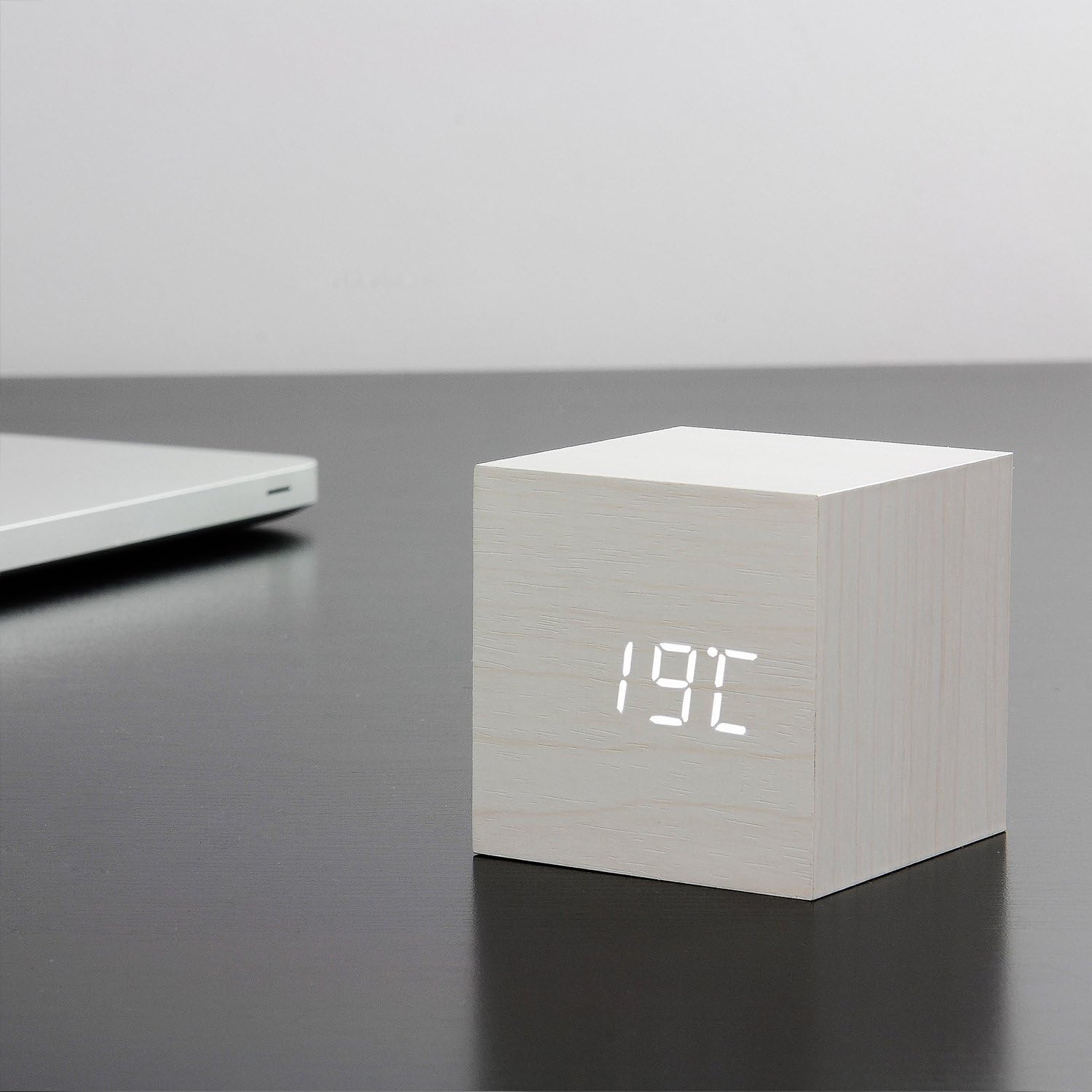
Figure 4: The clock displaying the temperature 19°C, also on a dark desk next to a laptop. This shows the clock's ability to display environmental temperature in addition to time and date.
6.2 Sound Activation (V/S Mode)
The clock features a sound-activated display mode, which conserves power and keeps your room dark. In this mode, the display turns off when the room is quiet and illuminates when a sound (like a clap or tap) is detected.
- Притиснете го V/S button to toggle between sound-activated display (display turns off after a few seconds of silence) and permanent display (display remains on).
- When in sound-activated mode, a sound above 60dB (e.g., a clap, finger snap, or gentle tap on the clock/surface) will activate the display for approximately 10 seconds.
6.3 Поставки за аларм
The clock supports up to three different alarm settings (AL1, AL2, AL3).
- From the normal display mode, short press the ПОСТАВЕТЕ button repeatedly until "AL1", "AL2", or "AL3" appears.
- To set an alarm, press and hold the ПОСТАВЕТЕ button for 3 seconds when the desired alarm (e.g., "AL1") is displayed. The hour digits will flash.
- Користете UP и ДОЛУ за да го поставите часот на алармот. Притиснете ПОСТАВЕТЕ.
- Користете UP и ДОЛУ за да ги поставите минутите за алармот. Притиснете ПОСТАВЕТЕ.
- The display will show "ON:AL" or "OFF:AL". Use UP or ДОЛУ to toggle the alarm ON or OFF. Press ПОСТАВЕТЕ да се потврди.
- Repeat for AL2 and AL3 if desired.
When an alarm sounds, it will last for 1 minute. To stop the alarm, press any button. The alarm will automatically turn off after 1 minute if no button is pressed.
6.4 Функција за затемнување
The clock features an automatic dimmer function. The display brightness will automatically adjust between brighter (7:00 AM - 6:59 PM) and dimmer (7:00 PM - 6:59 AM) modes to suit ambient light conditions.
7. Одржување
- Clean the clock surface with a soft, dry cloth. Do not use abrasive cleaners or solvents.
- If using batteries, replace them when the display becomes dim or erratic. Remove batteries if the clock will not be used for an extended period.
8 Смена на проблеми
| Проблем | Можна причина | Решение |
|---|---|---|
| Екранот е исклучен или затемнет. | Sound-activated mode is on; low batteries; no power. | Tap the clock or make a sound to activate. Press V/S to switch to permanent display. Replace batteries or ensure USB power is connected. |
| Часовникот не реагира на копчињата. | Привремен софтверски дефект. | Press the RESET button on the back of the clock. Re-enter settings if necessary. |
| Алармот не се огласува. | Alarm is set to OFF; incorrect alarm time. | Check alarm settings (AL1/AL2/AL3) to ensure it is set to ON and the time is correct. |
| Incorrect time/date/temperature. | Settings not correctly configured. | Re-enter setting mode (Section 5.2) and adjust values. |
9. Спецификации
| Карактеристика | Детал |
|---|---|
| Број на модел | GK08W13 |
| Димензии (Д x Ш x В) | 68 x 68 x 68 mm (2.68 x 2.68 x 2.68 инчи) |
| Тежина | 120 грама (0.26 lbs) |
| Материјал | Пластика |
| Боја | White / White LED |
| Тип на дисплеј | Дигитална LED диода |
| Извор на енергија | USB Cable (DC5V) or 3 x AAA Batteries |
| Карактеристики | Time, Date, Temperature Display, Sound Activation, 3 Alarm Settings, Dimmer Function, Internal Battery for Settings Retention |
10. Гаранција и поддршка
Gingko products are designed and manufactured to the highest standards. For warranty information or technical support, please refer to the official Gingko website or contact your retailer. Please have your model number (GK08W13) and purchase details ready when seeking support.
За повеќе информации, посетете: www.gingkodesign.com


