Вовед
The Chamberlain myQ-G0302 is an add-on door sensor designed to expand the monitoring and control capabilities of your myQ Smart Garage Hub. This sensor allows you to monitor and operate a second garage door opener using your existing myQ system. It is crucial to note that this sensor is only compatible with the new myQ Smart Garage Hub models MYQ-G0301 and 821LMB. It is not compatible with older myQ Garage models MYQ-G0201 and 821LM.
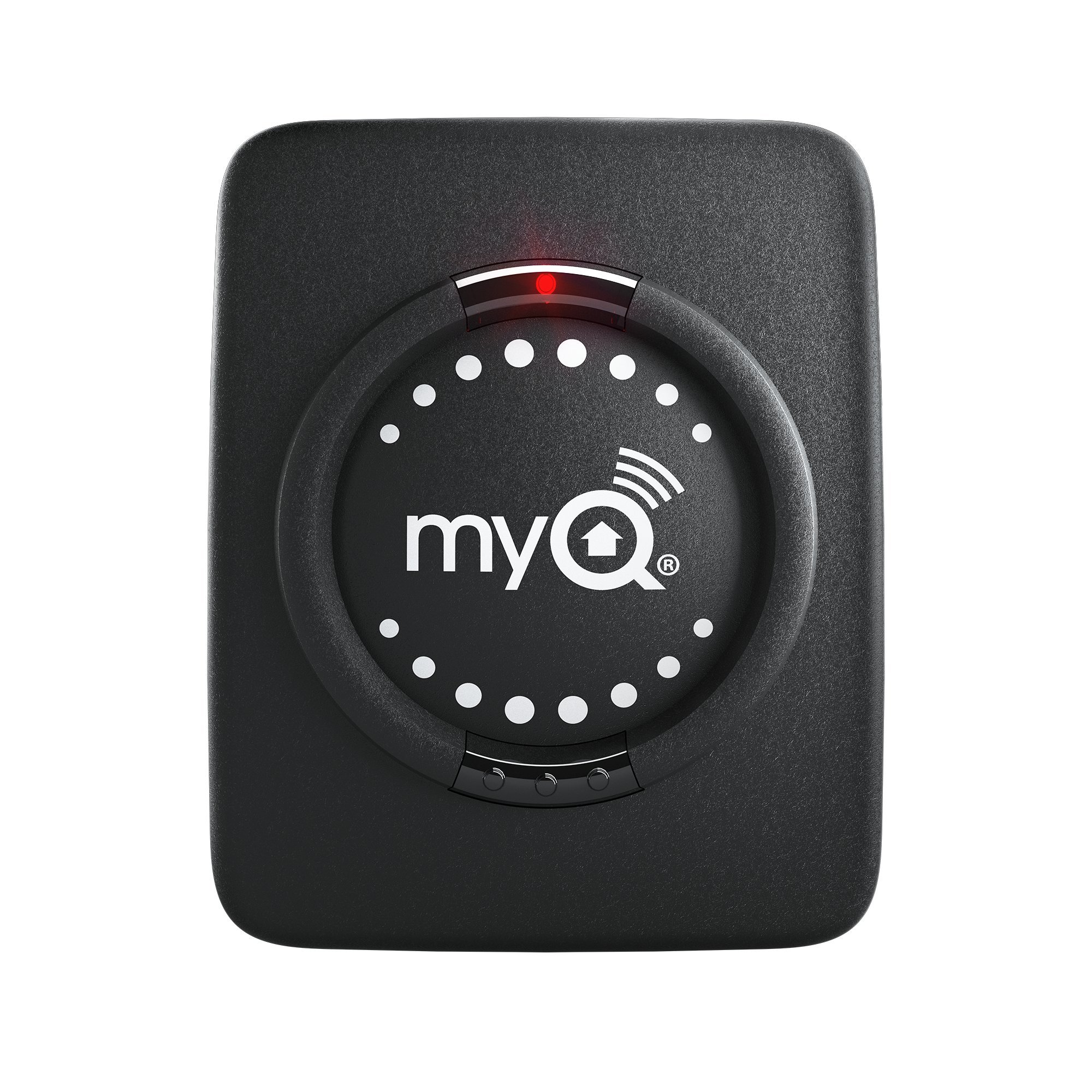
Image: The Chamberlain myQ-G0302 Smart Garage Hub Add-On Door Sensor, a compact black device with the myQ logo and an indicator light.
Поставување
Што има во кутијата
- myQ-G0302 Add-On Door Sensor
- 1 литиумска метална батерија (претходно инсталирана)
- Installation hardware (e.g., bracket or Velcro strips)
Проверка на компатибилност
Before installation, ensure your existing myQ Smart Garage Hub is model MYQ-G0301 or 821LMB. This add-on sensor will not function with older myQ Garage models (MYQ-G0201 and 821LM).
Чекори за инсталација
- Преземете ја апликацијата myQ: If you haven't already, download and install the official myQ app on your smartphone or tablet.
- Подгответе го сензорот: Ensure the included Lithium Metal battery is correctly inserted into the sensor.
- Монтирајте го сензорот: Attach the myQ-G0302 sensor to the inside top panel of your second garage door. Use the provided installation hardware (bracket or Velcro strips) to secure it firmly. The sensor uses tilt detection, so proper orientation is important for accurate readings.
- Add to myQ Account: Open the myQ app and navigate to the device setup section. Follow the in-app instructions to add the new door sensor to your existing myQ account. This typically involves scanning a QR code or manually entering a serial number.
- Pair with Smart Garage Hub: The app will guide you through the pairing process with your MYQ-G0301 or 821LMB Smart Garage Hub. This may involve pressing a program button on your garage door opener motor and confirming the connection in the app. The garage door may open during this process to confirm successful pairing.
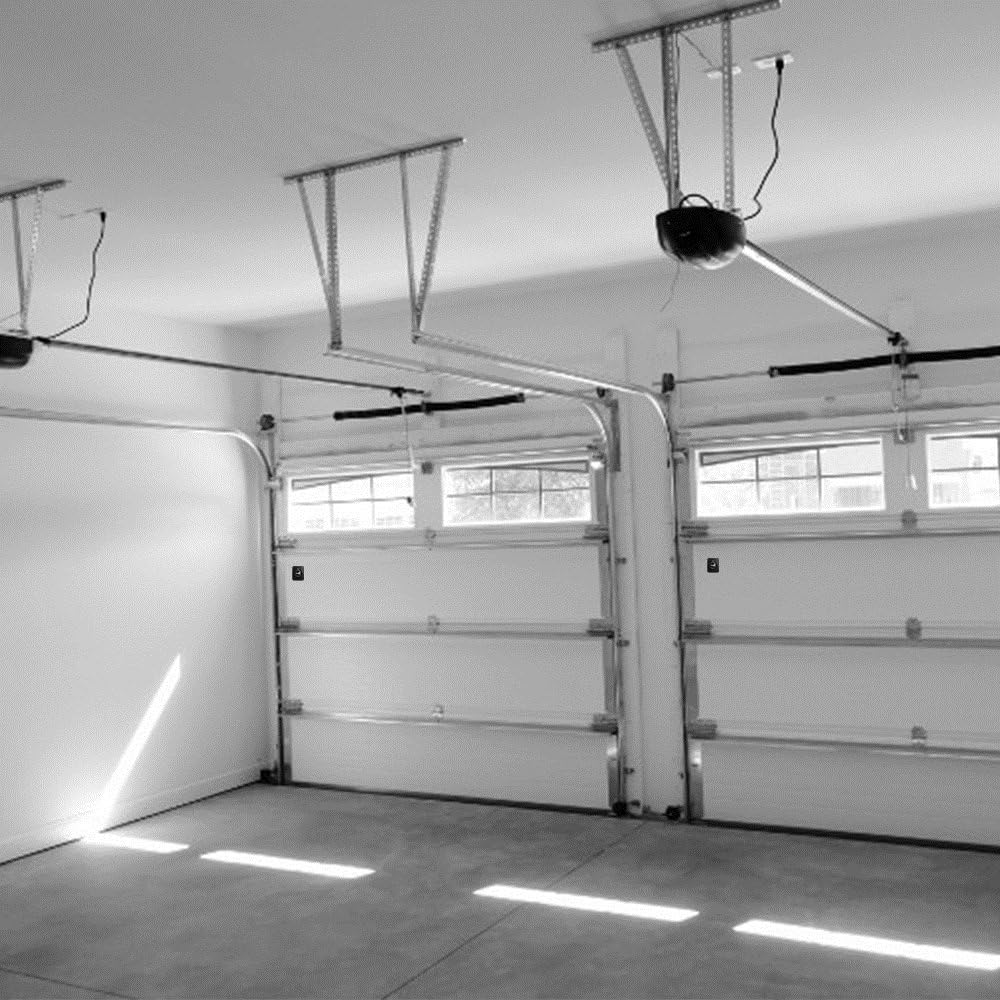
Слика: Внатрешност view of a garage with two garage doors, illustrating a typical setup where a second sensor would be used.
Ракување со сензорот
Once installed and paired, the myQ-G0302 sensor integrates seamlessly with your myQ Smart Garage Hub and the myQ app. You can:
- Monitor Door Status: View the real-time open or closed status of your second garage door directly from the myQ app.
- Open/Close Remotely: Control your garage door from anywhere using the myQ app.
- Примајте предупредувања: Set up custom notifications to be alerted when the garage door opens, closes, or remains open for a specified duration.
- Закажи операции: Utilize the app's scheduling features to automatically close your garage door at specific times, such as every night.
Please note that each myQ Smart Garage Hub is limited to controlling two garage door openers. This add-on sensor is intended for the second door.
Одржување
Замена на батеријата
The myQ-G0302 sensor operates on one Lithium Metal battery. The myQ app will typically notify you when the battery level is low. To replace the battery:
- Carefully remove the sensor from its mounting location on the garage door.
- Open the battery compartment, usually located on the back or side of the sensor.
- Отстранете ја старата батерија и фрлете ја според локалните прописи.
- Insert a new Lithium Metal battery, ensuring correct polarity.
- Close the battery compartment and re-mount the sensor securely.
Чистење
Wipe the sensor periodically with a soft, dry cloth to remove dust and debris. Avoid using harsh chemicals or abrasive cleaners, as these can damage the device.
Решавање проблеми
- Сензорот не се поврзува/спарува:
- Ensure the sensor battery is not depleted.
- Verify that your myQ Smart Garage Hub (MYQ-G0301 or 821LMB) is powered on and connected to your home Wi-Fi network.
- Confirm the sensor is mounted correctly on the garage door.
- Try restarting the pairing process through the myQ app.
- Delayed Response or Intermittent Connectivity:
- Check your home Wi-Fi signal strength in the garage area. The hub and sensor require a stable connection.
- If you recently changed your Wi-Fi router or network settings, you may need to re-establish the connection for your myQ Smart Garage Hub. Unplug the hub from power for a minute, then plug it back in and follow the app's instructions to reconnect.
- Ensure there are no significant obstructions between the sensor, hub, and your Wi-Fi router.
- App Display Issues (e.g., cannot open/close in list view):
- Some app versions or display modes may have specific functionalities. If you encounter issues, try switching back to the default device view (e.g., side-by-side) within the myQ app.
- Општи прашања:
- Refer to the myQ app's help section or the Chamberlain support website for detailed troubleshooting guides.
- Ensure your myQ app is updated to the latest version.
Спецификации
| Производител | Чембрлен |
| Број на дел | myQ-G0302 |
| Тежина на ставката | 1.6 унци |
| Димензии на производот | 5 x 1.38 x 3 инчи |
| Батерии | 1 литиум метална батерија (вклучена) |
| Тип на монтирање | Врата |
| Вклучени компоненти | Сензор за врата |
Гаранција и поддршка
Информации за гаранцијата
This Chamberlain myQ-G0302 Add-On Door Sensor comes with a 1-годишна Ограничена гаранција од датумот на купување. Ве молиме зачувајте го доказот за купување за гаранциски барања. Гаранцијата ги покрива дефектите во материјалите и изработката при нормална употреба.
Поддршка за корисници
For technical assistance, troubleshooting, or warranty inquiries, please visit the official Chamberlain support website or contact their customer service department. Refer to the packaging or the myQ app for the most current contact information.


