Вовед
Welcome to the user manual for your Neato Robotics Botvac D7 Connected Robot Vacuum. This guide provides comprehensive instructions for setting up, operating, maintaining, and troubleshooting your device to ensure optimal cleaning performance. The Botvac D7 Connected utilizes advanced laser navigation and Wi-Fi connectivity to efficiently clean various floor types, including carpets and hard floors, and is especially effective at picking up pet hair.
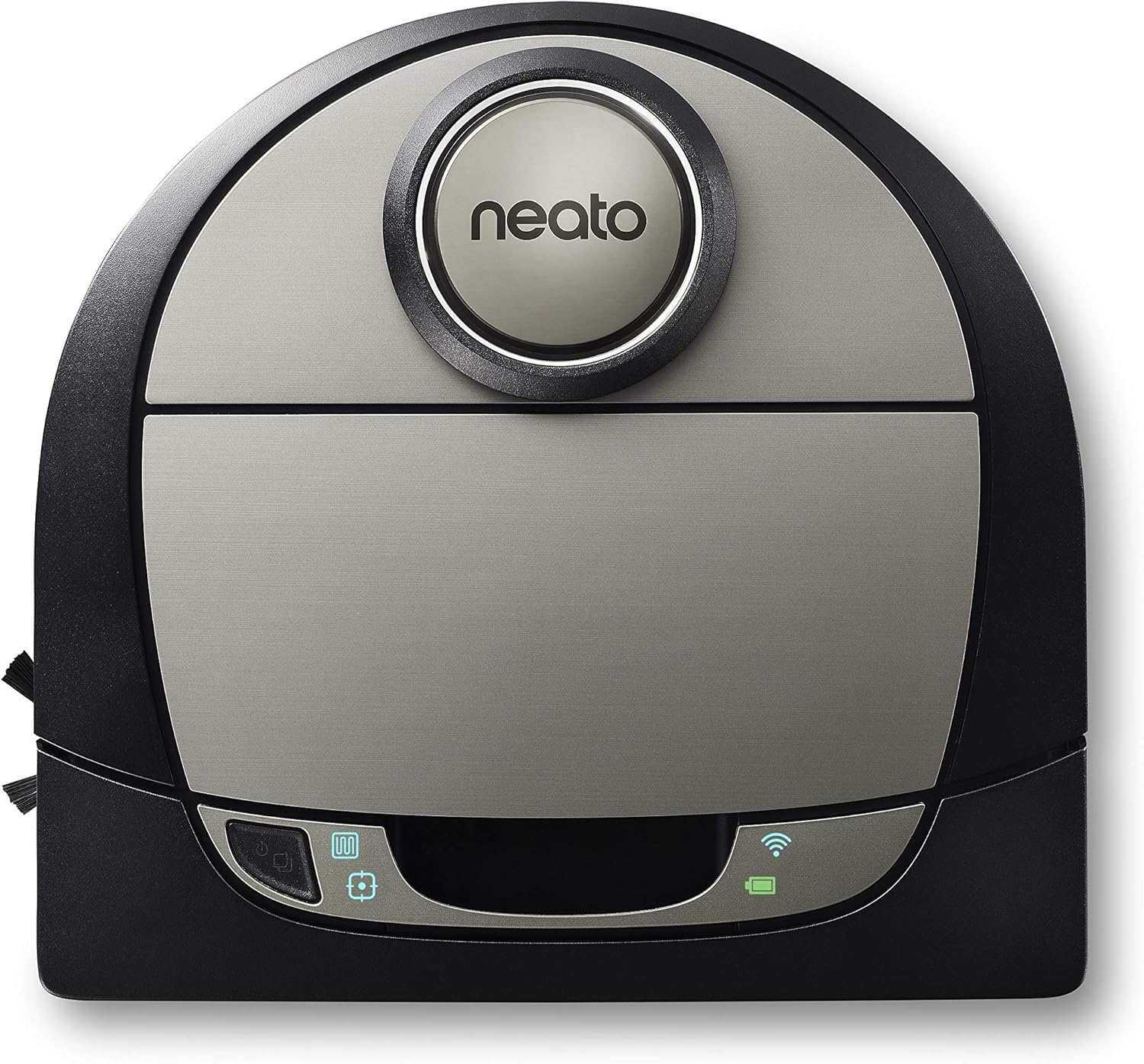
Figure 1: Neato Botvac D7 Connected Robot Vacuum.
Водич за поставување
1. Распакување и првично поставување
Carefully remove all components from the packaging. Place the charging base against a wall in an open, clutter-free area with at least 3 feet of clearance on either side and 10 feet in front. Ensure the charging base is plugged into a power outlet.

Figure 2: Robot vacuum docked on its charging base.
2. First Charge
Place the Botvac D7 Connected onto the charging base. The battery indicator light will illuminate. Allow the robot to fully charge before its first use, which may take several hours. A full charge is indicated by a solid green light.
3. Преземање на апликација и Wi-Fi поврзување
Download the Neato app from your device's app store. Follow the in-app instructions to connect your Botvac D7 Connected to your home Wi-Fi network. This enables smart features such as scheduling, zone cleaning, and no-go lines.

Figure 3: Neato app interface for remote control and mapping.
Operating Your Botvac D7 Connected
1. Preparing Your Home
Before starting a cleaning cycle, clear floors of small objects, loose cables, and thick rugs that may obstruct the robot. Open interior doors to allow the robot access to all areas you wish to clean.

Figure 4: Robot vacuum cleaning debris on a hard floor.
2. Започнување на циклус на чистење
Можете да започнете циклус на чистење на неколку начини:
- On-Robot: Press the Start button on the top of the robot.
- Neato App: Use the "Clean" button within the Neato app.
- Закажување: Set up recurring cleaning schedules through the Neato app.
3. LaserSmart Mapping and Navigation
The Botvac D7 Connected uses LaserSmart navigation to scan and map your home, creating a detailed floor plan. This allows for efficient, systematic cleaning in straight lines, avoiding obstacles and ensuring thorough coverage.

Figure 5: LaserSmart Mapping in action.
4. Zone Cleaning and No-Go Lines
Utilize the Neato app to define specific cleaning zones for targeted cleaning or to set virtual "No-Go Lines" to prevent the robot from entering certain areas (e.g., pet bowls, delicate furniture).

Figure 6: Custom cleaning features via the app.
5. Режими на чистење
The robot offers various cleaning modes to suit your needs:
- Еко режим: Quieter cleaning with longer run time.
- Турбо режим: Maximum suction for deep cleaning.
- Extra Care Mode: Gentle navigation around delicate objects.
- Чистење на место: Cleans a small, concentrated area.
- House Clean: Ја чисти целата мапирана област.

Слика 7: Достапни режими на чистење.
Одржување и нега
Regular maintenance ensures your Botvac D7 Connected continues to perform efficiently.
1. Emptying the Dirt Bin
The dirt bin should be emptied after each cleaning cycle, especially if you have pets. To empty, lift the top cover, remove the dirt bin, open its latch, and discard debris. Reinsert the bin until it clicks into place.
2. Чистење на филтерот
Tap the filter against a trash can to remove dust. Replace the filter every 1-2 months, or more frequently with heavy use.
3. Чистење на четките
Regularly check and clean the main brush and side brush for tangled hair or debris. Use the cleaning tool provided to cut and remove hair wrapped around the main brush. The side brush can be gently pulled off for cleaning.
4. Чистење на сензорите и контактите за полнење
Wipe the robot's sensors and charging contacts on both the robot and the base with a dry cotton swab or soft cloth to ensure proper function and charging.
Решавање на вообичаени проблеми
| Проблем | Можна причина | Решение |
|---|---|---|
| Robot not starting/charging | Charging contacts dirty; power cord unplugged; battery depleted. | Clean charging contacts; ensure base is plugged in; allow robot to charge fully. |
| Robot getting stuck frequently | Loose cables/objects; thick rugs; narrow spaces. | Clear obstacles; use No-Go Lines in problematic areas. |
| Лоши перформанси за чистење | Dirt bin full; brushes tangled; filter clogged. | Empty dirt bin; clean brushes; clean/replace filter. |
| Проблеми со поврзувањето со Wi-Fi | Неточна лозинка; рутерот е предалеку; мрежни пречки. | Verify password; move robot closer to router; restart router. |
Спецификации на производот
- Бренд: Neato Robotics
- Модел: 945-0292 (Botvac D7 Connected)
- Димензии: 33"Д x 33"Ш x 7"В
- Тежина: 7.92 фунти
- Траење на батеријата: До 120 минути (еко режим)
- Капацитет: 0.7 Liters (Dirt Bin)
- Тип на филтер: Картриџ
- Посебни карактеристики: Laser Navigation, Wi-Fi Connectivity, Zone Cleaning, No-Go Lines, Multi-Floor Mapping
- Компатибилни уреди: Амазон ехо
Гаранција и поддршка
Информации за гаранцијата
Your Neato Robotics Botvac D7 Connected comes with a manufacturer's warranty. Please refer to the warranty card included in your product packaging for specific terms and conditions, including coverage duration and limitations.
Поддршка за корисници
For technical assistance, troubleshooting, or warranty claims, please contact Neato Robotics Customer Care:
- Поддршка преку Интернет: Visit the official Neato Robotics website for FAQs, video tutorials, and support articles.
- Контакт: Refer to your product documentation or the Neato Robotics website for the most current contact information (phone, chat, email).
You can also find the official user guide PDF овде.


