1. Вовед
Ви благодарам за купувањетоasing the Zebronics ZEB - BT9451 RUCF 5.1 Multimedia Speaker Home Theater System. This manual provides essential information for the proper installation, operation, and maintenance of your new audio system. Please read this manual thoroughly before use to ensure optimal performance and to prevent damage.
2. Инструкции за безбедност
- Извор на енергија: Обезбедете ја јачината на напојувањетоtage matches the requirements specified on the unit (230 Volts).
- Вентилација: Do not block any ventilation openings. Maintain adequate space around the unit for proper airflow.
- Вода и влага: Не го изложувајте уредот на дожд, влага или течности што капат/прскаат. Не ставајте предмети полни со течности, како што се вазни, врз апаратот.
- Топлина: Држете го уредот подалеку од извори на топлина како што се радијатори, грејни тела, шпорети или други апарати (вклучувајќи ampлајфикатори) кои произведуваат топлина.
- Чистење: Чистете само со сува крпа. Не користете течни средства за чистење или аеросолни средства за чистење.
- Сервисирање: Не обидувајте се сами да го сервисирате овој производ. Пренесете ги сите сервиси на квалификуван сервисен персонал.
- Поставување: Поставете го уредот на стабилна, рамна површина. Избегнувајте да го ставате на директна сончева светлина или во близина на силни магнетни полиња.
3. Содржина на пакетот
Ве молиме проверете го пакувањето за следните ставки:
- Единица за сабвуфер (1)
- Сателитски звучници (5)
- Далечински управувач (1)
- Audio Input Cable (1)
- Упатство за употреба (Овој документ)
4. Производот завршиview
The Zebronics ZEB - BT9451 RUCF is a 5.1 multimedia speaker system designed to deliver immersive audio. It features a powerful subwoofer and five satellite speakers for a complete surround sound experience. The system supports multiple input options including AUX, USB, SD card, FM radio, and Bluetooth connectivity.
4.1 Main Unit and Satellite Speakers

Слика 1: Предна страна view of the Zebronics ZEB - BT9451 RUCF 5.1 Multimedia Speaker System, showing the central subwoofer unit, five satellite speakers, and the remote control.

Слика 2: Страна view of the Zebronics ZEB - BT9451 RUCF 5.1 Multimedia Speaker System, providing another perspective of the speaker arrangement.
4.2 Key Features and Connectivity
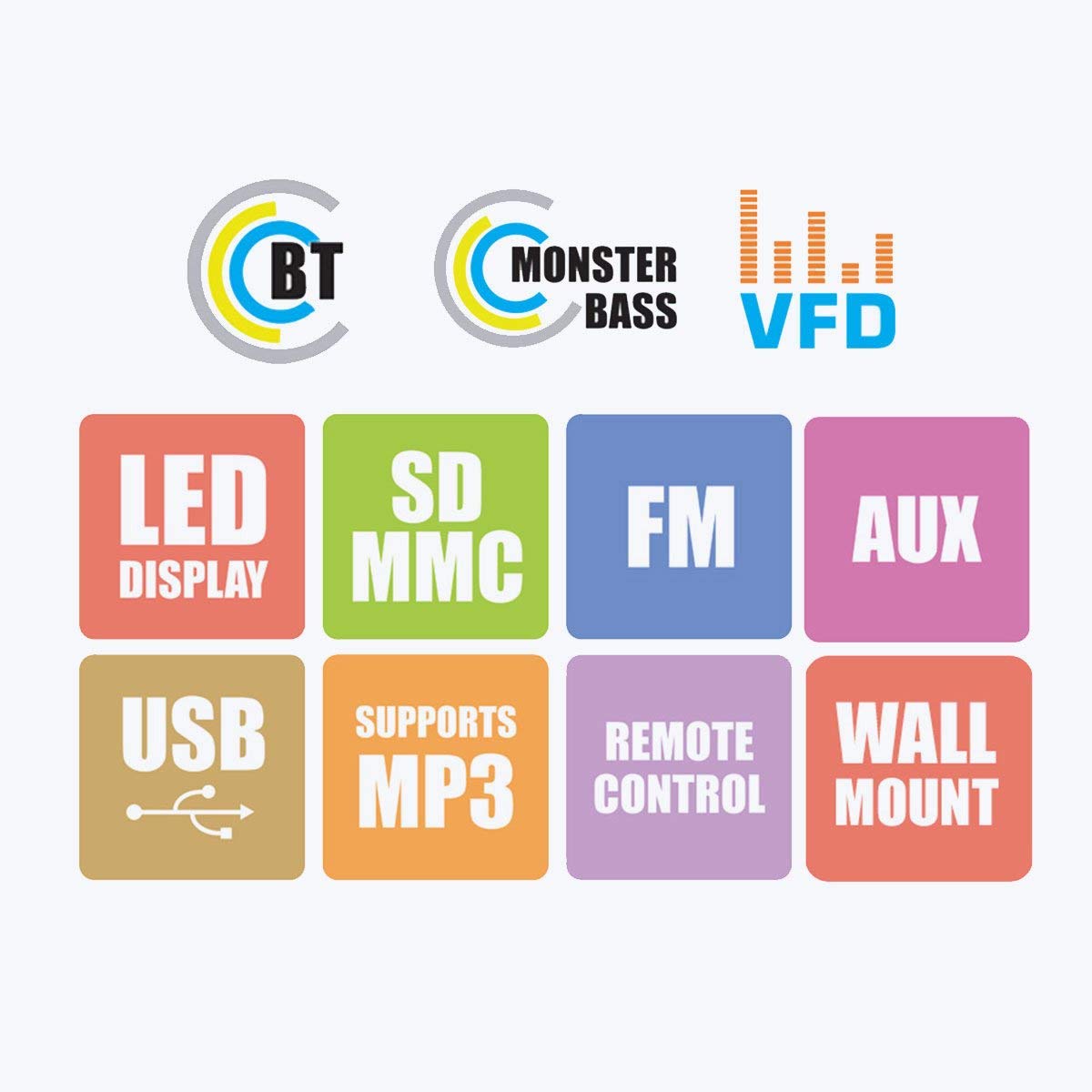
Figure 3: Visual representation of the system's main features, including Bluetooth connectivity, powerful bass, VFD display, LED display, support for SD/MMC cards, FM radio, AUX input, USB playback, MP3 support, remote control functionality, and wall-mount capability for satellite speakers.
4.3 Control Panel and Rear Connections

Слика 4: Детално views of the subwoofer's front panel, showing the LED display and control buttons, and the side panel with USB and SD card slots. The rear panel connections for audio input (L, R, FL, FR, CEN, SUB, SL, SR) and output are also visible, along with safety warnings.
5. Упатства за поставување
5.1 Поставување звучници
- Сабвуфер: Поставете го сабвуферот на подот, по можност во агол или близу до ѕид, за да го подобрите одзивот на басот.
- Front Speakers (FL, FR): Поставете ги овие лево и десно од вашиот viewing/listening area, facing towards you.
- Center Speaker (CEN): Place this directly above or below your display (TV/monitor).
- Surround Speakers (SL, SR): Position these to the sides or slightly behind your listening position, at ear level if possible.
5.2 Поврзување звучници
Connect the five satellite speakers to the corresponding output ports on the rear panel of the subwoofer unit. Ensure each speaker cable is securely connected to its designated port (FL, FR, CEN, SL, SR).
Refer to Figure 4 for a visual guide to the rear panel connections.
5.3 Поврзување на аудио извори
The system offers multiple ways to connect audio sources:
- Влез AUX: Use the provided audio input cable to connect your device (e.g., Desktop, Laptop, DVD Player, Projector, LED TV) to the "AUX INPUT" ports (L/R) on the subwoofer's rear panel.
- USB/SD картичка: Insert a USB flash drive or SD card into the respective slots on the side panel of the subwoofer for direct media playback.
- Bluetooth: For wireless audio, pair your Bluetooth-enabled device with the speaker system. (See Section 6.4 for detailed Bluetooth pairing instructions).
5.4 Поврзување за напојување
After all audio connections are made, connect the power cord to the main power outlet. Ensure the power switch on the rear of the subwoofer is in the OFF position before plugging in.
6. Упатства за работа
6.1 Вклучување/исклучување
Flip the power switch on the rear panel of the subwoofer to the "ON" position. The LED display on the front panel will illuminate. To turn off, flip the switch back to "OFF".
6.2 Избор на влез
Press the "MODE" button on the front panel or the remote control to cycle through available input modes: AUX, USB, SD, FM, and Bluetooth. The selected mode will be indicated on the LED display.
6.3 Контрола на јачината на звукот
Adjust the master volume using the main rotary knob on the front panel of the subwoofer or the "VOL+" / "VOL-" buttons on the remote control.
6.4 Работа со Bluetooth
- Switch the speaker system to Bluetooth mode using the "MODE" button. The display will show "BT" or similar, and an audible prompt may sound.
- Enable Bluetooth on your mobile phone or other device and search for available devices.
- Select "ZEB-BT9451" (or similar name) from the list of found devices.
- Once paired, you can play audio from your device through the speaker system.
6.5 Репродукција од USB/SD картичка
Вметнете USB флеш-меморија или SD-картичка што содржи MP3 аудио files into the corresponding slot. The system will automatically switch to USB/SD mode and begin playback. Use the play/pause, next/previous track buttons on the front panel or remote control to manage playback.
6.6 Работа со FM радио
- Switch the speaker system to FM mode using the "MODE" button.
- Press and hold the "PLAY/PAUSE" button (or a dedicated scan button on the remote) to automatically scan and save available FM stations.
- Use the "PREV/NEXT" buttons to navigate through the saved stations.
7. Одржување
- Чистење: Disconnect the power before cleaning. Use a soft, dry cloth to wipe the surfaces of the speakers and subwoofer. Do not use abrasive cleaners, waxes, or solvents.
- Складирање: Доколку го складирате уредот подолг период, исклучете го од напојувањето и складирајте го на ладно и суво место, подалеку од директна сончева светлина и екстремни температури.
8 Смена на проблеми
| Проблем | Можна причина | Решение |
|---|---|---|
| Нема моќ | Power cord not connected; Power switch off; Power outlet faulty | Ensure power cord is securely connected; Turn power switch ON; Test power outlet with another device |
| Нема звук | Incorrect input mode; Volume too low; Audio cable loose/faulty; Source device muted/volume low | Select correct input mode; Increase volume; Check audio cable connections; Check source device settings |
| Искривен звук | Volume too high; Source audio quality poor; Speaker cables loose | Reduce volume; Try a different audio source; Check all speaker connections |
| Далечинскиот управувач не работи | Batteries depleted; Obstruction between remote and unit; Remote sensor blocked | Заменете ги батериите; Отстранете ги пречките; Осигурајте се дека далечинскиот управувач е насочен кон сензорот на уредот. |
| Неуспех во спарувањето со Bluetooth | Speaker not in BT mode; Device too far; Device already paired with another unit | Switch to BT mode; Move device closer; Disconnect from other devices and try again |
9. Спецификации
| Име на моделот | ZEB - BT9451 |
| Тип на звучник | Desktop, Satellite, Subwoofer |
| Конфигурација на каналот за опкружувачки звук | 5.1 канали |
| Максимална излезна моќност на звучникот | 90 вати |
| Влез волуменtage | 230 волти |
| Импеданса | 4 Ом |
| Фреквентен одговор | 20 KHz |
| Технологија за поврзување | Auxiliary, USB, FM, Bluetooth |
| Посебни карактеристики | Radio, Remote Control, SD Card, Subwoofer |
| Компатибилни уреди | Home Theater, Laptop, Projector, Television, Desktop, DVD Players, Music Players |
| Дијаметар на сабвуфер | 5 инчи |
| Тежина на ставката | 13 кг 700 г |
| Димензии на пакетот | 44.2 x 40.8 x 28.6 cm |
10. Гаранција и поддршка
For warranty information and technical support, please refer to the warranty card included with your product or visit the official Zebronics website. You may also contact Zebronics customer service for assistance with product inquiries, troubleshooting, or service requests.
Службен Webсајт: www.zebronics.com


