1. Вовед
The Modecom Oberon Pro Midi Tower is a computer case designed for users seeking a functional and spacious interior with a modern aesthetic. This manual provides essential information for the proper installation, operation, and maintenance of your computer case, ensuring optimal performance and longevity of your components.
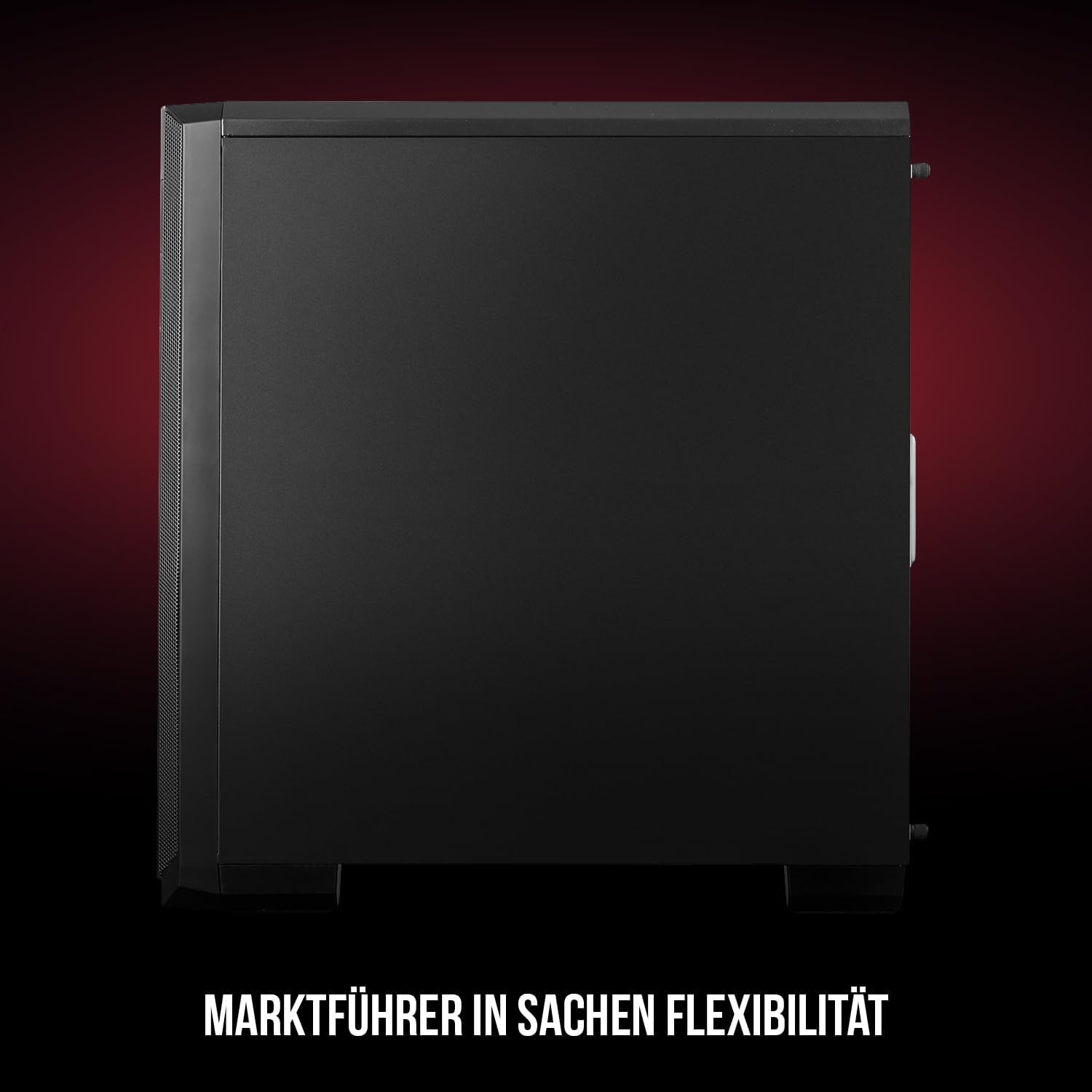
Слика 1: Предна и странична view of the Modecom Oberon Pro Midi Tower computer case.
2. Информации за безбедност
- Секогаш исклучувајте го напојувањето од ѕидниот штекер пред да инсталирате или отстраните било кои компоненти.
- Ракувајте внимателно со компонентите за да избегнете електростатско празнење. Размислете за употреба на антистатички ремен за зглоб.
- Чувајте ги малите делови и алатки подалеку од деца.
- Обезбедете соодветна вентилација околу куќиштето за да спречите прегревање.
- Do not attempt to modify the case structure, as this may void your warranty and pose safety risks.
3. Содржина на пакетот
Verify that all the following items are present in your package:
- Modecom Oberon Pro Midi Tower Computer Case
- Кутија со додатоци (завртки, држачи, врвки за кабел)
- Упатство за употреба (овој документ)
4. Клучни карактеристики
- Пространа внатрешност: Designed to accommodate high-end components and facilitate good airflow.
- Ефикасно ладење: Includes two pre-mounted 120mm fans (front and rear) to prevent component overheating.
- Инсталација без алатки: Supports tool-free mounting for SSD/HDD drives and expansion cards.
- Dust Filtration: Features easily dismountable magnetic filters on the top, front, and bottom (under the power supply unit) to keep the interior clean.
- Оптимизирано управување со кабли: Provides a system for convenient wiring organization.
- Long PSU Tunnel: Offers a 240mm space for power supplies, simplifying installation and cable arrangement.
5. Поставување и инсталација
5.1. Подготовка на случајот
Before installation, remove the side panels of the case. The Oberon Pro features sound-dampening mats on the side panels to reduce noise.

Слика 2: Внатрешност view showing sound-dampening mats on the side panel.
5.2. Инсталација на матична плоча
Install the necessary standoffs for your motherboard form factor (ATX, Micro ATX, ITX). Carefully place your motherboard into the case, aligning it with the standoffs, and secure it with screws.

Figure 3: Interior layout with pre-installed rear fan and motherboard tray.
5.3. Drive Installation (SSD/HDD)
The Oberon Pro supports tool-free installation for three 2.5" SSDs and two 3.5" HDDs. The 3.5" HDD bays are located in the power supply tunnel at the bottom of the case. 2.5" SSDs can be mounted on both sides of the motherboard tray.

Figure 4: Dedicated bays for HDD and SSD storage devices.
5.4. Инсталација на напојување
The case features a long PSU tunnel (240mm) at the bottom. Install your power supply unit into this tunnel and secure it. This design aids in cable management and airflow.
5.5. Expansion Card Installation (PCI/PCIe)
Install your graphics card or other expansion cards into the PCI/PCIe slots. The case supports tool-free mounting for these cards, allowing for easy installation and removal.
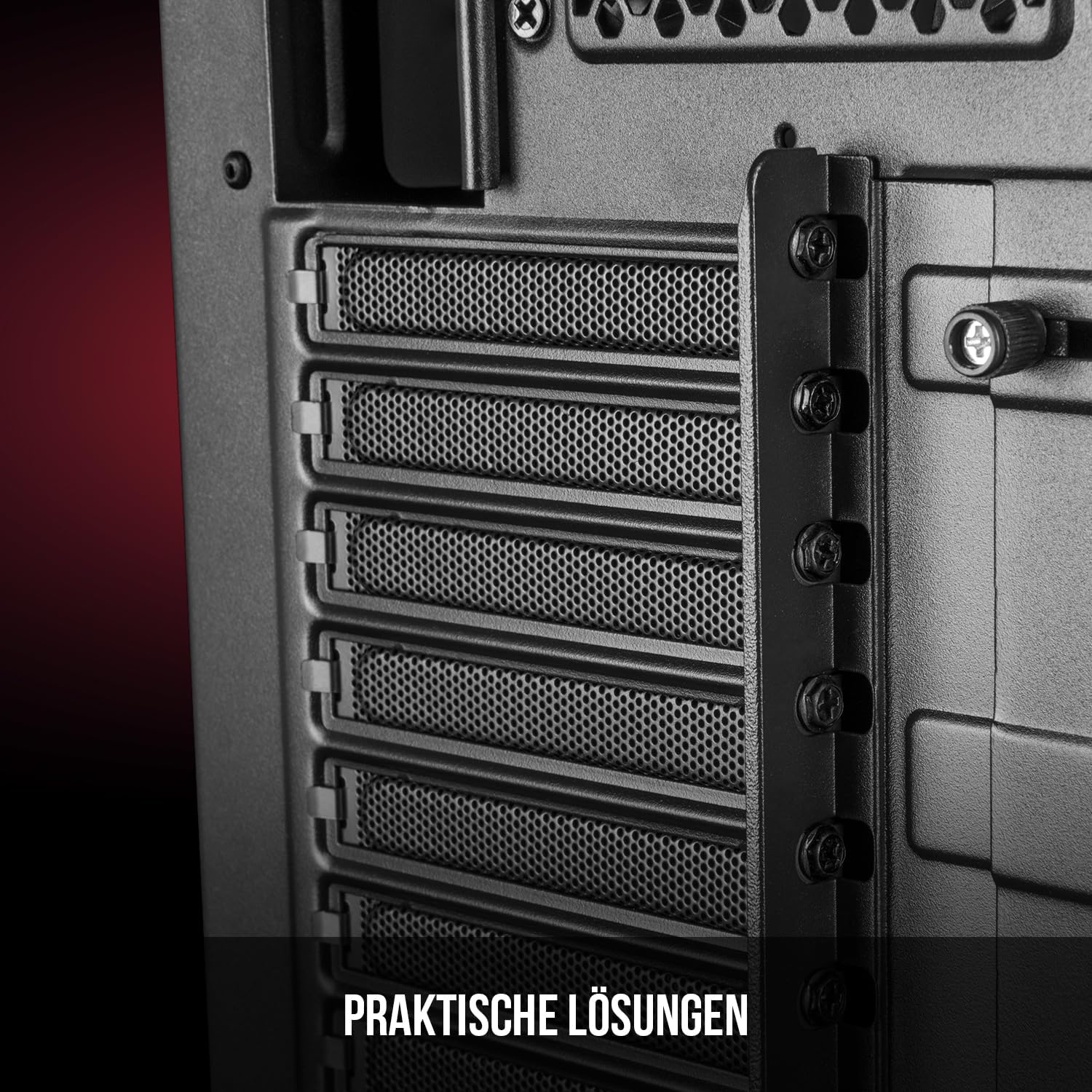
Слика 5: Заден внатрешен дел view highlighting the expansion card slots.
5.6. Управување со кабли
Utilize the provided cable routing options and tie-down points behind the motherboard tray to organize cables. This improves airflow and maintains a tidy interior.
6. Систем за ладење
The Oberon Pro comes with two pre-installed 120mm fans, one at the front and one at the rear, to ensure adequate airflow. The maximum height for a CPU cooler is 163mm, and the maximum length for a video card is 395mm, allowing for compatibility with a wide range of components.
7. Одржување
To maintain optimal performance and prevent dust buildup, regularly clean the dust filters. The magnetic filters on the top, front, and bottom of the case are easily dismountable for cleaning. Use compressed air or a soft brush to remove accumulated dust.
8 Смена на проблеми
- Без моќност: Ensure all power cables are securely connected to the motherboard, power supply, and wall outlet. Check the power button connection to the motherboard.
- Прегревање: Verify that all fans are spinning correctly and that dust filters are clean. Ensure proper cable management to avoid obstructing airflow.
- Портите на предниот панел не работат: Check that the front panel connectors (USB, audio) are correctly plugged into the motherboard headers.
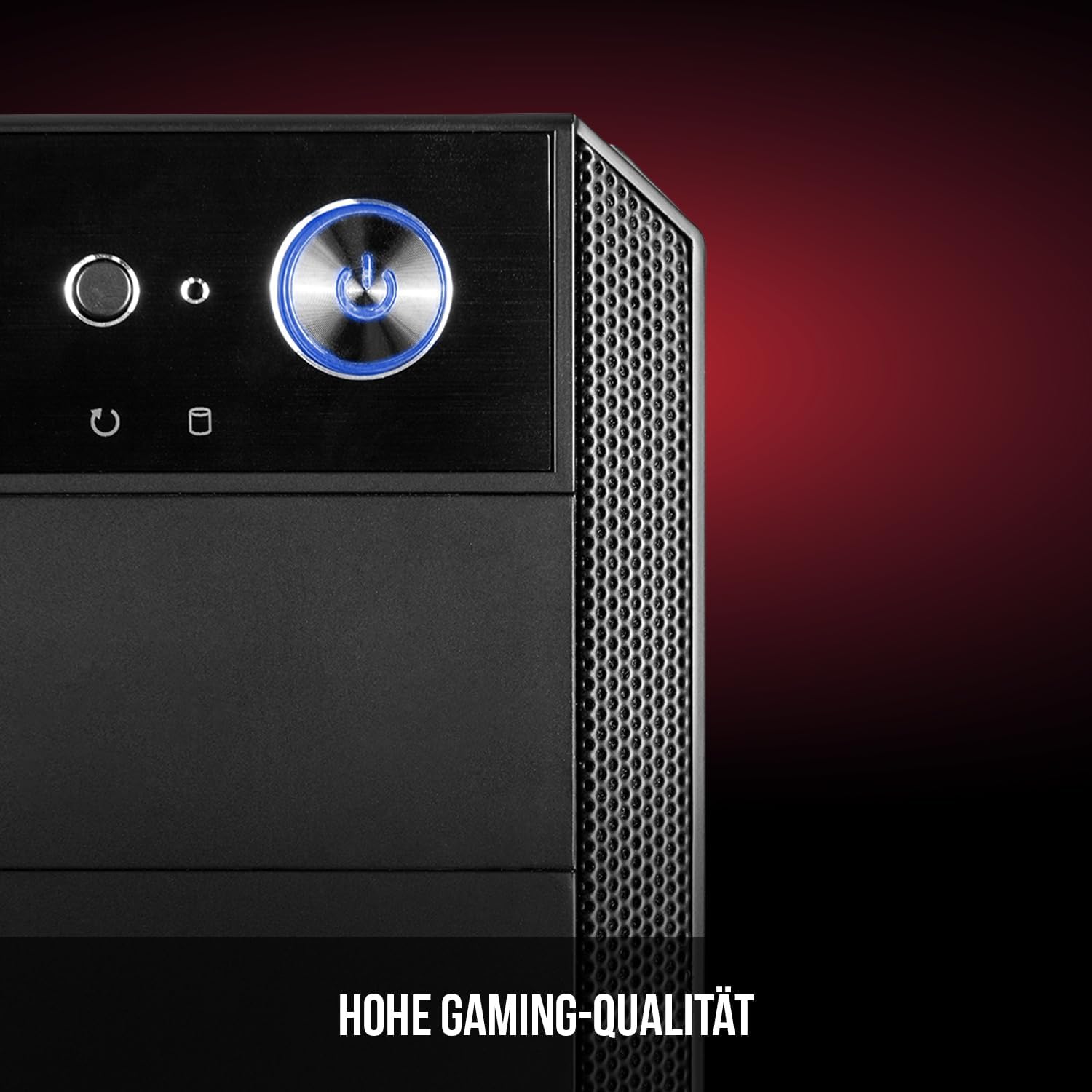
Figure 6: Front panel I/O ports for connectivity.
9. Спецификации
| Карактеристика | Спецификација |
|---|---|
| Бренд | Modecom |
| Име на моделот | Oberon Pro |
| Број на модел | AT-OBERON-PS-10-000000-0002 |
| Боја | Црното |
| Тип на случај | Миди кула |
| Компатибилност со матична плоча | ATX, Micro ATX, ITX |
| Материјал | Легуриран челик |
| Метод на ладење | Воздух |
| Претходно инсталирани вентилатори | 2 x 120mm (Front, Rear) |
| Максимална висина на ладилникот на процесорот | 163 мм |
| Максимална должина на графичкиот процесор | 395 мм |
| Диск Бејс | 3 x 2.5" SSD, 2 x 3.5" HDD |
| Вкупно USB порти | 4 |
| Посебни карактеристики | Reset Button, Dust Filter, LED Indicators, Side Window |
| Тежина на ставката | 5270 грама |

Figure 7: Rear exterior view of the computer case.
10. Гаранција и поддршка
For warranty information and technical support, please refer to the official Modecom webлокација или контактирајте го вашиот продавач. Зачувајте го доказот за купување за какви било гаранциски побарувања.


