1. Вовед
The genre-defining masterpiece Resident Evil 2 returns, completely rebuilt from the ground up for a deeper narrative experience. Using Capcom's proprietary RE engine, Resident Evil 2 offers a fresh take on the classic survival horror saga with breathtakingly realistic visuals, heart-poundingly immersive audio, a new over-the-shoulder camera, and modernized controls on top of gameplay modes from the original game. The nightmares return reimagined for the PlayStation 4, Xbox One, and PC.
In Resident Evil 2, the classic action, tense exploration, and puzzle-solving gameplay that defined the Resident Evil series returns. Players join rookie police officer Leon Kennedy and college student Claire Redfield, who are thrust together by a disastrous outbreak in Raccoon City that transformed its population into deadly zombies. Both Leon and Claire have their own separate playable campaigns, allowing players to see the story from both characters' perspectives. The fate of these two fan-favorite characters is in players' hands as they work together to survive and get to the bottom of what is behind the terrifying attack on the city.
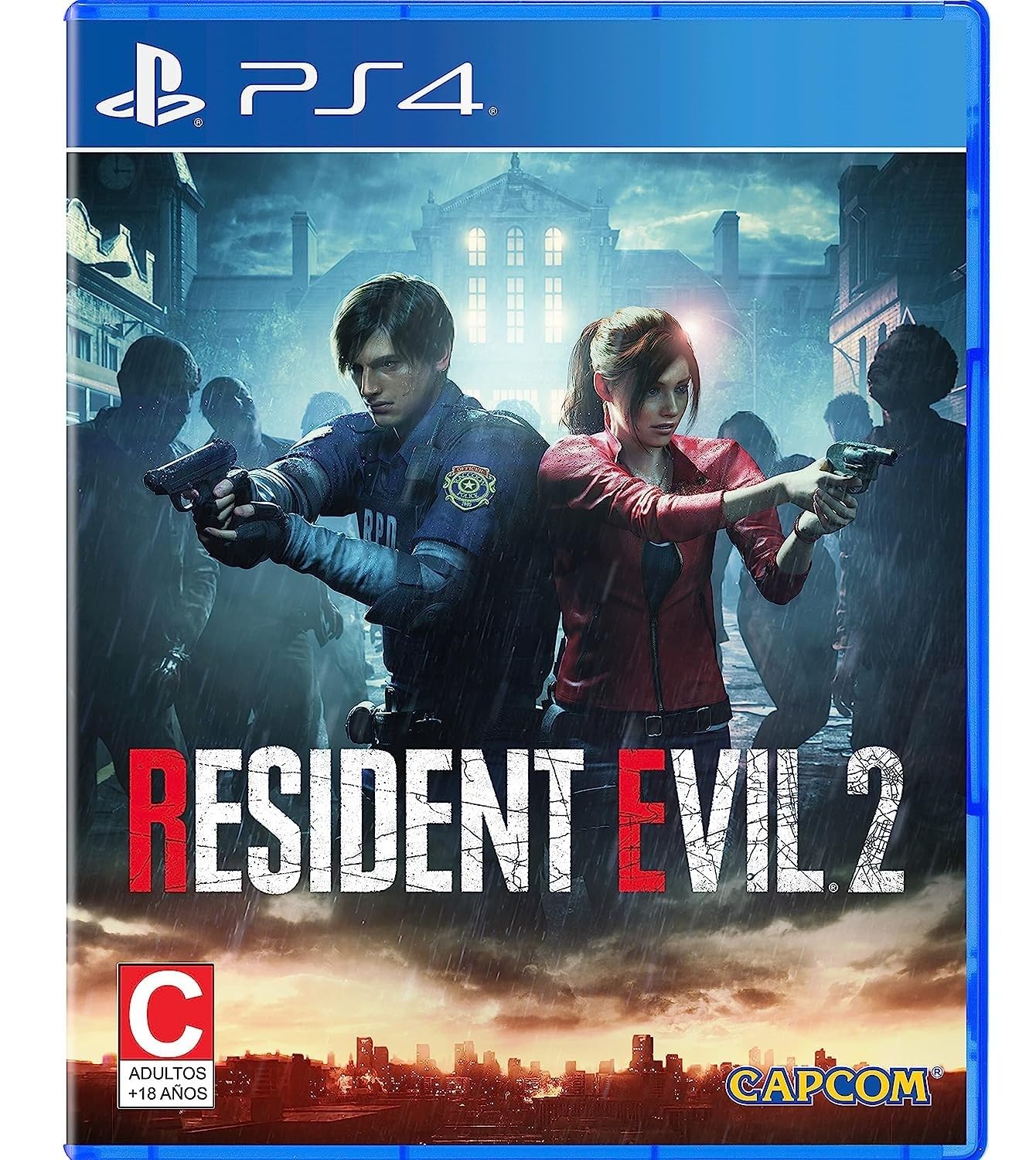
Image 1: Resident Evil 2 Remake game cover.
2. Поставување и инсталација
2.1 PlayStation 4 Installation
- Insert the Resident Evil 2 Remake game disc into your PlayStation 4 console.
- Follow the on-screen prompts to install the game data onto your console's hard drive. This process may take some time.
- Ensure your console is connected to the internet to download any available game updates or patches for optimal performance.
2.2 PlayStation 5 Upgrade Process
The PlayStation 4 version of Resident Evil 2 is eligible for a free digital upgrade to the PlayStation 5 version. To perform this upgrade:
- Insert the Resident Evil 2 Remake PS4 game disc into your PlayStation 5 console.
- Navigate to the game hub for Resident Evil 2 on your PS5 dashboard.
- Select the "Free PS5 Upgrade" option. You may need to select "View Product" first to find this option.
- Confirm the upgrade and begin the download of the PS5 digital version.
- Важно: You must keep your PS4 game disc inserted into the PS5 console whenever you wish to play the PS5 version of the game. The disc acts as a license key.

Image 2: In-game scene featuring Leon and Claire.
3. Упатства за работа
3.1 Основен гејмплеј
Resident Evil 2 is a survival horror game played from an over-the-shoulder third-person perspective. Players will engage in combat with various enemies, explore detailed environments, and solve puzzles to progress through the narrative. Resource management, including ammunition and healing items, is crucial for survival.
3.2 Character Campпоттикнува
The game features two distinct campaigns, one for Leon S. Kennedy and one for Claire Redfield. Each character has a unique storyline, different starting locations, and encounters specific to their path. Completing one character's campaign unlocks a "2nd Run" scenario for the other character, offering a different perspective and challenges.
3.3 Graphics Settings (PS5 Version)
For players on PlayStation 5, the game offers enhanced graphics options:
- Трасирање на зраци: This setting enhances lighting, reflections, and shadows for a more realistic visual experience.
- High Frame Rate Mode: This mode prioritizes a smoother gameplay experience by increasing the frame rate.
These settings can typically be adjusted in the game's options menu under "Graphics." Note that enabling Ray Tracing may impact the frame rate, and vice-versa. Players can choose their preferred balance between visual fidelity and performance.

Image 3: Detailed zombie model from Resident Evil 2 Remake.
4. Maintenance and Save Data Management
4.1 Save Data Conversion (PS4 to PS5)
If you have existing save data from the PlayStation 4 version of Resident Evil 2, you can convert it for use with the PlayStation 5 version.
- Launch the PS5 version of Resident Evil 2.
- The game will prompt you to convert your PS4 save data. Select "Yes" to proceed.
- Alternatively, you can initiate the save data conversion from the game's main menu at a later time.
- Внимание: Do not close the game during the save data conversion process to prevent data corruption.
4.2 Грижа за дискот
To ensure the longevity of your game disc and proper functionality:
- Handle the disc by its edges to avoid fingerprints and scratches.
- Чувајте го дискот во оригиналното куќиште кога не е во употреба.
- Исчистете го дискот со мека крпа без влакненца, бришејќи од центарот кон надвор доколку е потребно.
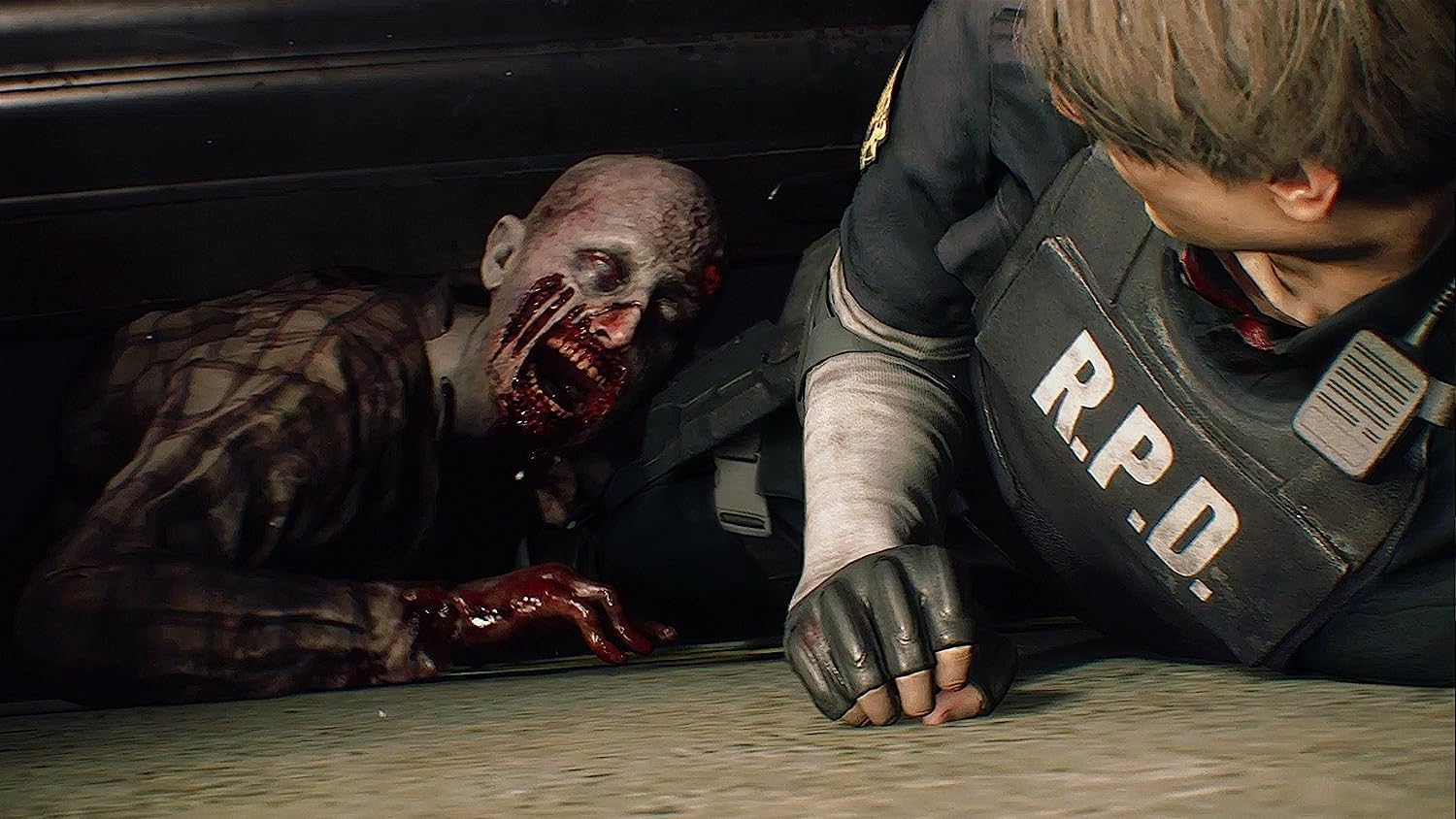
Image 4: In-game interaction with a zombie.
5 Смена на проблеми
If you encounter issues while playing Resident Evil 2 Remake, consider the following general troubleshooting steps:
- Game Not Launching: Ensure the game disc is clean and properly inserted. Check for any pending game updates or system software updates for your console.
- Проблеми со перформансите: If experiencing frame rate drops or graphical glitches on PS5, try adjusting the graphics settings (e.g., turning off Ray Tracing or selecting High Frame Rate Mode).
- Save Data Errors: If save data conversion fails, ensure you have sufficient storage space on your console. Do not interrupt the conversion process.
- Грешки при читање на диск: Clean the game disc carefully. If the issue persists, the disc may be damaged.
For persistent issues, consult the official Capcom support website or your console's support resources.
6. Спецификации
| Карактеристика | Детал |
|---|---|
| Компатибилни модели на конзоли за видео игри | Sony PlayStation 4, Sony PlayStation 5 (via free upgrade) |
| ASIN | B07N2YX52S |
| Датум на издавање | 25 јануари 2019 година |
| Димензии на производот | 0.67 x 0.04 x 0.55 инчи |
| Тежина на ставката | 2.82 унци |
| Вид на ставка | Видео игра |
| Јазик | Англиски јазик |
| Оценет | Зрели |
| Број на модел на ставка | 043615.002 |
| Производител | Capcom |
7. Гаранција и поддршка
For information regarding product warranty, technical support, or customer service, please refer to the official Capcom website or the documentation included with your game purchase. Specific warranty terms may vary by region and retailer.
Обично можете да најдете ресурси за поддршка, често поставувани прашања и информации за контакт на официјалната веб-страница на производителот. webсајт: www.capcom.com.