1. Вовед
Thank you for choosing the Cshidworld G33Pro-W Wireless Earbuds. This manual provides detailed instructions on how to set up, operate, and maintain your earbuds to ensure optimal performance and longevity. Please read this manual carefully before using the product and keep it for future reference.
2. Содржина на пакетот
- Cshidworld G33Pro-W Wireless Earbuds (Left and Right)
- Пренослива торбичка за полнење
- USB кабел за полнење
- Упатство за употреба
3. Производот завршиview

Image: The Cshidworld G33Pro-W Wireless Earbuds resting inside their open charging case, showcasinнивниот компактен дизајн и белата завршница.
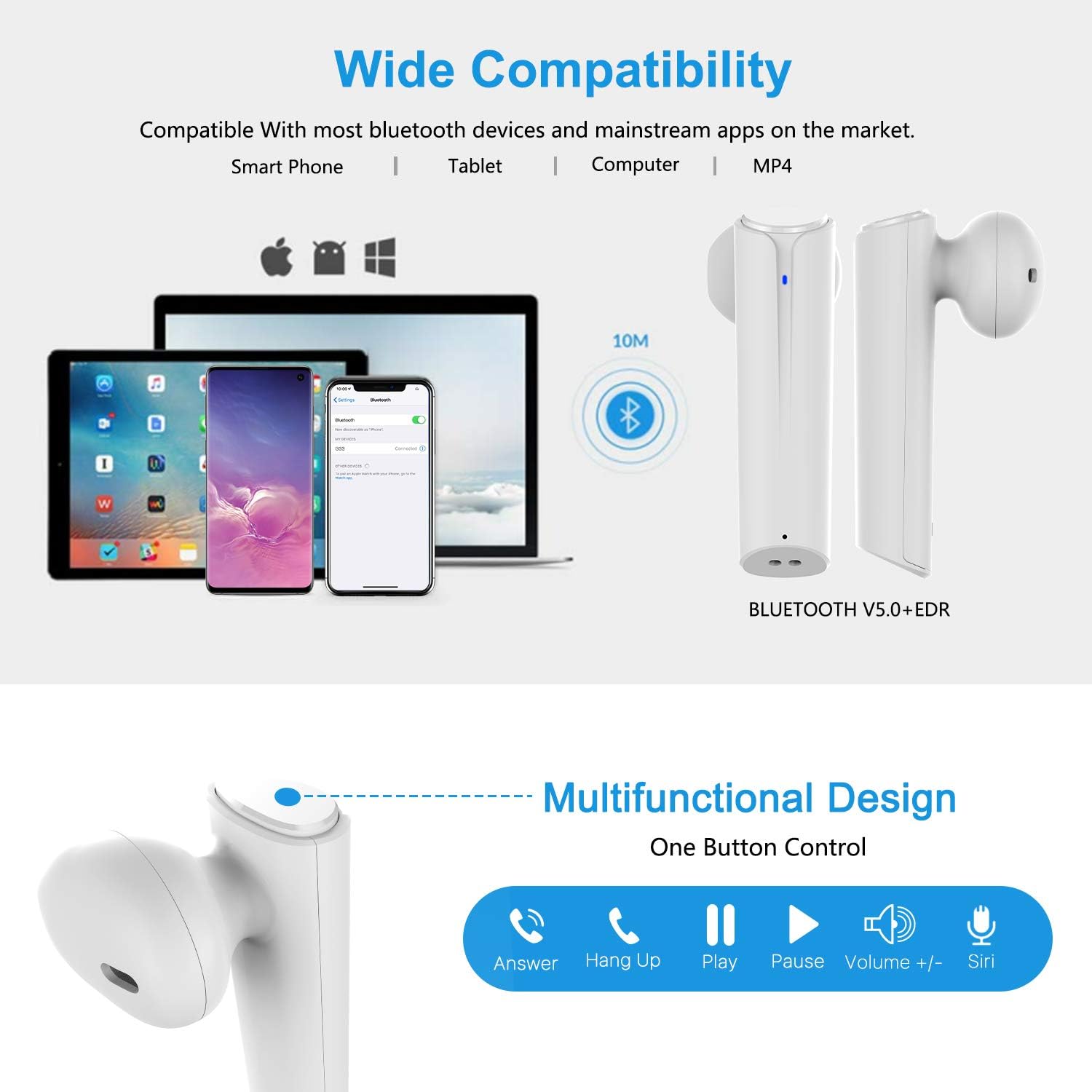
Image: A visual representation of the multi-function button on the earbud, detailing its various controls for answering calls, playing music, and activating voice assistants.
Компоненти на слушалките:
- Копче за повеќе функции: Ја контролира репродукцијата, повиците и гласовниот асистент.
- LED индикатор: Го прикажува статусот на спарување и нивото на батеријата.
- Микрофон: За повици без раце.
Компоненти на кутијата за полнење:
- Порти за полнење: For charging the case and earbuds.
- LED индикатори: Show charging status of the case.
4. Поставување
4.1 Полнење на слушалките и футролата
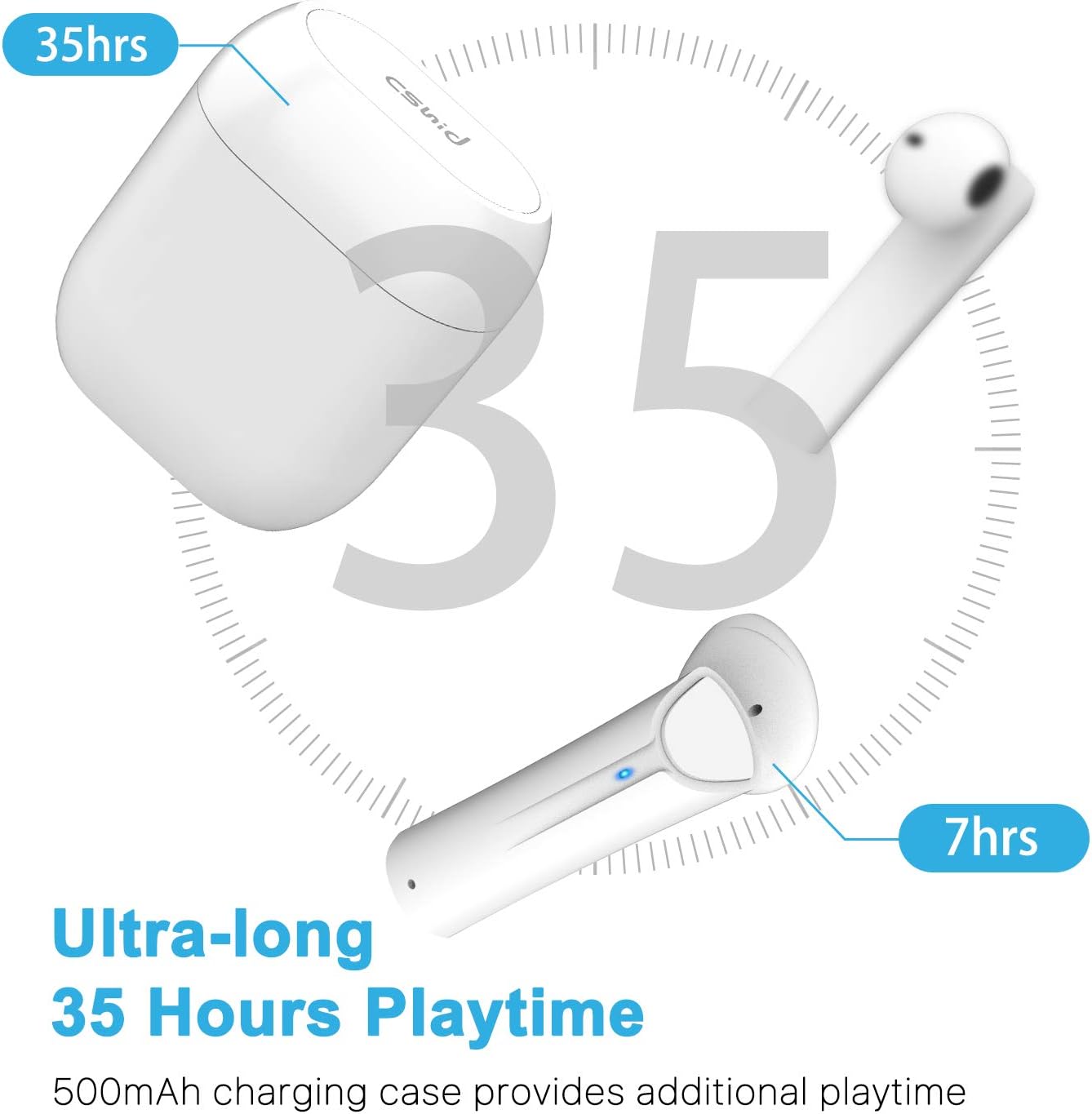
Image: An illustration highlighting the ultra-long 35 hours of total playtime, with 7 hours from a single earbud charge and additional charges from the case.
Before first use, ensure both the earbuds and the charging case are fully charged. The earbuds provide up to 7 hours of playtime on a single charge, and the charging case can provide an additional 5 full charges, extending the total playtime to up to 35 hours.
- Ставете ги слушалките во кутијата за полнење. Проверете дали се правилно поставени.
- Поврзете го USB кабелот за полнење со приклучокот за полнење на куќиштето и со извор на енергија.
- The LED indicators on the case will show the charging status. Once fully charged, the indicators will change or turn off.
4.2 Initial Pairing (One-Step Pairing)

Image: A step-by-step guide showing how to pair the earbuds: simply take them out of the case and select 'G33' on your device's Bluetooth settings.
The G33Pro-W earbuds feature one-step pairing technology for quick and easy connection.
- Take both earbuds out of the charging case. They will automatically power on and enter pairing mode. The LED indicator on one earbud will flash, indicating it's ready to pair.
- На вашиот уред (паметен телефон, таблет итн.), овозможете Bluetooth.
- Пребарај за "G33" in the list of available Bluetooth devices and select it to connect.
- Once connected, the LED indicators on both earbuds will stop flashing. You are now ready to use your earbuds.
4.3 Употреба на една слушалка
You can use either the left or right earbud independently. Simply take one earbud out of the charging case, and it will automatically enter pairing mode. Connect to "G33" on your device. To use both again, take the second earbud out, and they will automatically reconnect.
5. Упатства за работа
The G33Pro-W earbuds are controlled via a multi-function button on each earbud.
| Функција | Акција |
|---|---|
| Вклучување | Take earbuds out of charging case (automatic) |
| Исклучување | Place earbuds back into charging case (automatic) |
| Пушти/Паузирај музика | Press the multi-function button once on either earbud |
| Следна песна | Double-press the multi-function button on the Right earbud |
| Претходна песна | Double-press the multi-function button on the Left earbud |
| Одговори/заврши повик | Press the multi-function button once on either earbud |
| Одбијте го повикот | Press and hold the multi-function button for 2 seconds on either earbud |
| Активирајте го гласовниот асистент (Siri/Google Assistant) | Трипати притиснете го копчето за повеќе функции на двете слушалки |
| Јачина на звук нагоре | Press and hold the multi-function button on the Right earbud |
| Намалување на јачината на звукот | Press and hold the multi-function button on the Left earbud |
6. Одржување

Image: Two scenarios demonstrating earbud use: one person driving safely with hands-free calling, and another person working out, highlighting the sweat-proof and cable-free design.
6.1 Чистење
Редовното чистење помага во одржувањето на квалитетот на звукот и хигиената.
- Користете мека, сува крпа што не остава влакненца за да ги избришете слушалките и кутијата за полнење.
- За тврдокорна нечистотија, малку дampmk крпата со вода или благо, неабразивно средство за чистење.
- Не користете груби хемикалии или абразивни материјали.
- Проверете дали контактите за полнење и на слушалките и на футролата се чисти и суви.
6.2 Складирање
Кога не ги користите, чувајте ги слушалките во нивната кутија за полнење за да ги заштитите и да ги држите наполнети. Чувајте ги на ладно и суво место, подалеку од екстремни температури.
6.3 Водоотпорност
The earbuds are designed to be waterproof, making them suitable for workouts and light rain. However, they are not intended for swimming or submersion in water. Ensure earbuds are dry before placing them back into the charging case to prevent damage.
7 Смена на проблеми
If you encounter issues with your earbuds, please refer to the following common problems and solutions:
- Слушалките не се спаруваат со уредот:
Ensure Bluetooth is enabled on your device. Place earbuds back in the case, then take them out again to re-enter pairing mode. Try forgetting "G33" from your device's Bluetooth list and re-pairing. - Само една слушалка работи:
Place both earbuds back into the charging case. Close the lid for a few seconds, then open it and take both earbuds out simultaneously. They should automatically connect to each other. - Нема звук:
Проверете ја јачината на звукот и на вашиот уред и на слушалките. Осигурајте се дека слушалките се правилно поврзани со вашиот уред. Обидете се да репродуцирате различни аудио извори. - Слушалките не се полнат:
Проверете дали кабелот за полнење е безбедно поврзан и со кутијата и со изворот на енергија. Проверете дали контактите за полнење на слушалките и во внатрешноста на кутијата се чисти и без остатоци. - Лош квалитет на звукот:
Ensure the earbuds are properly seated in your ears. Check for any obstructions in the earbud speakers. Move closer to your connected device to avoid signal interference.
8. Спецификации
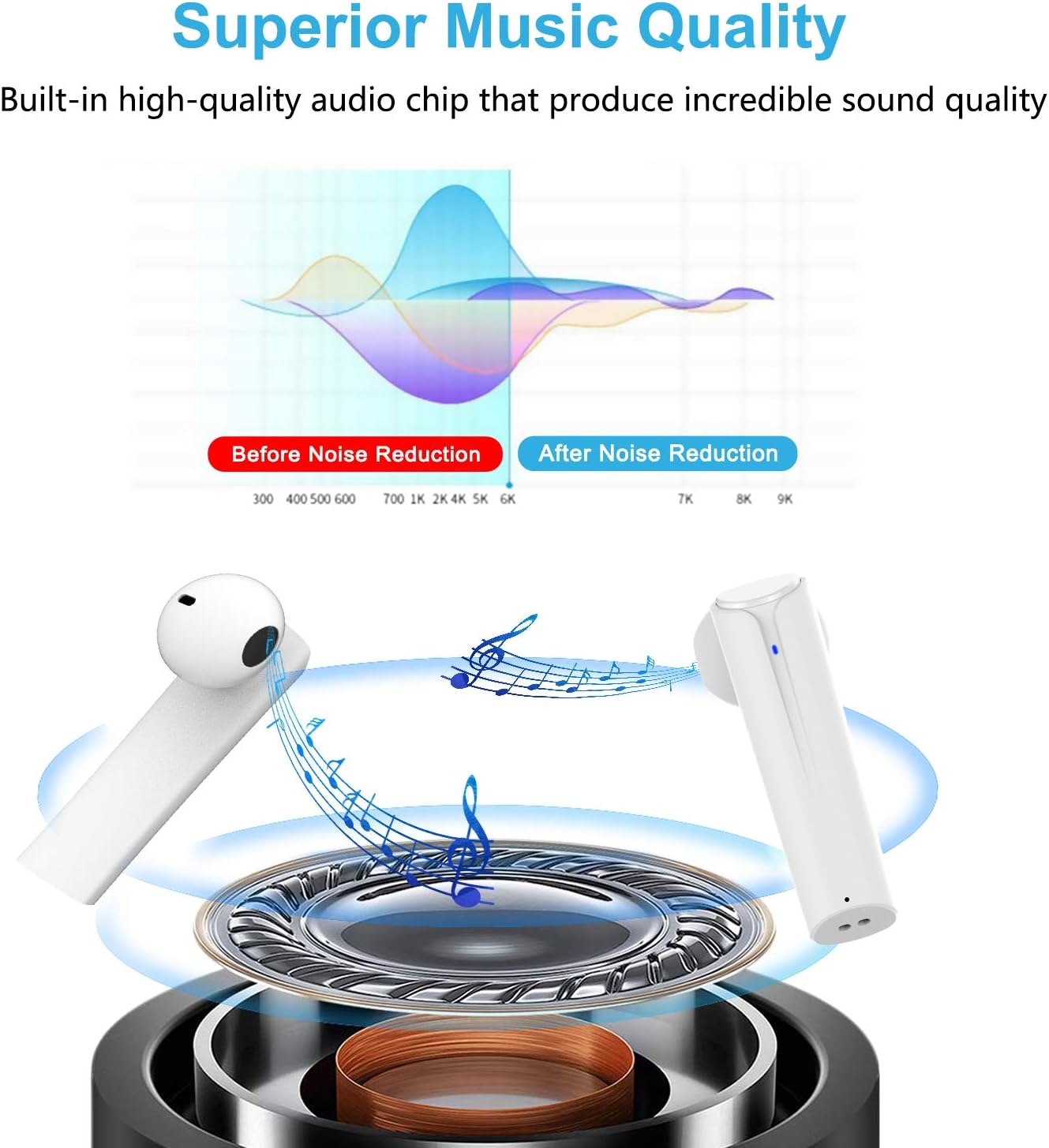
Image: A graph illustrating the effect of noise reduction on sound quality, accompanied by a detailed diagram of the earbud's internal audio components.
- Модел: G33Pro-W
- Поврзување: Bluetooth 5.0
- Playtime (Earbuds): До 7 часа по полнење
- Вкупно време на играње (со футрола за полнење): До 35 часа
- Микрофон: Built-In Dual Microphones
- Тип на контрола: Копче за повеќе функции
- Материјал: Пластика
- Отпорност на вода: Водоотпорен
- Боја: Бело
9. Информации за безбедност
Ве молиме почитувајте ги следниве безбедносни упатства за безбедна и правилна употреба на вашите слушалки:
- Не ги изложувајте слушалките или кутијата за полнење на екстремни температури, директна сончева светлина или висока влажност.
- Avoid dropping, hitting, or disassembling the product.
- Не ги користете слушалките со превисока јачина на звук подолг временски период, бидејќи тоа може да предизвика оштетување на слухот.
- Чувајте го производот подалеку од деца и домашни миленици.
- Отстранете го производот и неговите компоненти одговорно во согласност со локалните прописи.
10. Гаранција и поддршка
Cshidworld provides a 30-дневна политика за враќање без проблеми и а една година гаранција for the G33Pro-W Wireless Earbuds. For any product-related inquiries, technical support, or warranty claims, please contact Cshidworld customer service through the platform where you purchased the product or refer to the contact information provided with your purchase.


