Вовед
The PDP Gaming Faceoff Deluxe+ Audio Wired Controller is designed for use with the Nintendo Switch. It features a 3.5mm audio jack for in-game audio and USB chat, customizable programmable back buttons, and interchangeable faceplates. This manual provides instructions for setting up, operating, and maintaining your controller.
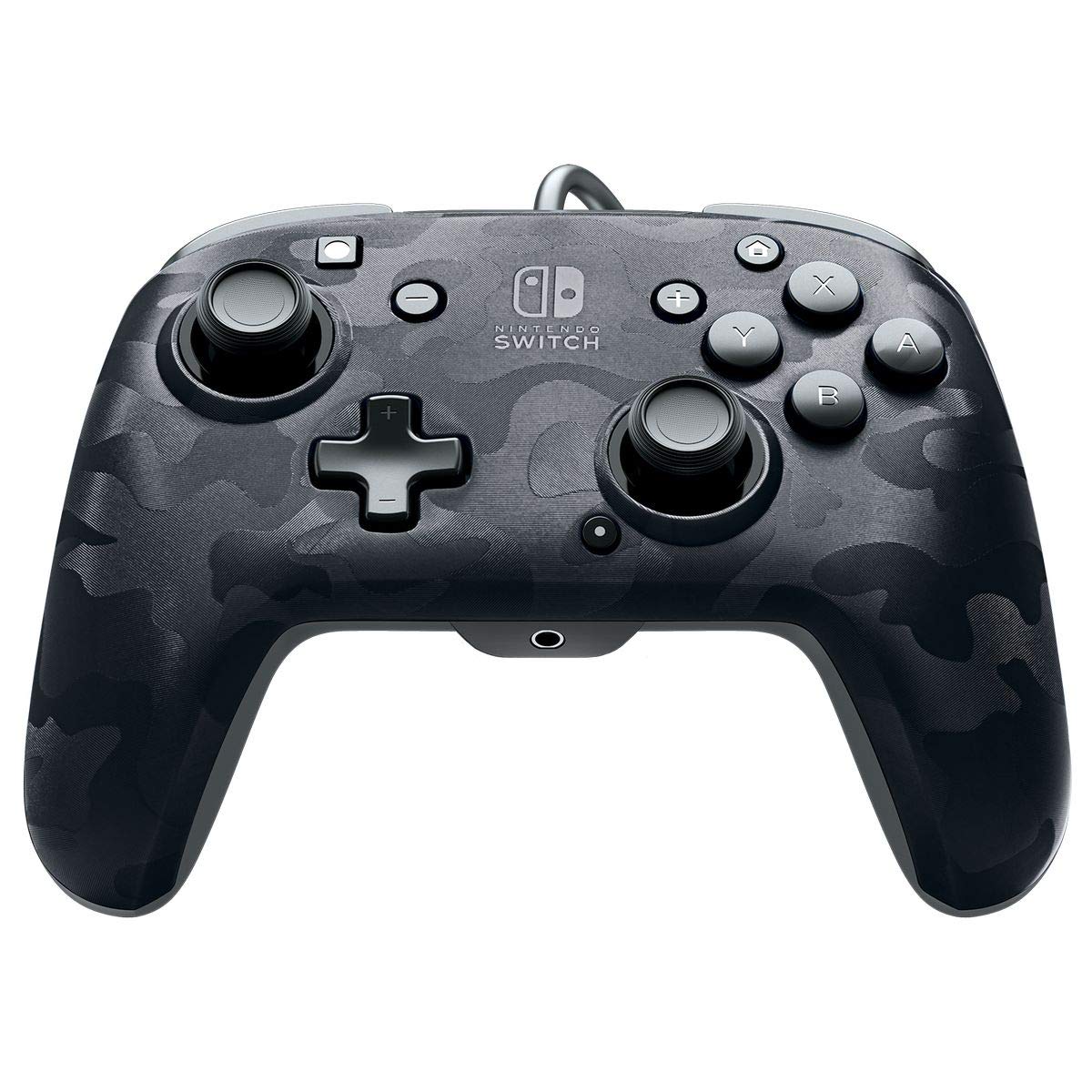
Слика: напред view of the PDP Gaming Faceoff Deluxe+ Audio Wired Controller in Black Camo.
Поставување
1. Првично поврзување
- Ensure your Nintendo Switch console is docked and powered on.
- Connect the controller's fixed USB cable to an available USB port on the Nintendo Switch dock.
- The controller should automatically be recognized by the console.
2. Поставување аудио
- Plug your 3.5mm headset into the audio jack located at the bottom center of the controller.
- In-game audio will now be routed through your headset. USB chat is supported for compatible titles.
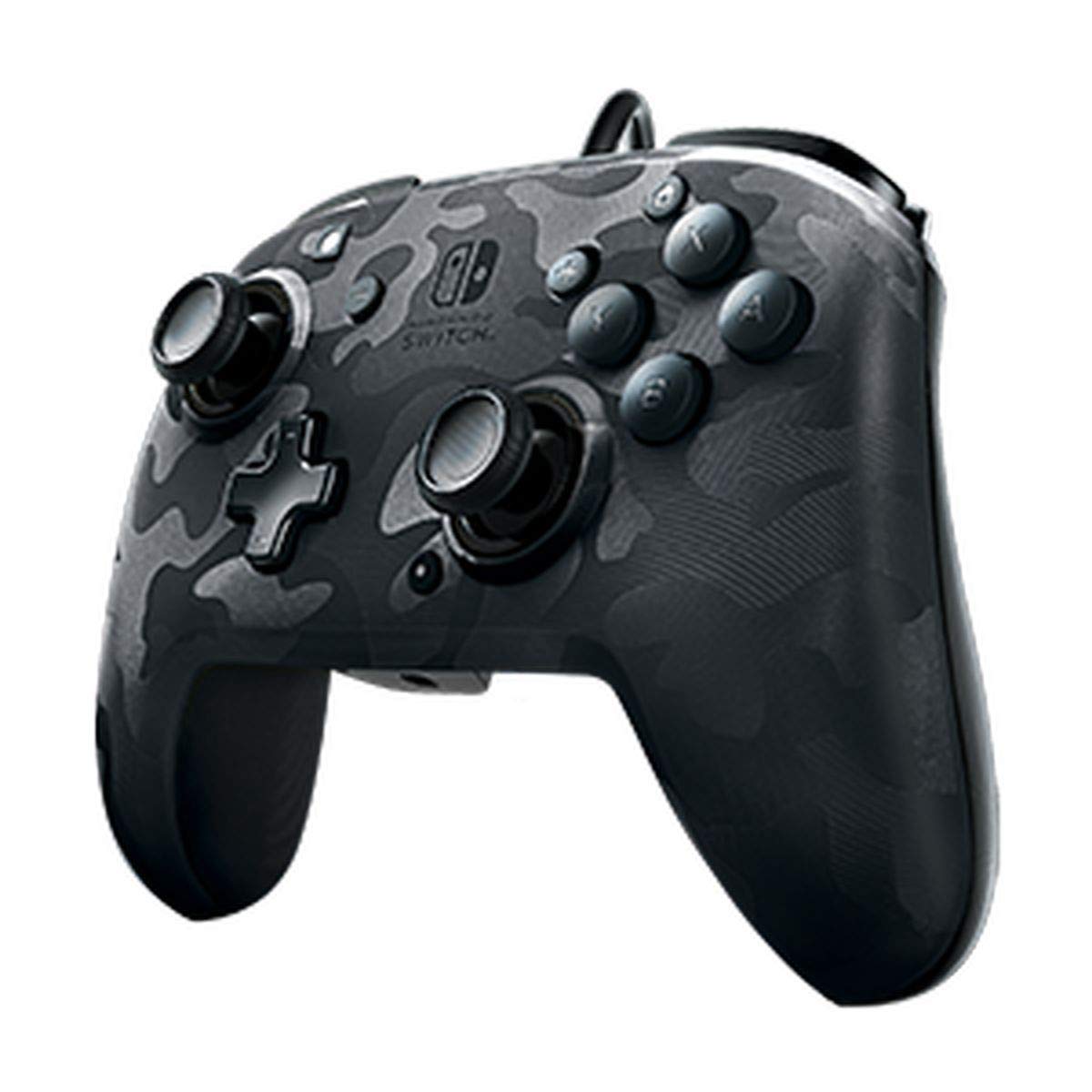
Image: A user playing with the PDP Gaming Faceoff Deluxe+ Audio Wired Controller, demonstrating the headset connection.
Ракување со контролорот
1. Распоред и функции на копчињата
Familiarize yourself with the controller's button layout for optimal gameplay.

Слика: Детална view of the controller with key buttons labeled for easy identification.
- View Копче: Typically used for in-game menus or map access.
- Копче за почеток: Се враќа во менито HOME на Nintendo Switch.
- Контрола на јачината на звукот: Adjusts headset audio volume.
- Функциско копче: Used in conjunction with other buttons for specific features (refer to game instructions).
- Аналогни стапчиња: Provide precise movement and camera control. Features low friction rings for smooth performance.
2. Programmable Back Buttons
The controller features dual programmable paddle-style buttons on the back, allowing for customized gameplay. These can be mapped to other buttons on the controller to suit your play style.

Image: The back of the controller highlighting the programmable paddle buttons.
3. Прилагодување на јачината на звукот
Volume can be adjusted directly on the controller using the D-pad while holding the Function button (refer to the labeled image above for button location).
4. Faceplate Customization
The unique interchangeable design allows you to swap out and snap in different Faceoff faceplates to personalize your controller's appearance.

Image: Illustration demonstrating the interchangeable faceplate design of the controller.
Одржување
- Одржувајте го контролерот чист со бришење со мека, сува крпа.
- Избегнувајте изложување на контролерот на екстремни температури, влажност или директна сончева светлина.
- Не обидувајте се да го расклопите контролерот, бидејќи тоа може да ја поништи гаранцијата.
Решавање проблеми
- Контролорот не реагира: Ensure the USB cable is securely connected to the Nintendo Switch dock. Try a different USB port.
- No audio through headset: Verify the headset is fully plugged into the controller's 3.5mm jack. Check the volume settings on the controller and the Nintendo Switch console.
- Buttons not working correctly: Ensure the controller's firmware is up to date (if applicable, check PDP's official website). If issues persist, try restarting the Nintendo Switch console.
Спецификации
| Карактеристика | Детал |
|---|---|
| Број на модел | 500-134-NA-CM00 |
| Поврзување | Wired (10-foot fixed USB cable) |
| Аудио Џек | 3.5mm (supports in-game audio and USB chat) |
| Прилагодување | Interchangeable faceplates, dual programmable paddle-style back buttons |
| Димензии | 0.35 x 0.12 x 0.83 инчи |
| Тежина | 14.1 унци |
| Компатибилност | Nintendo Switch |
| Производител | ПДП |

Image: Controller dimensions for reference.
Официјално видео за производот
Видео: Искрена репликаview of the PDP Gaming Wired Nintendo Switch Controller, showcasing неговите карактеристики и функционалност.
Гаранција и поддршка
For warranty information and customer support, please refer to the documentation included with your product or visit the official PDP webсајт.
Можете исто така да ја посетите PDP продавница на Amazon за дополнителни информации за производот и ресурси за поддршка.


