Вовед
This manual provides essential information for the proper installation, operation, and maintenance of your Philips 278E1A 27" 4K UHD IPS Monitor. Please read this guide thoroughly before using the product to ensure optimal performance and safety. Keep this manual for future reference.
Информации за безбедност
- Осигурајте се дека мониторот е поставен на стабилна, рамна површина за да спречите случајни паѓања.
- Use only the power adapter and cables supplied by Philips.
- Do not expose the monitor to rain or moisture to avoid electric shock or fire.
- Избегнувајте блокирање на отворите за вентилација за да спречите прегревање.
- Не обидувајте се сами да го сервисирате мониторот. Сите сервиси обратете се на квалификуван персонал.
Поставување
1. Отпакување и склопување
Carefully remove the monitor and all components from the packaging. The box should contain the monitor, stand, HDMI cable, power cable, and user documentation.
- Прикачете ја основата на држачот на вратот на држачот, прицврстувајќи ја со приложениот шраф.
- Align the assembled stand with the mounting holes on the back of the monitor and firmly attach it.
2. Кабли за поврзување
Поврзете ги потребните кабли со мониторот и вашиот компјутер.
- Кабел за напојување: Поврзете го едниот крај од кабелот за напојување со приклучокот за напојување на мониторот, а другиот крај со штекер.
- Видео влез: Connect either an HDMI cable (2 ports available) or a DisplayPort cable (1 port available) from your computer's video output to the corresponding input on the monitor.
- Аудио влез/излез: If desired, connect an audio cable from your computer's audio output to the monitor's audio input, or connect external speakers/headphones to the monitor's audio output.

Слика 1: Заден дел view of the Philips 278E1A monitor, highlighting the HDMI, DisplayPort, and audio input/output ports for connectivity.
3. Првично вклучување
Press the power button located on the bottom right of the monitor to turn it on. The monitor will automatically detect the active input source.
Упатства за работа
1. Навигација на менито на екранот
The On-Screen Display (OSD) menu allows you to adjust various monitor settings. Use the control buttons located on the bottom bezel of the monitor to navigate the menu.
- Притиснете копче за да го активирате менито на екранот.
- Користете ги копчињата за насока за да се движите низ опциите на менито.
- Press the 'OK' or 'Enter' button to select an option or confirm a setting.
- Притиснете го копчето „Излез“ или „Назад“ за да се вратите на претходното мени или да излезете од OSD екранот.
2. Поставки за слика
Прилагодете ги карактеристиките на екранот за оптимално viewинг.
- Осветленост и контраст: Adjust these settings to control the overall luminance and the difference between light and dark areas.
- Поставки за боја: Fine-tune color temperature, gamma, and saturation. The monitor supports 109% sRGB color gamut for accurate color reproduction.
- SmartContrast: This feature dynamically analyzes content and automatically adjusts backlight intensity to enhance contrast for optimal digital images and videos.
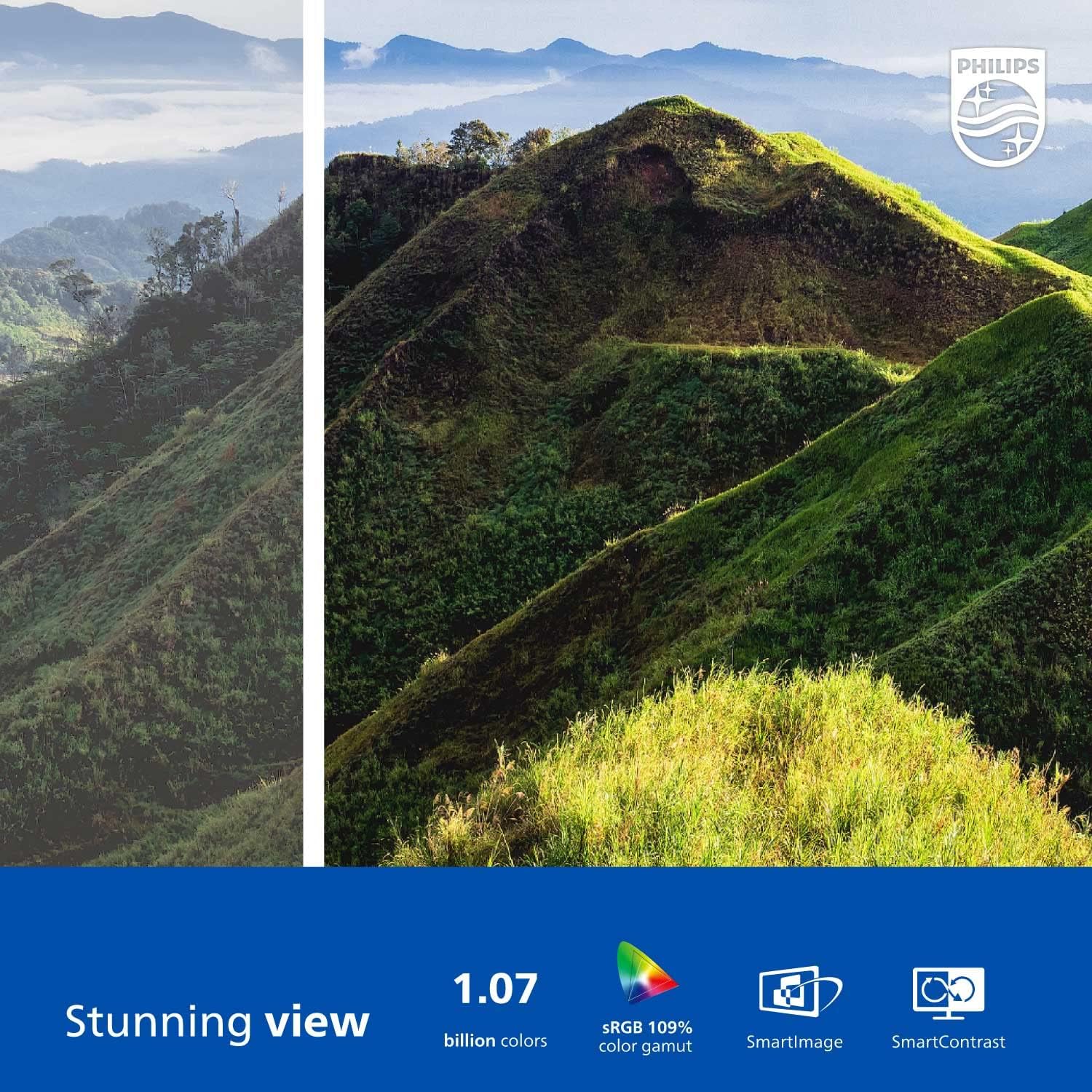
Figure 2: The Philips 278E1A monitor displaying a detailed and colorful mountain scene, illustrating its 4K UHD resolution and wide color gamut.
3. Избор на влез
Manually select the desired video input source if the automatic detection does not work or if you have multiple devices connected.
4. Аудио поставки
Control the volume of the built-in speakers or connected audio devices.
5. Карактеристики за нега на очите
The Philips 278E1A includes features designed to reduce eye strain during prolonged use.
- Технологија без трепкање: Regulates brightness and reduces screen flicker for more comfortable viewинг.
- Нискосин режим: A software solution that reduces harmful shortwave blue light emissions from the screen.

Figure 3: A split image demonstrating the visual difference when LowBlue Mode and Flicker-free technologies are active, reducing eye strain.
6. Frameless Design and Viewингли агли
The monitor features a 3-sided frameless design, ideal for multi-monitor setups, and an IPS panel providing wide 178/178-degree viewing angles for consistent image quality from various perspectives.

Figure 4: A multi-monitor arrangement of Philips 278E1A displays, showcasing the minimal bezels and wide viewing angles suitable for extended desktop environments.
Одржување
1. Чистење на екранот
За чистење на екранот, нежно избришете го со мека крпа што не остава влакненца. За тврдокорни дамки, dampen the cloth with a mild, non-abrasive screen cleaner. Never spray cleaner directly onto the screen.
2. Општа нега
Keep the monitor away from direct sunlight, excessive heat, and humidity. Avoid placing heavy objects on the monitor or its cables.
Решавање проблеми
Доколку наидете на проблеми со вашиот монитор, погледнете ги следниве вообичаени решенија:
- Без моќност: Проверете дали кабелот за напојување е безбедно поврзан и со мониторот и со штекерот. Проверете дали штекерот за напојување е функционален.
- Нема сигнал: Проверете дали видео кабелот (HDMI или DisplayPort) е правилно поврзан и со мониторот и со компјутерот. Проверете дали е избран точниот влезен извор преку менито на OSD.
- Image Problems (e.g., flickering, distorted colors): Check cable connections. Adjust picture settings in the OSD menu. If using a DisplayPort connection, ensure your graphics card supports 4K resolution at 60Hz.
- Нема аудио: Check the monitor's volume settings and your computer's audio output settings. Ensure external speakers or headphones are properly connected if used.
За дополнителна помош, контактирајте ја службата за корисници на Philips.
Спецификации
| Карактеристика | Детал |
|---|---|
| Големина на екранот | 27 инчи |
| Резолуција | 3840 x 2160 (4K UHD) |
| Тип на панел | IPS |
| Гама на бои | 109% sRGB |
| Поврзување | 2x HDMI, 1x DisplayPort, Audio In & Out |
| Звучници | Built-in (3W stereo) |
| Димензии (со држач) | 18.1 x 24.1 x 7.6 инчи |
| Тежина (со стојалка) | 13.57 фунти |
| Карактеристики за нега на очите | Flicker-Free, LowBlue Mode |
Гаранција и поддршка
Информации за гаранцијата
Philips monitors sold in the United States come with a 4-Year Advance Replacement Warranty. This warranty minimizes downtime by providing a replacement unit in advance should your monitor require service.

Figure 5: Visual representation of the Philips 4-Year Warranty and Advance Replacement program, ensuring peace of mind for users.
Поддршка за корисници
For technical support, warranty claims, or service inquiries, please visit the official Philips support website or contact their customer service hotline. Refer to the documentation included with your product for specific contact details in your region.
Видеа со производи
Philips Frameless Monitor Overview
Ова видео дава крајview of the Philips 27-inch frameless monitor, highlighting its features and benefits for various work setups.
Why This Monitor is Top Rated
Learn about the key aspects that make this Philips monitor a top-rated choice, including its display quality and user-friendly features.


