Вовед
The Homcloud Mini 8S Wi-Fi Camera is designed to enhance your home security with smart, intuitive features. This camera allows you to monitor, program, and automate your home devices directly from your smartphone, providing control from anywhere. It integrates seamlessly into your smart home ecosystem, offering convenience and peace of mind.
Главните карактеристики вклучуваат:
- Full HD 1080p Video Recording
- Night Vision up to 10 meters
- Motion Detection with Live Notifications
- Two-Way Audio and Noise Reduction
- SD Card and Cloud Storage Options
- Wi-Fi поврзување
- Compatibility with Homcloud App, Amazon Alexa, and Google Home

Image: The Homcloud Mini 8S Wi-Fi Camera on a desk, highlighting its key features such as HD Video, Night Vision, SD Card & Cloud storage, Motion Detection, and Live Notifications.
Компоненти на производот
The Homcloud Mini 8S Wi-Fi Camera package typically includes the following items:
- Homcloud Mini 8S Wi-Fi Camera
- USB кабел за напојување
- Адаптер за напојување (може да се разликува во зависност од регионот)
- Mounting Accessories (for wall mounting)
- Упатство за употреба (овој документ)

Image: The Homcloud Mini 8S Wi-Fi Camera positioned on a desk, demonstrating its compact design and typical indoor placement.
Водич за поставување
Follow these steps to set up your Homcloud Mini 8S Wi-Fi Camera:
- Download the Homcloud App: Пребарај за "Homcloud" in the Apple App Store or Google Play Store, or scan the QR code below to download the official application.
- Креирај сметка: Open the Homcloud app and register for a new account or log in if you already have one.
- Вклучување на камерата: Connect the camera to a power source using the provided USB cable and power adapter. Wait for the indicator light to flash, indicating it's ready for pairing.
- Додај уред: In the Homcloud app, tap the "+" icon (usually in the top right corner) to add a new device. Select "Security Camera" or "Smart Camera" from the device list.
- Поврзете се на Wi-Fi: Follow the in-app instructions to connect the camera to your 2.4GHz Wi-Fi network. You may need to scan a QR code displayed on your phone screen with the camera lens.
- Поставување: Position the camera in your desired location. It supports standalone placement or wall mounting. Ensure it has a clear view од областа што сакате да ја следите.

Image: Multiple smartphones displaying the Homcloud application interface, along with the Homcloud logo and a QR code for easy app download. The QR code links to https://smartapp.tuya.com/homcloudsmart.
Упатства за работа
Once your Homcloud Mini 8S Wi-Fi Camera is set up, you can control and monitor it using the Homcloud app:
- Во живо View: Отворете ја апликацијата и изберете ја вашата камера за да view live video feed in Full HD 1080p resolution.
- Двонасочно аудио: Use the microphone and speaker icons in the app to communicate with people near the camera.
- Ноќно гледање: The camera automatically switches to night vision mode in low-light conditions, providing clear black and white video up to 10 meters.
- Откривање на движење: Enable motion detection in the app settings to receive instant notifications on your smartphone when movement is detected. You can adjust sensitivity levels.
- Снимање и складирање:
- SD-картичка: Insert a microSD card (not included) into the camera's slot for local video storage. The camera supports continuous recording or event-triggered recording.
- Складирање во облак: Subscribe to Homcloud's cloud storage service (if available) for secure off-site video backup.
- Интеграција на паметен дом: Connect your Homcloud account with Amazon Alexa or Google Home to control the camera using voice commands (e.g., "Alexa, show me the living room camera").
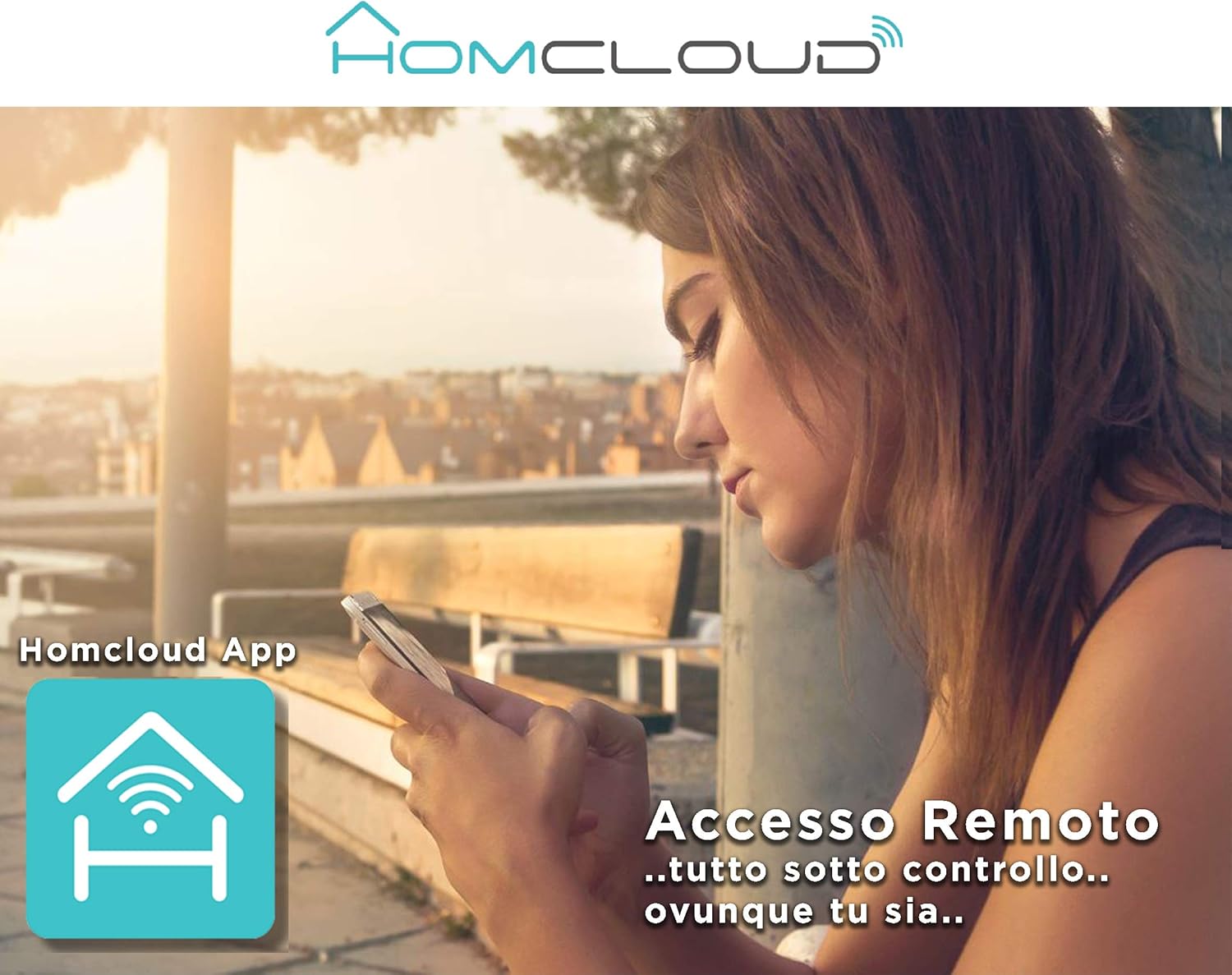
Image: A woman using her smartphone, illustrating the remote access capabilities of the Homcloud App to control and monitor the camera from any location.

Image: A family enjoying their smart home, demonstrating the integration of Homcloud solutions with Amazon Alexa and Google Assistant for convenient control.
Одржување
Правилното одржување обезбедува долготрајност и оптимални перформанси на вашиот фотоапарат:
- Чистење: Gently wipe the camera lens and body with a soft, dry cloth. Avoid using harsh chemicals or abrasive materials that could scratch the lens or damage the casing.
- Ажурирања на фирмверот: Regularly check the Homcloud app for available firmware updates. Keeping your camera's firmware up-to-date ensures you have the latest features, security patches, and performance improvements.
- Напојување: Use only the original power adapter and cable provided with the camera. Ensure the power connection is secure and free from damage.
- Животна средина: The camera is designed for indoor use. Avoid exposing it to extreme temperatures, direct sunlight, high humidity, or water. While it is listed as "waterproof" in some specifications, this typically refers to splash resistance and not full submersion or outdoor exposure.
Решавање проблеми
If you encounter issues with your Homcloud Mini 8S Wi-Fi Camera, refer to the following common solutions:
- Камера офлајн:
- Check if the camera is powered on and the power cable is securely connected.
- Ensure your Wi-Fi router is working and the internet connection is stable.
- Рестартирајте ја камерата со исклучување и повторно вклучување.
- Verify that the camera is within range of your Wi-Fi router.
- If the issue persists, try re-pairing the camera with the Homcloud app.
- Лош квалитет на видеото:
- Исчистете го објективот на фотоапаратот со мека крпа.
- Ensure adequate lighting in the monitored area, especially for color video.
- Проверете ја јачината на сигналот на Wi-Fi; слабиот сигнал може да влијае на квалитетот на стримингот.
- Откривањето движење не работи:
- Verify that motion detection is enabled in the Homcloud app settings for your camera.
- Прилагодете ја чувствителноста на детекцијата на движење.
- Осигурајте се дека нема пречки што го блокираат пристапот на камерата view.
- Не може да се поврзе со апликацијата:
- Make sure your smartphone is connected to a 2.4GHz Wi-Fi network during the pairing process.
- Confirm that you are entering the correct Wi-Fi password.
- Reset the camera (refer to the app or product for specific reset instructions, usually a small button) and try the pairing process again.
Спецификации
| Карактеристика | Детал |
|---|---|
| Бренд | Homcloud |
| Број на модел | TY-WCM8S |
| Резолуција за снимање видео | 1080p full HD |
| Ефективна видео резолуција | 1080 |
| Стапка на слики | 25 fps |
| Технологија на безжична комуникација | Wi-Fi |
| Протокол за поврзување | Wi-Fi |
| Viewинголен агол | 100 степени |
| Опсег на ноќни визии | 10 метри |
| Посебни карактеристики | Two-Way Audio, Noise Reduction, HD Resolution, Night Vision |
| Препорачана употреба | Безбедност во затворен простор |
| Внатрешна/надворешна употреба | Затворен |
| Компатибилни уреди | Homcloud App, Amazon Alexa, Android, Google Home, Smart Life, iOS |
| Извор на енергија | Електричен кабел |
| Voltage | 5 волти |
| Потрошувачка на енергија | 2.5 вати |
| Материјал | Пластика |
| Димензии (Д x Ш x В) | 8 x 5 x 9 cm |
| Тежина | 350 грама |
| Тип на монтирање | Монтирање на ѕид |
| Ниво на отпорност на вода | Waterproof (Note: Typically splash resistant for indoor use) |
Гаранција и поддршка
For warranty information, please refer to the documentation provided at the time of purchase or visit the official Homcloud website. If you require technical assistance or have questions not covered in this manual, please contact Homcloud customer support through their official channels.
You can find more information and support resources on the Homcloud website or through the Homcloud application.


