Вовед
This manual provides essential instructions for the installation, operation, and maintenance of your Swann Master-Series 4K HD 8 Camera 8 Channel NVR Security System, model SWNVK-876808-US. This system is designed to provide high-definition surveillance for your property, featuring 4K resolution cameras and an 8-channel Network Video Recorder (NVR) for reliable recording and monitoring.
Please read this manual thoroughly before setting up and using your security system to ensure proper functionality and to maximize its performance and longevity.
Што има во кутијата
Carefully unpack all components and verify that you have received all items listed below. If any items are missing or damaged, please contact Swann customer support.
- Swann 8-Channel Network Video Recorder (NVR)
- 8 x 4K HD Security Cameras
- Етернет кабли (за поврзување со камера)
- Power Adapters (for NVR and cameras)
- USB глушец
- Монтирачки завртки и приклучоци
- Security Warning Stickers
- HDMI кабел
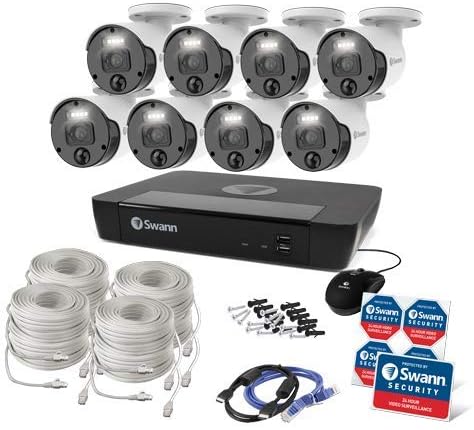
Слика 1: Complete contents of the Swann Master-Series 4K HD 8 Camera 8 Channel NVR Security System kit, including the NVR, eight cameras, various cables, a USB mouse, and security stickers.
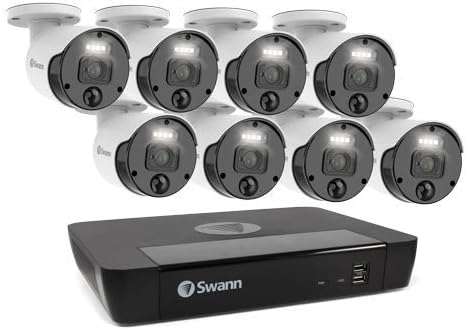
Слика 2: The Swann Network Video Recorder (NVR) unit, which serves as the central recording and management hub for the security system.
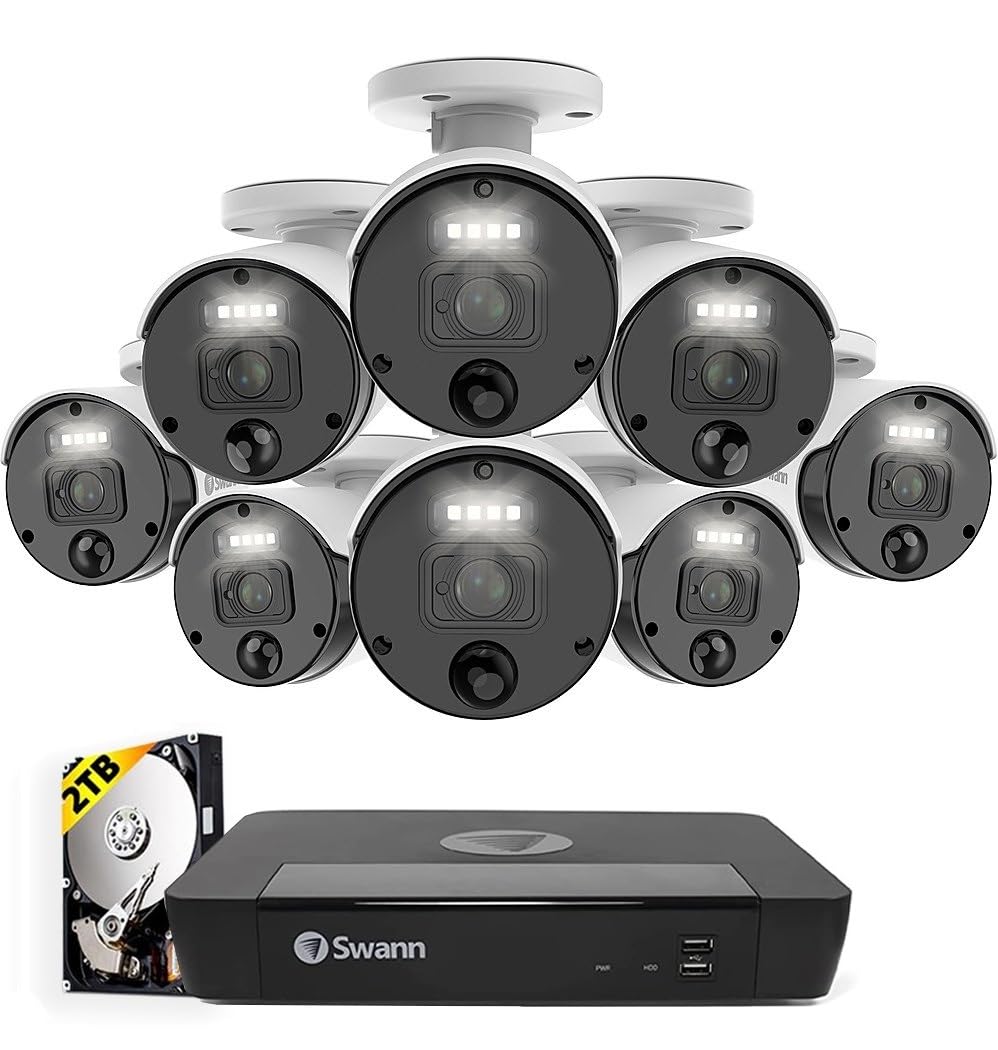
Слика 3: The Swann Master-Series NVR unit shown with eight 4K HD security cameras, illustrating the core components of the surveillance system.
Поставување
1. NVR поврзување
- Поврзување со монитор: Use the provided HDMI cable to connect the NVR's HDMI output port to a monitor or TV.
- Поврзете USB глушец: Plug the USB mouse into one of the USB ports on the NVR.
- Поврзете се на мрежа: Connect an Ethernet cable from the NVR's LAN port to your router or network switch for internet access and remote viewспособности за работа.
- Поврзете напојување: Plug the NVR's power adapter into the DC IN port and then into a power outlet. The NVR will power on automatically.
2. Инсталација на фотоапаратот
- Монтирање камери: Изберете соодветни локации за вашите камери, осигурувајќи се дека имаат чисто поле на гледање. view and are protected from direct weather exposure. Use the provided screws and plugs to securely mount each camera.
- Поврзете ги камерите со NVR: Connect each camera to an available Ethernet port on the NVR using the provided Ethernet cables. The NVR will automatically detect and power the cameras (Power over Ethernet - PoE).
3. Почетна конфигурација
- Волшебник за прво поставување: Upon first power-up, the NVR will display a setup wizard on the connected monitor. Follow the on-screen prompts to configure basic settings such as language, date/time, and network settings.
- Поставете администраторска лозинка: Create a strong, unique password for the administrator account. This is crucial for system security.
- Иницијализација на хард диск: The wizard may prompt you to initialize the hard drive. Confirm to prepare it for recording.
Работење со системот
Во живо View
After initial setup, the NVR will display the live view from all connected cameras on the monitor. You can switch between single-camera view, мрежа со повеќе камери viewи низа view using the NVR's interface and mouse.
Снимање
- Континуирано снимање: The system is typically configured for continuous recording by default.
- Снимање на откривање на движење: Configure specific cameras to record only when motion is detected within their field of view. Adjust sensitivity and detection zones as needed.
- Закажано снимање: Set specific times for recording, allowing for customized surveillance schedules.
Репродукција
Access the playback menu on the NVR to review снимен footage. You can search by date, time, and event type (e.g., motion detection). Use the timeline and controls to navigate through recordings.
Remote Access (Swann Security App)
За далечински viewing and management, download the official Swann Security app on your smartphone or tablet. Follow the in-app instructions to pair your NVR system. This allows you to view live feeds, play back recordings, and receive alerts from anywhere with an internet connection.
Одржување
- Чистење на камерата: Периодично чистете ги леќите на фотоапаратот со мека, дamp крпа за да се обезбеди јасен квалитет на сликата. Избегнувајте абразивни средства за чистење.
- NVR вентилација: Ensure the NVR unit has adequate ventilation to prevent overheating. Keep vents clear of obstructions.
- Ажурирања на фирмверот: Regularly check for and install firmware updates for your NVR and cameras. Updates often include security enhancements and new features. Refer to the Swann support webстраница за најновиот фирмвер.
- Управување со хард диск: The NVR's hard drive will automatically overwrite the oldest footage when it becomes full. Ensure your recording settings (e.g., continuous, motion detection) align with your storage needs.
- Безбедност на лозинка: Change your administrator password periodically and use strong, unique passwords to protect your system from unauthorized access.
Решавање проблеми
No Video Display on Monitor
- Check if the NVR is powered on and its power adapter is securely connected.
- Verify the HDMI cable connection between the NVR and the monitor.
- Ensure the monitor is set to the correct input source (e.g., HDMI 1).
Cameras Not Showing Live View / No Recording
- Check that each camera is securely connected to the NVR's Ethernet port.
- Ensure the Ethernet cables are not damaged.
- Verify that the NVR's hard drive is initialized and has sufficient space.
- Check camera settings within the NVR interface to ensure they are enabled and configured for recording.
Remote Access Issues
- Ensure the NVR is connected to your router and has an active internet connection.
- Verify your smartphone or tablet has an active internet connection.
- Confirm that the NVR is correctly paired with the Swann Security app.
- Check your router's firewall settings; some may block NVR access.
Ноќниот вид не работи
- Ensure there are no obstructions directly in front of the camera lens blocking the infrared (IR) LEDs.
- Check camera settings to ensure night vision (IR) is enabled.
- Проверете дали камерата добива доволно напојување.
Спецификации
| Карактеристика | Спецификација |
|---|---|
| Бренд | Свон |
| Број на модел | SWNVK-876808-US |
| Технологија за поврзување | Wired (Ethernet/PoE) |
| Резолуција за снимање видео | 2160p (4K Ultra HD) |
| Специјална карактеристика | Ноќна визија |
| Број на канали | 8 |
| Извор на енергија | Електричен со кабел |
| NVR Dimensions (L x W x H) | 10 x 2 x 2.7 инчи |
| Компатибилни уреди | Swann IP Cameras |
| Технологија на слаба осветленост | Ноќна визија |
| Стапка на слики | 15, 24, 30 fps (variable by resolution/settings) |
| Режим на снимање | Continuous, Event (Motion Detection), Scheduled |
| Видео влез | Ethernet (for IP Cameras) |
| Тежина на ставката | 21.2 фунти (вкупно пакување) |
| UPC | 840236127788 |
Note: While the provided data listed 'BNC' for Video Input, this NVR system primarily uses Ethernet for IP cameras. Please refer to the product packaging or Swann's official website for the most accurate and up-to-date specifications.
Гаранција и поддршка
Your Swann Master-Series 4K HD 8 Camera 8 Channel NVR Security System is covered by a manufacturer's warranty. For specific warranty terms, duration, and conditions, please refer to the warranty card included with your product or visit the official Swann webсајт.
For technical support, troubleshooting assistance, or to access the latest software and firmware updates, please visit the Swann support portal on their official webстраница. Таму можете да најдете и контакт информации за корисничка поддршка.


