Вовед
The Timex TW500 is a versatile alarm clock radio designed for modern living. It features wireless charging for compatible devices, a USB charging port, dual digital alarms, an FM radio with presets, a dimmable display, and a sleep timer. This manual provides detailed instructions for setting up and operating your device.
Производот завршиview

Предна страна View: The Timex TW500 alarm clock radio features a large, clear green LED display showing the time, along with indicators for PM, alarm status, and charging. Control buttons are located on the top panel.

Способност за двојно полнење: This image illustrates the dual charging feature of the TW500, with a smartphone wirelessly charging on the top surface and another smartphone connected to the USB-A charging port located on the back of the unit.
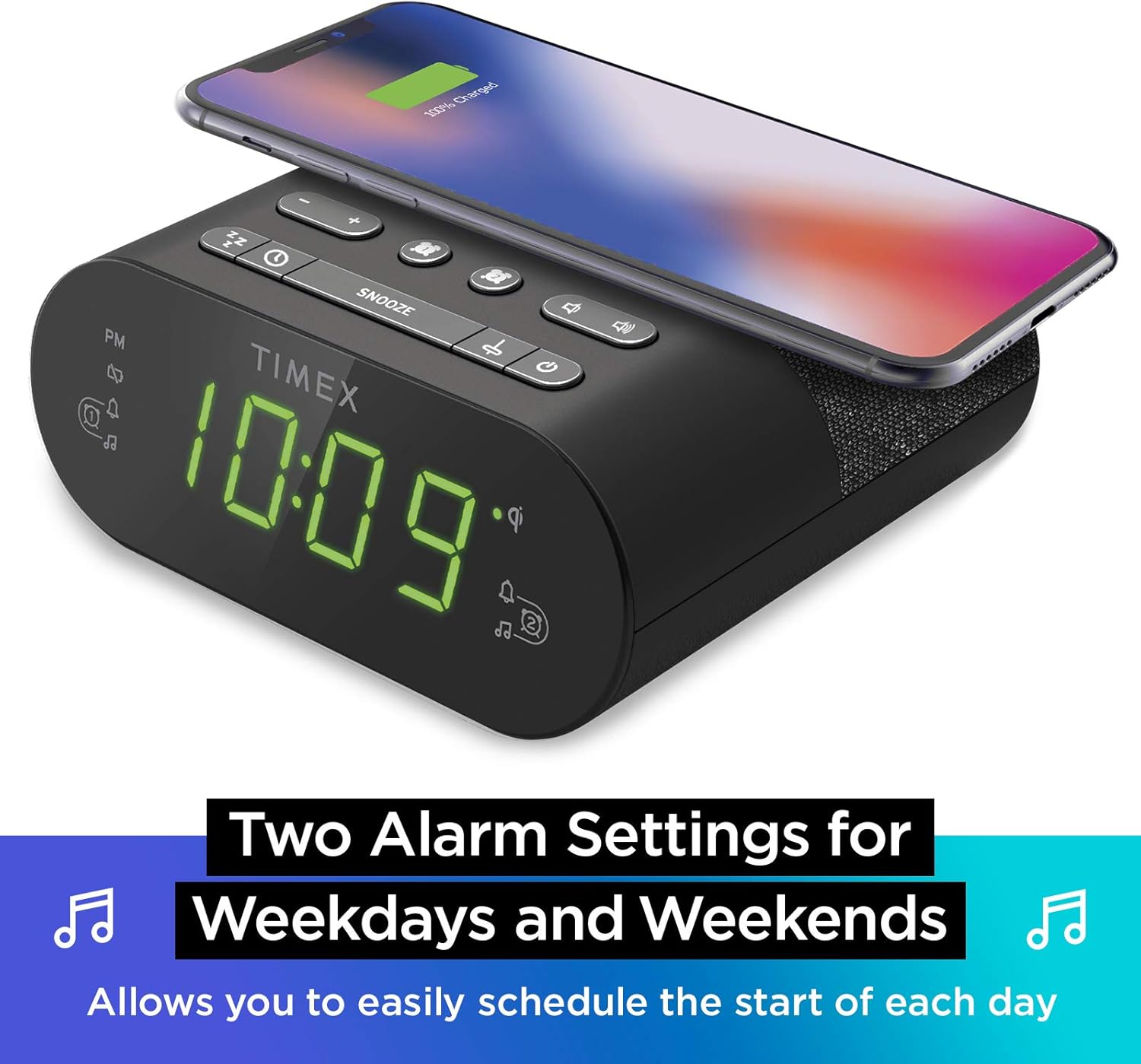
Поставки за двоен аларм: The TW500 supports two independent alarm settings, allowing users to schedule separate wake times for different days or for two individuals.
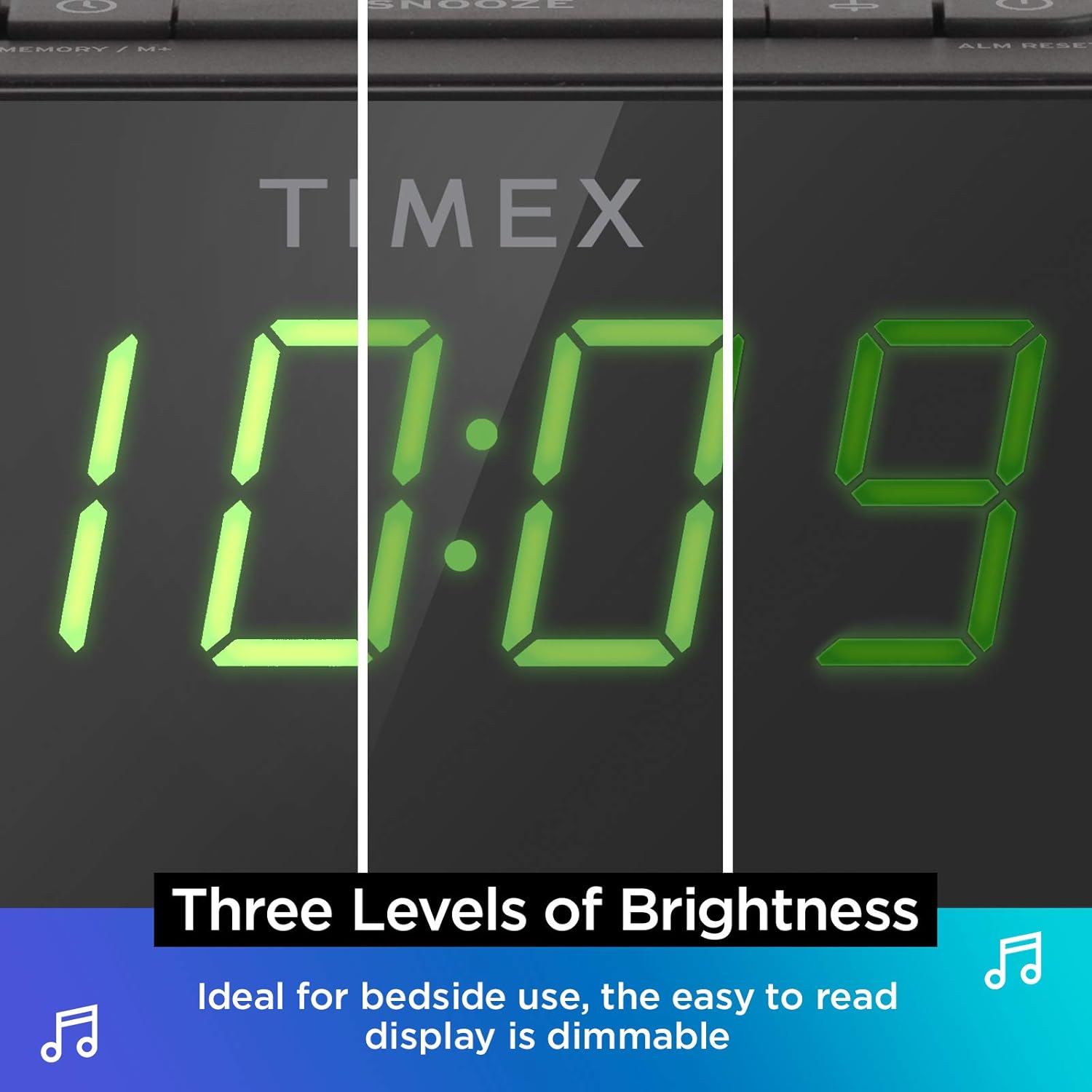
Дисплеј со затемнување: The digital display offers multiple brightness levels, ensuring comfortable viewing in various lighting conditions, from bright daylight to a dark bedroom.
Поставување
1. Поврзување за напојување
Connect the supplied AC power adapter to the DC jack on the back of the unit and plug the other end into a working wall outlet. The unit will power on and the display will light up.
2. Инсталација на резервна копија на батеријата
За континуирано мерење на времето за време на исклучување на напојувањетоtages, install one CR-2032 battery (included) into the battery compartment on the bottom of the unit. Ensure correct polarity (+/-) as indicated.
3. Поставување антена
Extend the FM wire antenna on the back of the unit fully for optimal FM radio reception. Adjust its position as needed to improve signal quality.
Упатства за работа
Поставување на времето
- Притиснете и задржете го ВРЕМЕ СЕТ копчето што се наоѓа на горниот панел додека не почне да трепка приказот за време.
- Притиснете го - or + копчиња за прилагодување на часот. Обрнете внимание на индикаторот PM.
- Притиснете го ВРЕМЕ СЕТ button again to confirm the hour and move to minutes setting.
- Притиснете го - or + копчиња за прилагодување на минутите.
- Притиснете го ВРЕМЕ СЕТ Притиснете го копчето уште еднаш последен пат за да заштедите време и да излезете од режимот за поставување време.
Поставување аларми (Аларм 1 и Аларм 2)
The TW500 features two independent alarms. The process is identical for both.
- Притиснете и задржете го ALARM ONE or ALARM TWO копчето додека не затрепка времето на алармот.
- Притиснете го - or + buttons to adjust the alarm hour. Observe the PM indicator.
- Притиснете го соодветното ALARM ONE or ALARM TWO button again to confirm the hour and move to minutes setting.
- Притиснете го - or + копчиња за прилагодување на минутите на алармот.
- Притиснете го соодветното ALARM ONE or ALARM TWO button again to select the alarm source (FM radio or Tone). The corresponding icon will light up.
- Притиснете го соодветното ALARM ONE or ALARM TWO button one last time to save the alarm setting. The alarm indicator will remain lit.
To turn an alarm off, repeatedly press the corresponding ALARM ONE or ALARM TWO button until the alarm indicator light turns off.
Работа на FM радио
- Притиснете го ВКЛУЧЕНО/ИСКЛУЧЕНО копче за вклучување на радиото.
- Притиснете го - or + buttons to tune to your desired FM station. Press and hold to auto-scan for the next available station.
- Притиснете го ВОЛУМЕН - or Волумен + копчиња за прилагодување на јачината на звукот.
- Поставување поставки: Притиснете и задржете го MEMORY/M+ button. The preset number will flash. Use the - or + buttons to select a preset number (1-10). Press MEMORY/M+ повторно за да заштедите.
- Потсетување на мемории за поставување: Накратко притиснете го ФМ ПРЕСЕТИРАЊА копче за да се движите низ зачуваните станици.
- Притиснете го ВКЛУЧЕНО/ИСКЛУЧЕНО копче за да го исклучите радиото.
Безжично полнење
The top surface of the TW500 features a Qi-compatible wireless charging pad.
- Place your Qi-enabled smartphone or other compatible device directly onto the wireless charging pad.
- Ensure the device is centered on the charging pad for optimal connection. A charging indicator on your device or the TW500 (if applicable) will confirm charging has begun.
- Отстранете го уредот штом ќе се наполни целосно.
USB полнење
A 5W USB-A charging port is located on the back of the unit.
- Connect your device's USB charging cable to the USB port on the TW500.
- Поврзете го другиот крај од кабелот со вашиот уред. Полнењето ќе започне автоматски.
Покажете го затемнетиот
Осветленоста на екранот може да се прилагоди според вашите желби.
- Притиснете го ПОТРАГО button repeatedly to cycle through different brightness levels (High, Medium, Low, Off).
Тајмер за спиење
Тајмерот за заспивање ви овозможува да заспиете со радиото, кое автоматски ќе се исклучи по одредено време.
- Додека радиото е пуштено, притиснете го копчето СПИЈ button repeatedly to cycle through sleep timer options (e.g., 10, 20, 30, 60, 90 minutes, Off).
- Радиото ќе репродуцира во текот на избраното времетраење, а потоа автоматски ќе се исклучи.
Функција за одложување
Кога ќе се огласи алармот, притиснете го големото копче СНОЗА button on the top of the unit to temporarily silence the alarm for 9 minutes. The alarm will sound again after the snooze period.
Одржување
- Чистење: Користете мека, сува крпа за чистење на надворешноста на уредот. Не користете течни средства за чистење или абразивни материјали.
- Замена на батерија: Replace the CR-2032 backup battery annually or if the time display is incorrect after a power outage.
- Складирање: Доколку го складирате уредот подолг временски период, исклучете го од струја и извадете ја резервната батерија.
Решавање проблеми
| Проблем | Можна причина | Решение |
|---|---|---|
| Уредот не се вклучува. | Адаптерот за напојување не е поврзан или штекерот не работи. | Ensure AC adapter is securely plugged into the unit and a live wall outlet. Test the outlet with another device. |
| Алармот не се огласува. | Алармот не е поставен, јачината на звукот на алармот е прениска или алармот е исклучен. | Verify alarm time and source are set correctly. Increase radio volume if alarm source is FM. Ensure alarm indicator is lit. |
| Слаб FM радио прием. | Антената не е проширена или сигналот е слаб. | Fully extend the FM wire antenna and reposition it for better reception. Try moving the unit to a different location. |
| Безжичното полнење не работи. | Device not Qi-compatible, not centered, or foreign object on pad. | Ensure your device supports Qi wireless charging. Re-position the device centrally on the pad. Remove any metal objects or thick cases. |
| USB полнењето не работи. | Кабелот е неисправен или уредот не е компатибилен. | Try a different USB cable. Ensure the device is compatible with standard USB charging. |
Спецификации
- Модел: TW500
- Димензии: 5.48" (Ш) x 2.17" (Д) x 5.20" (В)
- Тежина: 0.7 фунти (приближно 0.32 кг)
- Влез на енергија: AC Power Adapter (included)
- Резервна копија на батеријата: 1 x CR-2032 батерија (вклучена)
- Безжично полнење: Чи-компатибилен
- USB порта за полнење: 5W USB-A
- Радио: FM with 10 presets
- Прикажи: 0.9" Green LED, Dimmable
- Аларми: Dual Digital Alarms (Wake to Radio or Tone)
Официјално видео за производот
Ова видео нуди визуелен прегледview of the Timex TW500, highlighting its key features such as wireless charging, USB charging, FM radio, dual alarms, and dimmable display. It demonstrates the product's compact design and functionality.
Гаранција и поддршка
This Timex product comes with a limited warranty. For detailed warranty information, product support, or to register your product, please refer to the warranty card included in your product packaging or visit the official Timex website. If you are not 100% satisfied with your new Timex alarm clock radio and its performance, please contact the seller for assistance.
Производител: Тајмкс
UPC: 758859207179


