1. Вовед
Welcome to the user manual for your new Taurus Homeland Laser Robot Vacuum Cleaner. This intelligent cleaning device is designed to provide efficient and thorough cleaning for your home, utilizing advanced ElegantLaser technology for precise navigation and mapping. Please read this manual carefully before using the product to ensure proper operation, maintenance, and safety.
Информации за безбедност
Секогаш придржувајте се до следниве безбедносни упатства:
- Do not allow children to operate the robot vacuum cleaner.
- Ensure the charging base is placed on a flat, stable surface against a wall, with no obstacles within 1 meter in front and 0.5 meters on either side.
- Држете го роботот подалеку од вода или влажни површини за да спречите електричен удар.
- Do not use the robot to clean liquids, burning objects, or large, sharp debris.
- Regularly check and clean the brushes and sensors to maintain optimal performance.
- Only use the original power adapter and charging base provided with the product.
- Ако кабелот за напојување е оштетен, мора да го замени производителот или квалификуван сервисер.
2. Производот завршиview
Familiarize yourself with the components of your Taurus Homeland Laser Robot Vacuum Cleaner.
Содржина на пакетот
- Taurus Homeland Laser Robot Vacuum Cleaner
- База за полнење
- Адаптер за напојување
- Далечински управувач
- Странични четки (2 пара)
- Главна четка
- Дастин
- Резервоар за вода со крпа за бришење
- Алатка за чистење
- Упатство за употреба
Компоненти на роботи


3. Поставување
Распакување и почетно поставување
- Внимателно отстранете ги сите компоненти од пакувањето.
- Choose a suitable location for the charging base. It should be placed against a wall on a hard, level surface. Ensure there are no obstacles within 1 meter (3.3 feet) in front of the base and 0.5 meters (1.6 feet) on either side to allow the robot to dock easily.
- Connect the power adapter to the charging base and plug it into a wall outlet. Ensure the indicator light on the charging base illuminates.
Инсталирање странични четки
Turn the robot over. Align the side brushes with the corresponding slots (L and R) on the bottom of the robot and press them down until they click into place.
Почетно полнење
Place the robot onto the charging base, ensuring the charging contacts on the robot align with those on the base. The robot will begin charging automatically. For first-time use, it is recommended to fully charge the robot before its initial cleaning cycle (approximately 4-5 hours).
App Setup and Wi-Fi Connection
To unlock the full potential of your robot, download the dedicated mobile application.

- Пребарај за the 'Taurus Homeland' app in your smartphone's app store (Google Play Store for Android or Apple App Store for iOS).
- Преземете ја и инсталирајте ја апликацијата.
- Follow the in-app instructions to create an account and connect your robot vacuum cleaner to your home Wi-Fi network. Ensure your Wi-Fi network is 2.4GHz.
- Once connected, you can control the robot, schedule cleanings, and view cleaning maps from your smartphone.
4. Упатства за работа
Вклучување/исклучување
- Вклучување: Press and hold the power button on the robot or the remote control until the indicator lights illuminate.
- Исклучено: Press and hold the power button on the robot or the remote control until the indicator lights turn off.
Започнување на циклус на чистење
Press the power button on the robot or the 'Clean' button on the remote control/app to start an automatic cleaning cycle. The robot will begin mapping and cleaning your home using its ElegantLaser navigation.


Режими на чистење
The robot offers 10 different cleaning modes, accessible via the remote control or the mobile app:
- Автоматски: Standard cleaning mode, the robot intelligently navigates and cleans the entire area.
- Select Room: Clean specific rooms identified on the app's map.
- Периметар: Чисти по должината на ѕидовите и рабовите на мебелот.
- Спирала: Чисти концентрирана површина во спирален модел.
- Прирачник: Control the robot's movement manually using the remote control or app.
- Врати се дома: Robot returns to the charging base.
- Максимална моќност: Increases suction power for deeper cleaning.
- Restricted Zone: Define areas on the app map that the robot should avoid.
- Restricted Wall: Create virtual walls on the app map to block off areas.
- Чистење на места: Интензивно чисти одредена мала површина.
Користење на мобилната апликација
The app provides comprehensive control and customization options:

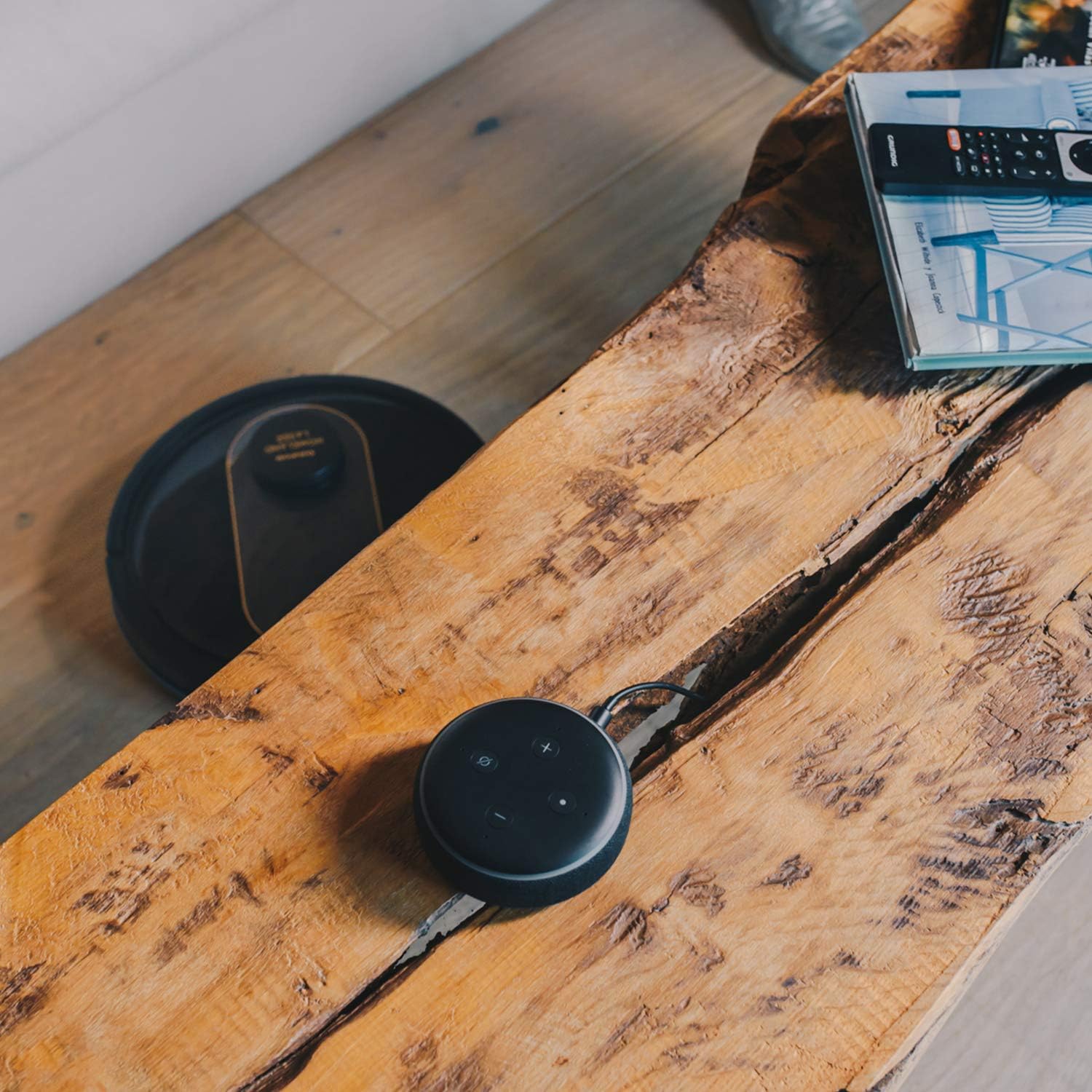
- Мапирање: The robot creates a real-time map of your home, which is displayed in the app.
- Zone Restriction: Draw virtual boundaries or no-go zones on the map to prevent the robot from entering certain areas.
- Закажување: Set daily or weekly cleaning schedules for automated cleaning.
- Гласовна контрола: Compatible with Alexa and Google Assistant for convenient voice commands (e.g., "Alexa, start cleaning").
Функција за потстрижување
To use the mopping function, fill the water tank with clean water and attach the mop cloth. Insert the water tank into the robot. The robot will then vacuum and mop simultaneously. Do not use detergents or harsh chemicals in the water tank.
5. Одржување
Редовното одржување обезбедува оптимални перформанси и го продолжува животниот век на вашата роботска правосмукалка.
Празнење на ѓубрето
The dustbin should be emptied after each cleaning cycle or when the 'dustbin full' indicator (if available) illuminates. Press the dustbin release button, pull out the dustbin, open its lid, and discard the debris.
Чистење на филтерот
The HEPA filter should be cleaned weekly. Remove the filter from the dustbin and tap it gently over a trash can to remove dust. Do not wash the HEPA filter with water; if it becomes heavily soiled, replace it.
Четки за чистење
- Главна четка: Remove the main brush cover and lift out the main brush. Use the provided cleaning tool to remove hair and debris tangled around the brush. Clean the brush compartment.
- Странични четки: Periodically check the side brushes for tangled hair or debris. If necessary, remove them and clean them. Replace worn or damaged side brushes.
Чистење сензори и полнење контакти
Wipe the cliff sensors (located on the bottom of the robot), wall sensors (on the front bumper), and charging contacts (on the robot and charging base) with a clean, dry cloth. This ensures proper navigation and charging.
Чистење на резервоарот за вода и крпата за бришење
After mopping, empty any remaining water from the tank. Remove the mop cloth and wash it thoroughly. Allow both the tank and cloth to air dry completely before reassembling.
6 Смена на проблеми
Доколку наидете на проблеми со вашиот роботски правосмукалка, погледнете ги следните вообичаени проблеми и решенија:
| Проблем | Можна причина | Решение |
|---|---|---|
| Роботот не се вклучува. | Слаба батерија; Копчето за вклучување не е правилно притиснато. | Ставете го роботот на базата за полнење; притиснете го и држете го копчето за вклучување неколку секунди. |
| Роботот не се полни. | Контактите за полнење се валкани; адаптерот за напојување не е поврзан. | Clean charging contacts on robot and base; Ensure power adapter is securely plugged in. |
| Роботот често се заглавува. | Премногу пречки; Сензорите за карпи се валкани. | Clear obstacles from cleaning path; Clean cliff sensors. |
| Лоши перформанси на чистење. | Корпата за ѓубре е полна; четките се заплеткани; филтерот е затнат. | Испразнете ја кантата за прашина; Исчистете ги главните и страничните четки; Исчистете го или заменете го филтерот. |
| Проблеми со поврзувањето на апликацијата. | Неточна лозинка за Wi-Fi; Рутерот е предалеку; Wi-Fi мрежа од 5 GHz. | Re-enter Wi-Fi password; Move robot closer to router; Ensure 2.4GHz Wi-Fi is used. |
| Роботот испушта необичен звук. | Debris in brushes or wheels; Fan obstruction. | Inspect and clean main brush, side brushes, and wheels; Check for obstructions in the suction path. |
If the problem persists after trying these solutions, please contact Taurus customer support.
7. Спецификации
Key technical specifications for the Taurus Homeland Laser Robot Vacuum Cleaner:
| Карактеристика | Спецификација |
|---|---|
| Бренд | Бик |
| Име на моделот | Homeland Laser |
| Број на модел | 948895000 |
| Боја | Црно/Златно |
| Димензии (Д x Ш x В) | 32L x 32W x 10H cm (approx. 7.6 cm height for cleaning under furniture) |
| Тежина на ставката | 2.7 килограми |
| Voltage | 240 волти |
| Материјал | Пластика |
| Моќ на вшмукување | 1800 PA |
| Тип на батерија | Литиум-јон |
| Траење на батеријата | До 120 минути |
| Тип на филтер | ХЕПА |
| Поврзување | Wi-Fi (2.4GHz), Smartphone App, Alexa & Google Assistant compatible |
| Режими на чистење | 10 (Auto, Select Room, Perimeter, Spiral, Manual, Return to Home, Max Power, Restricted Zone, Restricted Wall, Spot Cleaning) |
8. Гаранција и поддршка
Your Taurus Homeland Laser Robot Vacuum Cleaner comes with a manufacturer's warranty. Please refer to the warranty card included in your product packaging for specific terms and conditions, including the warranty period and coverage details.
Поддршка за корисници
For technical assistance, troubleshooting beyond this manual, or warranty claims, please contact Taurus customer support. Contact information can typically be found on the official Taurus webна локацијата или на пакувањето на вашиот производ.
We recommend registering your product on the Taurus webстраница за да добивате новости и поддршка.


