Вовед
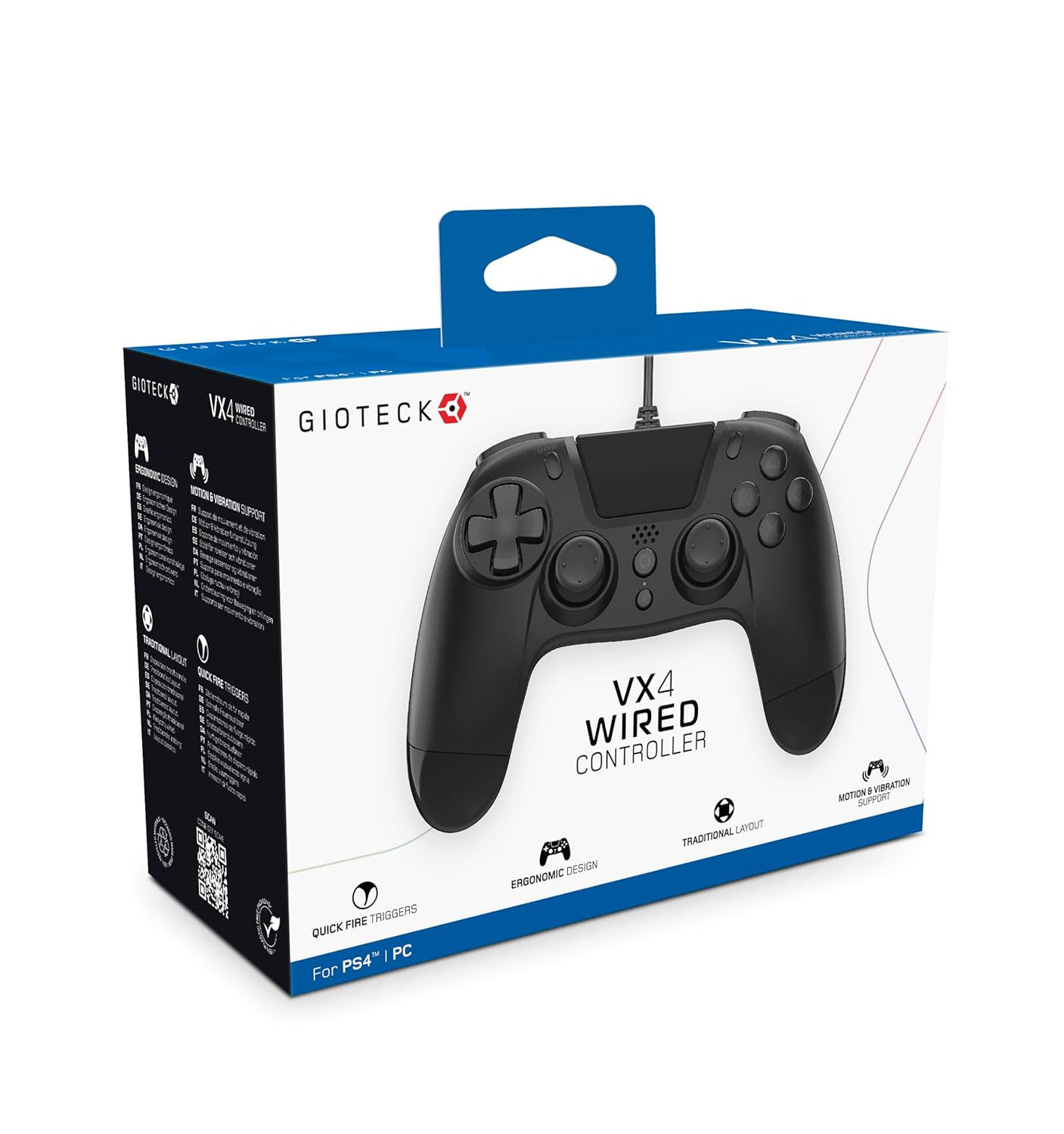
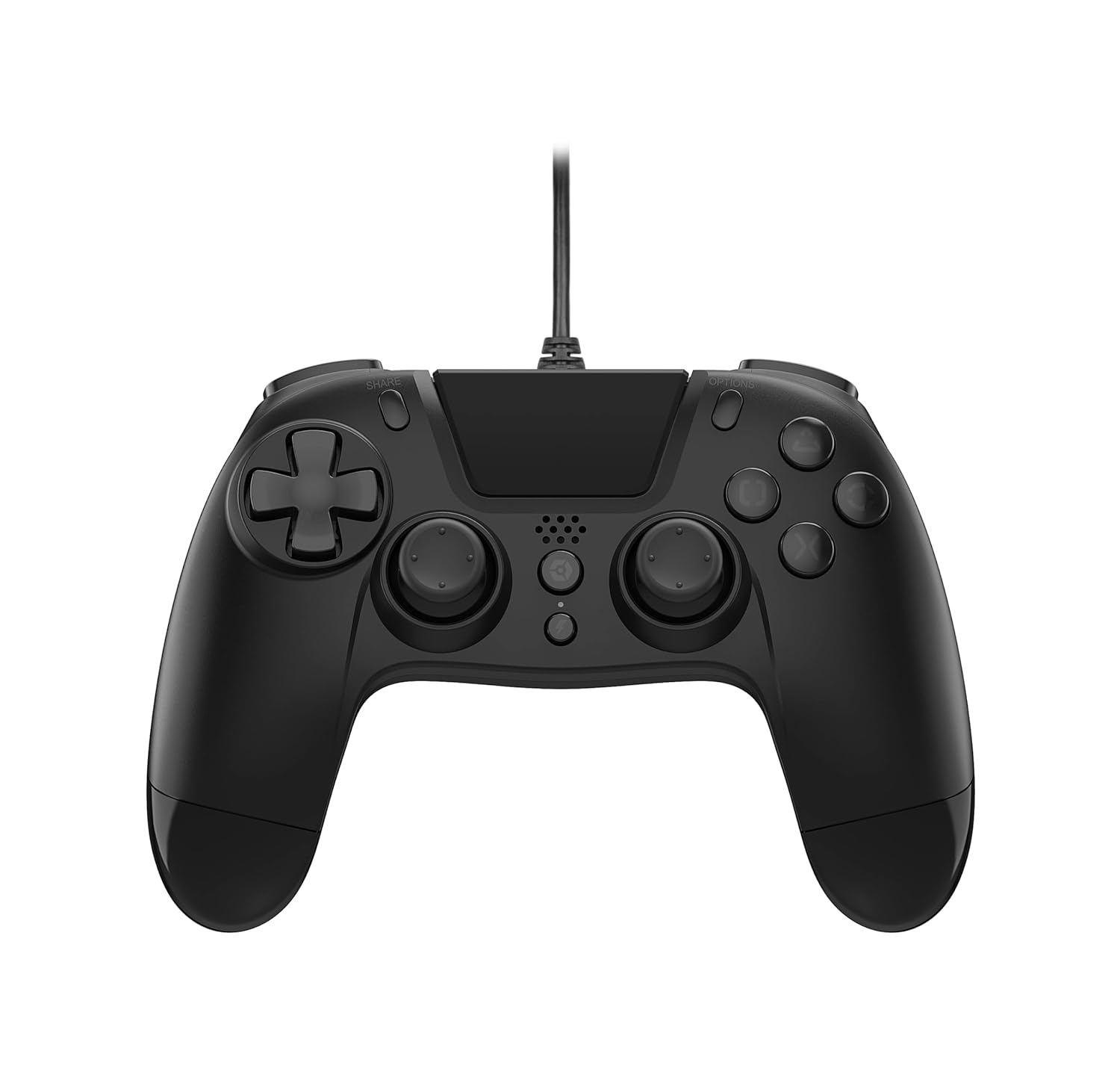
The Gioteck VX-4 Wired Controller is designed for PlayStation 4 and PC, offering a comfortable and responsive gaming experience. It features quick-fire triggers, a precision D-pad, and anti-slip rubber thumb sticks for enhanced performance, providing a next-level immersive gaming experience.
Клучни карактеристики:
- Quick Fire triggers
- Ергономски дизајн
- Traditional PlayStation layout
Содржина на пакетот:
- Gioteck VX-4 Wired Controller
- Упатство за употреба (овој документ)
Производот завршиview:
Поставување
Connecting to PlayStation 4:
- Проверете дали вашата конзола PlayStation 4 е вклучена.
- Insert the USB connector of the VX-4 Wired Controller into an available USB port on your PlayStation 4 console.
- Контролерот треба автоматски да се препознае и да биде подготвен за употреба.
Поврзување со компјутер:
- Проверете дали вашиот компјутер е вклучен.
- Insert the USB connector of the VX-4 Wired Controller into an available USB port on your PC.
- The PC operating system should automatically install the necessary drivers. If prompted, allow the driver installation to complete.
- The controller will be ready for use with compatible PC games.

Упатства за работа
Распоред на копчиња:
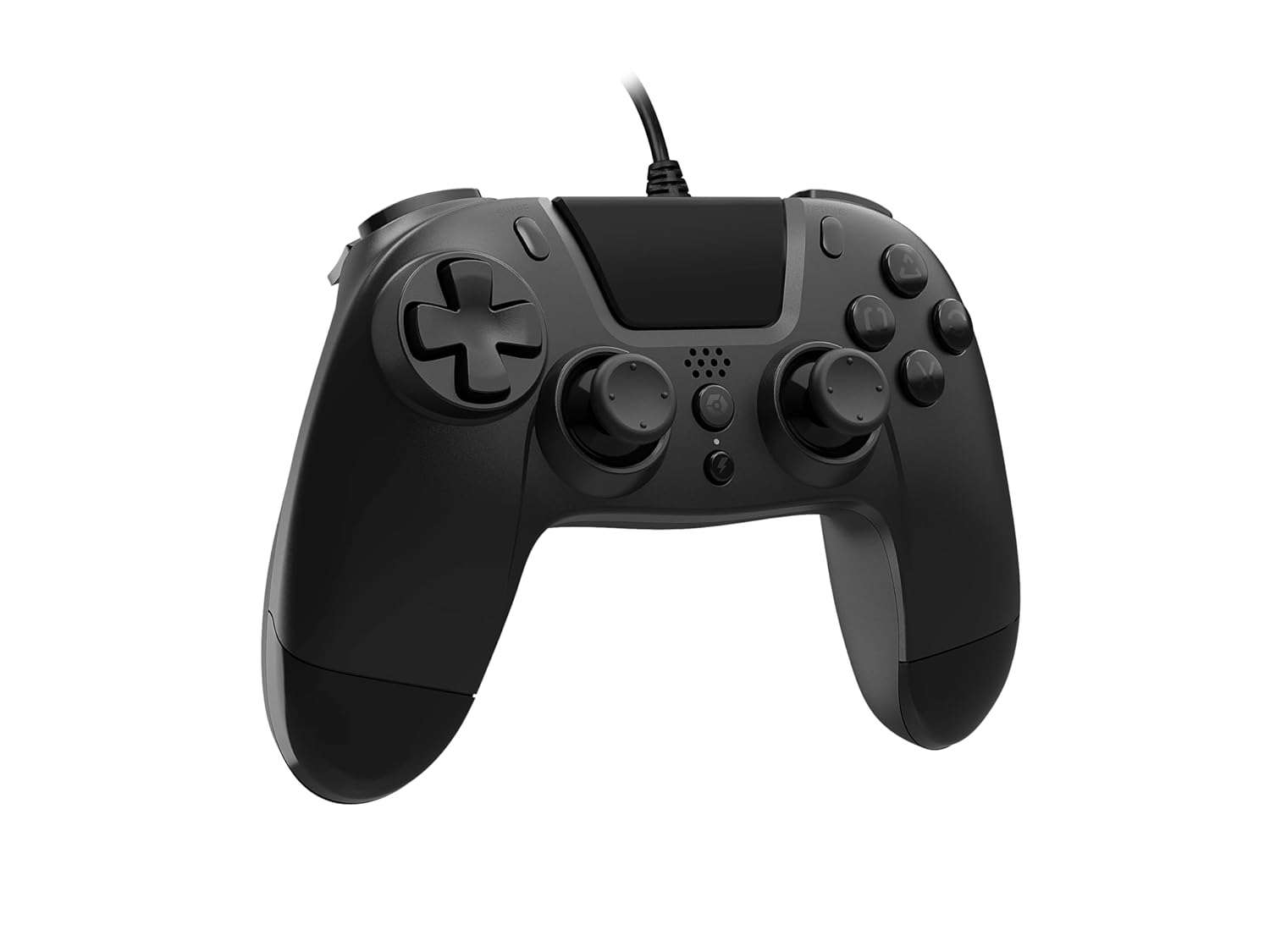
The VX-4 Wired Controller features a traditional PlayStation layout:
- Насочна табла (D-табла): За прецизен насочен внес.
- Лев аналоген стап: Примарна контрола на движењето.
- Десен аналоген стап: Camera or aiming control.
- Копчиња за акција (триаголник, круг, крст, квадрат): Context-sensitive actions in games.
- Копче за СПОДЕЛИ: Share gameplay moments (PS4 only).
- Копче ОПЦИИ: Access in-game menus or pause (PS4 only).
- PS копче: Access the PlayStation Home screen or power on/off the console (PS4 only).
- Копчиња L1/R1: Копчиња на рамената, обично за брзи дејства.
- L2/R2 тригери: Analog triggers for precise input, such as acceleration or firing.
Користење на контролорот:
Once connected, the controller functions similarly to a standard PlayStation 4 controller for compatible games. For PC, ensure the game supports XInput or DirectInput controllers for optimal performance.
Одржување
Чистење:
За чистење на контролерот, користете мека, сува крпа. За тврдокорна нечистотија, малкуamp cloth can be used, but ensure no moisture enters the controller's internal components. Do not use harsh chemicals or abrasive cleaners, as these may damage the finish or internal electronics.
Складирање:
Store the controller in a cool, dry place away from direct sunlight and extreme temperatures. Avoid placing heavy objects on the controller to prevent damage to the cable or buttons.
Грижа за кабел:
Do not sharply bend, twist, or pull on the controller cable. Always grasp the plug, not the cable, when connecting or disconnecting it from your console or PC to prevent internal wire damage.
Решавање проблеми
Контролорот не реагира:
- Ensure the USB cable is securely plugged into both the controller and the console/PC.
- Обидете се да го вклучите контролерот во друг USB-порт на вашата конзола/компјутер.
- Рестартирајте ја вашата конзола или компјутер.
- If on PC, check Device Manager to ensure the controller is recognized and drivers are installed correctly.
Копчињата или стапчињата не работат правилно:
- Проверете дали има физички пречки или остатоци околу копчињата или аналогните стапчиња.
- Ensure the controller is clean (refer to Maintenance section).
- Test the controller with another game or application to determine if the issue is specific to one program.
Вибрациите не работат:
- Verify that the game or application you are playing supports vibration feedback.
- Проверете ги поставките во играта за да се осигурате дека вибрациите се овозможени.
Спецификации
| Карактеристика | Детал |
|---|---|
| Број на модел | SWIAGJC |
| Поврзување | Жичен USB |
| Компатибилност | PlayStation 4, компјутер |
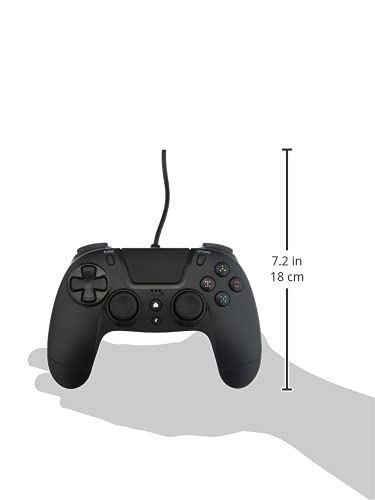
| Product Dimensions (Controller) | Approximately 7.2 inches (18 cm) in height |
| Тежина на ставката | 7.41 унци (210 грама) |
| Производител | Gioteck |
Гаранција и поддршка
For warranty information and technical support regarding your Gioteck VX-4 Wired Controller, please refer to the official Gioteck website or contact their customer service directly. It is recommended to keep your proof of purchase for any warranty claims.
Manufacturer: Gioteck
Датум на прв пристап: 10 септември 2020 година


